Grass Pinger
Grass Pinger is a Mod, that lets you see if you have just a bad Internet connection or the Server is Down!
Screenshots
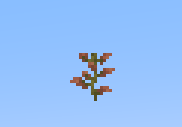
Über diese Mod
How to Use
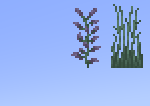
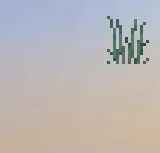
Once the mod is installed, two tall grass stalks should appear in the top-right corner. The right stalk represents Google, while the left represents the server you are currently connected to. Every 10 seconds (this interval is adjustable in the grasspinger.toml config file), the lower grass block is removed, and a ping is sent to the server. Once the server responds, the upper block will also be removed.
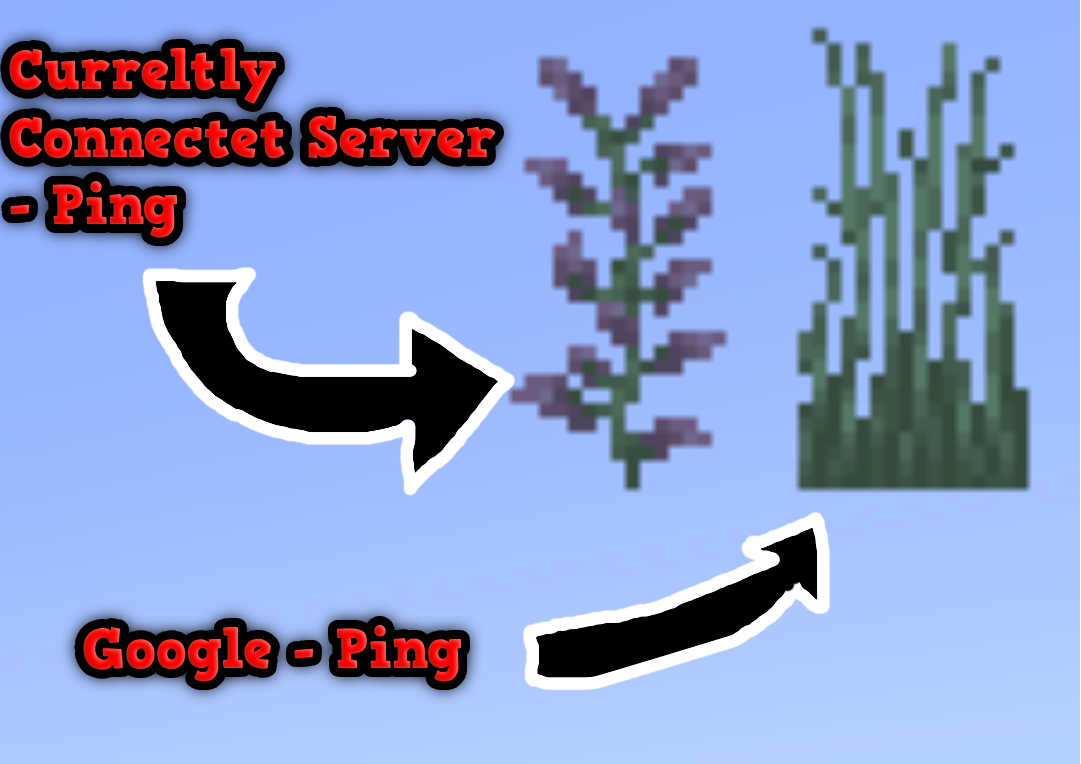
This image shows both Grass Pingers: the Connected Server pinger and the Google pinger.
The Connected Server pinger attempts to connect to the server you are currently on (e.g., Hypixel.net, Gommehd.net, etc.).
The Google pinger attempts to connect to Google.com
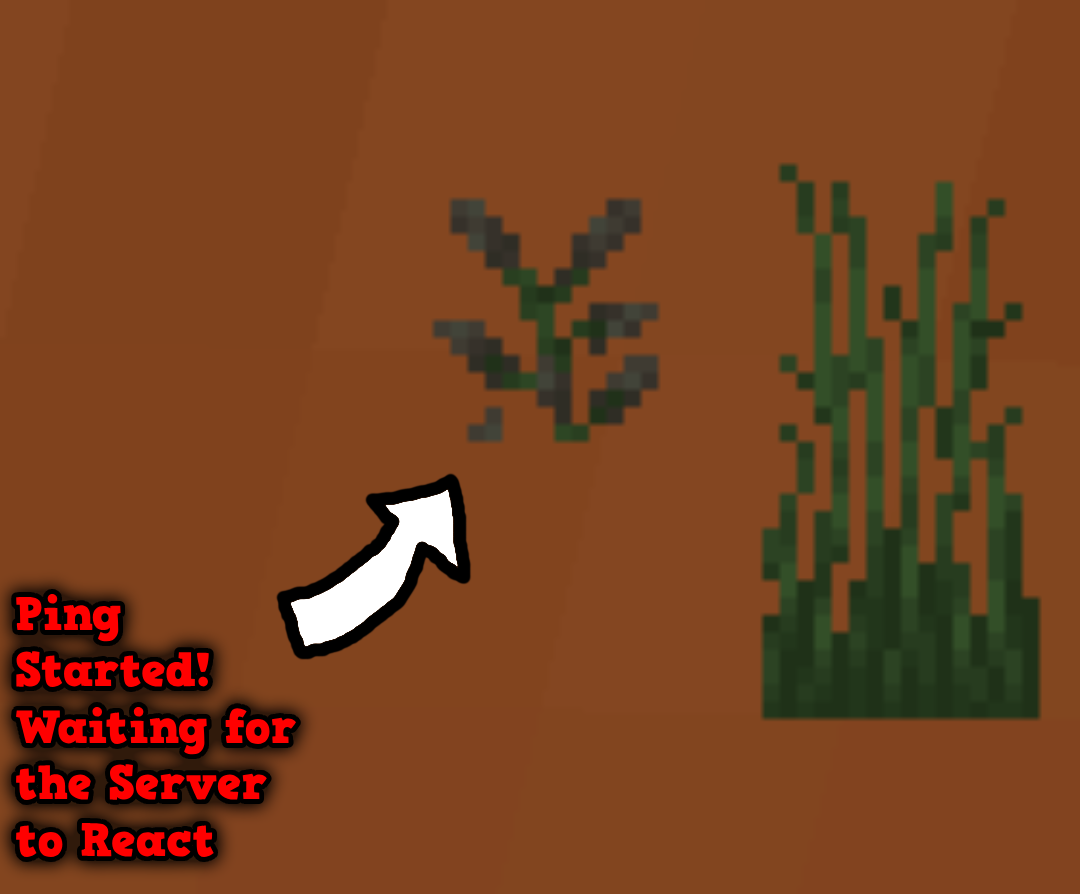
This image shows how the ping works: as soon as the bottom grass or lilac is broken (it breaks automatically every few seconds), a ping is sent to the server. When the server responds, the top block will disappear as well!
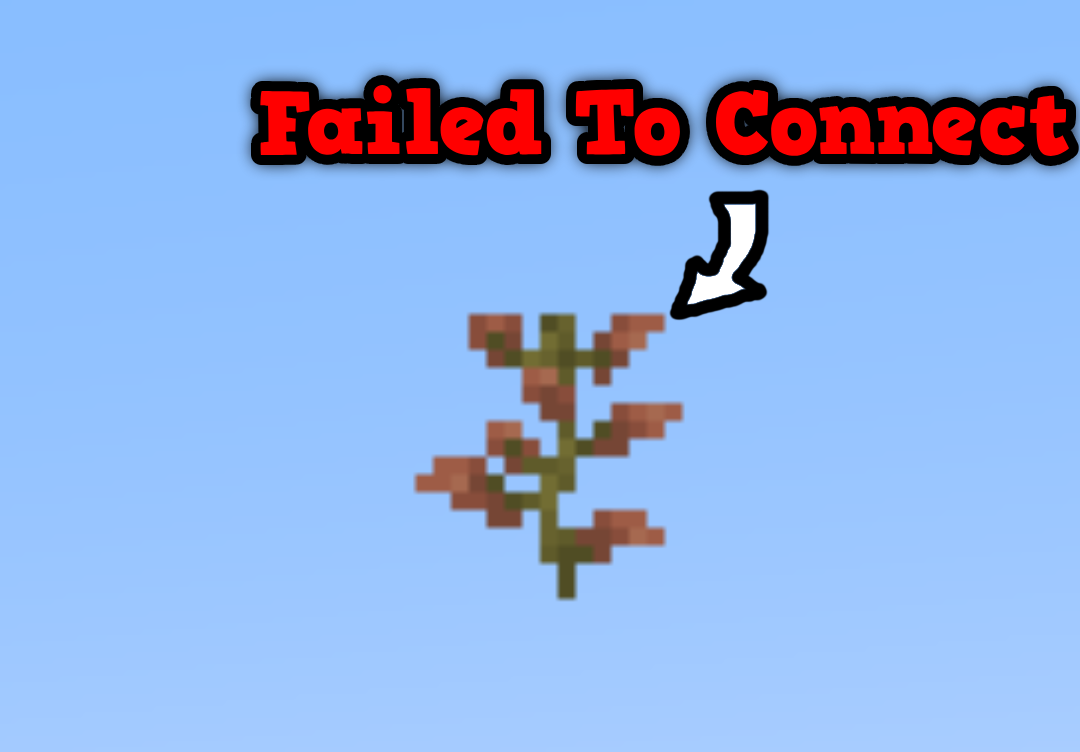
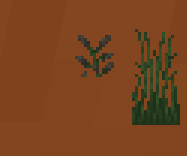
This image shows what the Current Server Ping looks like if you are on a single-player world or if the server has crashed. If the same thing happens with the Google pinger, it indicates that your internet connection has dropped. However, if the Google pinger works and the Current Server pinger doesn’t, it means the server has crashed!
Config
You can configure:
- The textures
- The interval between each successful ping
- The interval between each failed ping
Textures
You can create a custom texture pack, but it must follow this structure:
TexturepackName/assets/grasspinger/textures/Tallgrassbottom.png

TexturepackName/assets/grasspinger/textures/Tallgrasstop.png

TexturepackName/assets/grasspinger/textures/Liliacbottom.png

TexturepackName/assets/grasspinger/textures/Liliactop.png
Time Configuration
The configuration file is located at:
.minecraft/config/grasspinger.toml
This file contains five arguments that you can configure:
ServerBetweenWaitingTime = 800
IsServerpingEnabled = false
IsClientpingEnabled = false
ServerTimeOutWaitingTime = 5000
ServerStartWaitingTime = 500
ClientBetweenWaitingTime = 800
ClientStartWaitingTime = 500
ServerBetweenWaitingTime is the interval between each server ping (the Ping Grass is not visible).
IsServerpingEnabled if it is true, it means, that it will display the google ping
IsClientpingEnabled if it is true, it means, that it will display the Server ping
ServerTimeOutWaitingTime is the time it waits if the server ping fails.
ServerStartWaitingTime is the interval between each server ping after ServerBetweenWaitingTime (the Ping Grass is visible).
ClientBetweenWaitingTime is the interval between each Google ping (the Ping Grass is not visible).
ClientStartWaitingTime is the interval between each Google ping after ClientBetweenWaitingTime (the Ping Grass is visible).
Commands
There is currently only one command:
/pingDebug
The pingDebug command shows the console output for the Current Server Ping.
(This uses the cmd ping command, so it will show the server’s IP address.)
Key Bindings
There are two Keybindings:
- Toggle Current Server Pinger
- Toggle Google Pinger
Verfügbare Versionen
Grass Pinger auf deinem Client installieren
Mod-Loader lokal installieren
Installiere fabric für deine lokale Minecraft-Version.
Passende Datei herunterladen
Wähle die Grass Pinger-Datei für fabric und Minecraft 1.21.3.
Mod installieren
Lege die .jar-Datei in deinem lokalen .minecraft/mods-Ordner ab und starte Minecraft neu. Eine Installation auf dem Server ist nicht nötig.
Kompatibilität
Mod-Loader
Minecraft-Versionen
1.21.3, 1.21.2, 1.21.1 (+8 weitere)
Server-seitig
✗ Nicht unterstütztEmpfohlener RAM
4 GB(min. 3 GB)Häufige Fragen
Muss Grass Pinger auf dem Minecraft Server installiert werden?
Nein. Modrinth kennzeichnet Grass Pinger serverseitig als nicht unterstützt. Installiere die Mod nur im lokalen Minecraft-Mods-Ordner. Dein Server kann unverändert bleiben, sofern die Mod-Seite keine zusätzliche Abhängigkeit nennt.
Welche Version und welchen Loader braucht Grass Pinger?
Nutze eine Datei für fabric und exakt deine Minecraft-Version. Unterstützte Versionen sind unter anderem 1.21.3, 1.21.2, 1.21.1. Loader-Dateien sind nicht untereinander austauschbar.
Grass Pinger funktioniert nicht – was kann ich prüfen?
Prüfe zuerst Minecraft-Version, Loader-Version und erforderliche Abhängigkeiten. Lege die .jar-Datei im lokalen .minecraft/mods-Ordner ab und entferne ältere Duplikate. Da die Mod clientseitig ist, löst mehr Server-RAM dieses Problem nicht.
Ähnliche Mods




![[ETF] Entity Texture Features](https://cdn.modrinth.com/data/BVzZfTc1/af683d206d50b05258d865b0d6e4aa2f2cee12f2_96.webp)

Minecraft Server für deine Gruppe
Grass Pinger bleibt auf deinem Client. Hoste dazu eine kompatible Welt für deine Mitspieler.