
Modrinth · Fabric, Forge, NeoForge · Client-Mod
The Immersive Music Mod
The Immersive Music Mod ist eine clientseitige Mod. Du installierst sie auf deinem Rechner, auf dem Server ist sie nicht nötig.
147 new songs. Played based on biome and structure!
- Downloads
- 684.6K
- Autor
- GoldEagleProductions
- Loader
- Fabric, Forge, NeoForge
- Minecraft
- 1.18.2 – 26.3
- Aktualisiert
- –
Screenshots
So sieht The Immersive Music Mod aus
Bilder: The Immersive Music Mod auf Modrinth, vom Projektteam veröffentlicht.
Einrichtung
The Immersive Music Mod auf deinem Client installieren
Clientseitige Mods laufen nur auf deinem Rechner. Mehr Server-RAM ändert an ihrer Leistung nichts.
- 01
Loader lokal installieren
Installiere Fabric oder Forge oder NeoForge für deine Minecraft-Version in deinem Launcher.
- 02
Datei herunterladen
Lade die The Immersive Music Mod-Datei für deinen Loader und exakt deine Minecraft-Version herunter, zum Beispiel 26.3.
- 03
In den Mods-Ordner legen
Lege die .jar-Datei in den lokalen Ordner .minecraft/mods und entferne ältere Duplikate.
- 04
Starten
Starte Minecraft mit dem Loader-Profil. Auf dem Server musst du nichts ändern.
- Auf dem Server
- Nicht nötig
- Auf dem Client
- Erforderlich
- Loader
- Fabric, Forge, NeoForge
- Minecraft
- 26.3, 26.2, 26.1.2 +25 weitere
- Lizenz
- GNU General Public License v3.0 only
Versionen
Veröffentlichte Versionen
Nimm die Datei, die zu Loader und Minecraft-Version deines Servers passt. Server und Spieler brauchen dieselbe Version.
The Immersive Music Mod · Modrinth- The Immersive Music Mod 1.1.3 for Fabric 1.21.1121. Oktober 2026Minecraft 1.21.11 · Fabric
- The Immersive Music Mod 1.1.3 for Fabric 1.21.2 - 1.21.321. Oktober 2026Minecraft 1.21.2, 1.21.3 · Fabric
- The Immersive Music Mod 1.1.3 for Fabric 26.221. Oktober 2026Minecraft 26.2 · Fabric
- The Immersive Music Mod 1.1.3 for Fabric 26.1 - 26.1.221. Oktober 2026Minecraft 26.1, 26.1.1, 26.1.2 · Fabric
- The Immersive Music Mod 1.1.3 for Fabric 1.20 - 1.20.421. Oktober 2026Minecraft 1.20, 1.20.1, 1.20.2, 1.20.3, 1.20.4 · Fabric
Originalbeschreibung des Projektautors


The Immersive Music Mod
This mod is the ultimate music mod. TIMM adds biome specific music, the plan is to eventually add 10-15 unique songs for each biome, as well as to also add structure and event based music in the future. There are currently over 140 brand new songs included in the current build of the mod with more being added with each update. Make sure to join the Discord to give your thoughts!
Compatible with Terralith, Nature's Spirit, Biomes O' Plenty, Oh The Biomes You'll Go, Regions Unexplored, Terrestria, Wythers, and Better Nether.
The Music
The music is composed with the intention to set the scene for the player as well as to capture the spirit of each biome and structure in a style that's a mix of C418 and the newer composers!
Copyright
Feel free to use any and all of the songs in your YouTube videos, Twitch streams, and so on, as either a part of gameplay or a backing track. The copyright license is just to protect against people using the music and charging other users for it. I.E. if your audience has to pay to access your content, and you are using my music, that does infringe on the copyright. Other than that, I am more then happy to allow everyone using this mod to share the music with their audiences and friends.
The Team
The mod was conceptualized by Nate (aka Gold Eagle) and is coded by Pardys (pardys_ on Discord). Music featured in this mod is also composed by Gold Eagle
Mod Commands
/skip(Skips the current song, if no song is provided the mod will pick a new one)/timmstopor/stp(Stops playing the current song and does not play a new song)/npor/nowplaying(Displays the song that is currently playing)/cfg(Opens a config. menu where you can adjust things such as song delay)
Muss The Immersive Music Mod auf dem Minecraft Server installiert werden?
Nein. Modrinth kennzeichnet The Immersive Music Mod serverseitig als nicht unterstützt. Installiere die Mod nur im lokalen Mods-Ordner. Dein Server kann unverändert bleiben, sofern die Projektseite keine zusätzliche Abhängigkeit nennt.
Welche Version und welchen Loader braucht The Immersive Music Mod?
Nutze eine Datei für Fabric, Forge, NeoForge und exakt deine Minecraft-Version. Unterstützt werden unter anderem 26.3, 26.2, 26.1.2. Dateien für verschiedene Loader sind nicht austauschbar.
The Immersive Music Mod funktioniert nicht – was kann ich prüfen?
Prüfe zuerst Minecraft-Version, Loader-Version und erforderliche Abhängigkeiten. Da die Mod clientseitig ist, löst mehr Server-RAM das Problem nicht.
Ähnliche Mods
Beliebte Mods aus derselben Kategorie
 Server-fähig

Xaero's Minimap
von thexaero
Displays a map of the nearby world terrain, players, mobs, entities in the corner of your screen. Lets you create waypoints which help you find the locations you've marked.
 Server-fähig

Xaero's World Map
von thexaero
Adds a full screen world map which shows you what you have explored in the world. Works great together with Xaero's Minimap.
 Nur Client

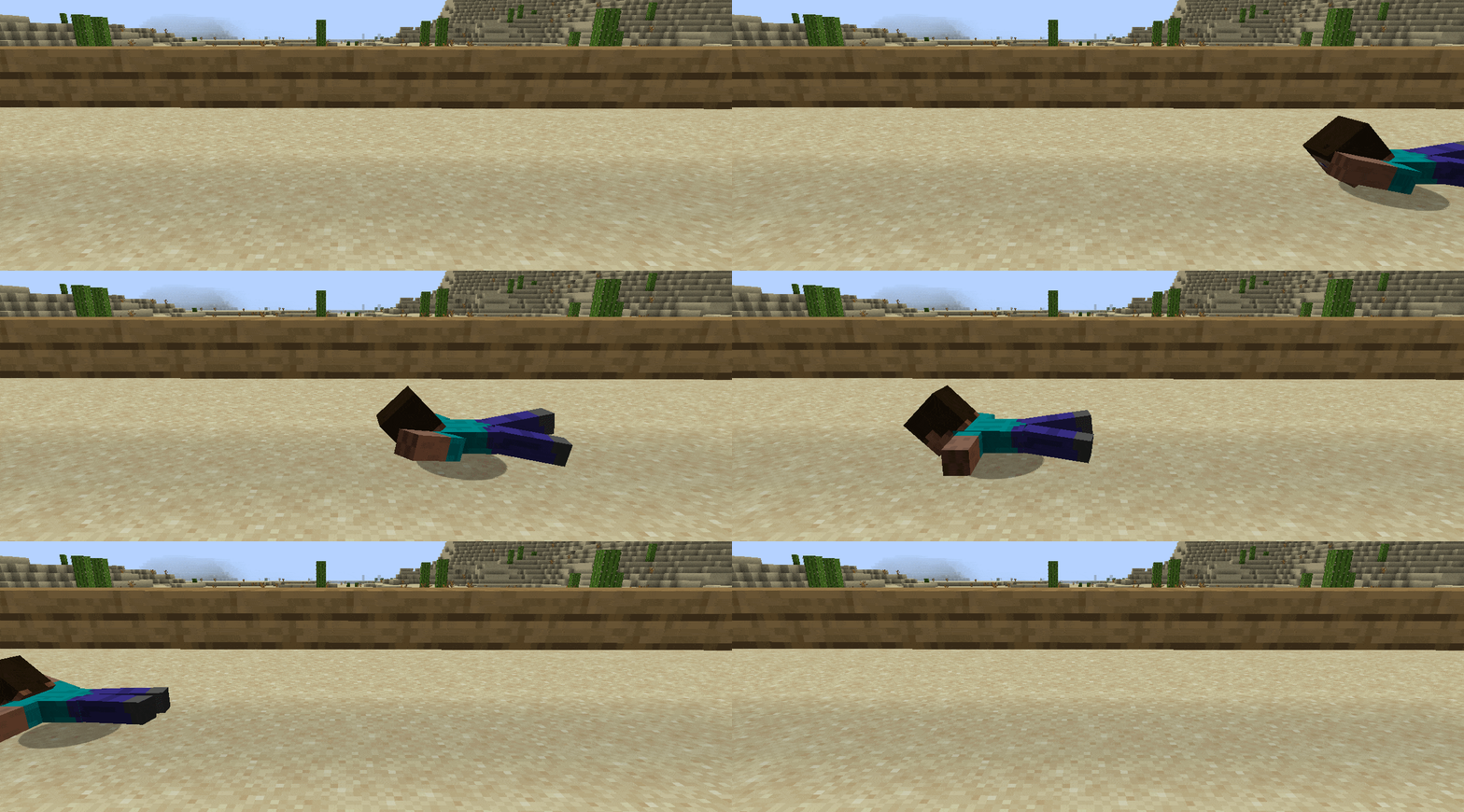
Not Enough Animations
von tr7zw
Bringing first-person animations to the third-person
 Nur Client

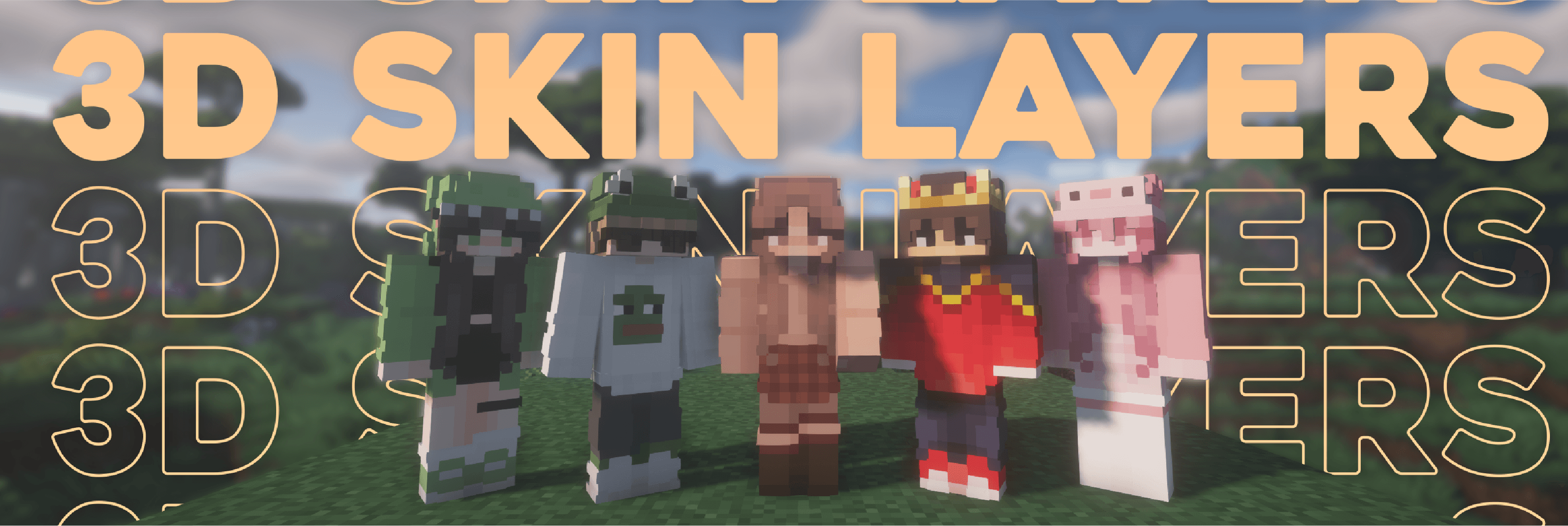
3D Skin Layers
von tr7zw
Render the player skin layer in 3d!
Mods für deinen eigenen Server gesucht?
Im Katalog findest du Mods, die auf Minecraft Servern laufen.