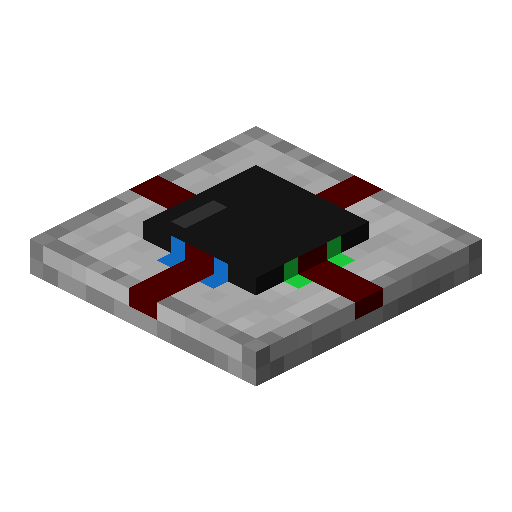
Integrated circuit
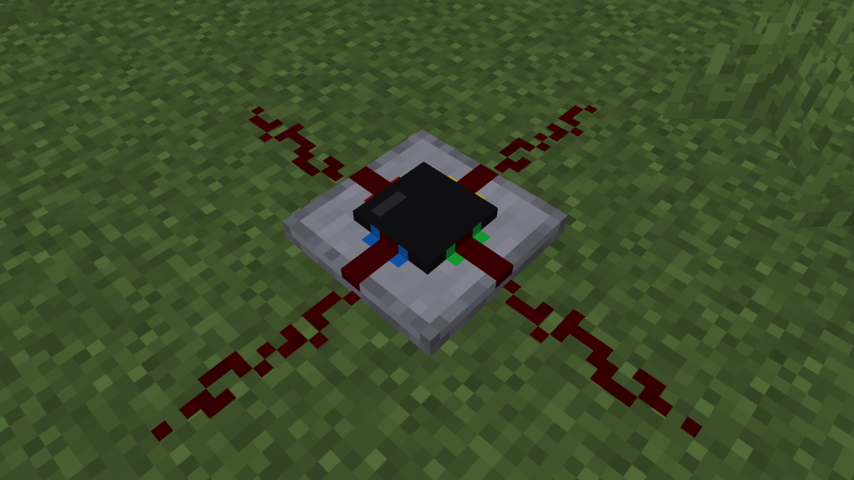
Adds integrated circuits to compact your redstone circuits into one block
Screenshots
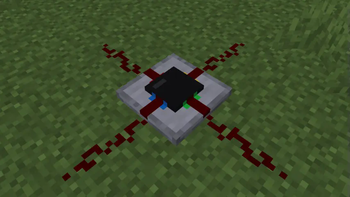
Über diese Mod
Integrated Circuit






A Minecraft mod that adds an integrated circuit redstone component.
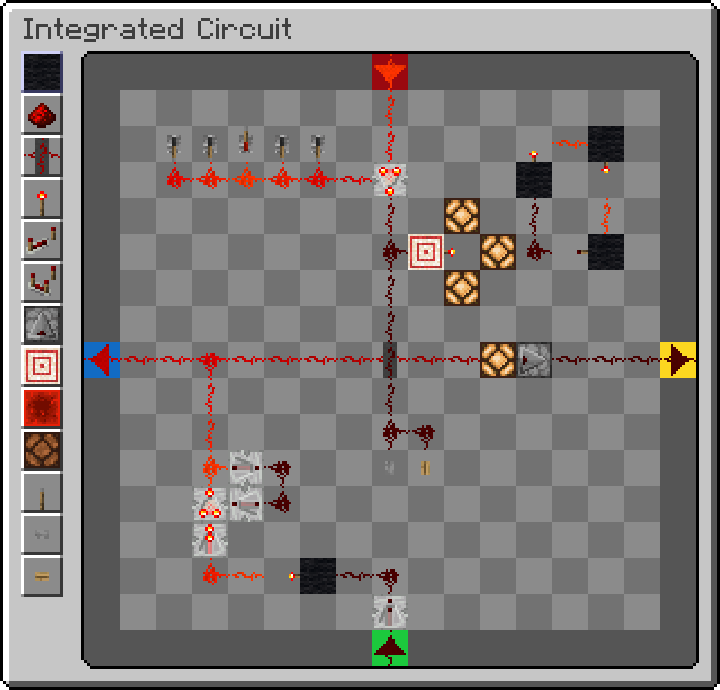
Each integrated circuit block has a 15x15 grid where you can place two-dimensional
redstone components. Each side of the circuit can be used as an input or output for your circuit.

How to use
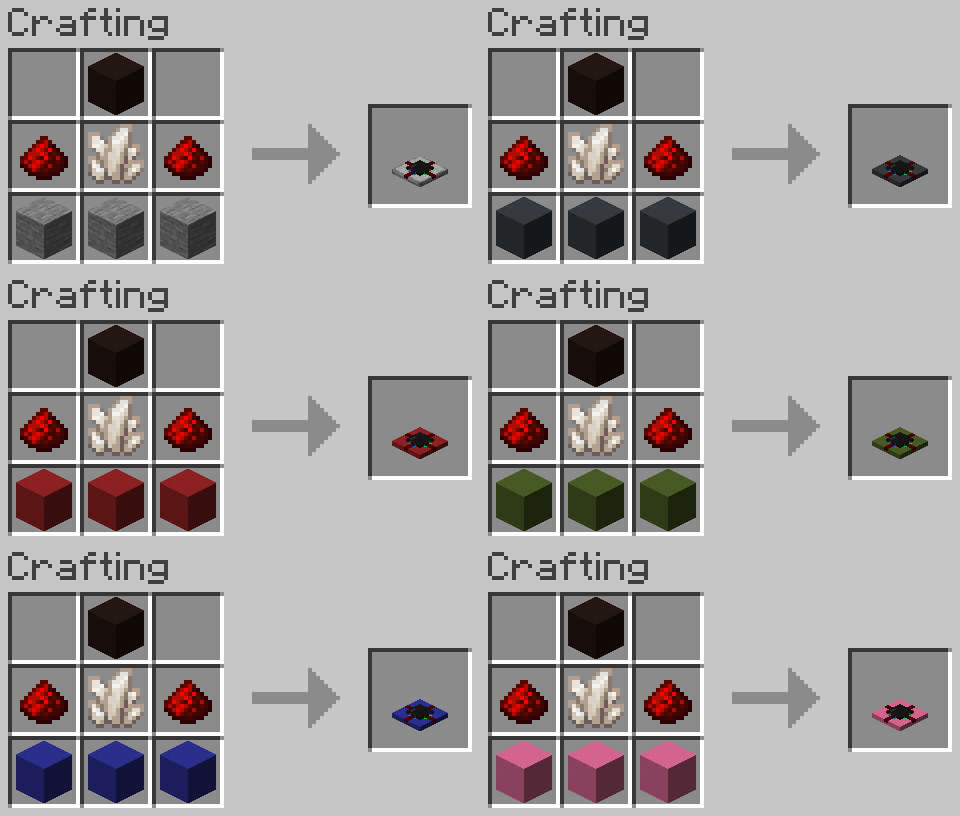
To craft an integrated circuit, you need 2 redstone dust, 1 quartz, 1 black terracotta, and 3 concrete or stone arranged like so:
When you place one down and click on it, it will open the circuit editor screen.
You can select a block on the left, and place it in the 15x15 grid as you normally would in minecraft.
To rotate a component, you use the scroll wheel.
Adjusting repeater delay or the comparator mode is done by right clicking on a component.
The four ports are labeled using four colors to associate them with the sides of the integrated circuit block.
Each port can be an input or output, which can be changed by right clicking it in the editor.
You can also copy circuits by putting an integrated circuit in the crafting grid,
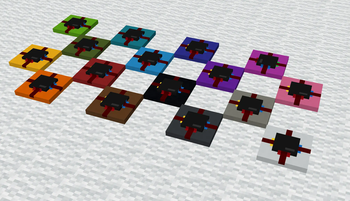
along with empty integrated circuits, similar to how books are copied, or re-dye them a different color
by crafting them with a dye item, like with wool or shulker boxes.
Config
When having cloth-config and ModMenu installed,
a config can be accessed from the Mod's modmenu page.
Without cloth-config installed, the mod will use the vanilla keybindings and default config options.
The config allows to customize the three main keybindings for placing, destroying and picking components.
You can also change the scroll behaviour (rotate component, scroll palette) and inverse the scroll direction.
Credits
Credits for the tweaked redstone component textures (levers, observers):
Vanilla Tweaks: https://vanillatweaks.net/
Verfügbare Versionen
Integrated circuit auf dem Server installieren
Server bestellen
Bestelle einen Minecraft Java Server mit mindestens 3 GB RAM (4 GB empfohlen).
fabric Loader setzen
Wähle im Panel unter "Egg" den fabric-Loader und die passende Minecraft-Version (26.3).
Mod installieren
Öffne den Mod-Browser im Dashboard und suche nach "Integrated circuit". Klicke "Installieren" – fertig! Alternativ: Lade die .jar via SFTP in den /mods Ordner.
Kompatibilität
Mod-Loader
Minecraft-Versionen
26.3, 26.2, 26.1.2 (+21 weitere)
Server-seitig
✓ ErforderlichEmpfohlener RAM
4 GB(min. 3 GB)Häufige Fragen
Integrated circuit Server crasht beim Start – was tun?
Häufigste Ursache: falsche fabric-Version oder zu wenig RAM. Prüfe im Server-Log (latest.log), ob ein "OutOfMemoryError" oder "Mixin"-Fehler auftritt. Bei Mado Hosting: Stelle sicher, dass mindestens 3 GB RAM zugewiesen sind und der Loader zur Mod-Version passt (26.3). Über das Panel kannst du den Loader mit einem Klick wechseln.
Ist Integrated circuit mit fabric kompatibel?
Integrated circuit unterstützt offiziell fabric für Minecraft 26.3, 26.2, 26.1.2. Im Mado Dashboard werden inkompatible Loader-Kombinationen automatisch erkannt.
Server laggt mit Integrated circuit – wie optimiere ich die Performance?
Empfohlener RAM: 4 GB (+1 GB pro 8 Spieler). Prüfe mit /spark profiler, ob Integrated circuit den meisten Tick-Time verbraucht. Häufige Fixes: Server-View-Distance auf 8-10 reduzieren, bei Forge "performant" oder "starlight" als Zusatz-Mod installieren. Bei Mado Hosting läuft dein Server auf NVMe-SSDs mit dedizierten CPU-Kernen für minimale Latenz.
Ähnliche Mods






Modded Server mieten
Installiere Integrated circuit mit nur einem Klick auf deinem Server.