
Modrinth · Forge, NeoForge
Iron's Spells: Incantation auf deinem Minecraft Server
Iron's Spells: Incantation läuft auf Minecraft Servern mit Forge oder NeoForge. Bestell deinen Server, stell den Loader im Panel ein und installiere die Mod mit einem Klick im Mod-Browser.
Voice-cast Iron's Spells 'n Spellbooks by saying spell names out loud. Standalone and offline — Incantation captures your microphone itself, so no voice-chat mod is required. Only spells you actually have equipped will fire.
- Downloads
- 4.8K
- Autor
- hoggormino
- Loader
- Forge, NeoForge
- Minecraft
- 1.20.1 – 1.21.1
- Aktualisiert
- –
Screenshots
So sieht Iron's Spells: Incantation aus
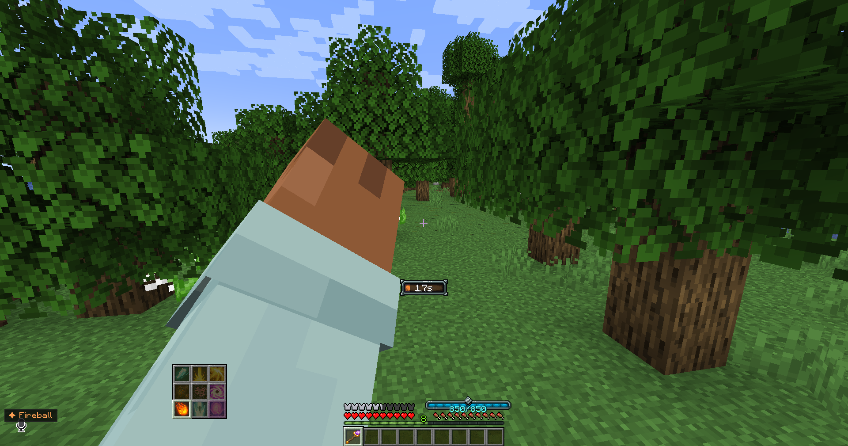
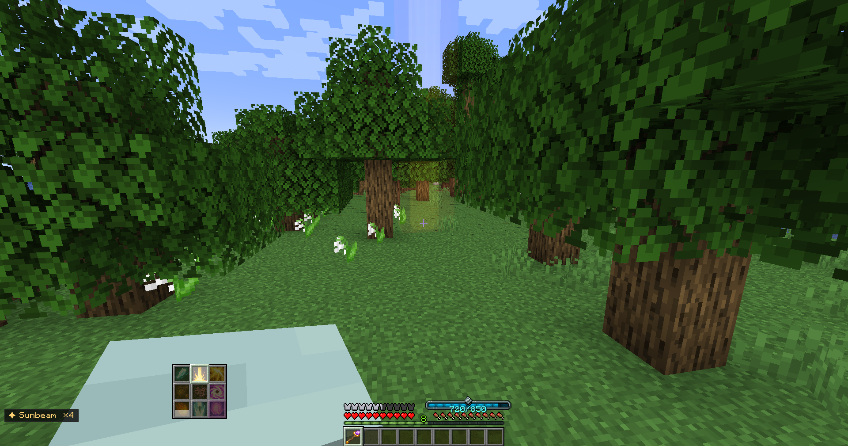
Bilder: Iron's Spells: Incantation auf Modrinth, vom Projektteam veröffentlicht.
Einrichtung
Iron's Spells: Incantation auf dem Server installieren
Server und Spieler brauchen denselben Loader und dieselbe Minecraft-Version. Sichere die Welt, bevor du Mods hinzufügst oder aktualisierst.
- 01
Konfigurieren
4 GB RAM sind vorausgewählt. Laufzeit und Add-ons wählst du selbst, bezahlt wird per Kreditkarte oder PayPal.
- 02
Loader einstellen
Stell im Panel die Serversoftware auf Forge oder NeoForge und wähl die passende Minecraft-Version, zum Beispiel 1.21.1.
- 03
Mod installieren
Such im Mod-Browser nach „Iron's Spells: Incantation“ und installiere die Version für deinen Loader. Alternativ lädst du die .jar per SFTP in den Ordner mods. Erforderliche Abhängigkeiten stehen auf der Projektseite.
- 04
Verbinden
Alle Spieler installieren Iron's Spells: Incantation in derselben Version lokal und verbinden sich über die Serveradresse aus dem Panel.
- Auf dem Server
- Erforderlich
- Auf dem Client
- Erforderlich
- Loader
- Forge, NeoForge
- Minecraft
- 1.21.1, 1.20.1
- Lizenz
- MIT License
Das Panel
Mods installieren, Fehler finden.
Echte Screenshots aus dem Mado Panel. Beides ist bei jedem Minecraft Server enthalten.
Mod-Browser
Modrinth und CurseForge direkt im Panel.
Der Browser filtert nach deiner Minecraft-Version. Mods installierst du mit einem Klick, ohne .jar-Dateien hochzuladen.

KI-Crash-Analyse
Wenn ein Mod crasht, liest die Analyse das Log.
Mods scheitern oft an einer falschen Loader-Version, Java-Version oder fehlenden Abhängigkeit. Die Analyse nennt eine wahrscheinliche Ursache und einen Lösungsvorschlag.

Versionen
Veröffentlichte Versionen
Nimm die Datei, die zu Loader und Minecraft-Version deines Servers passt. Server und Spieler brauchen dieselbe Version.
Iron's Spells: Incantation · Modrinth- Incantation 0.10.6 for Forge 1.20.18. September 2026Minecraft 1.20.1 · Forge
- Incantation 0.10.6 for NeoForge 1.21.18. September 2026Minecraft 1.21.1 · NeoForge
Originalbeschreibung des Projektautors
Iron's Spells: Incantation
Say a spell's name. Cast it.
Incantation captures your microphone directly, runs the audio through an offline speech
recognizer (Vosk), and casts whichever Iron's Spells 'n Spellbooks spell you just said. No voice
training, and the speech model installs itself on first launch.
How it works
Incantation opens your microphone itself — no voice-chat mod involved — and feeds the audio
straight to a Vosk recognizer whose grammar is built from the spell names your installed mods
actually register. A closed grammar's only way to say no is its [unk] token, and it will often
prefer the least-bad spell name over it - so 0.10.6 adds the defences that make that safe: a match
has to have been spoken long enough to plausibly be that phrase, and any spell you list inperSpellMinConfidence waits for the complete utterance and its own confidence bar before it
will fire.
Casting is then gated on what you actually have equipped: a spellbook in your Curios slot, an
imbued weapon you're holding, or imbued armor you're wearing. Saying the name of a spell you don't
have does nothing. Servers that would rather let you cast from a spellbook held in hand can setcastMode = ANY_SPELLBOOK.
Recognition runs entirely on your machine. No accounts, no telemetry, and your microphone audio is
never transmitted, never recorded, never written to disk. The one time Incantation touches the
network is the speech-model download on first launch; set autoDownloadModel = false and install
the model yourself if you would rather it didn't.
When it listens
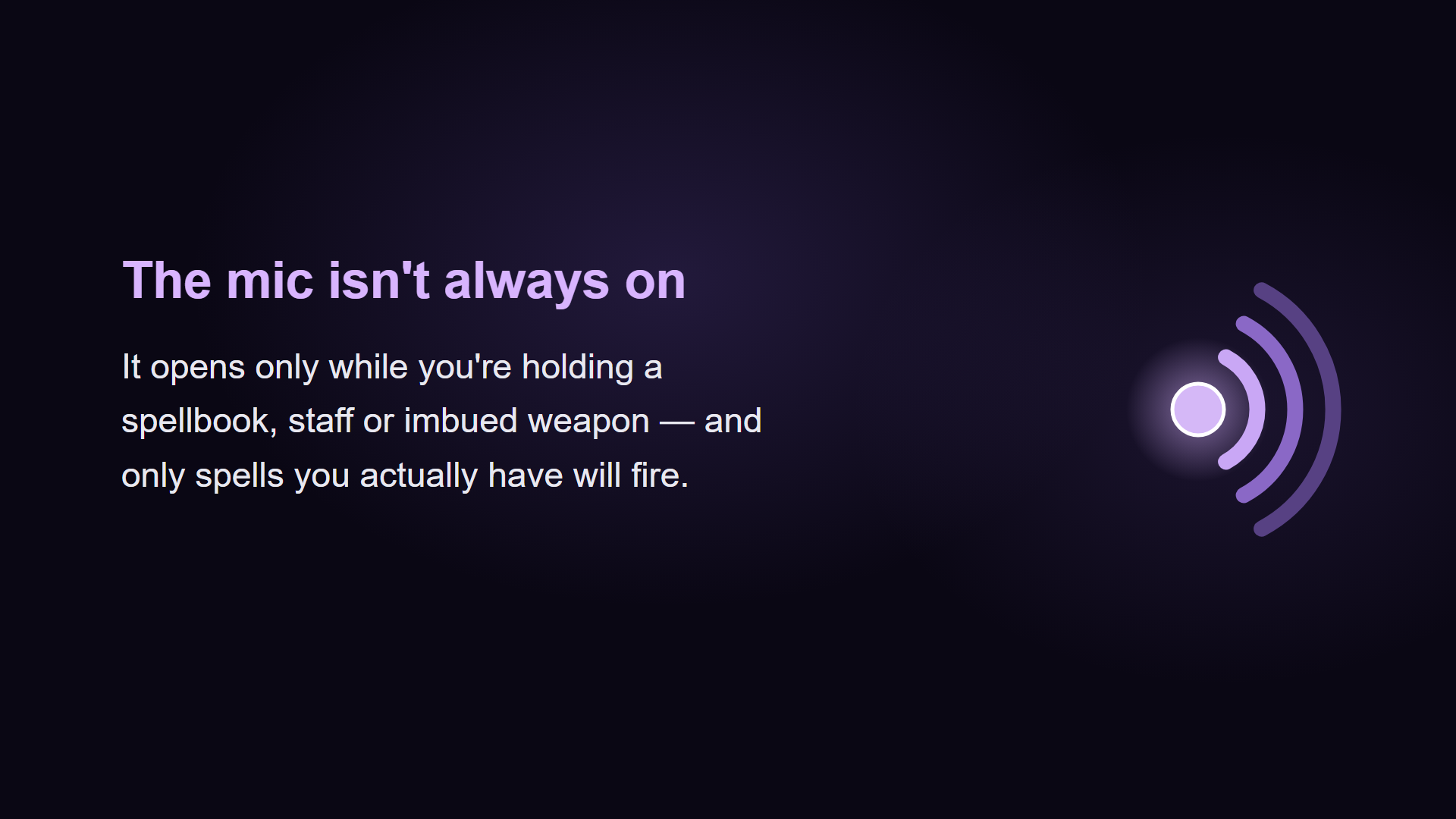
By default the microphone is only open while you have a spellbook, staff, imbued weapon or
imbued armor — in either hand, worn, or in your Curios slot. Stow or remove it and the mic
closes. No keybind involved.
That means conversation with your spellbook stowed can never cast anything, which matters because
a lot of people run a voice-chat mod on the same microphone. But if you keep a spellbook in your
Curios slot permanently, this is close to ALWAYS_ON in practice — so if you talk to friends
mid-fight, use HOLD_KEY_AND_ITEM. Carrying a spellbook isn't on its own evidence you meant to
cast; that mode requires a held key too, so speech never reaches the recognizer unless you asked.
Set gatingMode to taste:
| Mode | Microphone is open |
|---|---|
HOLD_ITEM |
while a spell focus is in your hands, worn, or in your Curios slot (default) |
HOLD_KEY_AND_ITEM |
while holding the cast key and a spell focus |
HOLD_KEY |
while holding the cast key |
ALWAYS_ON |
whenever you are in a world — fully hands-free |
These gate capture, not recognition: in every mode but ALWAYS_ON the recognizer never
receives the audio, and the device is closed rather than merely ignored. The mic is also released
whenever the game is unfocused or paused.
The HUD's mic chip tells you which state you're in at a glance — the dot is dim when the mic is
closed, lit when it's open, and pulses while it's actually hearing you, with a live level meter
beside it.
Features
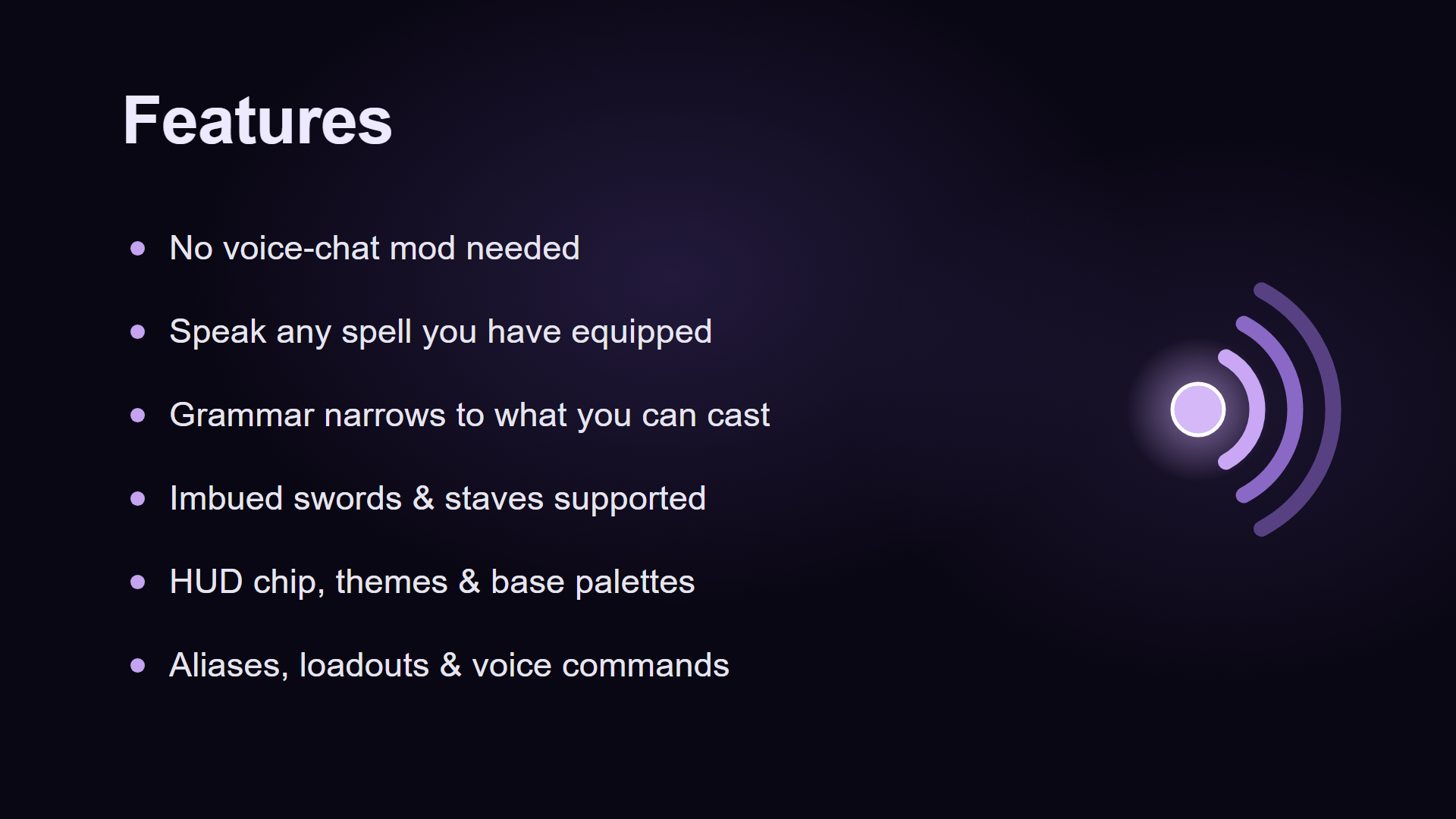
Speak any indexed spell — works with Iron's Spells, all its addons, and any mod that
registers spells through Iron's API.Equipped-only casting (default ON) — a spell only fires if you actually have it on you.
Anything else is rejected before it leaves your client.Imbued weapons and armor supported — hold an imbued sword or staff, or wear an imbued
chestplate, say the spell it carries, it casts via the same mechanism as right-clicking.HUD chip — corner-anchored chips showing a live mic indicator and level meter, plus last
cast, recent cast history, queued spells, miss toast, the last phrase heard, and "did you
mean…?" alias suggestions.Vanilla advancements — voice-cast milestones (1, 10, 50, 200, 1000) and combo casts surface
as standard advancement toasts.Spell List screen — browse every spell the registry exposed with the exact phrase Vosk
listens for, plus per-spell cast counts and school filtering.Voice Codex — personal stats (top-cast spell, daily streak, median latency).
Test Arena — safe practice mode that records what would have cast without firing anything.
Useful for tuning aliases or learning a tricky spell's pronunciation.Welcome wizard on first launch — walks you through mic + model + first cast.
Aliases & custom phrases — bind words the model can pronounce to any spell id.
Play in your own language — Spanish, Russian and French speech models are one config line
away (modelId), andconfig/voicespells/phrasebook.jsonis generated with every installed
spell and an editableoverridefield, so you can translate the whole spell list in one file
instead of adding aliases one at a time. Your overrides survive updates, and newly installed
spells are appended automatically.The model is only half of it. The recogniser only listens for words its model knows, so the
spell phrases have to be translated too — a Russian model against English spell names hears
nothing at all. The repository'scontrib/folder has a Spanish phrasebook contributed by the
community, translated and ready to use. The Russian one is a blank template: 294 entries with
every override empty, because the machine-translated version that used to fill it had never been
spoken into a microphone, and a wrong phrase gets trusted where a blank one asks to be filled.
Russian recognition therefore needs that file filled in first./voicespells vocabtells you
which of your phrases the loaded model can actually pronounce.German does not work yet, and not for want of a model: Iron's Spells ships no German
translation, so there are no German spell names to start from. It needs a hand-written phrase
pack. If you speak German and fancy writing one, please get in touch.Loadout shortcuts — say one word, cast the first castable spell from a list (cooldown + mana
aware).Voice commands — say
noto clear spells waiting in the cast queue, oryesto accept a
"did you mean…?" alias suggestion (enable handsFreeConfirm first).Reward speaking (server, off by default) — voice casts can come back faster, hit harder,
or both:voiceCooldownPercentscales the cooldown,voiceLevelBonusadds spell levels, and the
extra levels are charged at the spell's ordinary mana cost rather than the higher one. Set them
per player if you want, withplayerAdvantages:playerAdvantages = [ "Steve=cooldown:50,level:2", # Steve casts faster and harder "!Alex", # Alex plays by ordinary Iron's Spells rules ]Out of the box nothing is changed — the defaults are plain Iron's Spells. Turn on
voiceVolumeScalingand the bonus has to be earned: the level your item itself would cast at —
the spellbook, the imbued item, or the scroll, affinity bonus included (level 1 under FREE) — is
always the floor, and how much ofvoiceLevelBonusa cast adds on top depends on how loudly you
said it: a whisper earns none, your normal speaking voice about half, a raised voice all of it —
rounded to a whole level, judged against your own calibrated speaking voice.Incantation-only mode (server, off by default) — require spells to be spoken.
FIRST_CAST
makes a player voice-cast a spell once before they can click it, so learning the incantation
unlocks it;ALWAYSmeans spells can only ever be spoken.Server-side controls — per-player whitelist, blocklist, rate limit, broadcast-nearby, cast
logging.
Requirements
- Minecraft 1.21.1 (NeoForge 21.1.x) or 1.20.1 (Forge 47.x)
- Iron's Spells 'n Spellbooks by iron431
- Curios API — recommended, and an Iron's Spells dependency anyway
- A microphone
- No voice-chat mod required. Incantation captures the microphone itself, and coexists with
Simple Voice Chat if you use one to talk to friends.
Setup
- Drop the Incantation jar in your
mods/folder alongside Iron's Spells. - Launch the game. On first run Incantation downloads
vosk-model-small-en-us-0.15(~40 MB) intoconfig/voicespells/for you. - Join a world, equip a spellbook (hand or Curios slot), and say a spell it carries.
Prefer to install the model yourself? Set autoDownloadModel = false, grab one from
alphacephei.com/vosk/models, and unzip its contents intoconfig/voicespells/model/ so you end up with config/voicespells/model/am/,config/voicespells/model/conf/, etc.
For tricky spell names (Traveloptics, Cataclysm, anything with unusual phonetics), map an alias inconfig/voicespells-client.toml:
customPhrases = [ "dark beam=traveloptics:abyssal_blast" ]
then use More… → Reload grammar now — no restart needed.
Configuration
Most settings are accessible in-game from Mods → Iron's Spells: Incantation → Config.
- Recognition tab — gating mode, equipped-only restriction, fuzzy tolerance, substring match,
dedup window, debug monitor. - HUD tab — corner, offset, opacity.
- More menu — welcome wizard, Voice Codex, Diagnostics, Test Arena, reload grammar, profile
export/import, calibrate mic.
Client commands: /voicespells devices lists every capture device the game can see and which one
is selected — start there if the microphone looks dead.
Server settings (config/voicespells-server.toml): cast mode (CURIO_SPELLBOOK / ANY_SPELLBOOK
/ FREE), per-player whitelist, blocklist, rate limit, broadcast-nearby radius.
Troubleshooting
- Nothing happens when you speak — check the gating mode first. By default the mic is only
open while a spellbook, staff, imbued weapon or imbued armor is in your hands, worn, or in your
Curios slot. The HUD mic dot tells you: dim means closed. - Chat says "Vosk model not found" (or Diagnostics shows
Vosk model: FAIL) — no model underconfig/voicespells/model/. Recheck the layout:am/,conf/,graph/should sit directly
under that path. - Microphone looks dead — run
/voicespells devicesto see what the game can find, and setcaptureDeviceif the default isn't the one you want. - Recognition feels slow — open More → Calibrate mic and say a few spell names.
Or use the Diagnostics screen to verify each prerequisite. - Test Arena doesn't cast — by design. It records would-be casts so you can practice safely.
License
MIT.
Credits
- Vosk — Alpha Cephei (Apache 2.0)
- Iron's Spells 'n Spellbooks — iron431
- Spanish phrasebook — NeoTargetStudios (Spidercat0926), who translated close to 300 spell
names across nine spell mods and helped with the mod itself
Iron's Spells: Incantation Server crasht beim Start – was tun?
Häufige Ursachen: Loader- oder Minecraft-Version passen nicht zur Mod-Datei, eine Abhängigkeit fehlt oder der RAM reicht nicht. Such im Log (latest.log) nach „OutOfMemoryError“, „Mixin“ oder fehlenden Mods. Bei Mado wertet die KI-Crash-Analyse das Log aus und schlägt eine Ursache vor. Loader und Version änderst du im Panel.
Mit welchem Loader läuft Iron's Spells: Incantation?
Laut Modrinth unterstützt Iron's Spells: Incantation Forge, NeoForge für Minecraft 1.21.1, 1.20.1.
Wie viel RAM braucht ein Server mit Iron's Spells: Incantation?
Als Orientierung 3–4 GB für einen Server mit dieser Mod. Das ist eine Schätzung, keine gemessene Mindestanforderung. Weitere Mods, viele Spieler und große Sichtweiten brauchen mehr. Ob eine Mod die Tick-Zeit belastet, siehst du mit dem spark-Profiler.
Ähnliche Mods
Beliebte Mods aus derselben Kategorie
 Server-fähig

VeinMiner
von Miraculixx
Mine the whole vein on mining a single ore/block. Make the tedious mining experience to something satisfying and fun! FTB Ultimine alternative
 Nur Client

VeinMiner Hotkey
von Miraculixx
Veinminer Addon - Use a hotkey to veinmine with a dynamic crosshair & block highlighting
 Server-fähig

Curios API
von TheIllusiveC4
A flexible and expandable accessory/equipment API for users and developers.
 Server-fähig

[TaCZ] Timeless and Classics Zero
von craneblock6666
The most Immersive and Customizable modern FPS experience in Minecraft - A complete Remaster of the TaC gun mod by the original team.
Bereit für deinen Server mit Iron's Spells: Incantation?
4 GB RAM ab 8,00 € im Monat. 35 % auf den 1. Monat mit MADO35.