Isle of Berk Addons
Unofficial Additions and QOL Tweaks for Isle of Berk
Screenshots

Über diese Mod

Isle of Berk Addons is a collection of small additions to and QOL tweaks for the Isle of Berk mod.
Dragon Whistle
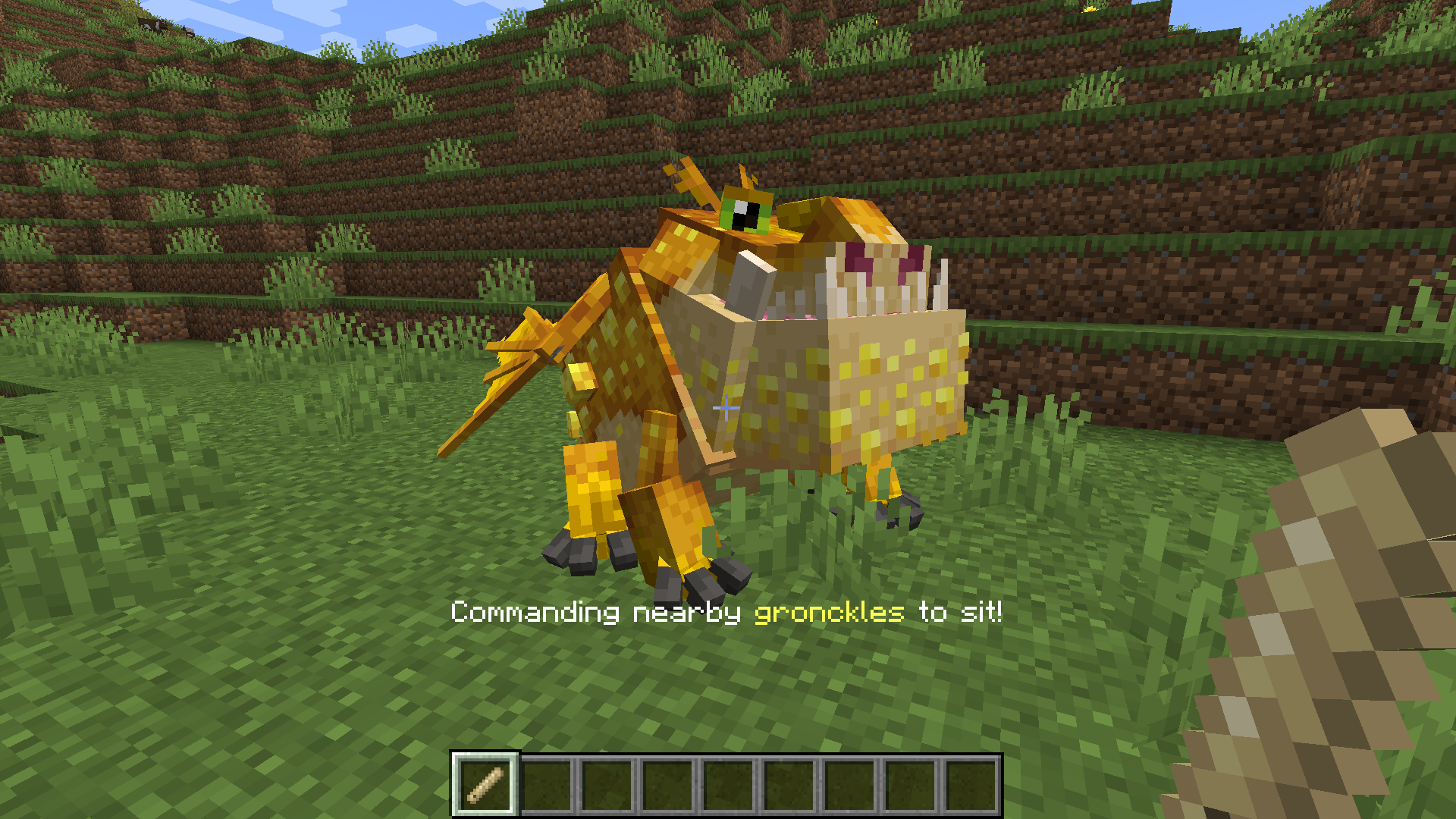
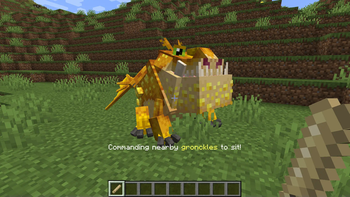
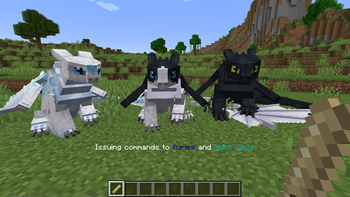
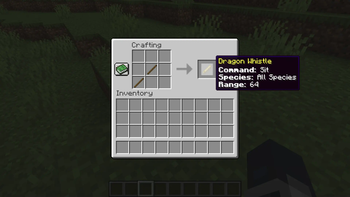
Are you tired of chasing down rambunctious dragons who stay just out of reach of your commands? Chase no longer! The IoBA dragon whistle can issue commands from a distance, allowing you to direct your dragons from a distance. Dragons can be told to sit, follow, or wander using the whistle. Whistle commands can also be directed only at a specific species of dragon or individual named dragon, and the whistle's range can be customized via the IoBA config. Selected command, species, and range are visible in the whistle's tooltip (and appear onscreen above the hotbar when first selected).
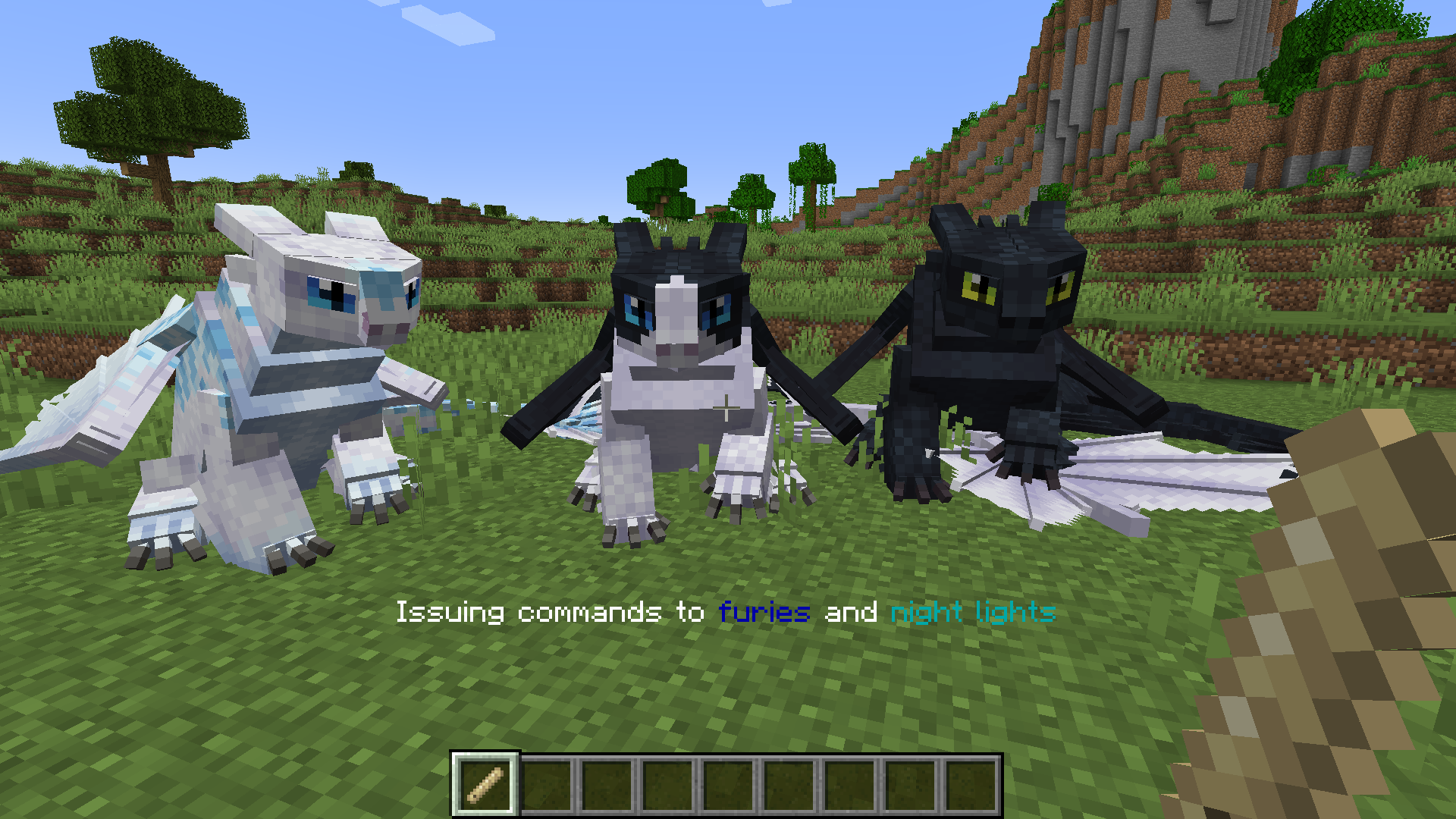
Right clicking the whistle will issue its current command. Left clicking it on a block will cycle its command between sit, stay, and follow. Sneak right clicking on a block next to a dragon will cycle between all dragons, one specific named dragon, or that particular dragon's species-- and, in the case of night furies, light furies, and night lights, a fourth option which allows you to command all three related species.
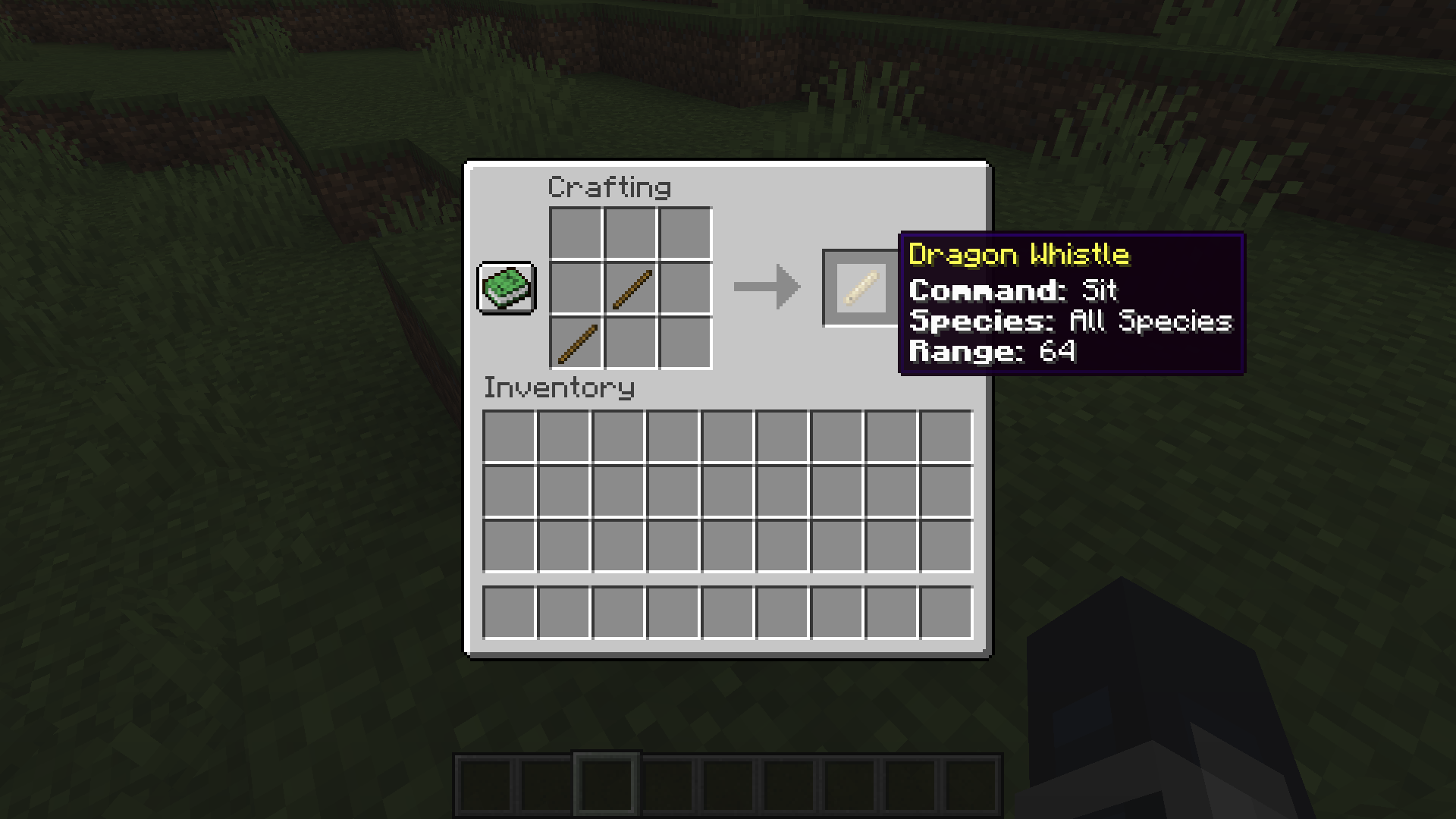
By default, the dragon whistle is crafted using two sticks placed diagonally.
Dragon Cage
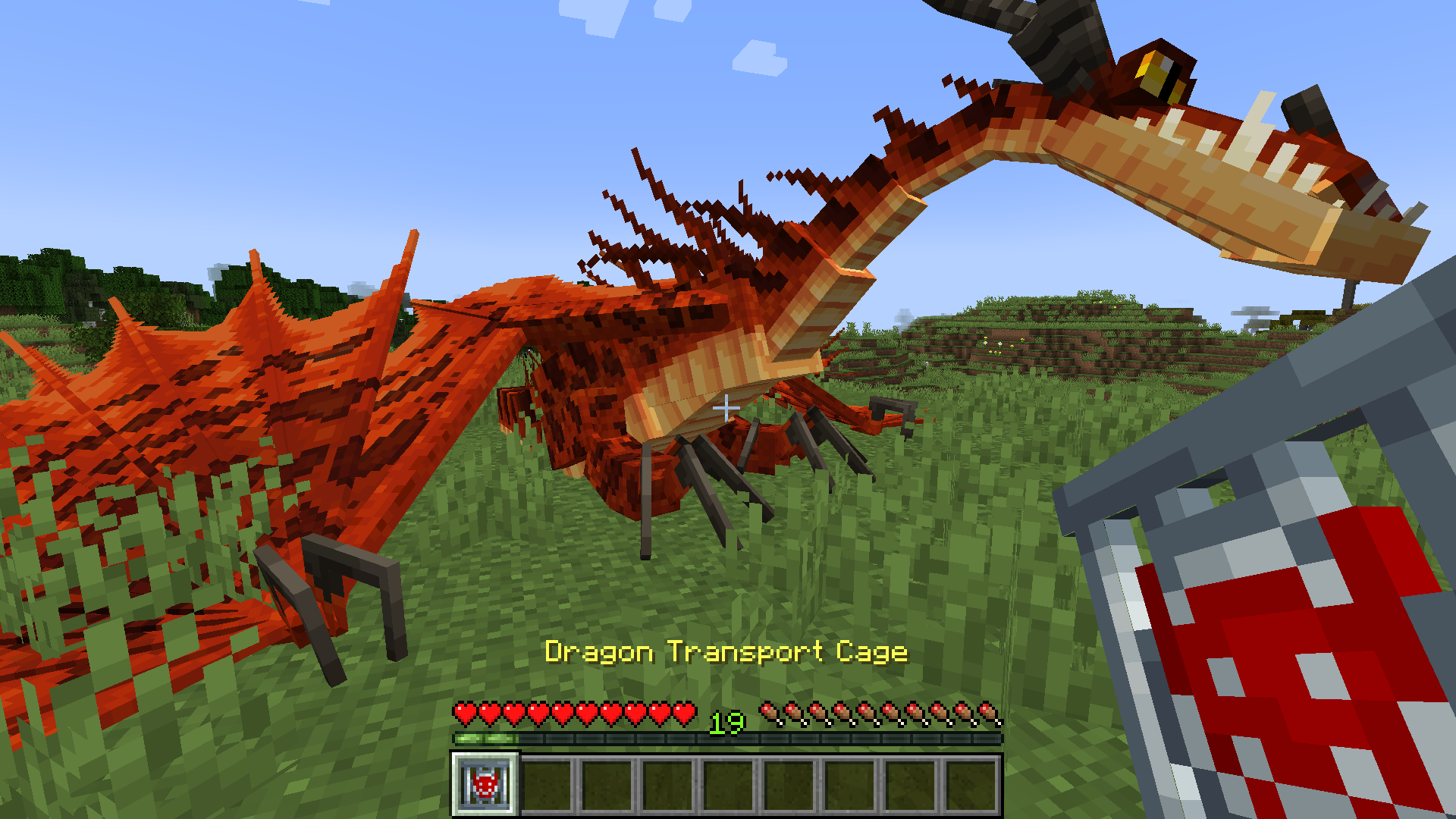
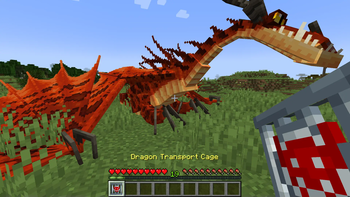
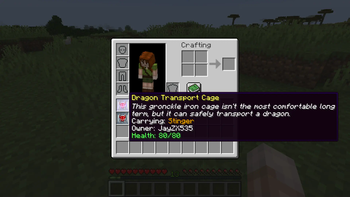
Do you struggle to transport rowdy dragons long distances on follow mode? Now, you can carry them in your inventory! The IoBA dragon transport cage can be used to pick up a dragon in item form for easier transportation. By default, tamed dragons can be picked up by their owners, and creative mode players can pick up any dragon. These settings can be further customized via the IoBA config. The species, owner, and current health of a caged dragon are visible in the cage's tooltip.
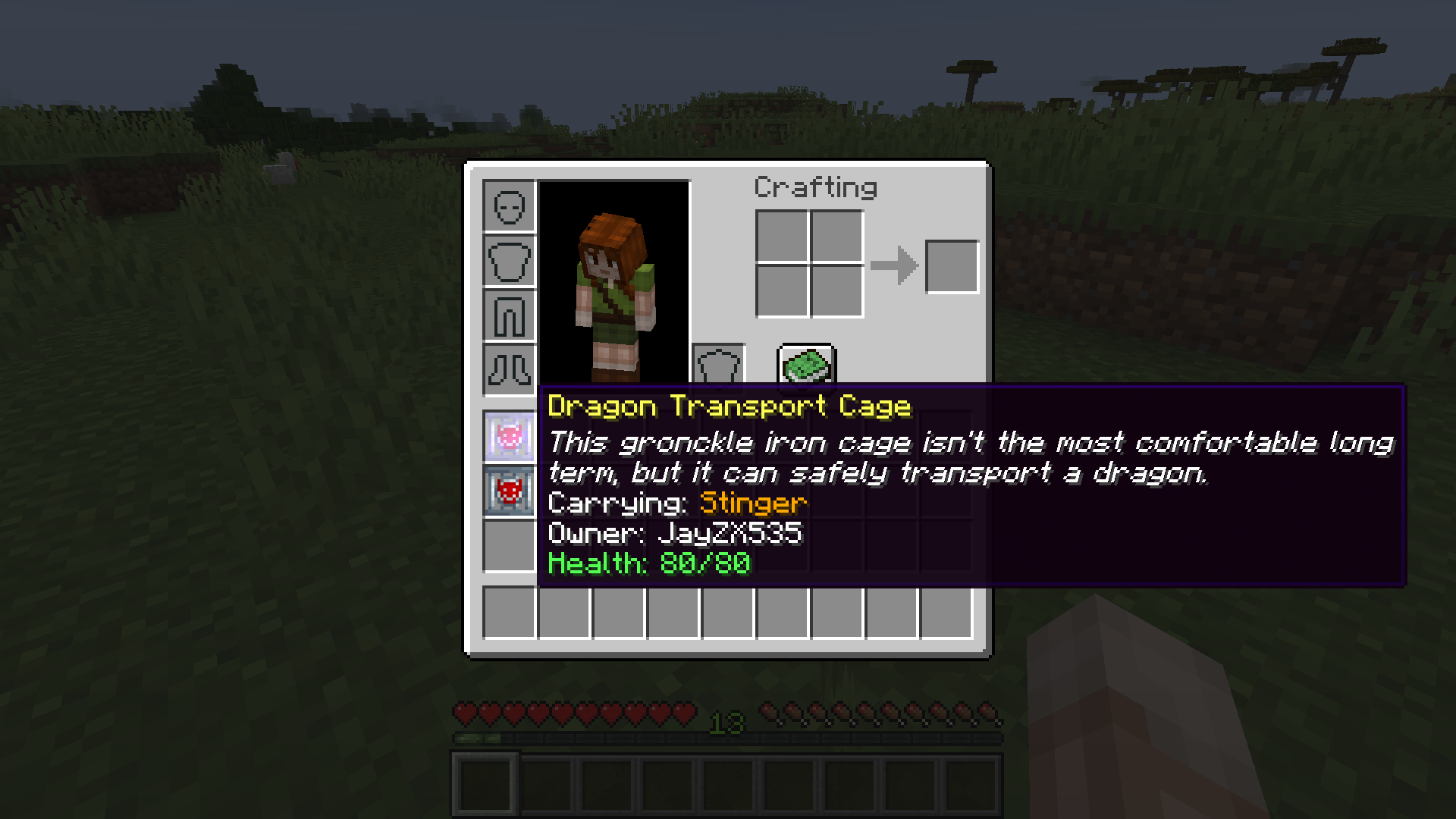
To pick up a dragon in a dragon transport cage, right click the ground near the dragon with an empty cage. To release a dragon from a transport cage, right click the ground with the full cage. By default, dragons can only be released by their owner, and dragons with items in their inventory cannot be caged.
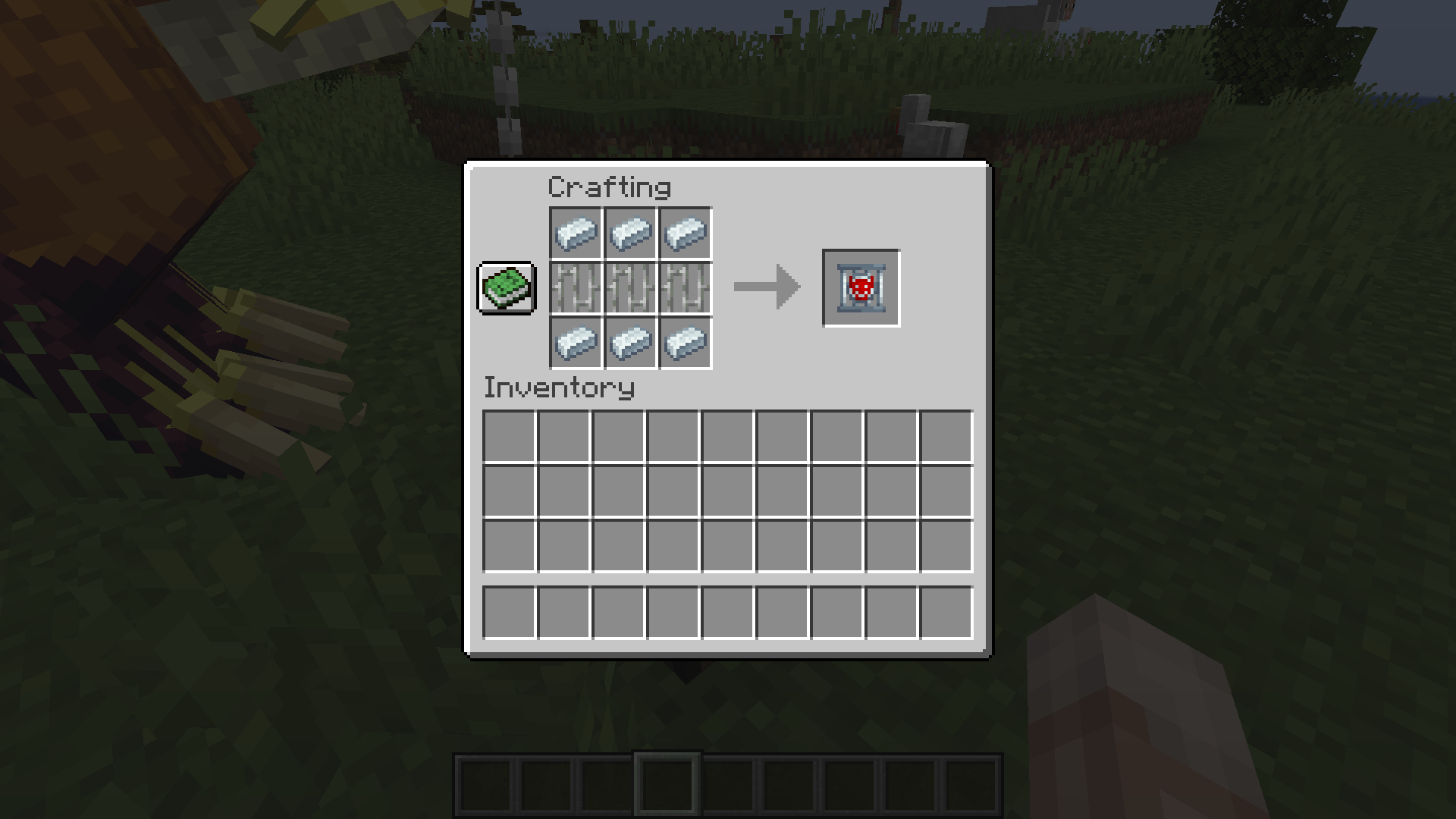
By default, the dragon transport cage is crafted by placing 3 iron bars in a row between two rows of 3 gronckle iron ingots.
Advanced Spawn Management (Supports Modded Biomes)
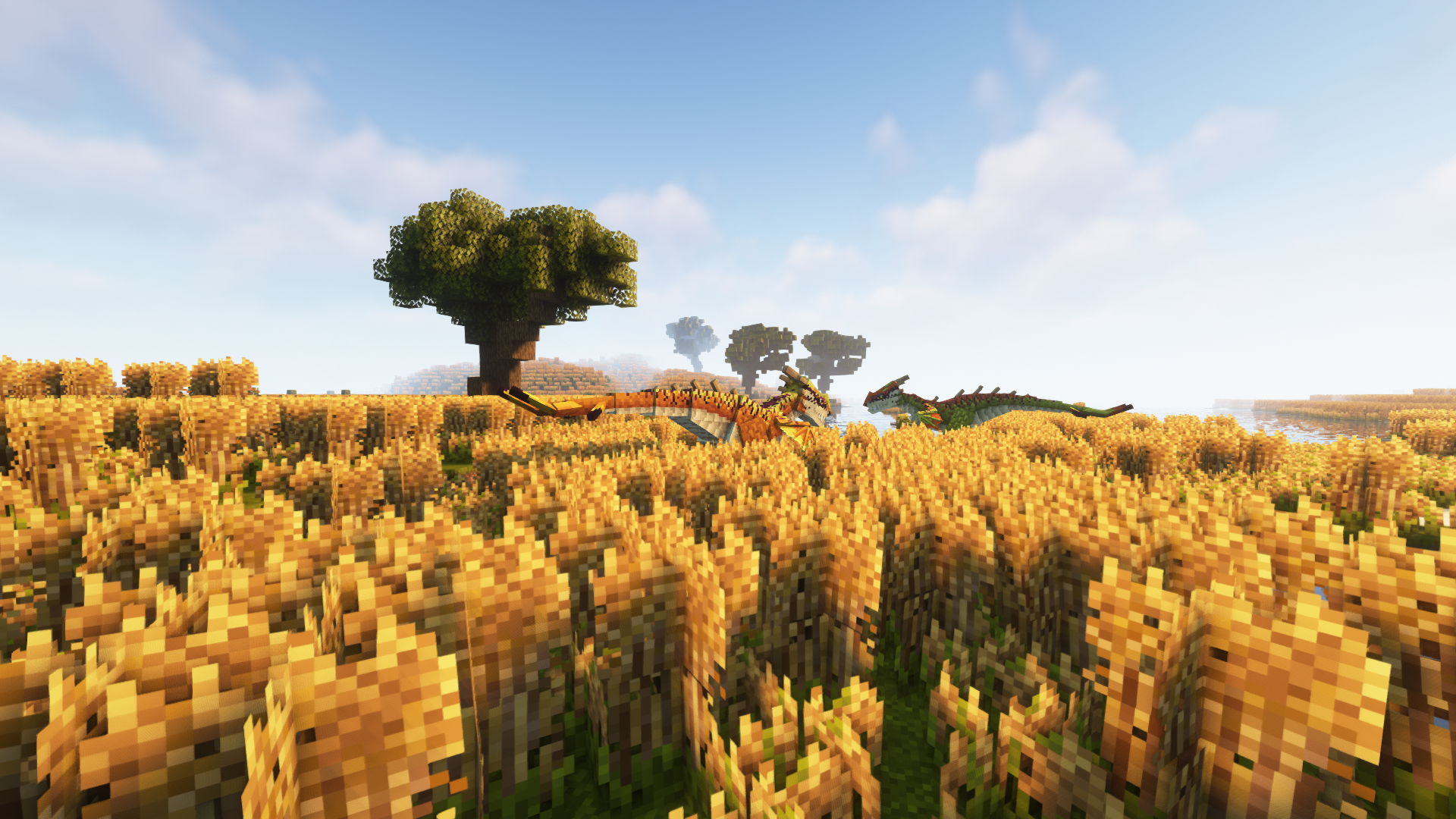
At this time, a bug in Isle of Berk prevents dragons from spawning in (most) modded biomes, even when those biomes are added to the spawn list. To compensate for this, I've temporarily added an advanced spawn config (iobaddons-spawns.json) to the mod. These spawns are disabled by default to prevent them from overlapping with IoB's default spawns, and their config file will not appear until they have been toggled on via the main mod config. Turning on the IoBA spawn system will allow you to use the json based system to add new spawns for dragons, including spawns for modded biomes (using their biome id). It is recommended but not required that you remove all spawns from the default IoB config if you enable the IoBA spawn system, as the default spawns are a 1:1 mirror of the defaults set by IoB, which may cause dragons to spawn with too high a frequency.
Play Isle of Berk + IoB Addons with your friends
Disclaimer
Isle of Berk Addons is independently created and isn't affiliated with the Isle of Berk team. To the best extent of my knowledge, it complies with the "custom assets" clause in IoB's permissions. At this time, IoBA does not add any dragons of its own, so all dragons influenced by this mod belong to IoB. IoBA is also not affiliated with Dreamworks animation or the official How to Train Your Dragon franchise.
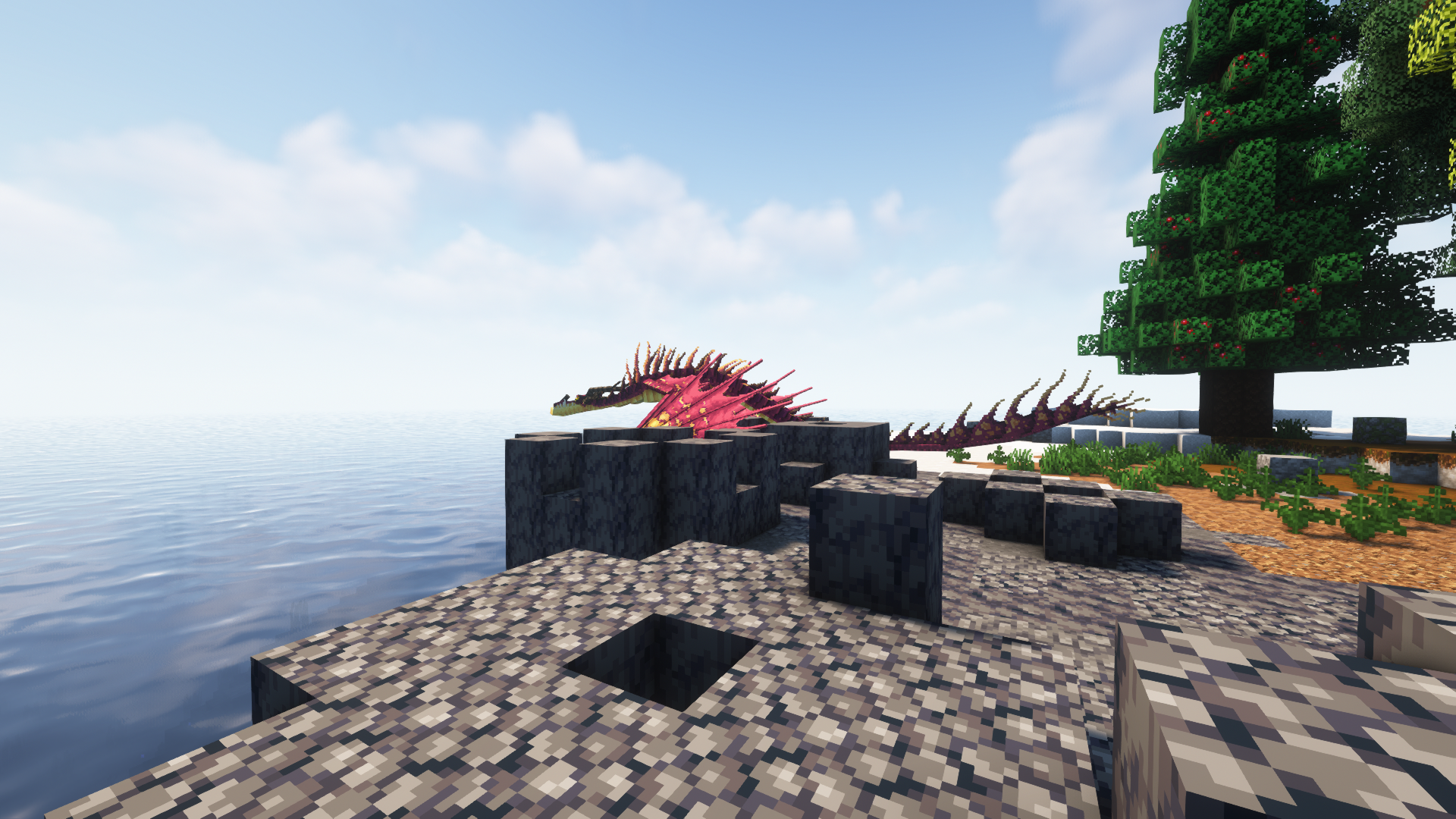
Promotional Screenshots taken using Oh the Biomes You'll Go and Complementary Shaders. Featured dragons are, of course, from Isle of Berk.
Verfügbare Versionen
Isle of Berk Addons auf dem Server installieren
Server bestellen
Bestelle einen Minecraft Java Server mit mindestens 3 GB RAM (4 GB empfohlen).
forge Loader setzen
Wähle im Panel unter "Egg" den forge-Loader und die passende Minecraft-Version (1.18.2).
Mod installieren
Öffne den Mod-Browser im Dashboard und suche nach "Isle of Berk Addons". Klicke "Installieren" – fertig! Alternativ: Lade die .jar via SFTP in den /mods Ordner.
Kompatibilität
Mod-Loader
Minecraft-Versionen
1.18.2
Server-seitig
✓ ErforderlichEmpfohlener RAM
4 GB(min. 3 GB)Häufige Fragen
Isle of Berk Addons Server crasht beim Start – was tun?
Häufigste Ursache: falsche forge-Version oder zu wenig RAM. Prüfe im Server-Log (latest.log), ob ein "OutOfMemoryError" oder "Mixin"-Fehler auftritt. Bei Mado Hosting: Stelle sicher, dass mindestens 3 GB RAM zugewiesen sind und der Loader zur Mod-Version passt (1.18.2). Über das Panel kannst du den Loader mit einem Klick wechseln.
Ist Isle of Berk Addons mit forge kompatibel?
Isle of Berk Addons unterstützt offiziell forge für Minecraft 1.18.2. Im Mado Dashboard werden inkompatible Loader-Kombinationen automatisch erkannt.
Server laggt mit Isle of Berk Addons – wie optimiere ich die Performance?
Empfohlener RAM: 4 GB (+1 GB pro 8 Spieler). Prüfe mit /spark profiler, ob Isle of Berk Addons den meisten Tick-Time verbraucht. Häufige Fixes: Server-View-Distance auf 8-10 reduzieren, bei Forge "performant" oder "starlight" als Zusatz-Mod installieren. Bei Mado Hosting läuft dein Server auf NVMe-SSDs mit dedizierten CPU-Kernen für minimale Latenz.
Ähnliche Mods






Modded Server mieten
Installiere Isle of Berk Addons mit nur einem Klick auf deinem Server.