
Jurassic World Craft
Adds the Jurassic World Dinos and more to Minecraft
Screenshots
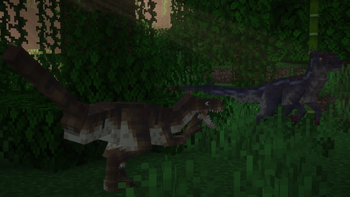
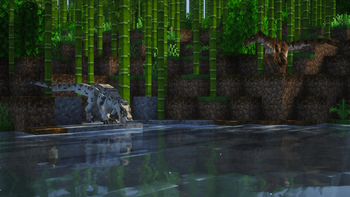
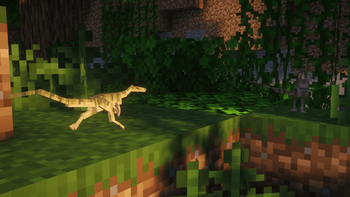
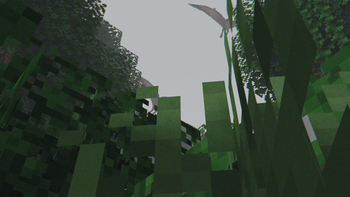
Über diese Mod

Version 2.0.0 coming soon... Upcoming Model Changes
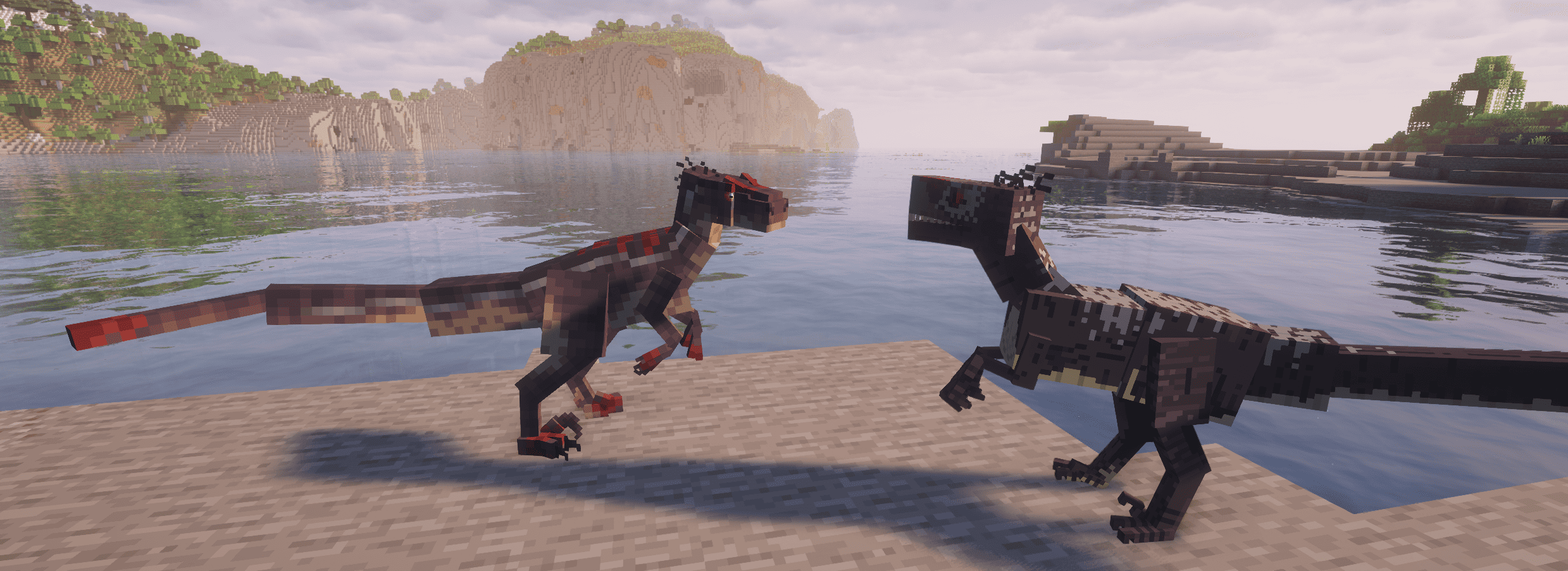
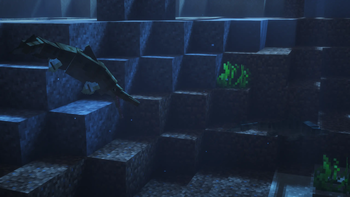
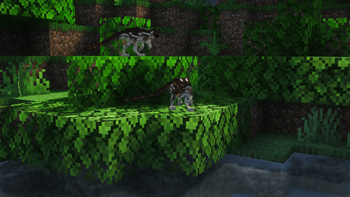
Jurassic World Craft is the ultimate mod for dinosaur enthusiasts and Minecraft adventurers, bringing the excitement of prehistoric life to your game. This mod faithfully incorporates the iconic dinosaurs from the Jurassic World DLC in Minecraft Bedrock, allowing you to experience the thrill of interacting with these ancient creatures in your own worlds.
🦕 Discover Fossils and Amber in the Overworld, essential resources to revive and create your own dinosaurs. With a bit of exploration, you can bring the majestic creatures of the past back to life and populate your Minecraft world with an incredible prehistoric ecosystem.
🌟 Over time, the mod will continue to grow, with regular updates planned to introduce even more species and features to enhance your Jurassic World experience.
Current Dinosaurs:
- Ankylosaurus (2 Skins) 🦖
- Brachiosaurus (2 Skins)
- Ceratosaurus (2 Skins)
- Compsognathus
- Dilophosaurus
- Dimorphodon (2 Skins)
- Gallimimus
- Mixosaurus (2 Skins)
- Parasaurolophus (2 Skins)
- Pteranodon (2 Skins)
- Spinosaurus (2 Skins)
- Stegosaurus (2 Skins)
- Stygimoloch
- Triceratops (2 Skins)
- Tyrannosaurus Rex (3 Skins)
- Velociraptor (4 Skins)
Whether you're creating your very own dinosaur park or just want to roam the lands with these magnificent creatures, Jurassic World Craft delivers an immersive and nostalgic adventure.
Trailers:
Note:
Not all the assets of the Jurassic World DLC are ported. This mod is mostly made out of original content except for most dinosaurs.
Prepare for an unforgettable journey into the prehistoric age — download Jurassic World Craft today and bring the dinosaurs back to life!
Verfügbare Versionen
Jurassic World Craft auf dem Server installieren
Server bestellen
Bestelle einen Minecraft Java Server mit mindestens 3 GB RAM (4 GB empfohlen).
forge Loader setzen
Wähle im Panel unter "Egg" den forge-Loader und die passende Minecraft-Version (1.20.1).
Mod installieren
Öffne den Mod-Browser im Dashboard und suche nach "Jurassic World Craft". Klicke "Installieren" – fertig! Alternativ: Lade die .jar via SFTP in den /mods Ordner.
Kompatibilität
Mod-Loader
Minecraft-Versionen
1.20.1
Server-seitig
✓ ErforderlichEmpfohlener RAM
4 GB(min. 3 GB)Häufige Fragen
Jurassic World Craft Server crasht beim Start – was tun?
Häufigste Ursache: falsche forge-Version oder zu wenig RAM. Prüfe im Server-Log (latest.log), ob ein "OutOfMemoryError" oder "Mixin"-Fehler auftritt. Bei Mado Hosting: Stelle sicher, dass mindestens 3 GB RAM zugewiesen sind und der Loader zur Mod-Version passt (1.20.1). Über das Panel kannst du den Loader mit einem Klick wechseln.
Ist Jurassic World Craft mit forge kompatibel?
Jurassic World Craft unterstützt offiziell forge für Minecraft 1.20.1. Im Mado Dashboard werden inkompatible Loader-Kombinationen automatisch erkannt.
Server laggt mit Jurassic World Craft – wie optimiere ich die Performance?
Empfohlener RAM: 4 GB (+1 GB pro 8 Spieler). Prüfe mit /spark profiler, ob Jurassic World Craft den meisten Tick-Time verbraucht. Häufige Fixes: Server-View-Distance auf 8-10 reduzieren, bei Forge "performant" oder "starlight" als Zusatz-Mod installieren. Bei Mado Hosting läuft dein Server auf NVMe-SSDs mit dedizierten CPU-Kernen für minimale Latenz.
Ähnliche Mods
![[EMF] Entity Model Features](https://cdn.modrinth.com/data/4I1XuqiY/6e5bbd0d06b1741bfdab6c0cfab6de8fdaf0064c_96.webp)


Modded Server mieten
Installiere Jurassic World Craft mit nur einem Klick auf deinem Server.