![LambDynamicLights [Unofficial NeoForge]](https://cdn.modrinth.com/data/g1BboDNl/9b3e19e8c22b1fff9ab078ad3519889cc05c0d4e_96.webp)
LambDynamicLights [Unofficial NeoForge]
A dynamic lights mod. Unofficial NeoForge port.
Über diese Mod
UNOFFICIAL, OUTDATED NEOFORGE PORT
This is old unofficial NeoForge port of LambDynamicLights mod by LambdAurora.
Do not report any issues to LambdAurora, their discord or github.
You can find official, updated version for fabric and neoforge here https://modrinth.com/mod/lambdynamiclights
Permission for NeoForge port release
LambDynamicLights
A dynamic lighting mod by LambdAurora.
📖 What's this mod?
It's dark outside, extremely dark...
You can't see a lot in the darkness, you wish you had a torch,
or a lantern to hold and see in the light...
And this is now possible with this mod as it adds dynamic lights to the game.
You can see in the darkness thanks to your torch now!
This mod adds dynamic lights to Minecraft. Dynamic lights are lights created by an entity holding an
item which makes light as a block, or created by an entity on fire, etc.
Searching other mods to replace OptiFine? Check out this list!
✅ Features:
- Dynamic lighting.
- Settings to select how smooth the dynamic lighting is.
- Works with some modded items.
- Any entity holding an item which emits light will emit light!
- Magma cubes emit light.
- Spectral arrows emit light.
- Burning entities emit light.
- Blazes emit light.
- Some items like torches, soul torches, etc. will not light up in water.
- Quick and simple API for developers and resource pack makers.
- And more!
Screenshots
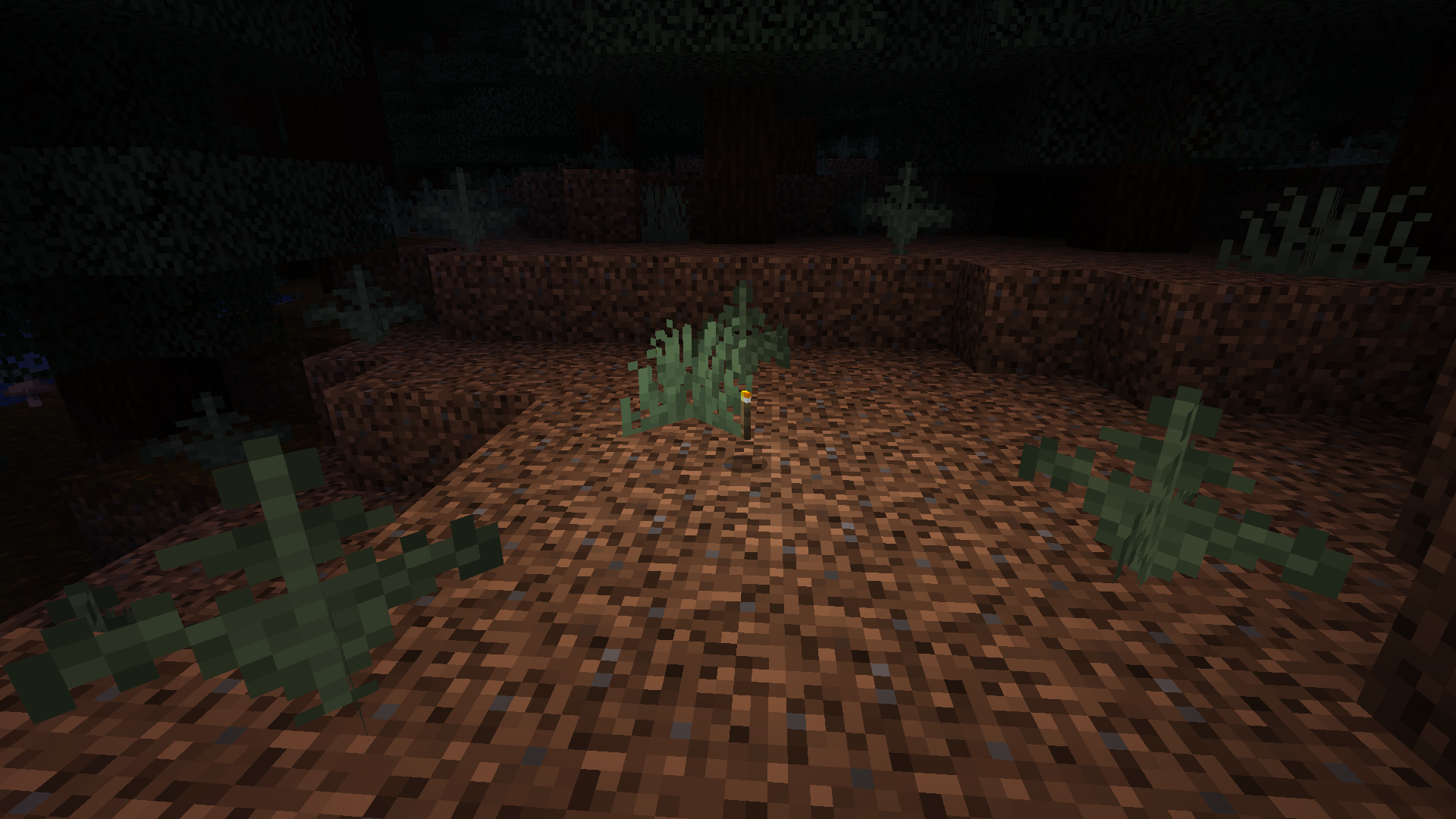
Items emit light
Dropped items which already emit light as a block, will also dynamically emit light!
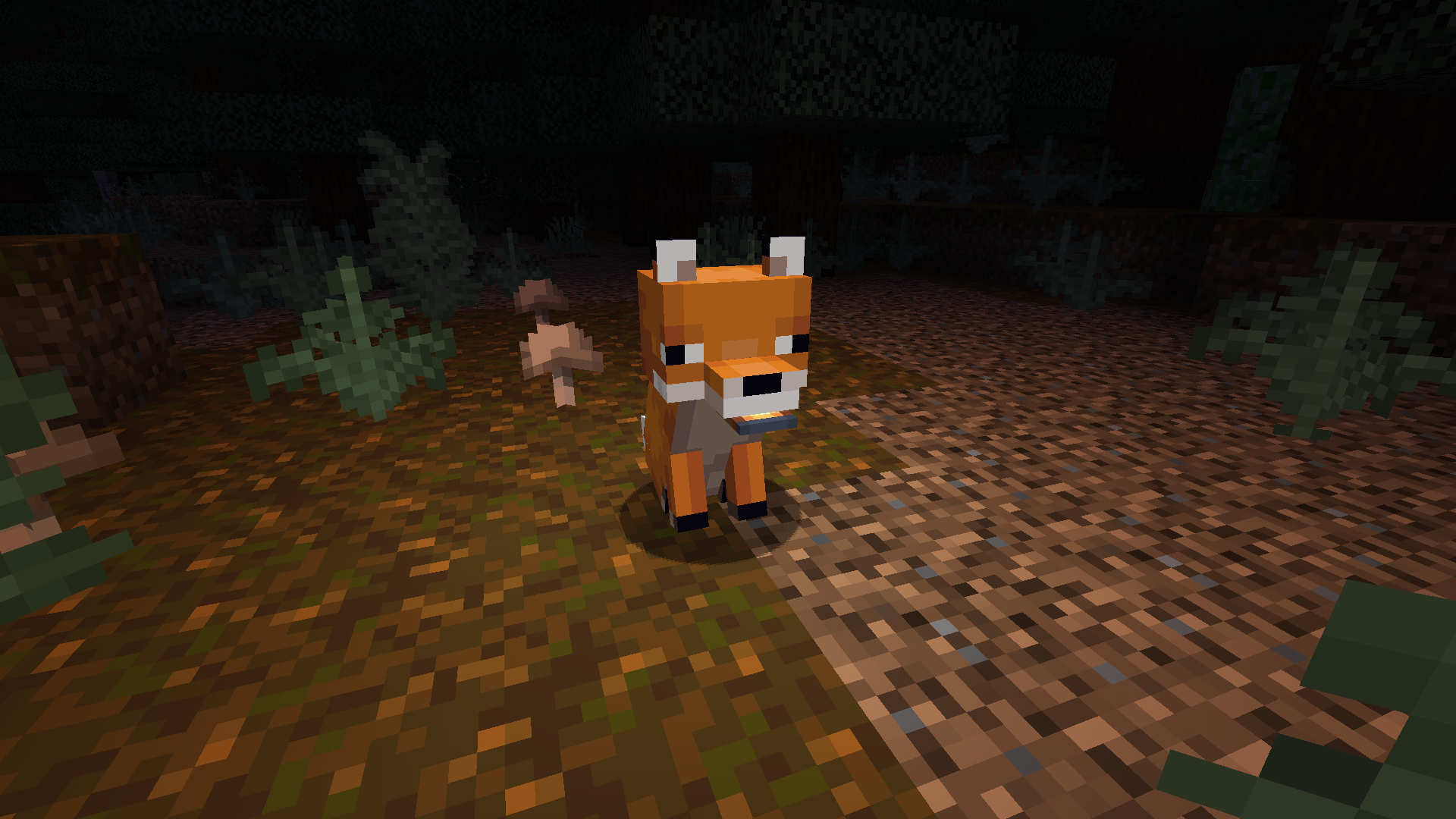
Held items emit light
Light is emitted when entities hold light emitting items.
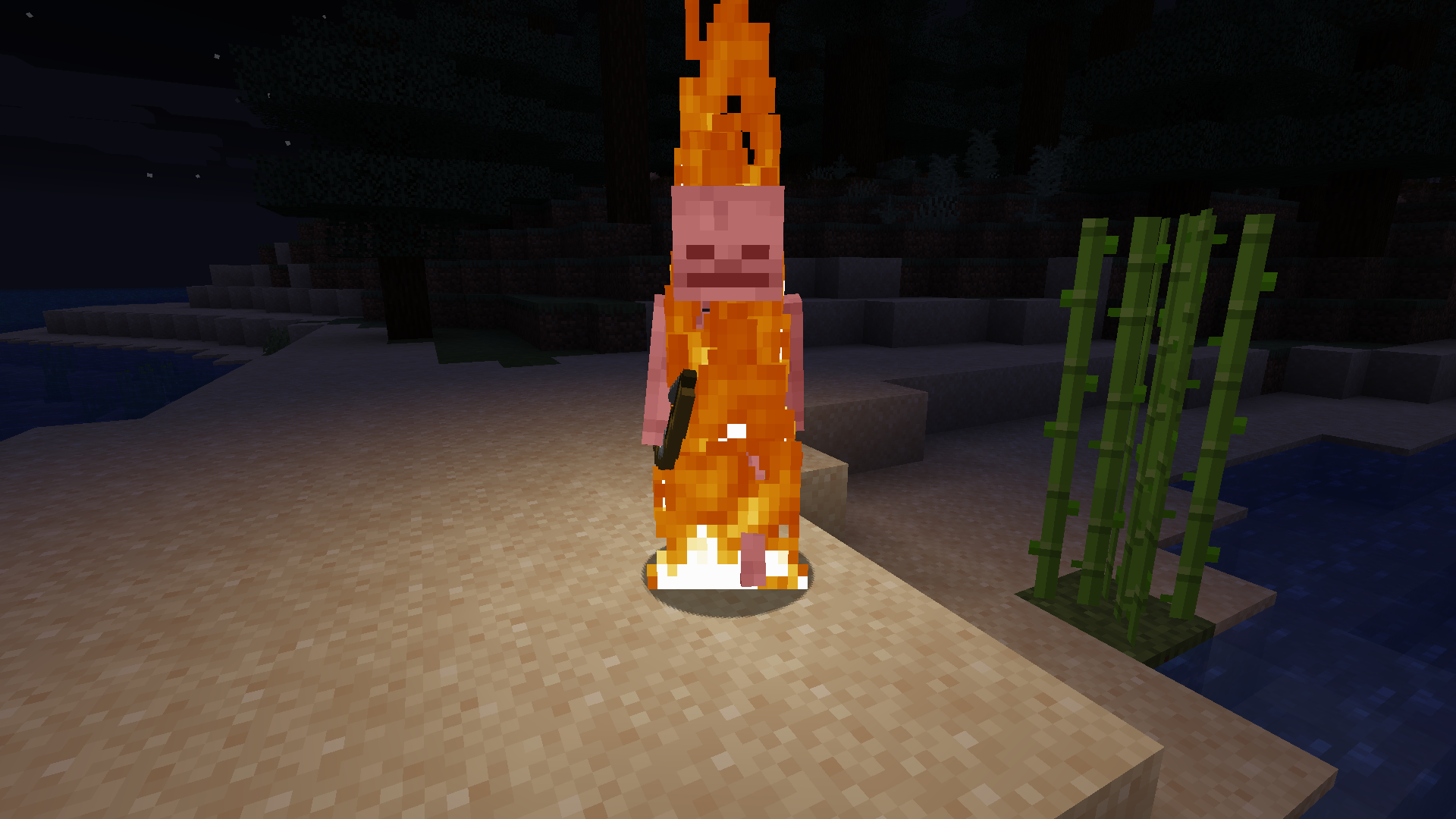
Fire! Fire! Fire!
Any entity on fire will emit light!
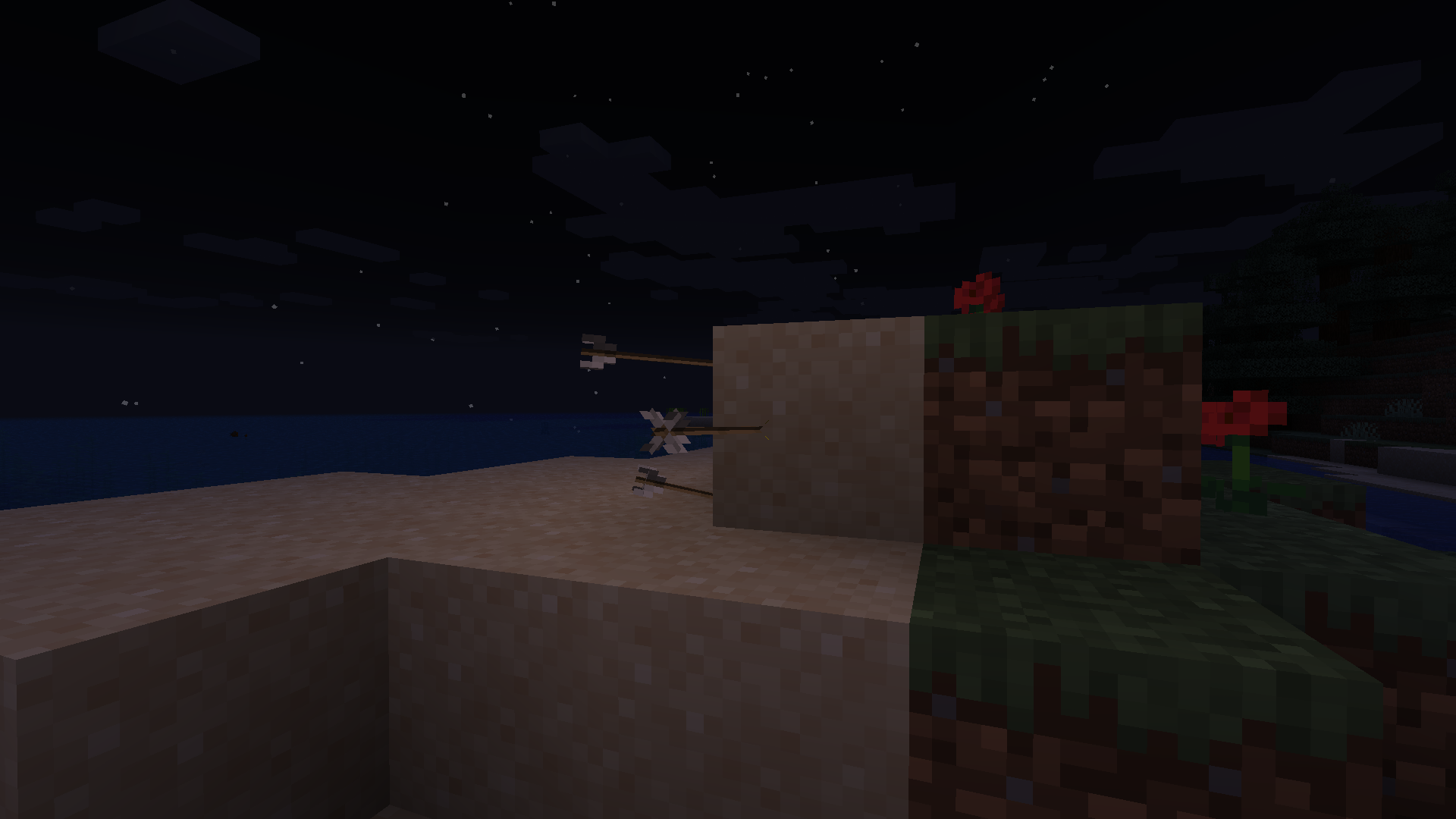
Spectral arrows
Spectral arrows will emit a very weak light!
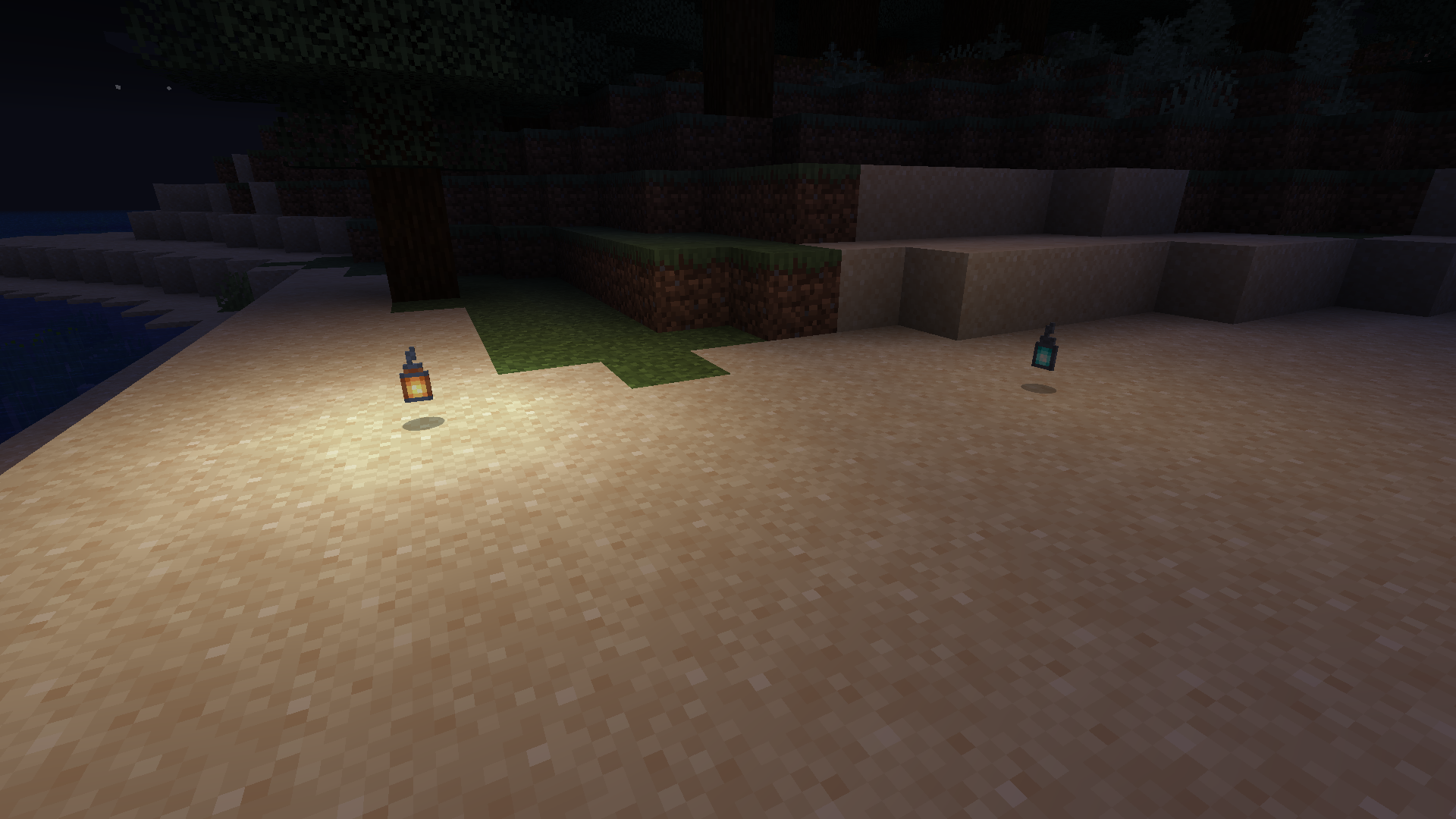
Different luminance!
Light emitted from items depend on the light emitted from their respective blocks!
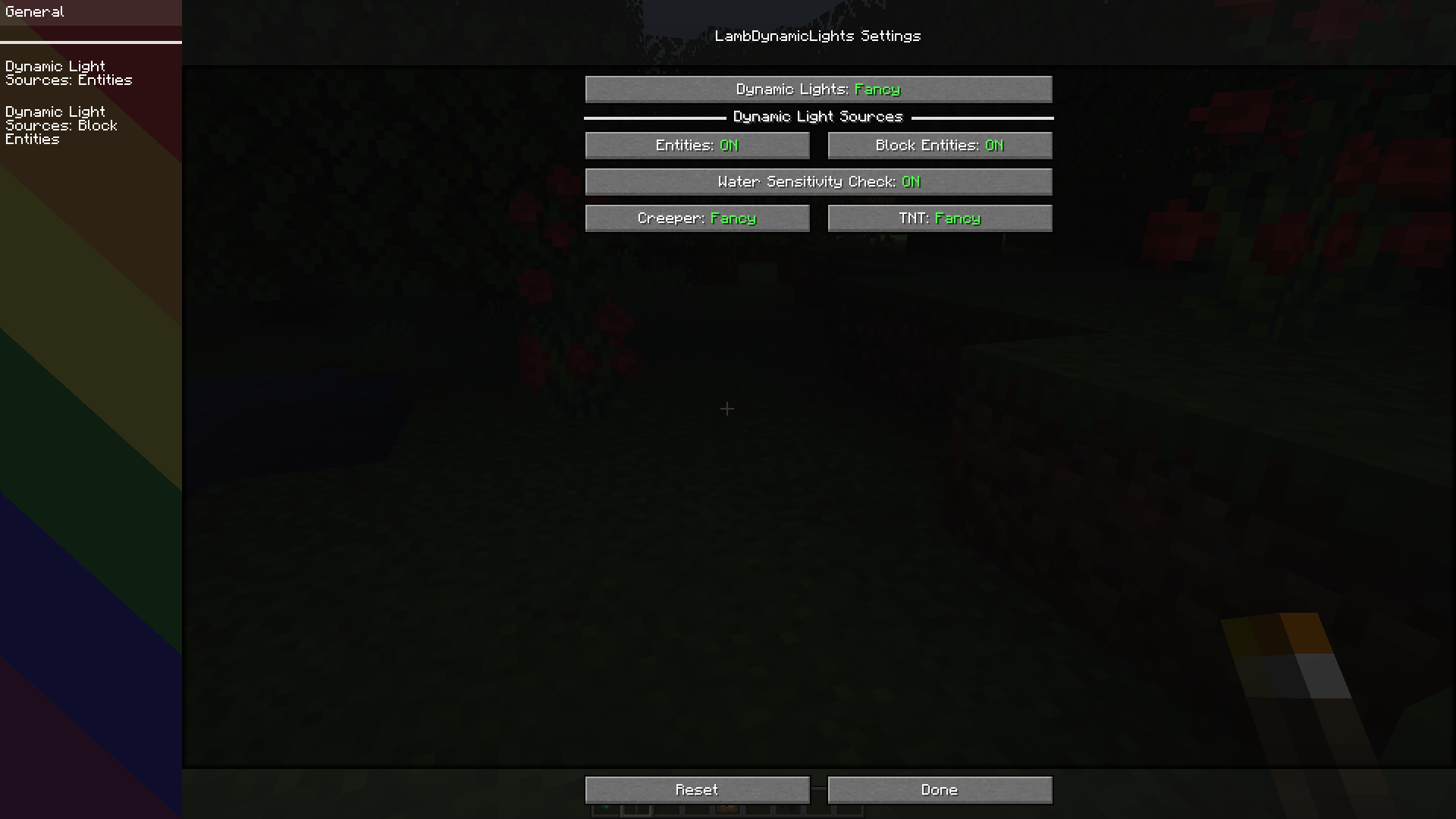
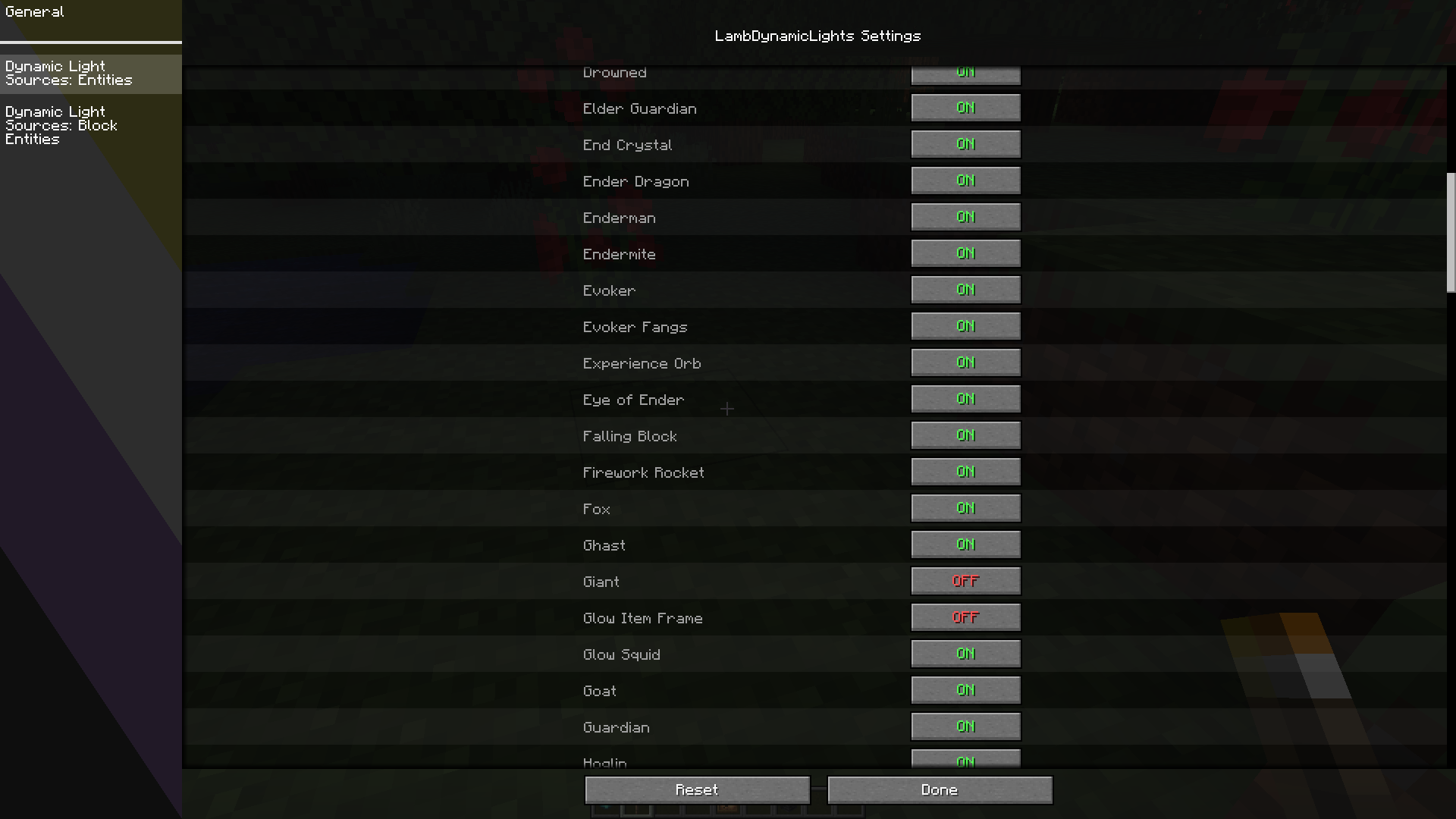
Configuration GUI
As of v2.1.0.
📖 Usage
Using this mod is very simple!
Install it in your mods folder (with Sodium if wanted for better performances).
You will notice nothing at first but if you go into the video options or into the settings screen of the mod via [ModMenu], you will notice an option called Dynamic Lights which is by default off, choose the wanted configuration and enjoy!
You can also configure the mod by editing the file in config/lambdynlights.toml.
📖 How does it work internally?
Check this documentation.
📖 Is there an API? How to use it as a developer?
Check this documentation.
📖 Compatibility
- Sodium is recommended for better performances.
- OptiFine is obviously incompatible.
Verfügbare Versionen
LambDynamicLights [Unofficial NeoForge] auf deinem Client installieren
Mod-Loader lokal installieren
Installiere neoforge für deine lokale Minecraft-Version.
Passende Datei herunterladen
Wähle die LambDynamicLights [Unofficial NeoForge]-Datei für neoforge und Minecraft 1.21.1.
Mod installieren
Lege die .jar-Datei in deinem lokalen .minecraft/mods-Ordner ab und starte Minecraft neu. Eine Installation auf dem Server ist nicht nötig.
Kompatibilität
Mod-Loader
Minecraft-Versionen
1.21.1, 1.21
Server-seitig
✗ Nicht unterstütztEmpfohlener RAM
4 GB(min. 3 GB)Häufige Fragen
Muss LambDynamicLights [Unofficial NeoForge] auf dem Minecraft Server installiert werden?
Nein. Modrinth kennzeichnet LambDynamicLights [Unofficial NeoForge] serverseitig als nicht unterstützt. Installiere die Mod nur im lokalen Minecraft-Mods-Ordner. Dein Server kann unverändert bleiben, sofern die Mod-Seite keine zusätzliche Abhängigkeit nennt.
Welche Version und welchen Loader braucht LambDynamicLights [Unofficial NeoForge]?
Nutze eine Datei für neoforge und exakt deine Minecraft-Version. Unterstützte Versionen sind unter anderem 1.21.1, 1.21. Loader-Dateien sind nicht untereinander austauschbar.
LambDynamicLights [Unofficial NeoForge] funktioniert nicht – was kann ich prüfen?
Prüfe zuerst Minecraft-Version, Loader-Version und erforderliche Abhängigkeiten. Lege die .jar-Datei im lokalen .minecraft/mods-Ordner ab und entferne ältere Duplikate. Da die Mod clientseitig ist, löst mehr Server-RAM dieses Problem nicht.
Ähnliche Mods




![[ETF] Entity Texture Features](https://cdn.modrinth.com/data/BVzZfTc1/af683d206d50b05258d865b0d6e4aa2f2cee12f2_96.webp)

Minecraft Server für deine Gruppe
LambDynamicLights [Unofficial NeoForge] bleibt auf deinem Client. Hoste dazu eine kompatible Welt für deine Mitspieler.