
Create: Linear Bearing
This mod adds a working linear bearing for Create Aeronautics.
Screenshots
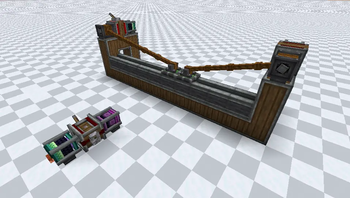
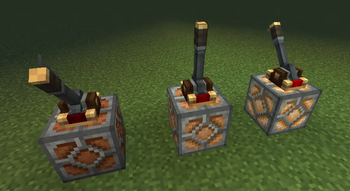
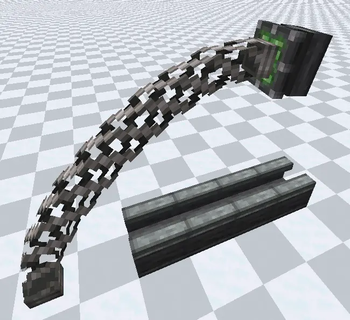
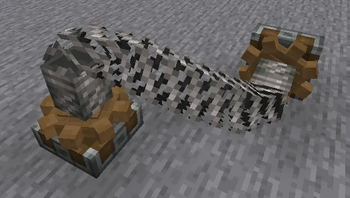
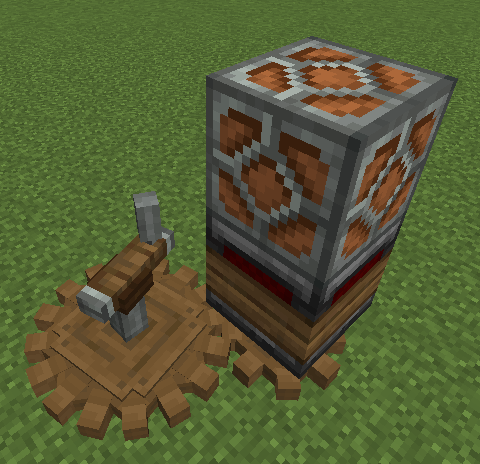
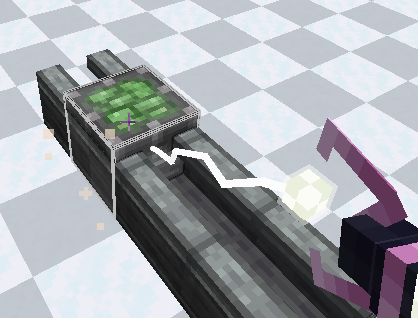
Über diese Mod
Create: Linear Bearing — True Physics-Based Sliders!
Hey everyone! If you are playing with Create Aeronautics, you already know how awesome it is to build moving vehicles and airships. But there was always one missing piece: a reliable way to make stable, physics-based linear sliders, cranes, and elevators that hook directly into the world physics.
Create: Linear Bearing solves this perfectly for NeoForge 1.21.1. It allows you to transform any glued block structure into a fully physics-driven sliding mechanism using the power of the Sable engine!
Mod fix
They made a fix for my mod, thank you, Mr-Zombii!
I'm too lazy to implement this in the mod, I'm sorry.
https://modrinth.com/mod/linear-bearings-fix
What does this mod do?
Blocks:
Linear Bearing

A linear bearing is something like an swivel bearing from Aeronautics, when pressed, it gathers the structure above it and transforms itself into a sliding structure on the casing.
Linear Casing

Well, it's just a case for linear bearings.
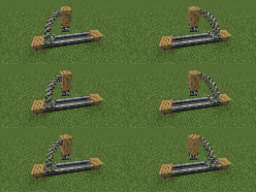
Torsional Anchor

A torsional anchor is a block with a cogwheel that transmits rotation through springs. You just put it on and put a spring on its "head" and the other end of the spring on the other anchor and they both rotate.
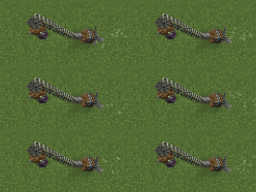
Magnetic Port

A magnetic port is a device that transmits rotation over a distance, and it works the same way in Sable physical structures.

Andesite Lamp

The andesite lamp shines depending on the strength of the redstone signal
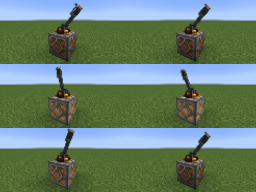
Redstone Converter

The redstone converter converts the rotation speed to redstone, more specifically, one redstone signal level is added every 8 RPM.
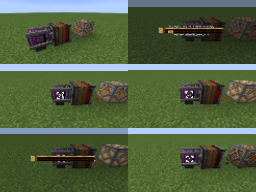
Gyroscopic Gearbox

The gyroscopic gearbox aligns the mechanisms connected to it by rotating in opposition to the rotation of the Sable sub-level on which it is located.
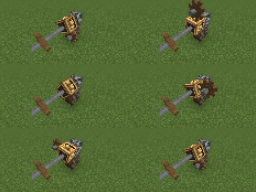
Slippery Copycat

It's just a slippery copycat.

Bubble Gum Block

This block is quite sticky.
Required mod
- Create
- Create Aeronautics
- Sable
Special thanks to DiamondMan10570, Yarik265
Verfügbare Versionen
Create: Linear Bearing auf dem Server installieren
Server bestellen
Bestelle einen Minecraft Java Server mit mindestens 4 GB RAM (6 GB empfohlen).
neoforge Loader setzen
Wähle im Panel unter "Egg" den neoforge-Loader und die passende Minecraft-Version (1.21.1).
Mod installieren
Öffne den Mod-Browser im Dashboard und suche nach "Create: Linear Bearing". Klicke "Installieren" – fertig! Alternativ: Lade die .jar via SFTP in den /mods Ordner.
Kompatibilität
Mod-Loader
Minecraft-Versionen
1.21.1
Server-seitig
✓ ErforderlichEmpfohlener RAM
6 GB(min. 4 GB)Häufige Fragen
Create: Linear Bearing Server crasht beim Start – was tun?
Häufigste Ursache: falsche neoforge-Version oder zu wenig RAM. Prüfe im Server-Log (latest.log), ob ein "OutOfMemoryError" oder "Mixin"-Fehler auftritt. Bei Mado Hosting: Stelle sicher, dass mindestens 4 GB RAM zugewiesen sind und der Loader zur Mod-Version passt (1.21.1). Über das Panel kannst du den Loader mit einem Klick wechseln.
Ist Create: Linear Bearing mit neoforge kompatibel?
Create: Linear Bearing unterstützt offiziell neoforge für Minecraft 1.21.1. Im Mado Dashboard werden inkompatible Loader-Kombinationen automatisch erkannt.
Server laggt mit Create: Linear Bearing – wie optimiere ich die Performance?
Empfohlener RAM: 6 GB (+1 GB pro 5 Spieler). Prüfe mit /spark profiler, ob Create: Linear Bearing den meisten Tick-Time verbraucht. Häufige Fixes: Server-View-Distance auf 8-10 reduzieren, bei Forge "performant" oder "starlight" als Zusatz-Mod installieren. Bei Mado Hosting läuft dein Server auf NVMe-SSDs mit dedizierten CPU-Kernen für minimale Latenz.
Ähnliche Mods




Modded Server mieten
Installiere Create: Linear Bearing mit nur einem Klick auf deinem Server.