
Live Texture Editor
Edit and create resource packs without leaving Minecraft
Screenshots
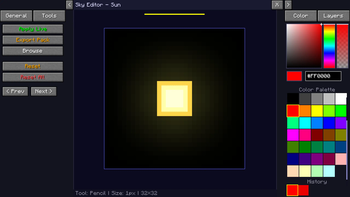
Über diese Mod

Edit Minecraft textures directly in-game without leaving your world.
The Live Texture Editor Mod lets you modify blocks, items, entities, and GUI elements instantly.
Simply look at a block, press a key, edit the texture, and see the changes live.
Ideal for resource pack creators, pixel artists, and anyone who wants fast, efficient editing.
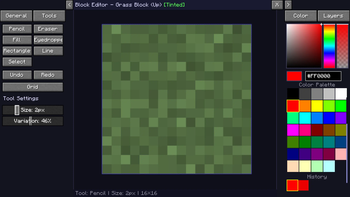
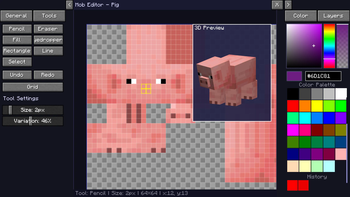
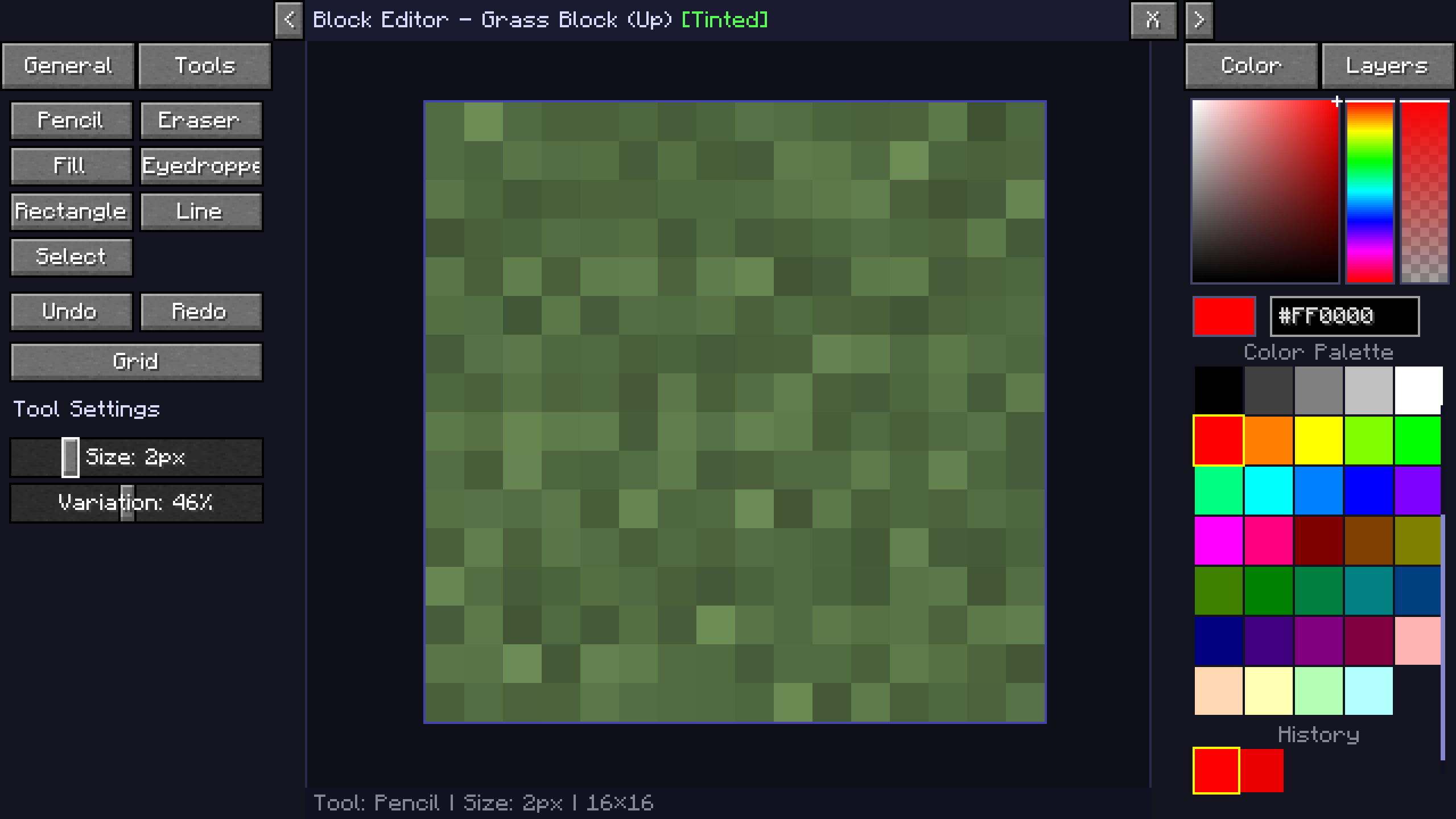
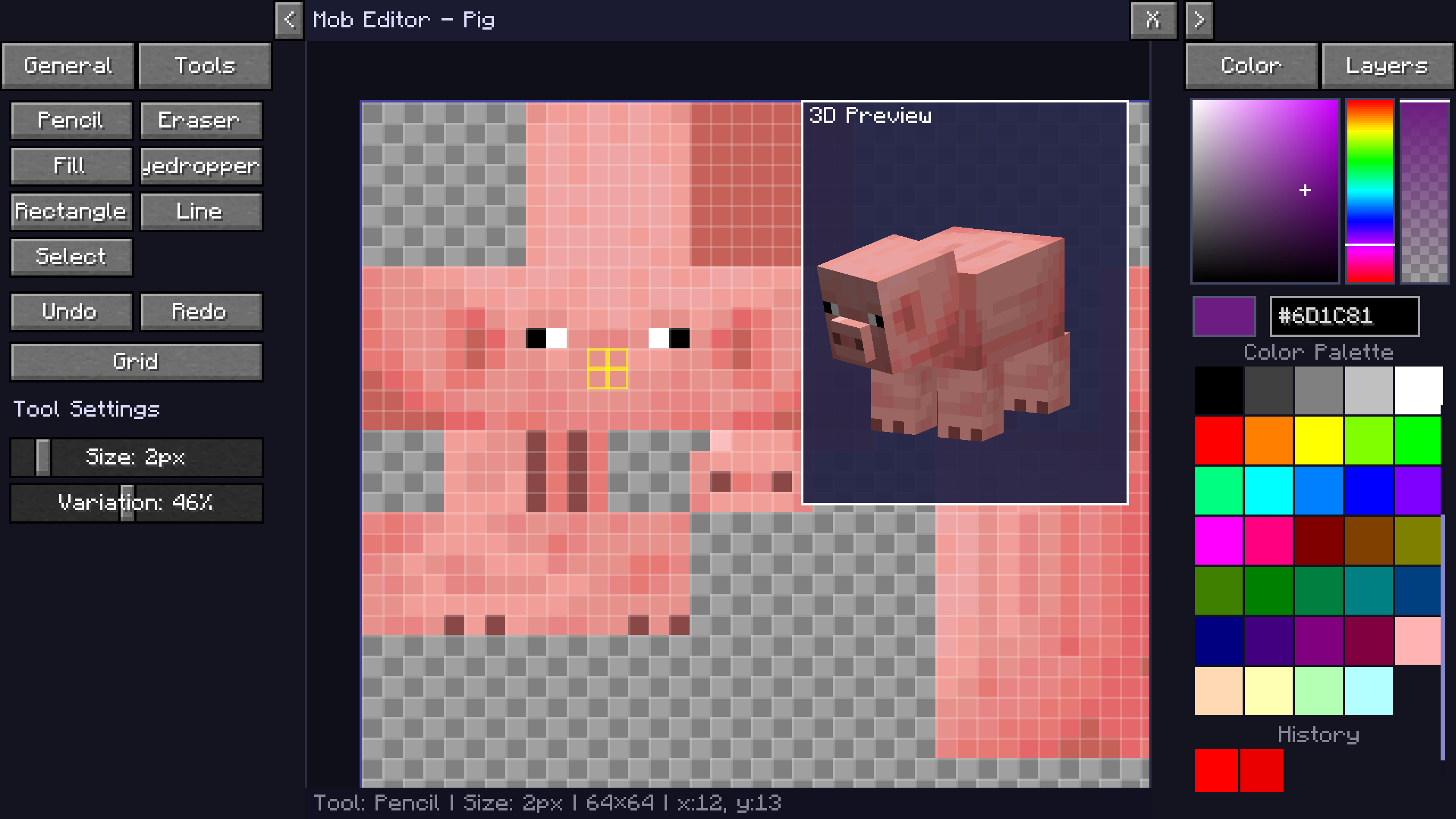
| Block Editor | Mob Editor |
|---|---|
 |
 |
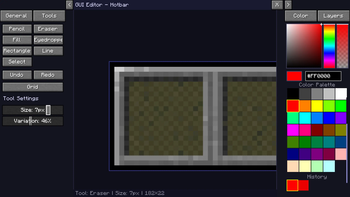
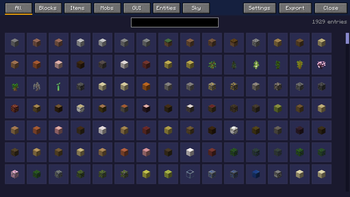
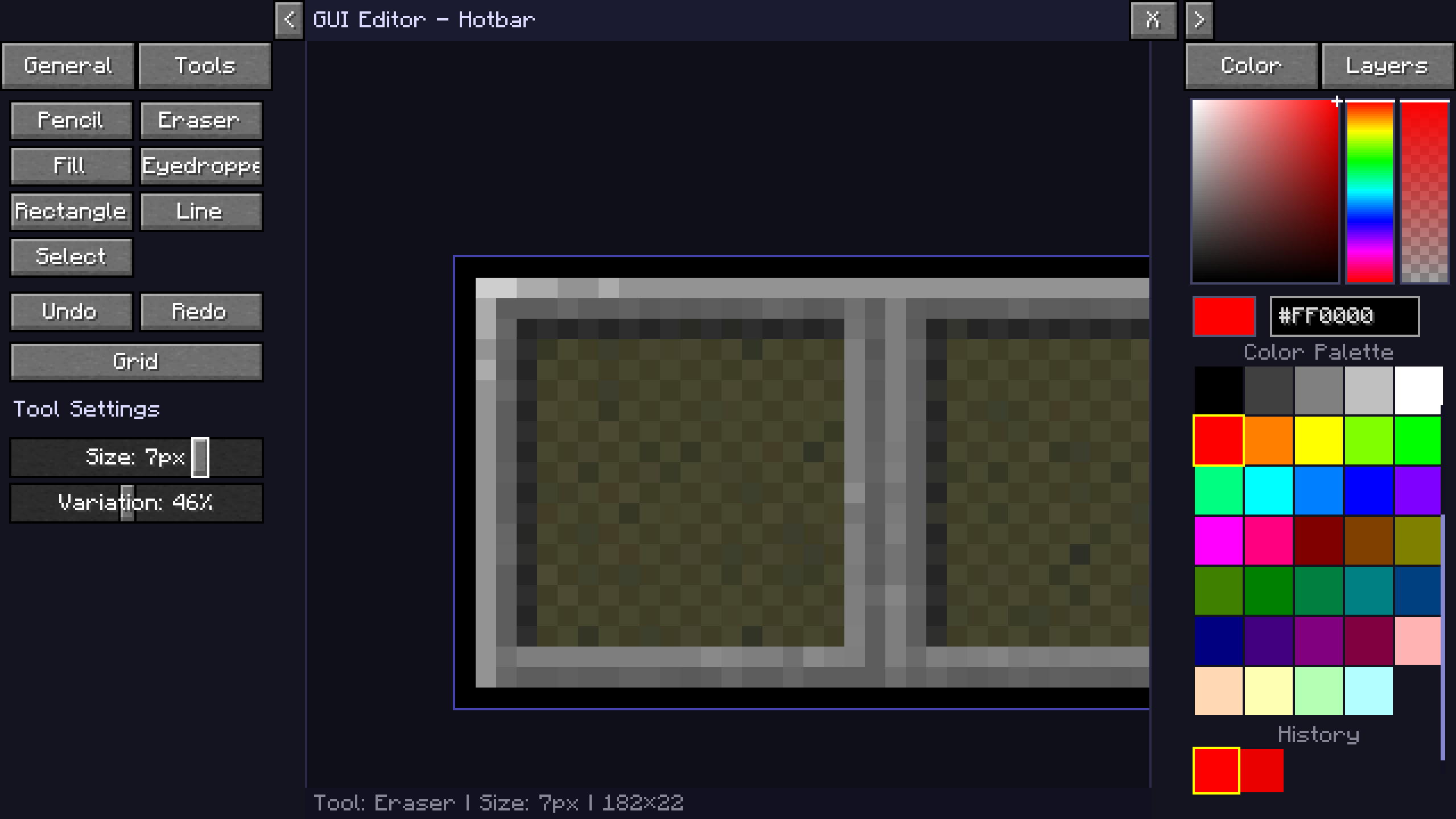
| GUI Editor | Browse Menu |
|---|---|
 |
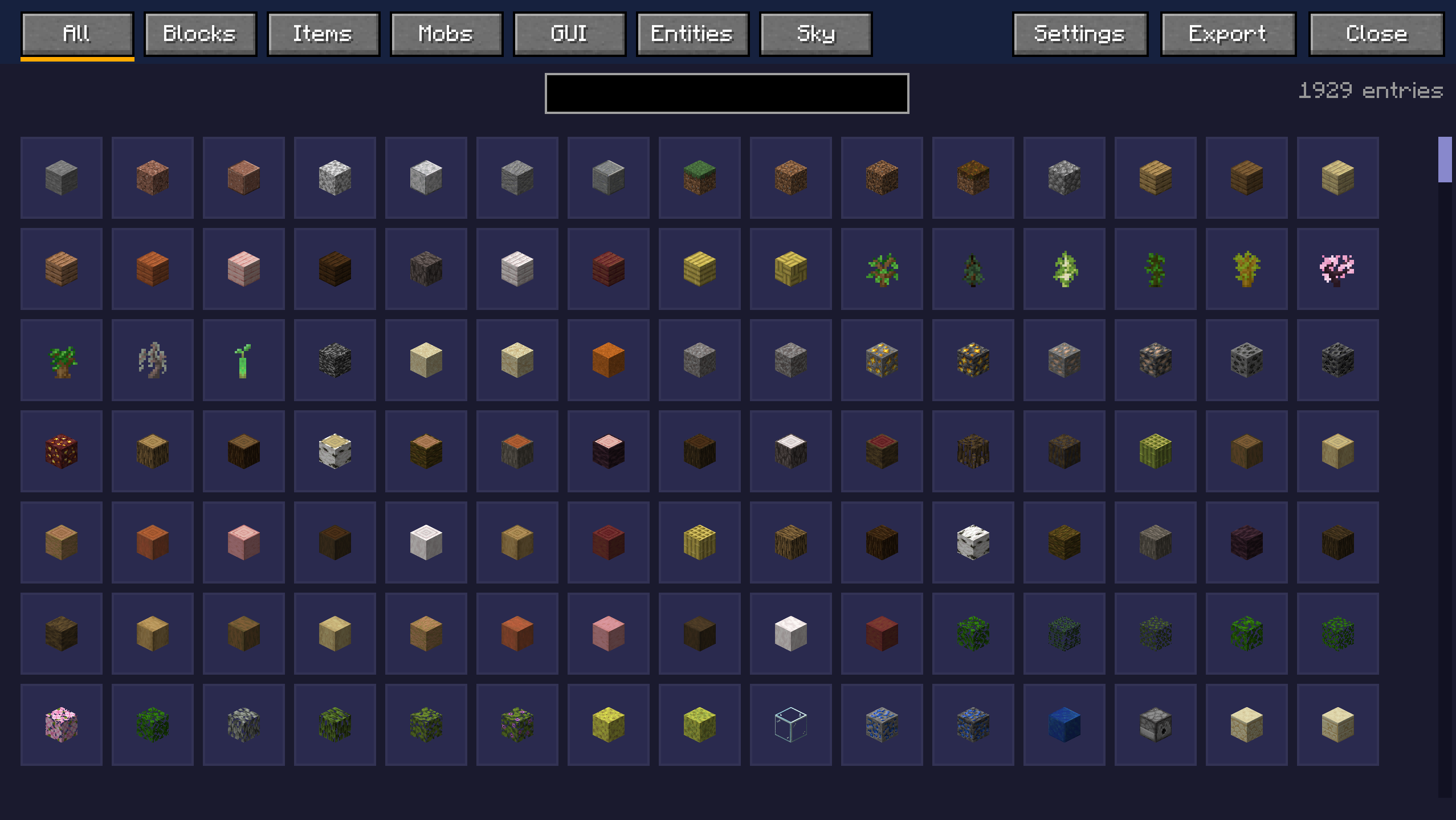 |
Watch the Tutorial
KasaiSora's Video on the Mod
Join the Discord

Key Features
Block Editor
- Look at any block and press
R(default) to open its texture. - Edit individual faces (top, bottom, sides) separately.
- Changes apply instantly in the world without reloading.
Item & Entity Editor
- Edit mob textures directly (Zombie, Creeper, etc.).
- Modify item icons with pixel-perfect precision.
- Spawn egg integration opens the corresponding mob texture automatically.
GUI & HUD Editor
- Customize hotbar, crosshair, hearts, hunger, and XP bar.
- Edit inventories, crafting tables, furnaces, chests, and more.
- Supports both standalone textures and sprite atlases.
Tools
- Pencil, Brush (for texturing), Eraser, Flood Fill, Line Tool, Eyedropper
- Zoom (Mouse Wheel) and Pan (Right Click + Drag)
- Toggle grid display
- Full color picker with hex input
- Undo and Redo functionality
Export to Resource Pack
- One-click export to a ready-to-use
.zipresource pack. - Non-destructive editing keeps original textures intact.
- Exported packs can be layered over existing packs to override them.
The editor always uses the currently active resource pack as the base.
How to Use
Controls
J(Default) – Enable the Live Texture Editor.R(Default) – Open the editor for the block or entity you are looking at.X(Default) – Hold to see the world without your changes
In the Editor
- Left Click – Draw / Use tool
- Right Click + Drag – Pan canvas
- Scroll Wheel – Zoom
- Y and Z – Undo / Redo
- G – Toggle grid
Applying Changes
- Apply live updates instantly in your session.
- Export the pack to save all applied textures.
- Reset to revert to the original texture (Vanilla or active resource pack).
Compatibility
- Minecraft Version: 1.21, 1.21.4, 1.21.5, 1.21.10, 1.21.11, 26.1.x, 26.2
- Mod Loader: Fabric
- Required Dependency: Fabric API
Works seamlessly with other resource packs.
Active texture packs are loaded as the base, and your edits visually override them. Exported packs can be placed on top of existing packs.
Installation
- Install Fabric Loader.
- Install Fabric API.
- Place the mod
.jarfile into yourmodsfolder. - Launch Minecraft.
Or simply download using Modrinth App / Curseforge
Created by zee
Special mentions:
Port to 26.x: 1_st_Cat
Verfügbare Versionen
Live Texture Editor auf deinem Client installieren
Mod-Loader lokal installieren
Installiere fabric für deine lokale Minecraft-Version.
Passende Datei herunterladen
Wähle die Live Texture Editor-Datei für fabric und Minecraft 26.3.
Mod installieren
Lege die .jar-Datei in deinem lokalen .minecraft/mods-Ordner ab und starte Minecraft neu. Eine Installation auf dem Server ist nicht nötig.
Kompatibilität
Mod-Loader
Minecraft-Versionen
26.3, 26.2, 26.1.2 (+7 weitere)
Server-seitig
✗ Nicht unterstütztEmpfohlener RAM
4 GB(min. 3 GB)Häufige Fragen
Muss Live Texture Editor auf dem Minecraft Server installiert werden?
Nein. Modrinth kennzeichnet Live Texture Editor serverseitig als nicht unterstützt. Installiere die Mod nur im lokalen Minecraft-Mods-Ordner. Dein Server kann unverändert bleiben, sofern die Mod-Seite keine zusätzliche Abhängigkeit nennt.
Welche Version und welchen Loader braucht Live Texture Editor?
Nutze eine Datei für fabric und exakt deine Minecraft-Version. Unterstützte Versionen sind unter anderem 26.3, 26.2, 26.1.2. Loader-Dateien sind nicht untereinander austauschbar.
Live Texture Editor funktioniert nicht – was kann ich prüfen?
Prüfe zuerst Minecraft-Version, Loader-Version und erforderliche Abhängigkeiten. Lege die .jar-Datei im lokalen .minecraft/mods-Ordner ab und entferne ältere Duplikate. Da die Mod clientseitig ist, löst mehr Server-RAM dieses Problem nicht.
Ähnliche Mods




![[ETF] Entity Texture Features](https://cdn.modrinth.com/data/BVzZfTc1/af683d206d50b05258d865b0d6e4aa2f2cee12f2_96.webp)

Minecraft Server für deine Gruppe
Live Texture Editor bleibt auf deinem Client. Hoste dazu eine kompatible Welt für deine Mitspieler.