

Modrinth · Forge, NeoForge
Mana and Artifice auf deinem Minecraft Server
Mana and Artifice läuft auf Minecraft Servern mit Forge oder NeoForge. Bestell deinen Server, stell den Loader im Panel ein und installiere die Mod mit einem Klick im Mod-Browser.
A splash of magic returns to Minecraft!
- Downloads
- 102.3K
- Autor
- Mithion
- Loader
- Forge, NeoForge
- Minecraft
- 1.18.2 – 1.20.1
- Aktualisiert
- –
Einrichtung
Mana and Artifice auf dem Server installieren
Server und Spieler brauchen denselben Loader und dieselbe Minecraft-Version. Sichere die Welt, bevor du Mods hinzufügst oder aktualisierst.
- 01
Konfigurieren
4 GB RAM sind vorausgewählt. Laufzeit und Add-ons wählst du selbst, bezahlt wird per Kreditkarte oder PayPal.
- 02
Loader einstellen
Stell im Panel die Serversoftware auf Forge oder NeoForge und wähl die passende Minecraft-Version, zum Beispiel 1.20.1.
- 03
Mod installieren
Such im Mod-Browser nach „Mana and Artifice“ und installiere die Version für deinen Loader. Alternativ lädst du die .jar per SFTP in den Ordner mods. Erforderliche Abhängigkeiten stehen auf der Projektseite.
- 04
Verbinden
Alle Spieler installieren Mana and Artifice in derselben Version lokal und verbinden sich über die Serveradresse aus dem Panel.
- Auf dem Server
- Erforderlich
- Auf dem Client
- Erforderlich
- Loader
- Forge, NeoForge
- Minecraft
- 1.20.1, 1.19.2, 1.18.2
- Lizenz
- LicenseRef-All-Rights-Reserved
Das Panel
Mods installieren, Fehler finden.
Echte Screenshots aus dem Mado Panel. Beides ist bei jedem Minecraft Server enthalten.
Mod-Browser
Modrinth und CurseForge direkt im Panel.
Der Browser filtert nach deiner Minecraft-Version. Mods installierst du mit einem Klick, ohne .jar-Dateien hochzuladen.

KI-Crash-Analyse
Wenn ein Mod crasht, liest die Analyse das Log.
Mods scheitern oft an einer falschen Loader-Version, Java-Version oder fehlenden Abhängigkeit. Die Analyse nennt eine wahrscheinliche Ursache und einen Lösungsvorschlag.

Versionen
Veröffentlichte Versionen
Nimm die Datei, die zu Loader und Minecraft-Version deines Servers passt. Server und Spieler brauchen dieselbe Version.
Mana and Artifice · ModrinthOriginalbeschreibung des Projektautors
The official spiritual successor to Ars Magica 2, Mana and Artifice is a new take on adding magic to the world.
Craft and cast powerful spells
The familiar Shapes, Components, and Modifiers return, but with more of a focus on balance and stability. With more than 70 shapes, components, and modifiers to choose from (and more on the way), you can become the wizard you always dreamed you could be!
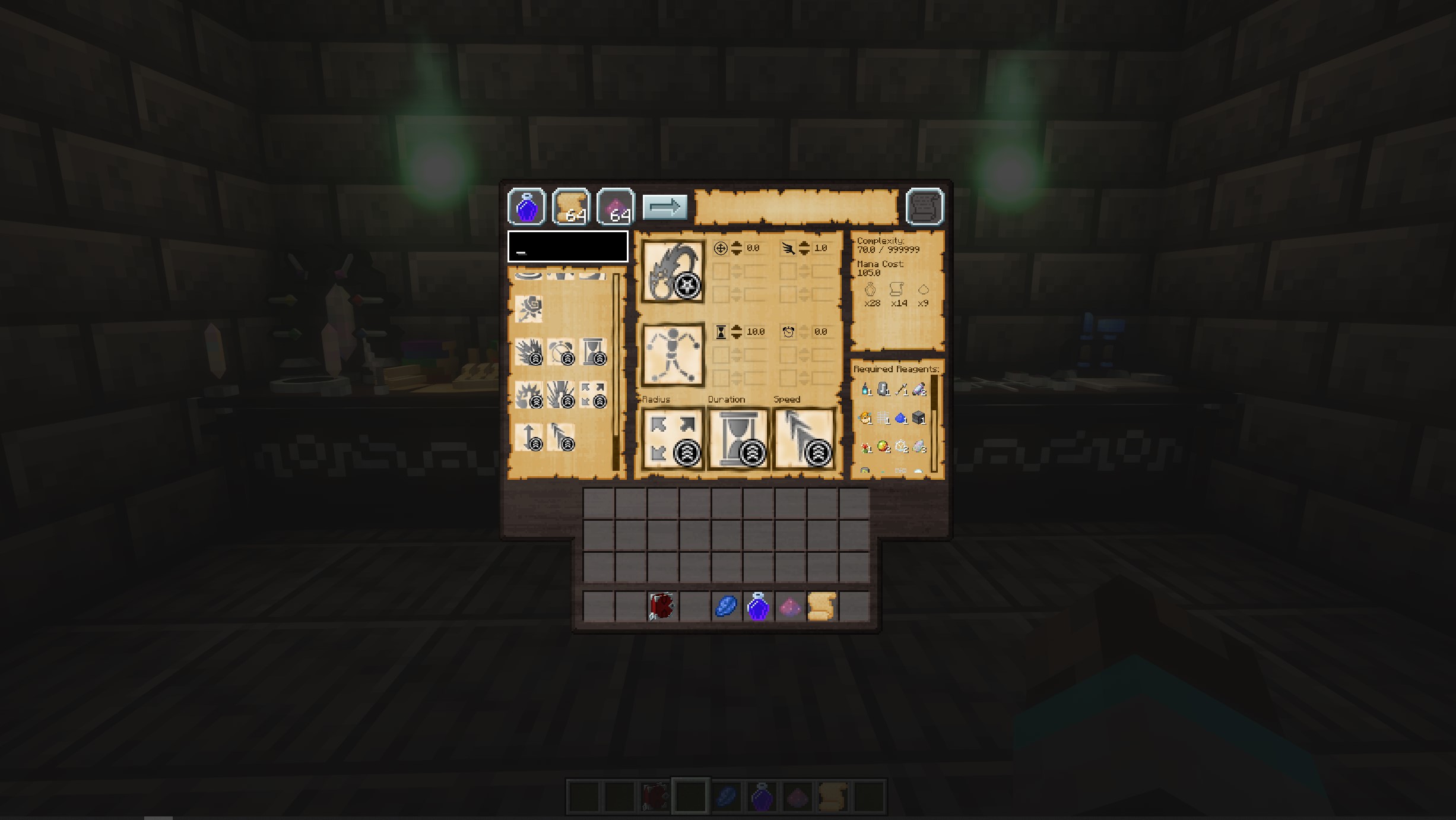
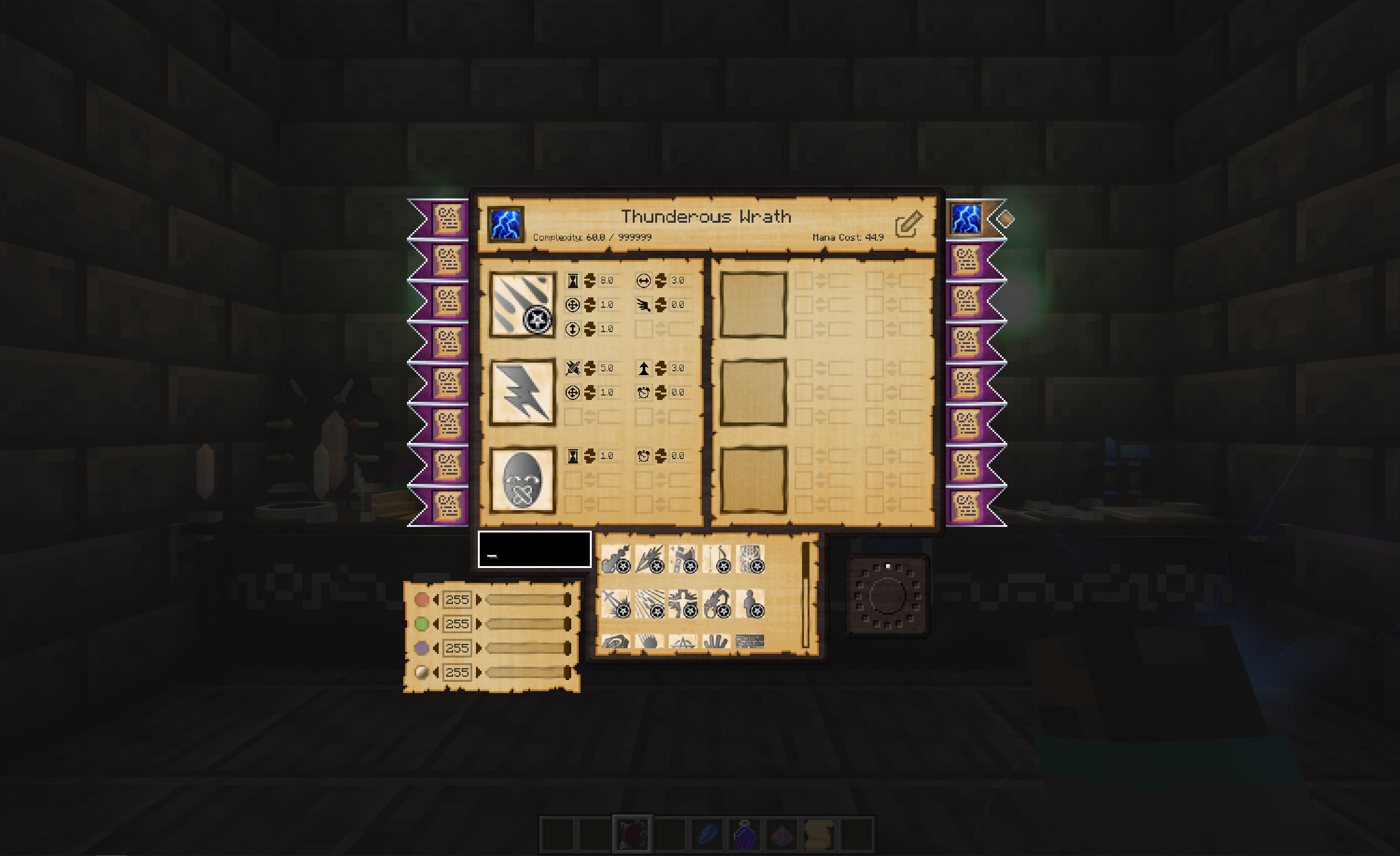
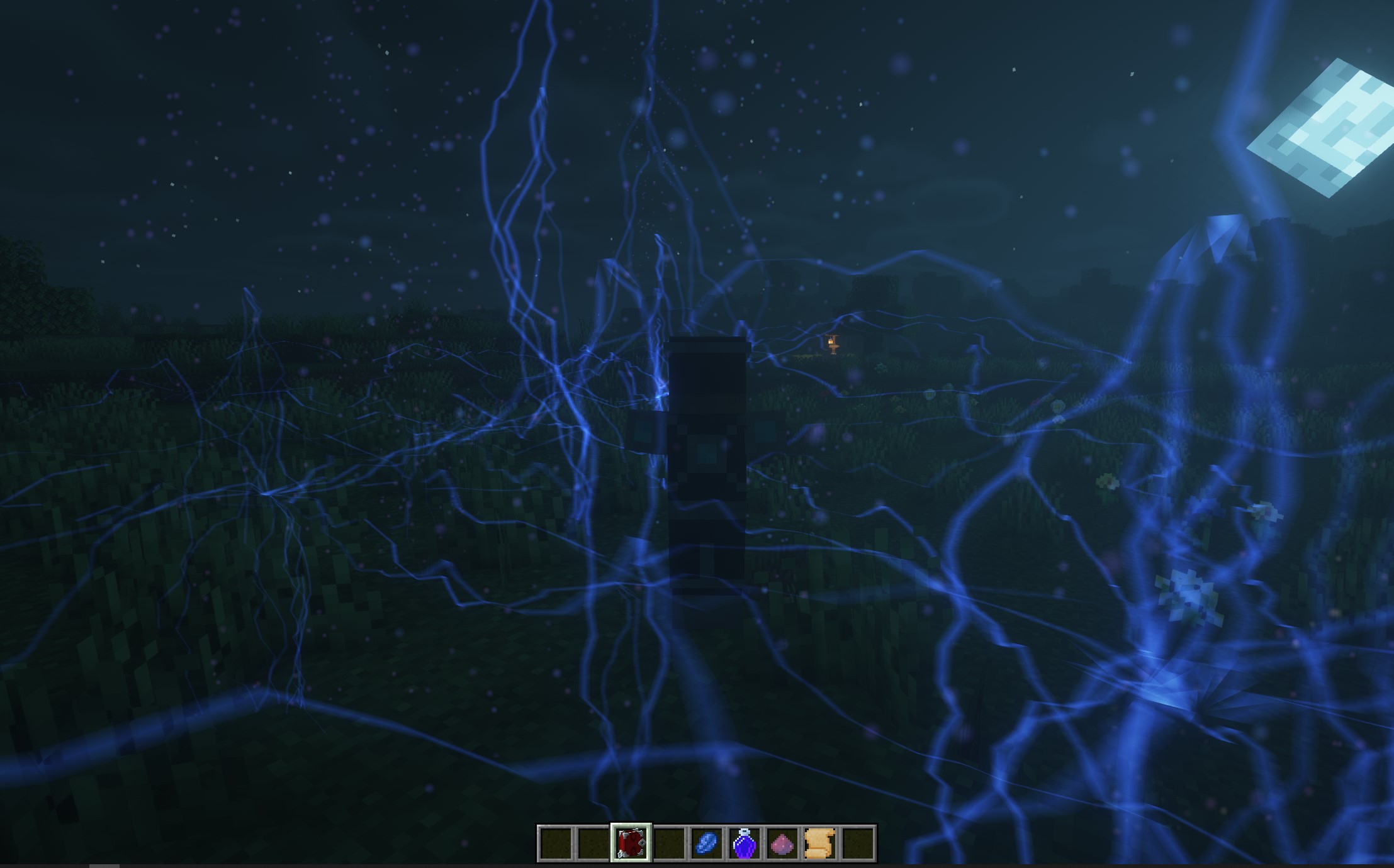
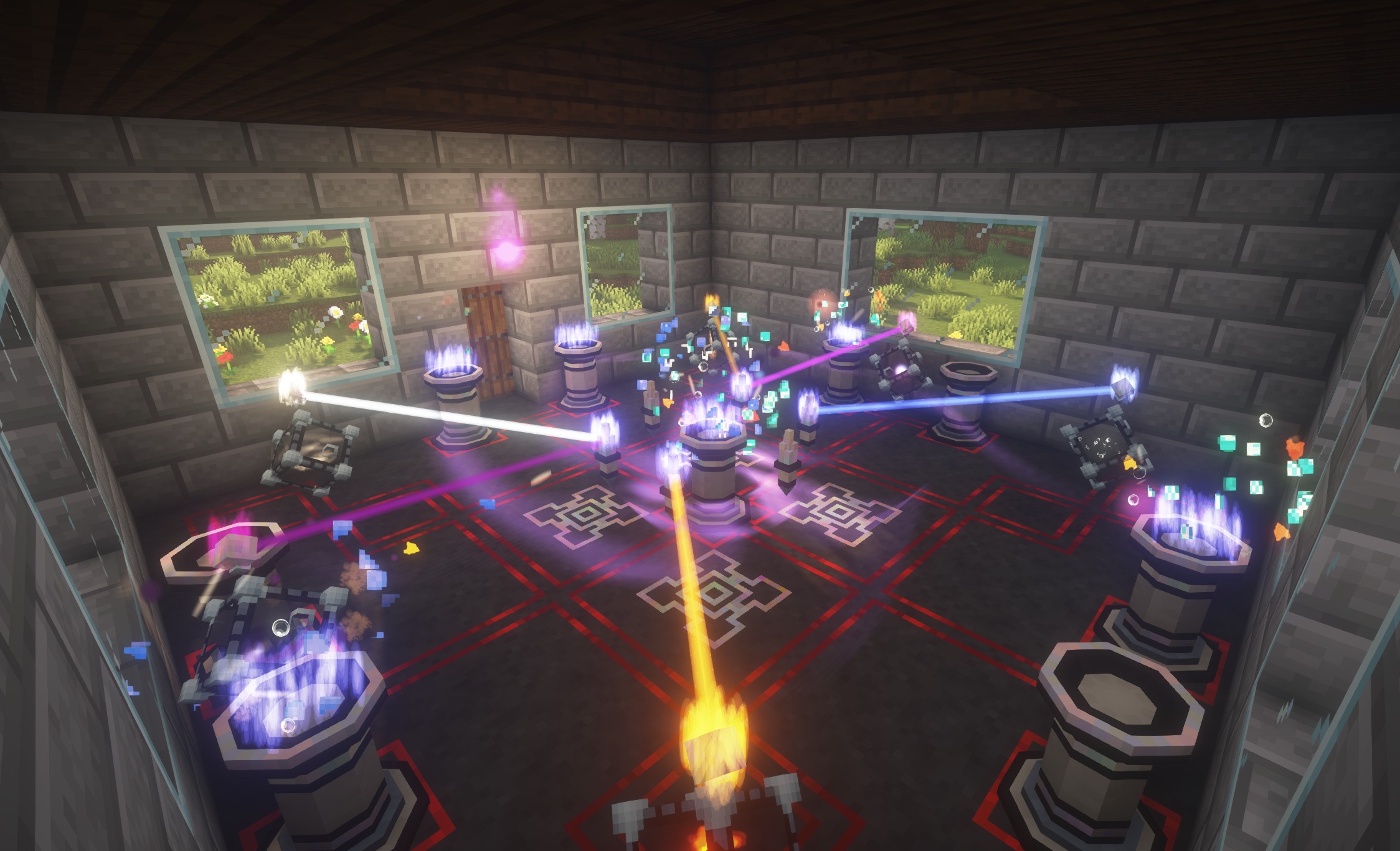
Perform more powerful, long lasting magical effects through rituals
Rituals are a way to establish the much more powerful effects. They require a great deal of setup and preparation, but can cause some truly amazing things to happen!
Create portals allowing travel over long distances, controlling time and the weather, travelling to or summoning other players, or making powerful alliances.
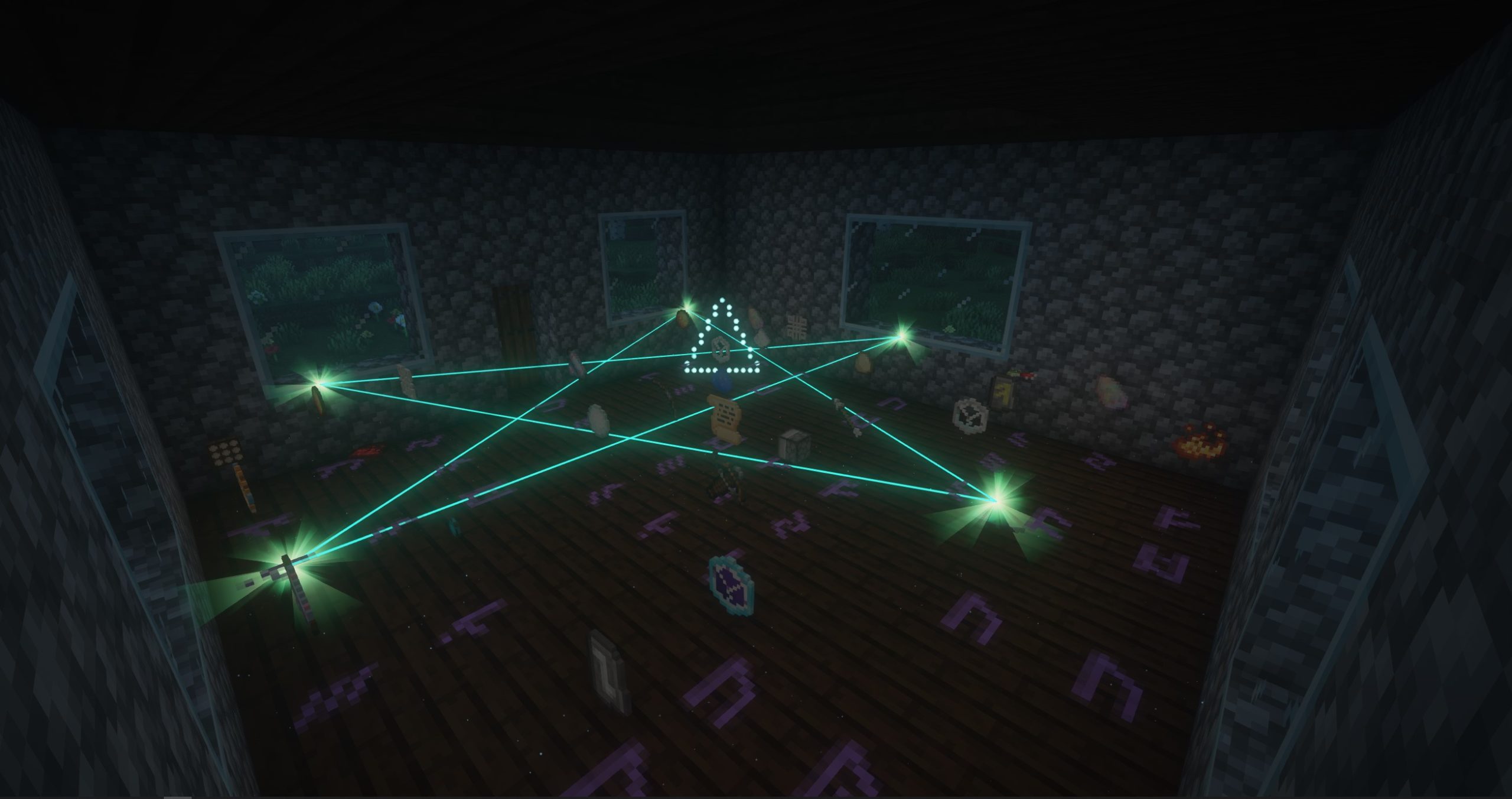
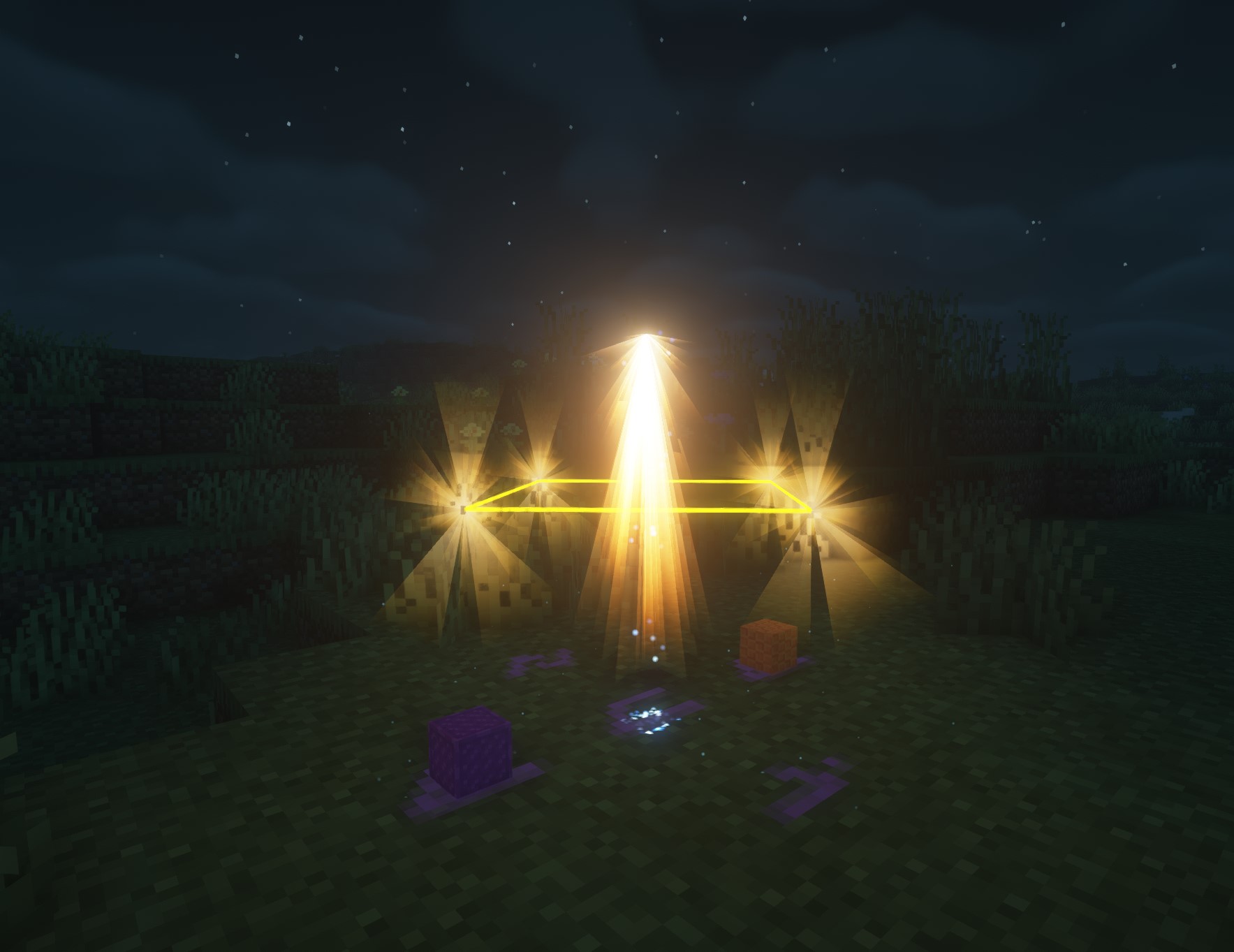
A brand new way of enchanting
Go from firing clay plates to smelting things in an arcane furnace, hammering out the rune on a mystical anvil and infusing your own mana into it (along with a few required reagents) - the process truly feels magical and powerful.
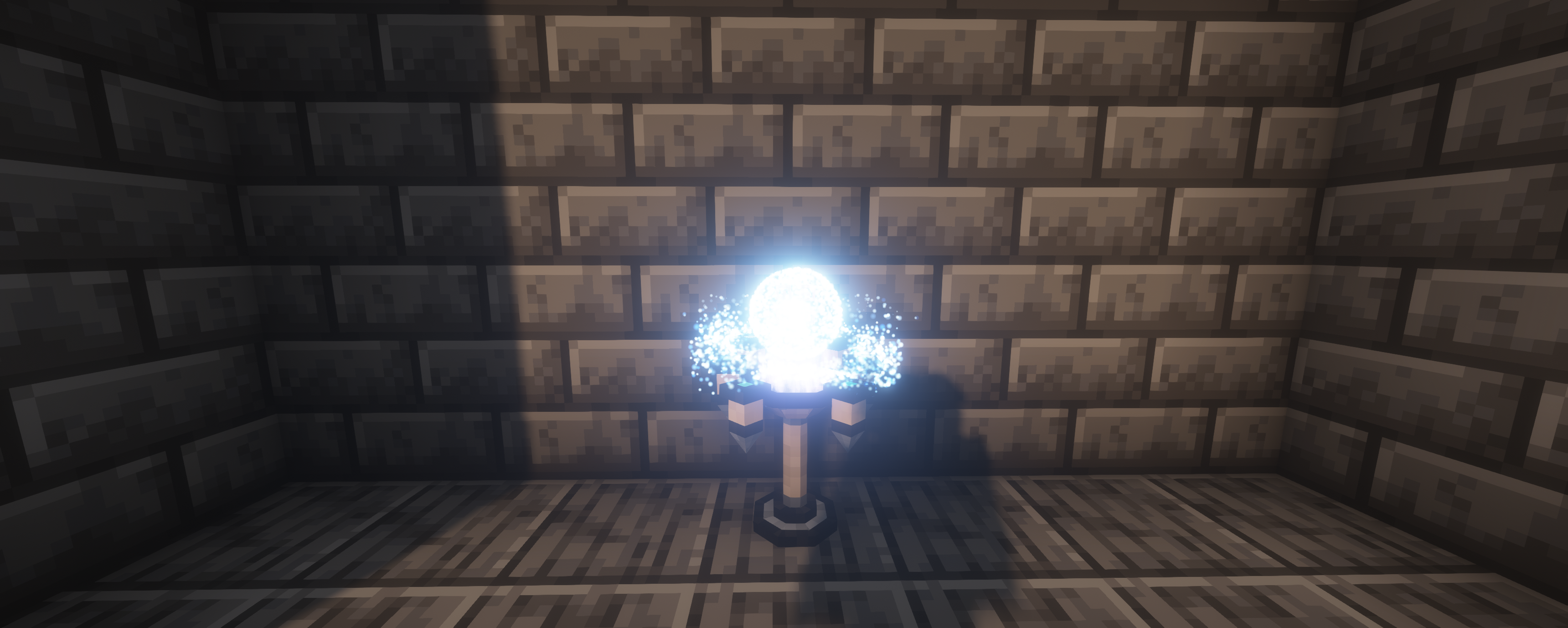
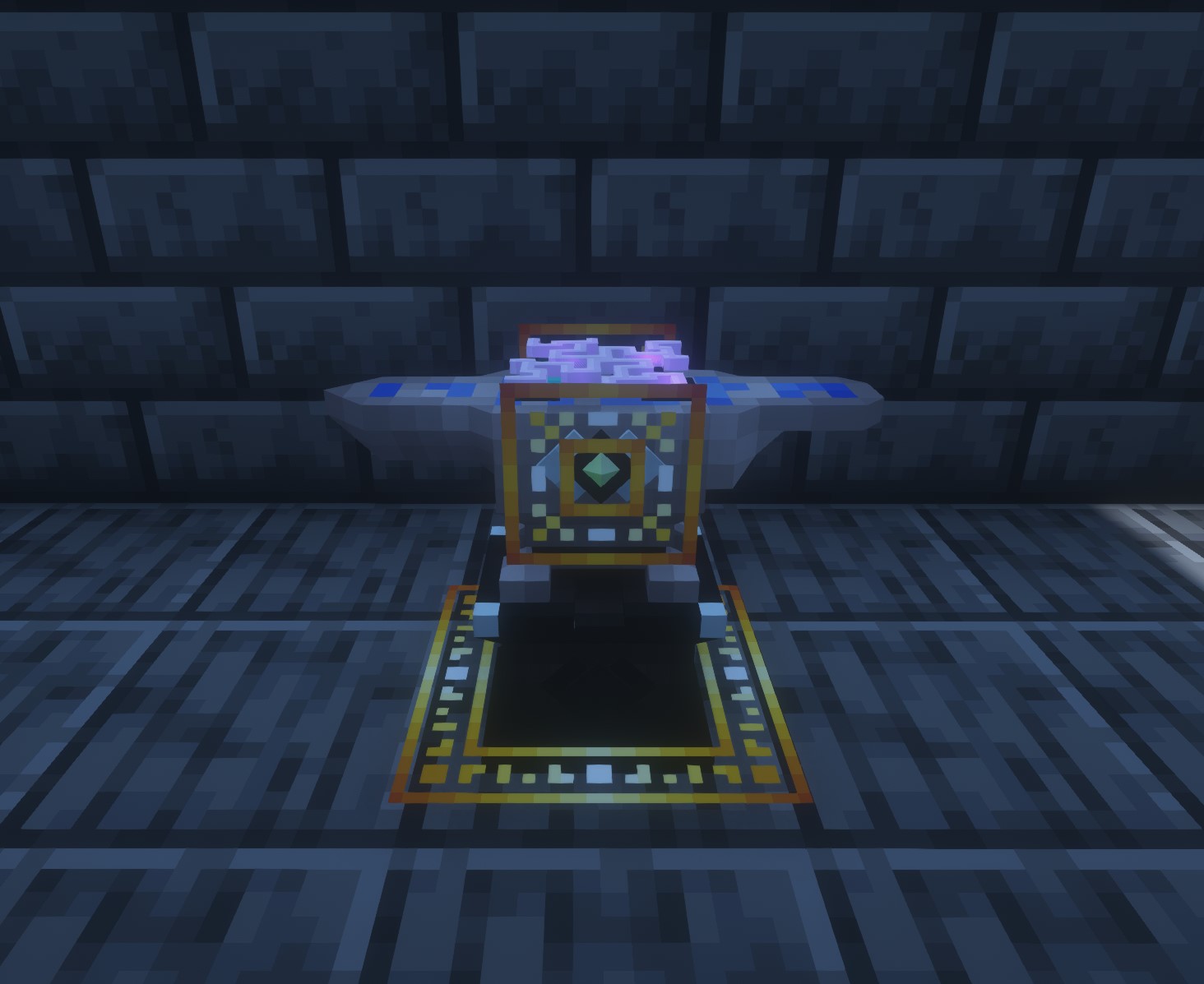
New crafting options
Feel like a true wizard as you engage in several new crafting options throughout the mod.
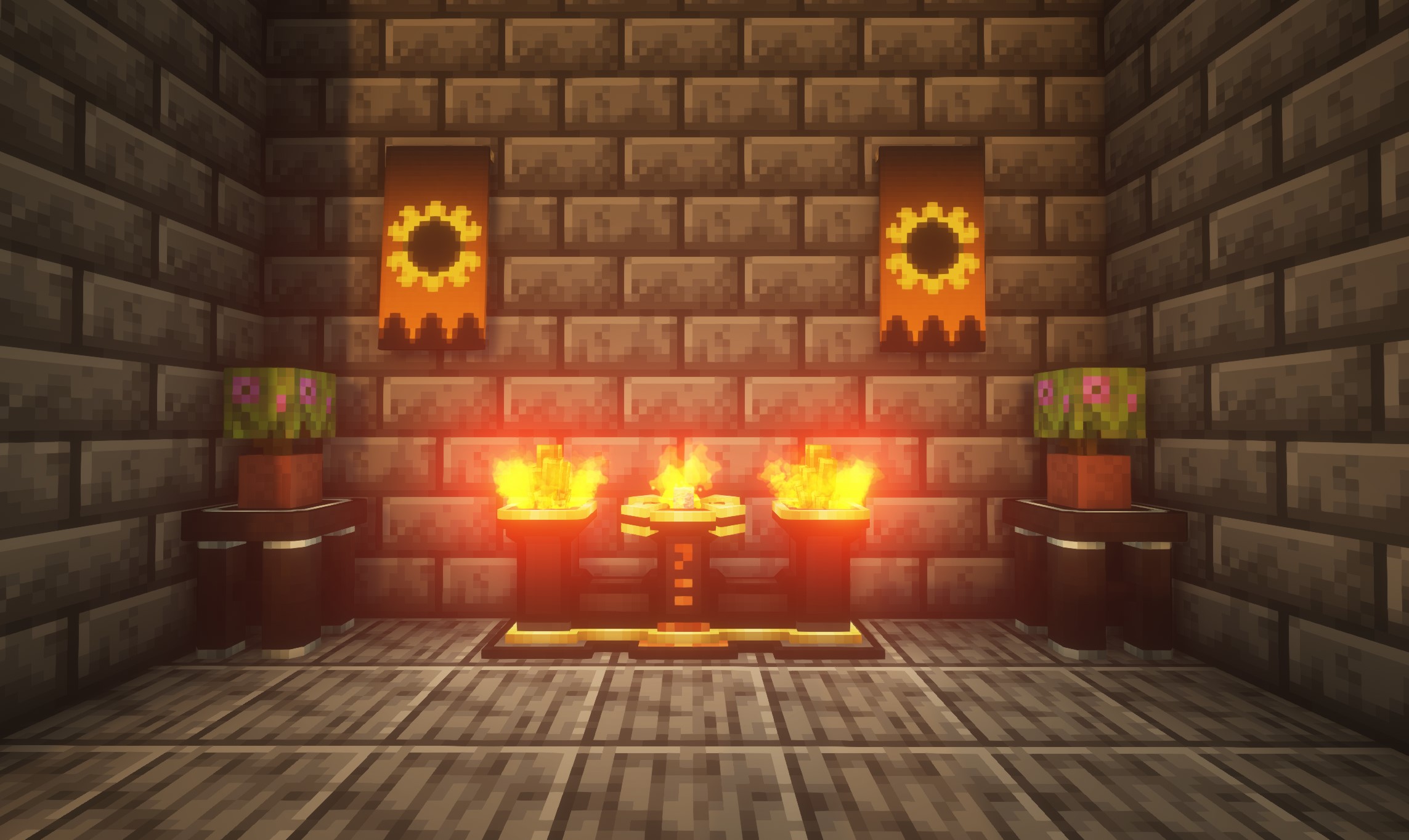
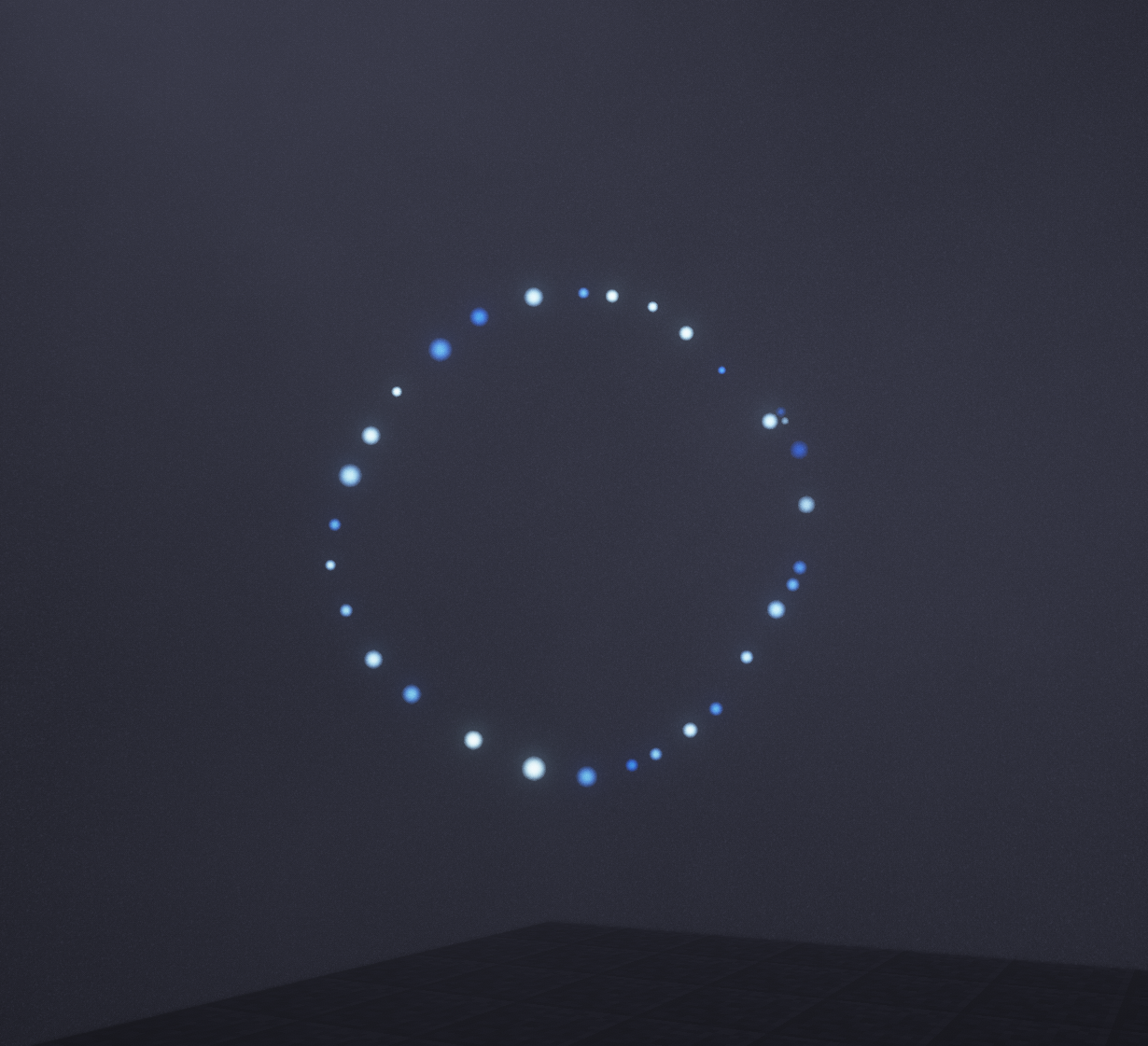
Draw magical patterns right in the air
With the new Manaweaving mechanic, an array of powerful magical effects are right at your fingertips!
Using a special wand, you channel your own mana into drawn shapes right in the air in front of you, weaving together complex effects like summoning a grimoire (an ender-chest-like spellbook) or as a way to add magic into rituals.
As an accessibility option, or for those who simply don't care for the mechanic, there is also a block that can draw the patterns for you. Play how you want to play!
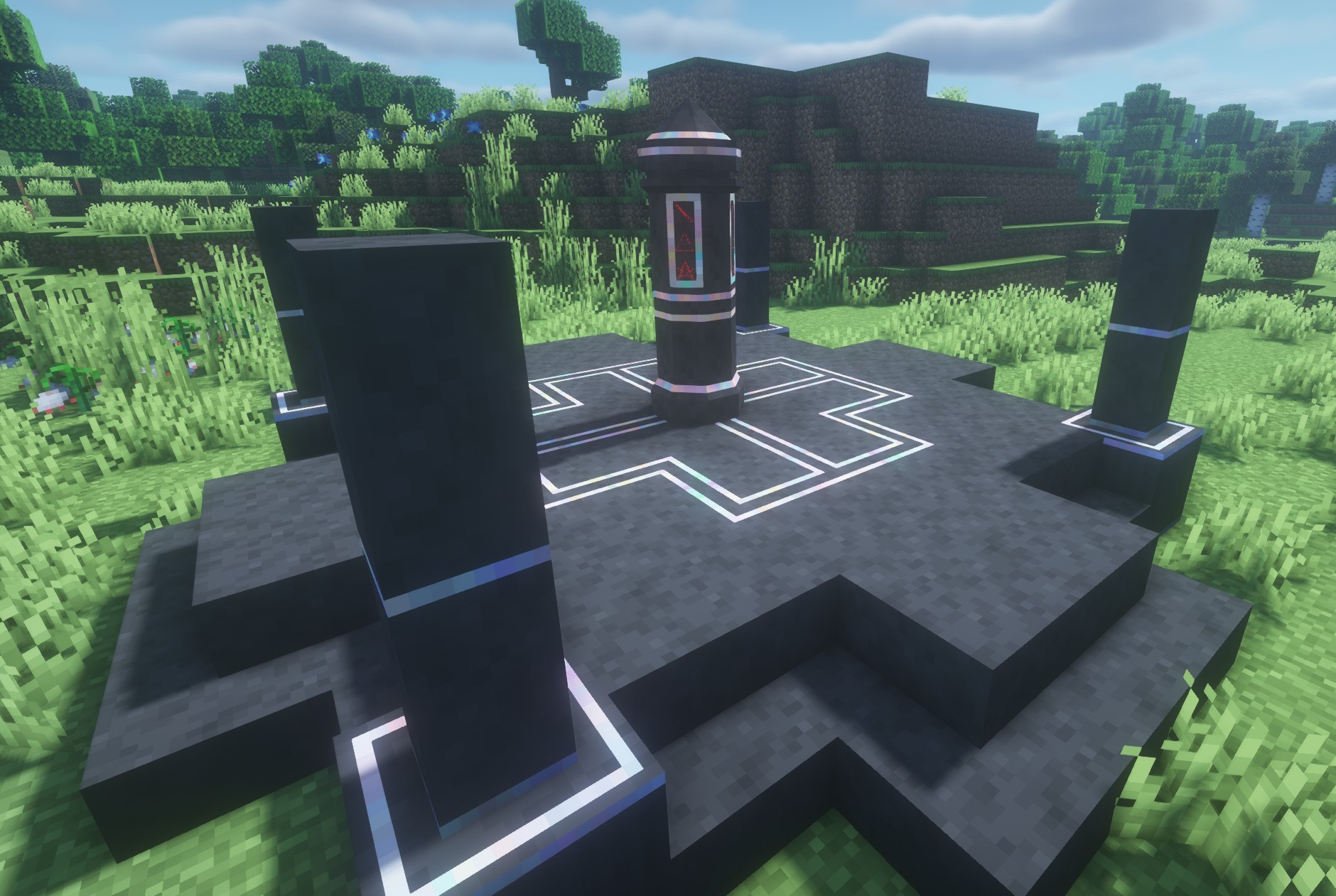
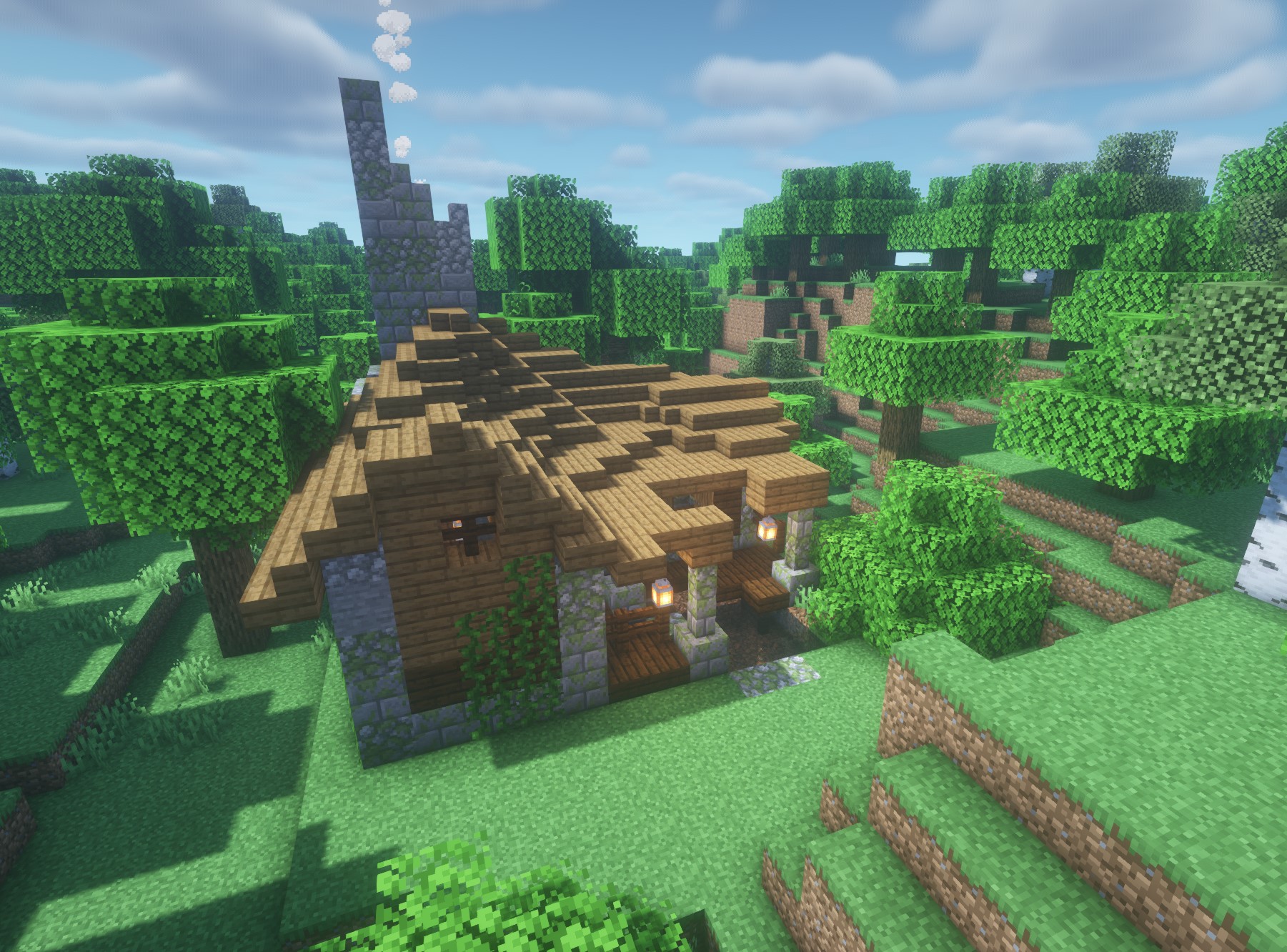
Explore a magical world
With dozens of new structures to find, the world is varied and interesting.
Make powerful friends, and enemies
Each faction has powerful benefits and drawbacks, making each playthrough feel unique and fresh.
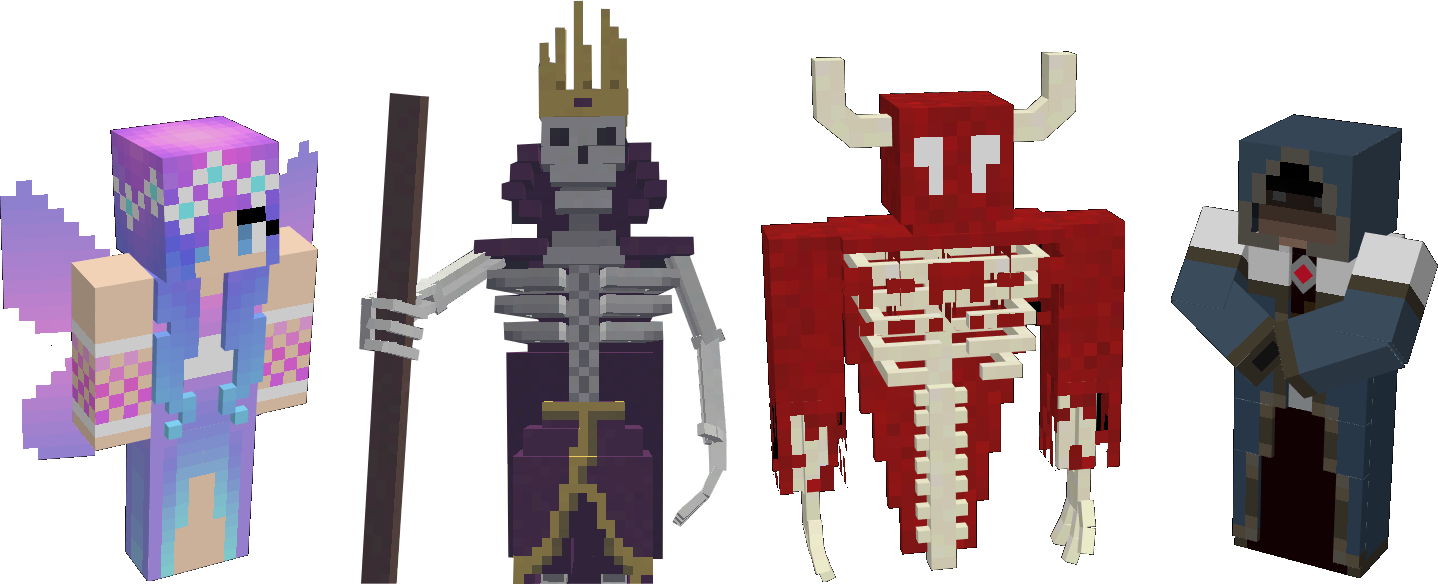
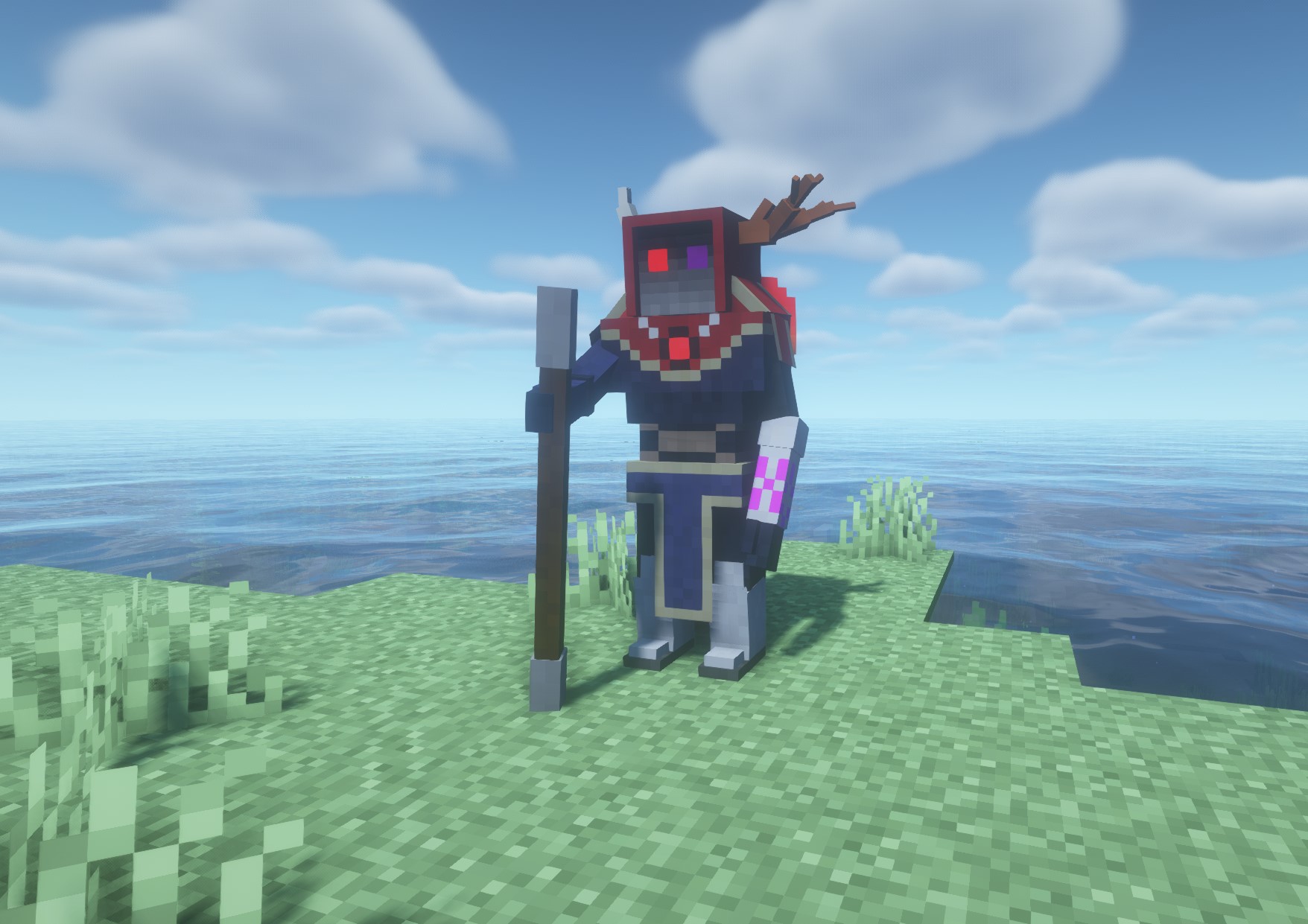
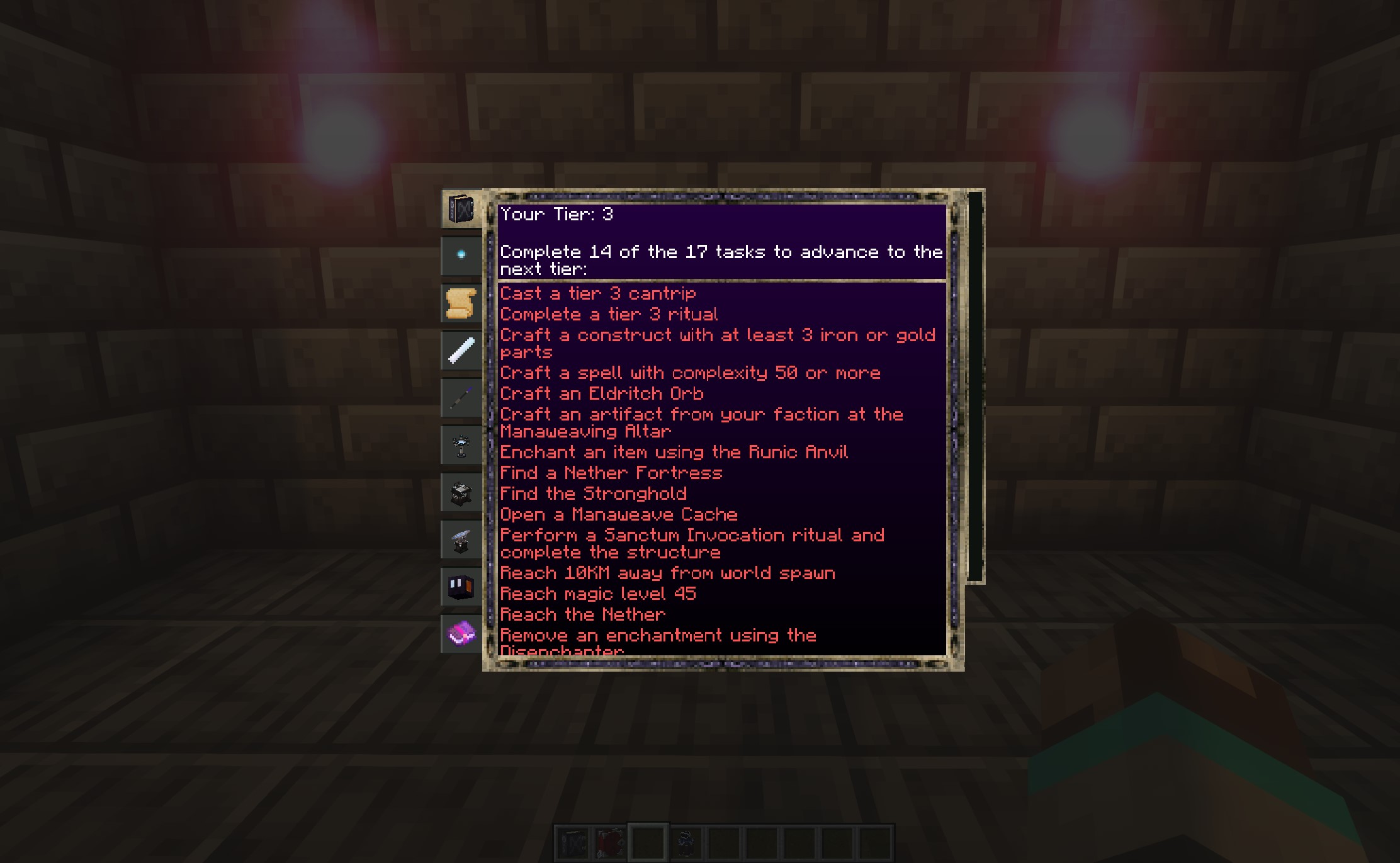
Guided progression helps you know what to do next
Instead of having to research every single thing in the mod, you instead progress through tiers. These have logical requirements and tie in with natural progression through the game, so you progress just by playing!
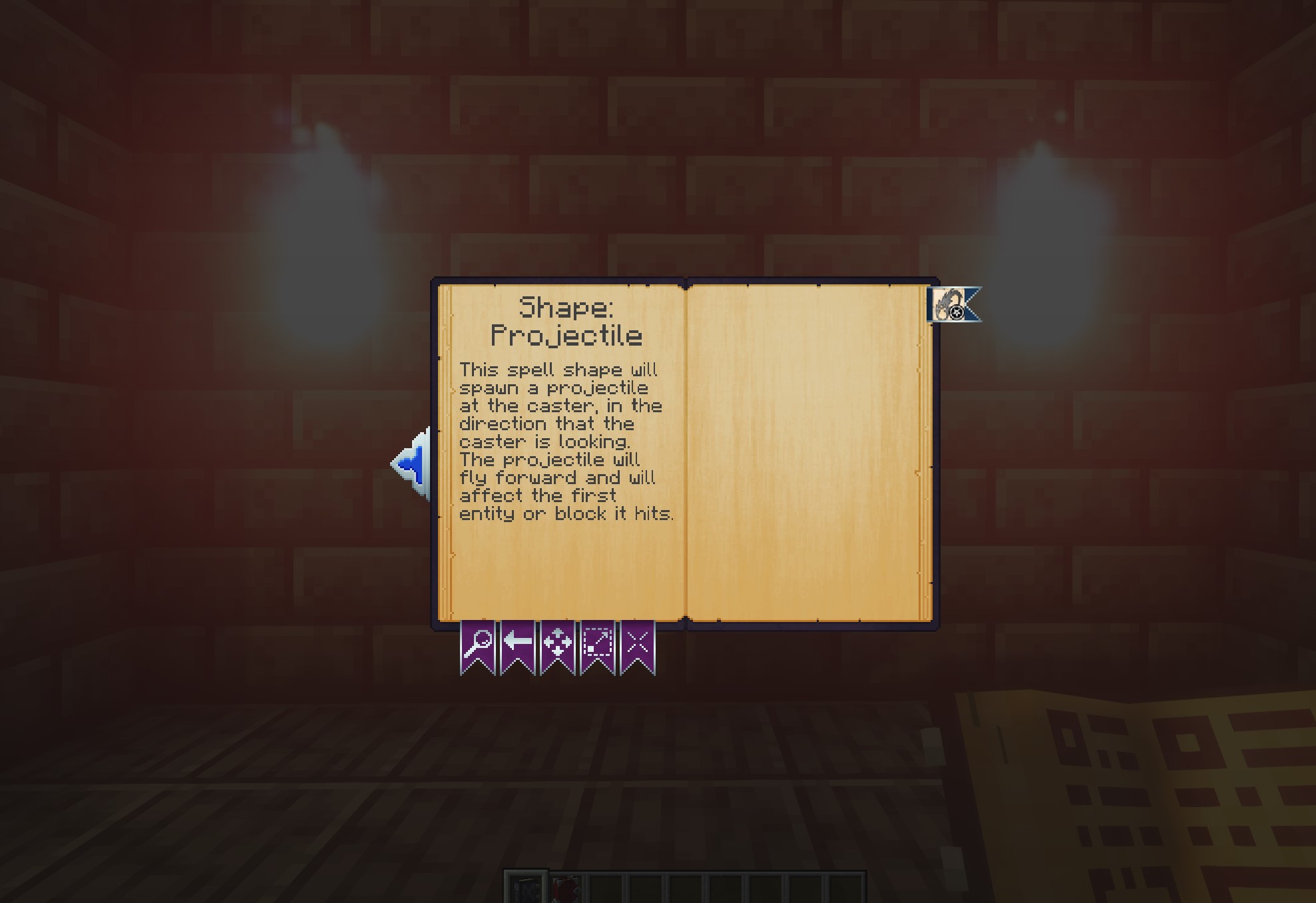
Let the book guide you as well
Conveniently laid out pages and recipes show you exactly what you need to do and how to do it.
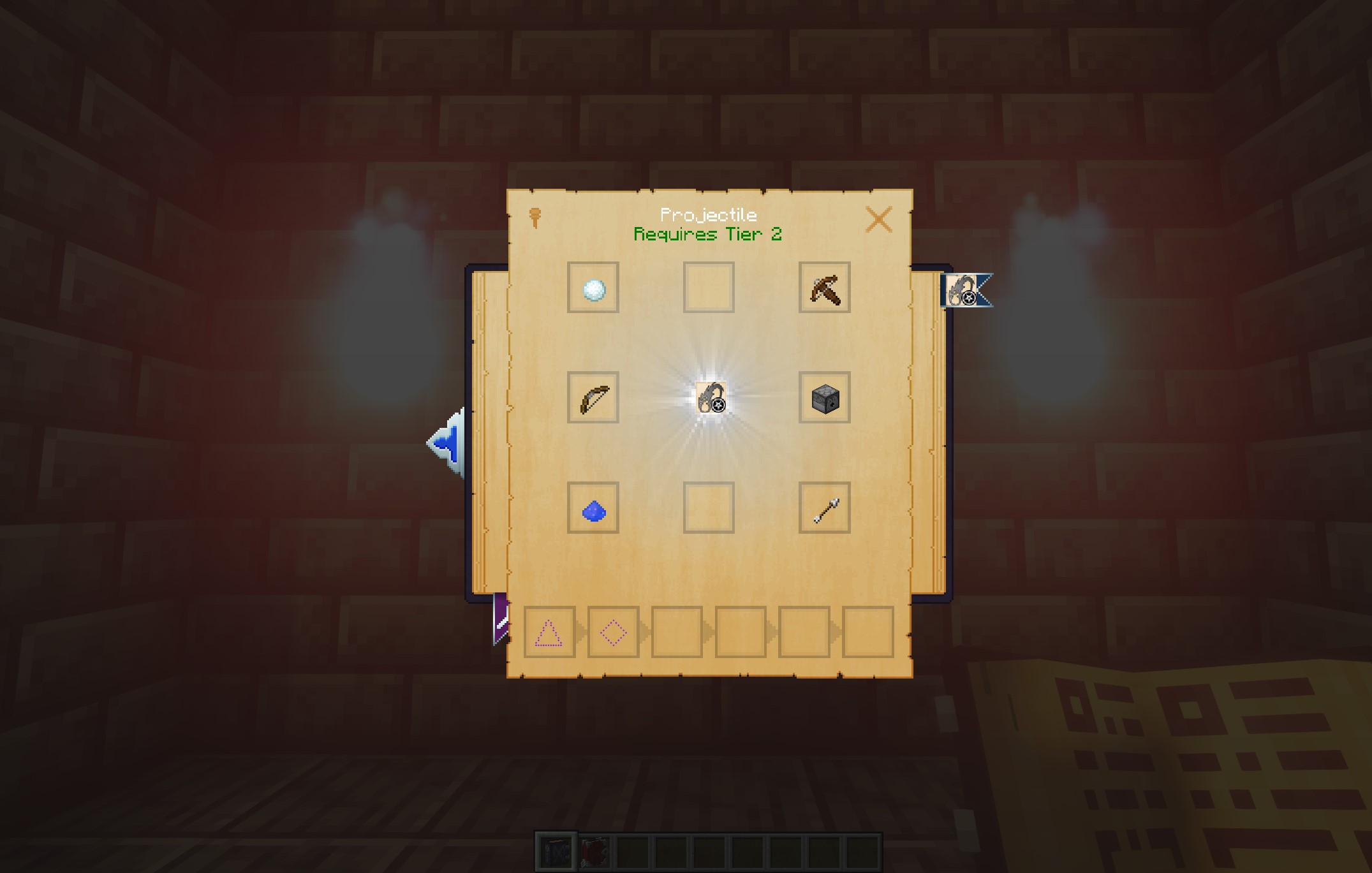
Create automation or your own personal army using Constructs
Constructs are a rewarding form of automation that lets you do amazing things - interact with blocks, sort items, refill furnaces, and more! Even the act of crafting them in the first pace is a work of magic.
They are completely modular.
Each construct is composed of five pieces: head, torso, legs, left arm, right arm. Each of those pieces gives it various capabilities, things like carrying items, attacking, water breathing, etc.
Each piece can be made from any one of six materials: Wood, Stone, Iron, Gold, Diamond, or Obsidian. You can mix and match too! The material composition changes things like the construct's overall movement speed, fire resistance, whether or not it can float, and more.
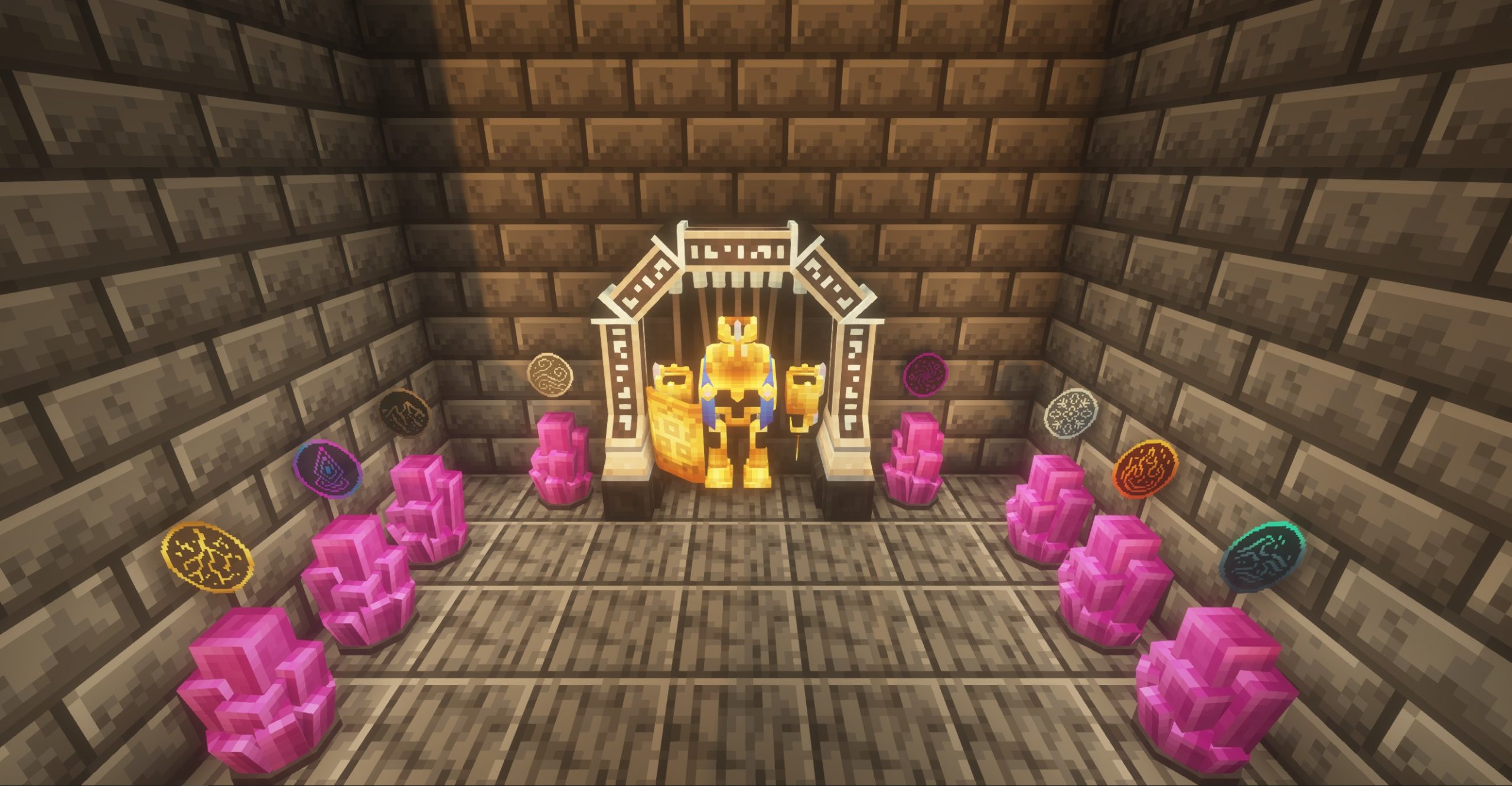
Lastly, when you finally craft your construct, you infuse each of the 8 crystals surrounding your workbench with an affinity. You do this by casting spells at them. The overall affinity can also change properties like giving physical resistance for earth affinity, move speed for air, and more. The Codex goes into detail on all of it so you don't need to spend time guessing. It also looks and feels very magical.
Between part types, materials, and affinity, there is a ton of possibility for creating the perfect construct for your situation! And, you can modify them at any time by commanding them to return to a workbench!
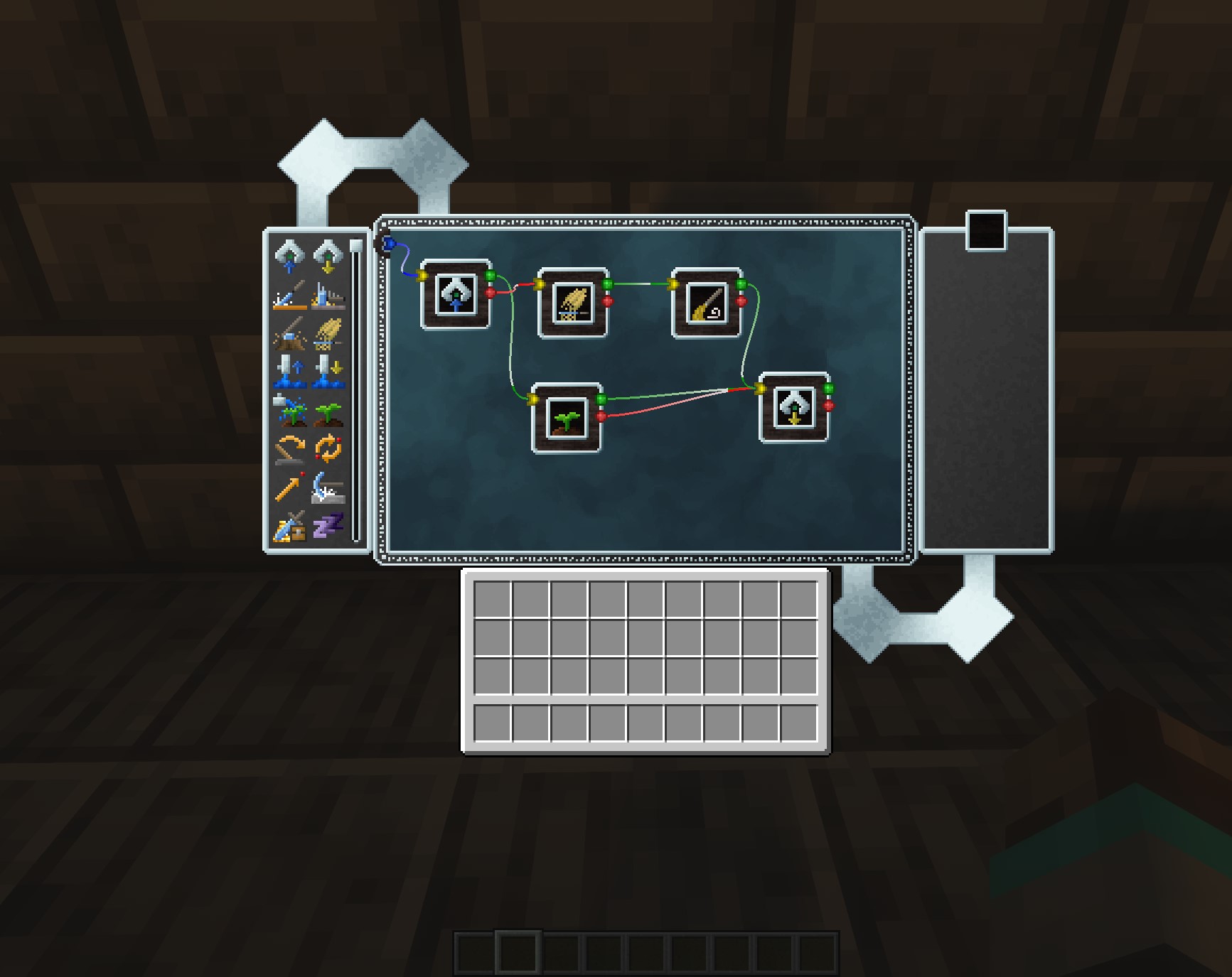
Once you have constructs, you can command them using a bell of bidding for basic things (follow me, return to workbench, stay). If you want something more advanced, you can use a Lodestar block to create kind of a job board for them to follow. Assigning one or more constructs to a Lodestar will cause them to start executing the tasks, one at a time. The only limit is your creativity and imagination!
Video Tutorials / Walkthroughs
Vallen from Mischief of Mice has been so kind as to do a video guide; and he nailed it! It's a fantastic guide on all things mana ... and artifice! New videos on this guide are still coming out, so consider tossing him a subscribe!
How to get started
Check out the getting started guide at https://manaandartifice.com/getting-started/
Questions?
Mana and Artifice Server crasht beim Start – was tun?
Häufige Ursachen: Loader- oder Minecraft-Version passen nicht zur Mod-Datei, eine Abhängigkeit fehlt oder der RAM reicht nicht. Such im Log (latest.log) nach „OutOfMemoryError“, „Mixin“ oder fehlenden Mods. Bei Mado wertet die KI-Crash-Analyse das Log aus und schlägt eine Ursache vor. Loader und Version änderst du im Panel.
Mit welchem Loader läuft Mana and Artifice?
Laut Modrinth unterstützt Mana and Artifice Forge, NeoForge für Minecraft 1.20.1, 1.19.2, 1.18.2.
Wie viel RAM braucht ein Server mit Mana and Artifice?
Als Orientierung 3–4 GB für einen Server mit dieser Mod. Das ist eine Schätzung, keine gemessene Mindestanforderung. Weitere Mods, viele Spieler und große Sichtweiten brauchen mehr. Ob eine Mod die Tick-Zeit belastet, siehst du mit dem spark-Profiler.
Ähnliche Mods
Beliebte Mods aus derselben Kategorie
 Server-fähig

Xaero's Minimap
von thexaero
Displays a map of the nearby world terrain, players, mobs, entities in the corner of your screen. Lets you create waypoints which help you find the locations you've marked.
 Server-fähig

Xaero's World Map
von thexaero
Adds a full screen world map which shows you what you have explored in the world. Works great together with Xaero's Minimap.
 Nur Client

Not Enough Animations
von tr7zw
Bringing first-person animations to the third-person
 Nur Client

3D Skin Layers
von tr7zw
Render the player skin layer in 3d!
Bereit für deinen Server mit Mana and Artifice?
4 GB RAM ab 8,00 € im Monat. 35 % auf den 1. Monat mit MADO35.