

Modrinth · Fabric · Client-Mod
Max FPS booster for fabric
Max FPS booster for fabric ist eine clientseitige Mod. Du installierst sie auf deinem Rechner, auf dem Server ist sie nicht nötig.
Maximize your framerates with entity & particle culling, lag spike prevention, and a dynamic FPS display. Built for Sodium.
- Downloads
- 2.1K
- Autor
- s17mj_09
- Loader
- Fabric
- Minecraft
- 26.3
- Aktualisiert
- –
Einrichtung
Max FPS booster for fabric auf deinem Client installieren
Clientseitige Mods laufen nur auf deinem Rechner. Mehr Server-RAM ändert an ihrer Leistung nichts.
- 01
Loader lokal installieren
Installiere Fabric für deine Minecraft-Version in deinem Launcher.
- 02
Datei herunterladen
Lade die Max FPS booster for fabric-Datei für deinen Loader und exakt deine Minecraft-Version herunter, zum Beispiel 26.3.
- 03
In den Mods-Ordner legen
Lege die .jar-Datei in den lokalen Ordner .minecraft/mods und entferne ältere Duplikate.
- 04
Starten
Starte Minecraft mit dem Loader-Profil. Auf dem Server musst du nichts ändern.
- Auf dem Server
- Nicht nötig
- Auf dem Client
- Erforderlich
- Loader
- Fabric
- Minecraft
- 26.3
- Lizenz
- MIT License
Versionen
Veröffentlichte Versionen
Nimm die Datei, die zu Loader und Minecraft-Version deines Servers passt. Server und Spieler brauchen dieselbe Version.
Max FPS booster for fabric · ModrinthOriginalbeschreibung des Projektautors
Max FPS booster (Fabric 26.3)




Max FPS booster is an ultra-high-performance optimization mod and customizable FPS HUD for Minecraft: Java Edition 26.3 ("Wilderness Bound"), built natively on the Fabric ecosystem.
Designed from the ground up by modclaim to operate in complete synergy with Sodium, Max FPS booster eliminates performance bottlenecks across entity rendering, block entity extraction, particle budgets, animated texture uploads, and singleplayer/LAN host server tick lag.
⚡ Key Features
📊 Dynamic Color FPS Overlay HUD
- Real-Time Display: Live framerate counter rendered smoothly on your screen.
- Dynamic Color Shifting:
- 🟢 Green (
#55FF55): >= 60 FPS (Smooth performance) - 🟡 Yellow (
#FFFF55): 30 - 59 FPS (Moderate framerate) - 🔴 Red (
#FF5555): < 30 FPS (Low framerate warning)
- 🟢 Green (
- Customizable Screen Corner: Top-Left (Default), Top-Right, Bottom-Left, or Bottom-Right.
- Performance Diagnostics: Optional Min/Max FPS tracking and live frame time in milliseconds (e.g.
6.8 ms). - Clean F3 Integration: Automatically hides when opening the full vanilla F3 debug overlay.
🚀 Advanced Rendering Optimizations
- Entity Distance Culling & Scaling: Culls distant entities outside player view or beyond configured distance multipliers before expensive model evaluation and matrix calculations.
- Block Entity Culling: Skips rendering of heavy block entities (chests, shulker boxes, beacons, banners) located beyond configured view distances.
- Particle Throttling & Culling: Prevents out-of-range particles (torches, campfires, portals, weather splashes) from polluting memory or running tick updates.
- Animated Texture Throttling: Paces animated texture updates, significantly lowering GPU upload strain while keeping animations looking natural.
🌐 LAN Host & Singleplayer Server Optimizations
- Smart Mob Ticking: When hosting a LAN world or playing in singleplayer, distant inactive mobs without targets are throttled to skip redundant AI goal selector ticks, drastically freeing up CPU headroom and lowering MSPT.
- Auto-Save Lag Spike Reducer: Prevents micro-stutters and sudden freeze frames during periodic world saves by smoothing chunk flush routines.
⚙️ ModMenu In-Game Settings
- Built-in native configuration screen accessible via ModMenu (optional dependency).
- Instant Hot-Reload: Every toggle and slider takes effect immediately upon adjustment—no client restarts required.
- Persisted cleanly to
.minecraft/config/max-fps-booster.json.
🧩 Compatibility Matrix
| Mod | Compatibility Status | Notes |
|---|---|---|
| Sodium | 🟢 Full Compatibility | Operates synergistically; Max FPS booster optimizes entities, particles, and tile entities while Sodium manages chunk rendering. |
| Iris Shaders | 🟢 Full Compatibility | Fully compatible across all shader packs. |
| ModMenu | 🟢 Full Compatibility | Native config screen integration (Optional). |
| Lithium / ASC | 🟢 Full Compatibility | Non-conflicting server tick improvements. |
📥 Installation
- Install Fabric Loader (version
0.19.5or higher) for Minecraft26.3. - Download and place Fabric API (
0.160.7+26.3or higher) into your.minecraft/modsfolder. - Download and place max-fps-booster-1.0.0.jar into your
.minecraft/modsfolder. - (Optional) Install ModMenu to access the in-game settings screen.
- Launch Minecraft and enjoy maximum framerates!
🛠️ Building From Source
Prerequisites
- JDK 25 or higher (Java 25 is required for Minecraft 26.3)
- Internet connection for initial dependency resolution
Compilation
./gradlew build
The compiled mod JAR will be generated in:
build/libs/max-fps-booster-1.0.0.jar
🔗 Project Links
- Modrinth: https://modrinth.com/project/max-fps-booster
- Author/Owner: modclaim
📄 License
This project is licensed under the MIT License.
Muss Max FPS booster for fabric auf dem Minecraft Server installiert werden?
Nein. Modrinth kennzeichnet Max FPS booster for fabric serverseitig als nicht unterstützt. Installiere die Mod nur im lokalen Mods-Ordner. Dein Server kann unverändert bleiben, sofern die Projektseite keine zusätzliche Abhängigkeit nennt.
Welche Version und welchen Loader braucht Max FPS booster for fabric?
Nutze eine Datei für Fabric und exakt deine Minecraft-Version. Unterstützt werden unter anderem 26.3. Dateien für verschiedene Loader sind nicht austauschbar.
Max FPS booster for fabric funktioniert nicht – was kann ich prüfen?
Prüfe zuerst Minecraft-Version, Loader-Version und erforderliche Abhängigkeiten. Da die Mod clientseitig ist, löst mehr Server-RAM das Problem nicht.
Ähnliche Mods
Beliebte Mods aus derselben Kategorie
 Server-fähig

Fabric API
von modmuss50
Lightweight and modular API providing common hooks and intercompatibility measures utilized by mods using the Fabric toolchain.
 Server-fähig

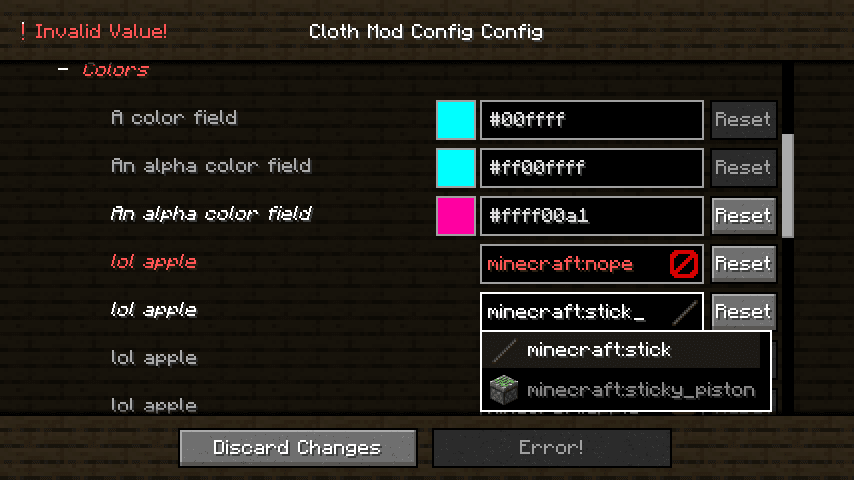
Cloth Config API
von shedaniel
Configuration Library for Minecraft Mods
 Server-fähig

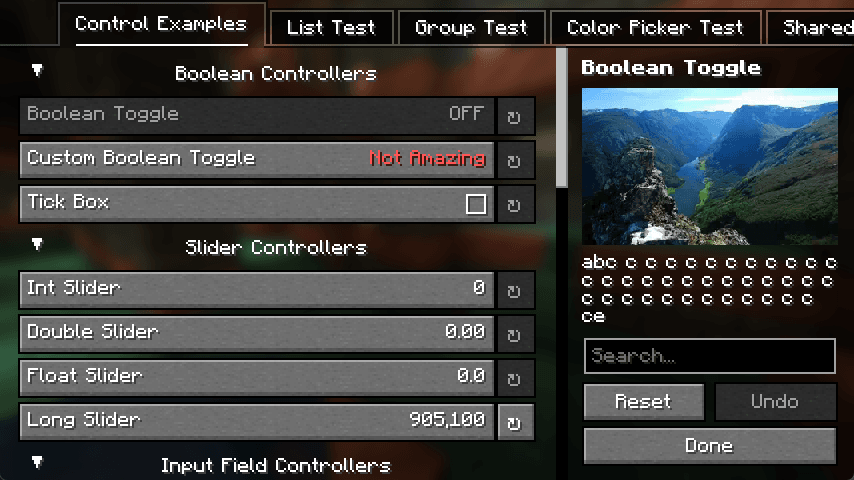
YetAnotherConfigLib (YACL)
von isxander
A builder-based configuration library for Minecraft!
 Server-fähig

Fabric Language Kotlin
von modmuss50
This is a mod that enables usage of the Kotlin programming language for Fabric mods.
Mods für deinen eigenen Server gesucht?
Im Katalog findest du Mods, die auf Minecraft Servern laufen.