
MidnightControls
Adds controller support and enhanced controls overall.
Screenshots
Über diese Mod
MidnightControls
A Fabric Minecraft mod which adds better controls, reach-around and controller support.
Forked from LambdaControls by the amazing LambdAurora, which was sadly discontinued.
What's this mod?
This mod adds better controls, reach-around features, etc.
Haven't you dreamed to travel in your modded Minecraft world with your controller? Yes? Then this mod is made for you!
This mod also adds controller support.
✅ Features:
For a nice overview, visit https://www.midnightdust.eu/midnightcontrols/
Controller support
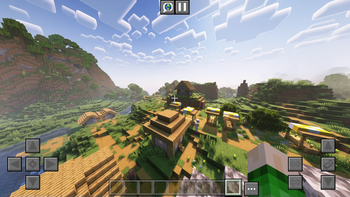
Touchscreen support
Keyboard controls to look around.
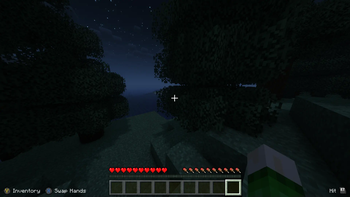
Toggleable on screen button indicator (like in Bedrock Edition).
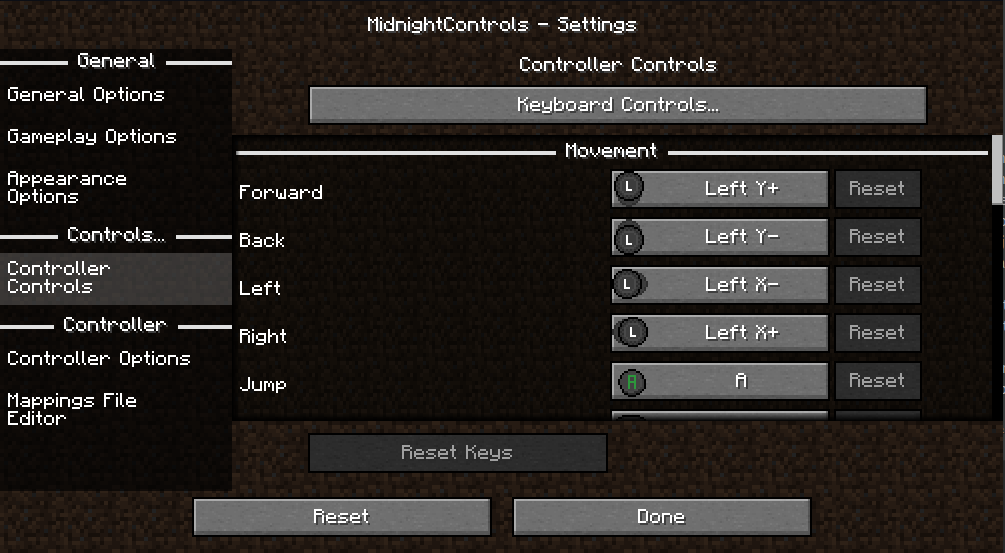
New controls settings!
Many options in config to change to your liking.
Many controllers supported and in a simply way your own controller mappings.
Automatic support for modded keybinds
An easy API for developers to add their own button bindings.
Install MidnightControlsExtra for extra features that might be considered as cheats
🎮 Supported Controllers:
- Dualshock controllers
- Dualsense controllers
- Xbox controllers
- Switch Pro controllers
- Joycons
- Steam controller and Steam Deck
- And many more!
Trailer
(click on the image)
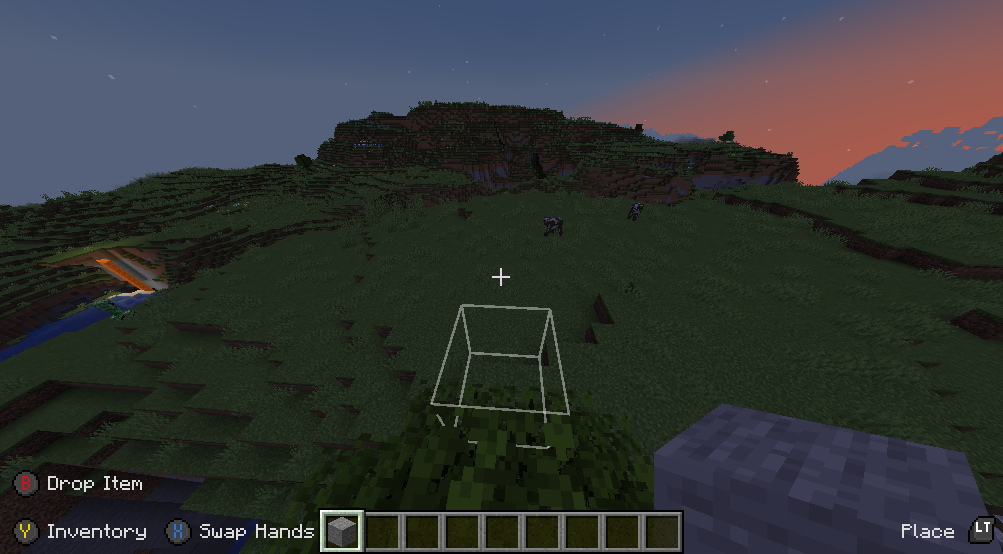
Screenshots
FAQ:
The controller does not work, and its name appears in orange, what can I do?
Orange controller names indicate a missing controller mapping.
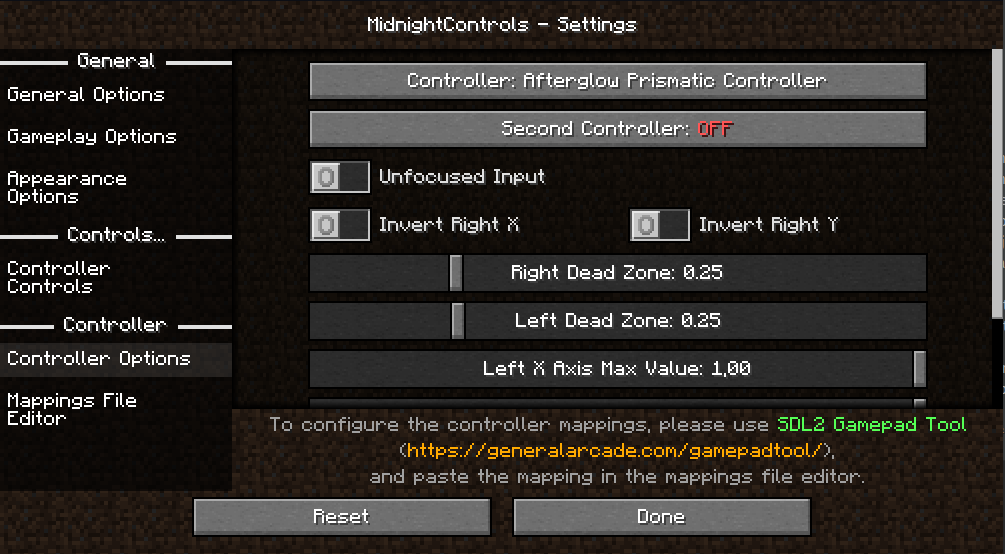
Download GamepadTool, create and copy a mapping, go to MidnightControls' Mappings File Editor and paste the string.
Alternatively, you can use AntiMicroX to create the mappings, in case the Gamepad Tool is not working for you.
If that works, you might as well consider submitting the mapping by opening a PR in this repo: https://github.com/gabomdq/SDL_GameControllerDB
That will make sure other people using the same controller as you don't have to use gamepad-tool anymore.
Verfügbare Versionen
MidnightControls auf deinem Client installieren
Mod-Loader lokal installieren
Installiere fabric für deine lokale Minecraft-Version.
Passende Datei herunterladen
Wähle die MidnightControls-Datei für fabric und Minecraft 26.2.
Mod installieren
Lege die .jar-Datei in deinem lokalen .minecraft/mods-Ordner ab und starte Minecraft neu. Eine Installation auf dem Server ist nicht nötig.
Kompatibilität
Mod-Loader
Minecraft-Versionen
26.2, 26.1.2, 26.1.1 (+29 weitere)
Server-seitig
✗ Nicht unterstütztEmpfohlener RAM
4 GB(min. 3 GB)Häufige Fragen
Muss MidnightControls auf dem Minecraft Server installiert werden?
Nein. Modrinth kennzeichnet MidnightControls serverseitig als nicht unterstützt. Installiere die Mod nur im lokalen Minecraft-Mods-Ordner. Dein Server kann unverändert bleiben, sofern die Mod-Seite keine zusätzliche Abhängigkeit nennt.
Welche Version und welchen Loader braucht MidnightControls?
Nutze eine Datei für fabric, neoforge, quilt und exakt deine Minecraft-Version. Unterstützte Versionen sind unter anderem 26.2, 26.1.2, 26.1.1. Loader-Dateien sind nicht untereinander austauschbar.
MidnightControls funktioniert nicht – was kann ich prüfen?
Prüfe zuerst Minecraft-Version, Loader-Version und erforderliche Abhängigkeiten. Lege die .jar-Datei im lokalen .minecraft/mods-Ordner ab und entferne ältere Duplikate. Da die Mod clientseitig ist, löst mehr Server-RAM dieses Problem nicht.
Ähnliche Mods




![[ETF] Entity Texture Features](https://cdn.modrinth.com/data/BVzZfTc1/af683d206d50b05258d865b0d6e4aa2f2cee12f2_96.webp)

Minecraft Server für deine Gruppe
MidnightControls bleibt auf deinem Client. Hoste dazu eine kompatible Welt für deine Mitspieler.