Modrinth · Fabric, Forge, Quilt
Miner's Delight! auf deinem Minecraft Server
Miner's Delight! läuft auf Minecraft Servern mit Fabric oder Forge oder Quilt. Bestell deinen Server, stell den Loader im Panel ein und installiere die Mod mit einem Klick im Mod-Browser.
Makes mining more efficient, fun, and semi-automatable!
- Downloads
- 12.7K
- Autor
- Galeboy
- Loader
- Fabric, Forge, Quilt
- Minecraft
- 1.20.5 – 1.21
- Aktualisiert
- –
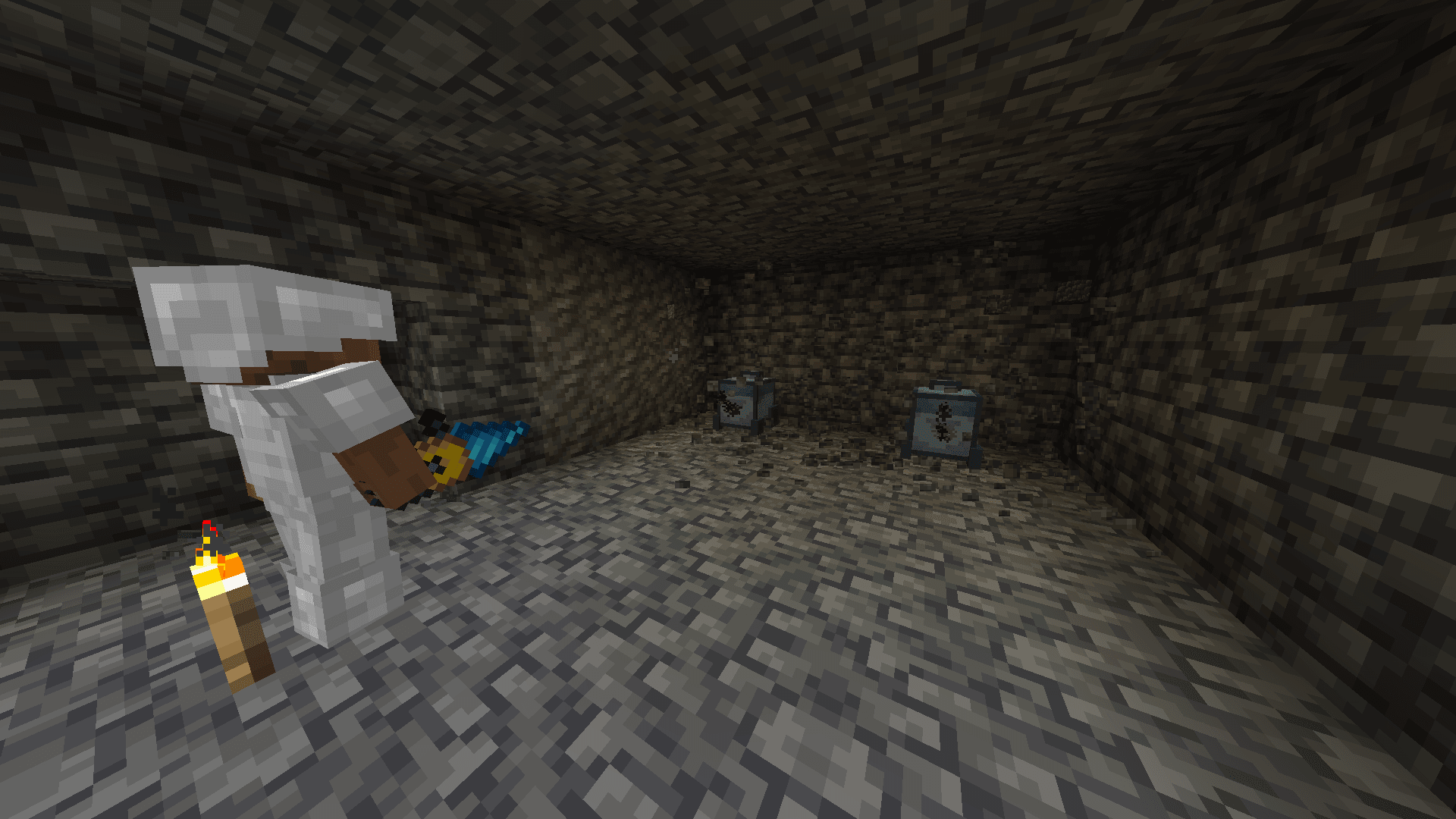
Screenshots
So sieht Miner's Delight! aus


Bilder: Miner's Delight! auf Modrinth, vom Projektteam veröffentlicht.
Einrichtung
Miner's Delight! auf dem Server installieren
Server und Spieler brauchen denselben Loader und dieselbe Minecraft-Version. Sichere die Welt, bevor du Mods hinzufügst oder aktualisierst.
- 01
Konfigurieren
4 GB RAM sind vorausgewählt. Laufzeit und Add-ons wählst du selbst, bezahlt wird per Kreditkarte oder PayPal.
- 02
Loader einstellen
Stell im Panel die Serversoftware auf Fabric oder Forge oder Quilt und wähl die passende Minecraft-Version, zum Beispiel 1.21.
- 03
Mod installieren
Such im Mod-Browser nach „Miner's Delight!“ und installiere die Version für deinen Loader. Alternativ lädst du die .jar per SFTP in den Ordner mods. Erforderliche Abhängigkeiten stehen auf der Projektseite.
- 04
Verbinden
Miner's Delight! ist auf dem Client optional. Spieler verbinden sich über die Serveradresse aus dem Panel.
- Auf dem Server
- Erforderlich
- Auf dem Client
- Optional
- Loader
- Fabric, Forge, Quilt
- Minecraft
- 1.21, 1.20.6, 1.20.5
- Lizenz
- LicenseRef-All-Rights-Reserved
Das Panel
Mods installieren, Fehler finden.
Echte Screenshots aus dem Mado Panel. Beides ist bei jedem Minecraft Server enthalten.
Mod-Browser
Modrinth und CurseForge direkt im Panel.
Der Browser filtert nach deiner Minecraft-Version. Mods installierst du mit einem Klick, ohne .jar-Dateien hochzuladen.

KI-Crash-Analyse
Wenn ein Mod crasht, liest die Analyse das Log.
Mods scheitern oft an einer falschen Loader-Version, Java-Version oder fehlenden Abhängigkeit. Die Analyse nennt eine wahrscheinliche Ursache und einen Lösungsvorschlag.

Versionen
Veröffentlichte Versionen
Nimm die Datei, die zu Loader und Minecraft-Version deines Servers passt. Server und Spieler brauchen dieselbe Version.
Miner's Delight! · Modrinth- Miner's Delight Mod v1.317. Juni 2024Minecraft 1.21 · Fabric, Forge, Quilt
- Miner's Delight Datapack v1.317. Juni 2024Minecraft 1.21 · datapack
- Miner's Delight Mod v1.230. Mai 2024Minecraft 1.20.5, 1.20.6 · Fabric, Forge, Quilt
- Miner's Delight Datapack v1.230. Mai 2024Minecraft 1.20.5, 1.20.6 · datapack
Originalbeschreibung des Projektautors
⛏️Miner's Delight⛏️
- This Datapack is Smithed Compatible!
Miner's Delight is a datapack made to make caving easier and more efficient by adding in several new items and even a new machine using 1.21's new datapack features
Summary
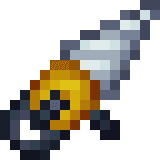
-2 New Drills, which you can hold right-click on to mine a 4x4 infront of you
-A creeper alarm which notifies you when a creeper is within "Danger" Range
-Rope Ladders that extend down and place ladders, only stopping when they hit a block
-Throwable Glowsticks that stick dim torches to the wall
-A Mining Turtle that mines blocks infront of it and moves forward,
which can be upgraded to a point it can create entire strip mines
and mineshafts by itself. Complete with a manual
-Modules that improve said mining turtle
-A Toolbelt that increases block interaction range
-The New Snail mob which can be bred to farm slimeballs
-2 New Music Discs which can be listened to below
Custom Music Discs Here
Commands
Use
/function md:give/
to obtain any item in the datapack
Features
A custom advancement tree has been added which will automatically unlock new recipes for you as you craft items in the datapack. Craft the different items to find out how to make new ones and evolve
Upon joining you should unlock a couple recipes, for the Rope, Reinforced Drill, and Glowsticks

Find Natural Ore Veins in the world that can be made of coal, copper, or even iron!
Advice
Upon crafting a mining turtle for the first time, you will be given a manual, do not throw this away! It might be useful to you even after your first read to go back to for instructions
Always place your mining turtle on top of a hopper, as you may lag your world by sending every item it mines to one spot where it wont despawn for the next 5 minutes
The Reinforced Drill, unlike the electric drill, requires fuel to use, always carry coal on you while using it, or just switch to a electric one.
Drills can be used as weapons! They don't do much damage but have no cooldown and amazing knockback! But if you manage to pin your enemy to a wall you can shred them to bits using the drill! The electric drill twice as much damage as the Reinforced Drill
Check out the wiki! Its full of useful advice like these and gives a bit of a look into the technical details aswell
Report any bugs, or suggestions on the discord server!
Links
Credits
HAK0TA538 - Programming and Models
Cloud Wolf, WowJuicy - Mining Turtle Coding Help
vdvman1 - Chunk Detection Code
Soundly - Mining Turtle and Creeper Alarm Sound effects
Miner's Delight! Server crasht beim Start – was tun?
Häufige Ursachen: Loader- oder Minecraft-Version passen nicht zur Mod-Datei, eine Abhängigkeit fehlt oder der RAM reicht nicht. Such im Log (latest.log) nach „OutOfMemoryError“, „Mixin“ oder fehlenden Mods. Bei Mado wertet die KI-Crash-Analyse das Log aus und schlägt eine Ursache vor. Loader und Version änderst du im Panel.
Mit welchem Loader läuft Miner's Delight!?
Laut Modrinth unterstützt Miner's Delight! Fabric, Forge, Quilt für Minecraft 1.21, 1.20.6, 1.20.5. Forge- und Fabric-Dateien sind nicht untereinander austauschbar: Wähl einen Loader für Server und Clients.
Wie viel RAM braucht ein Server mit Miner's Delight!?
Als Orientierung 3–4 GB für einen Server mit dieser Mod. Das ist eine Schätzung, keine gemessene Mindestanforderung. Weitere Mods, viele Spieler und große Sichtweiten brauchen mehr. Ob eine Mod die Tick-Zeit belastet, siehst du mit dem spark-Profiler.
Ähnliche Mods
Beliebte Mods aus derselben Kategorie
 Server-fähig

VeinMiner
von Miraculixx
Mine the whole vein on mining a single ore/block. Make the tedious mining experience to something satisfying and fun! FTB Ultimine alternative
 Nur Client

VeinMiner Hotkey
von Miraculixx
Veinminer Addon - Use a hotkey to veinmine with a dynamic crosshair & block highlighting
 Server-fähig

Curios API
von TheIllusiveC4
A flexible and expandable accessory/equipment API for users and developers.
 Server-fähig

[TaCZ] Timeless and Classics Zero
von craneblock6666
The most Immersive and Customizable modern FPS experience in Minecraft - A complete Remaster of the TaC gun mod by the original team.
Bereit für deinen Server mit Miner's Delight!?
4 GB RAM ab 8,00 € im Monat. 35 % auf den 1. Monat mit MADO35.