Modrinth · Fabric, Forge, Quilt
More Bows: Restrung! auf deinem Minecraft Server
More Bows: Restrung! läuft auf Minecraft Servern mit Fabric oder Forge oder Quilt. Bestell deinen Server, stell den Loader im Panel ein und installiere die Mod mit einem Klick im Mod-Browser.
A port of the More Bows mod to 1.7.10 and above!
- Downloads
- 806.2K
- Autor
- NeRdTheNed
- Loader
- Fabric, Forge, Quilt
- Minecraft
- 1.12.2 – 1.7.10
- Aktualisiert
- –
Screenshots
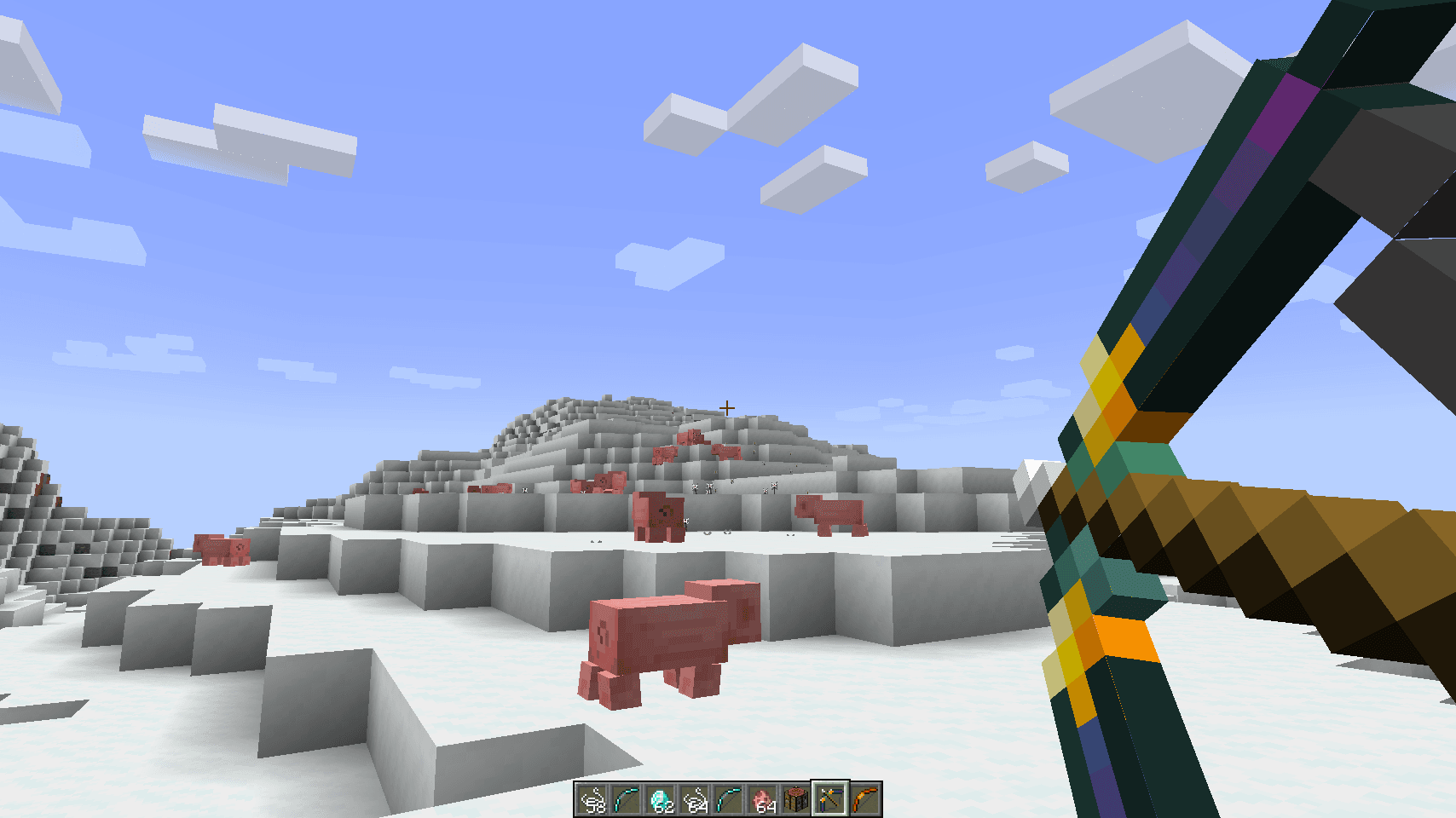
So sieht More Bows: Restrung! aus

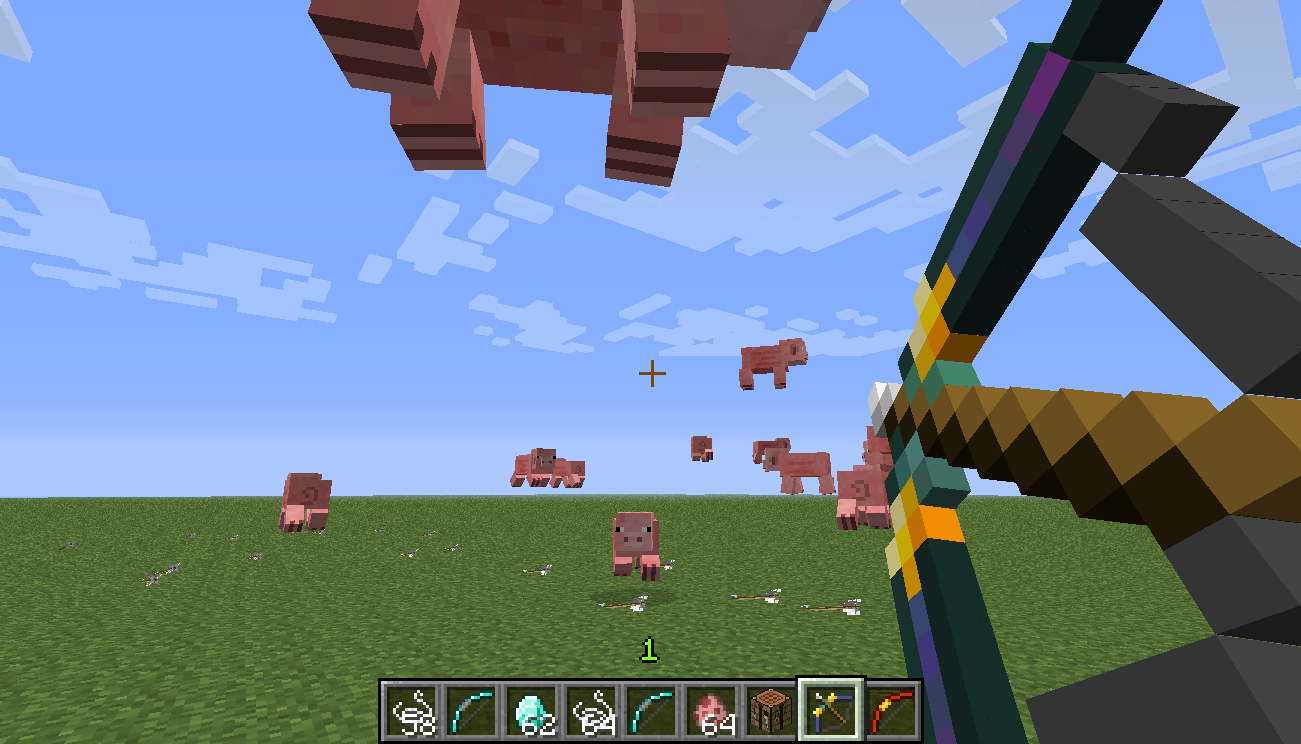
Bilder: More Bows: Restrung! auf Modrinth, vom Projektteam veröffentlicht.
Einrichtung
More Bows: Restrung! auf dem Server installieren
Server und Spieler brauchen denselben Loader und dieselbe Minecraft-Version. Sichere die Welt, bevor du Mods hinzufügst oder aktualisierst.
- 01
Konfigurieren
4 GB RAM sind vorausgewählt. Laufzeit und Add-ons wählst du selbst, bezahlt wird per Kreditkarte oder PayPal.
- 02
Loader einstellen
Stell im Panel die Serversoftware auf Fabric oder Forge oder Quilt und wähl die passende Minecraft-Version, zum Beispiel 1.7.10.
- 03
Mod installieren
Such im Mod-Browser nach „More Bows: Restrung!“ und installiere die Version für deinen Loader. Alternativ lädst du die .jar per SFTP in den Ordner mods. Erforderliche Abhängigkeiten stehen auf der Projektseite.
- 04
Verbinden
Alle Spieler installieren More Bows: Restrung! in derselben Version lokal und verbinden sich über die Serveradresse aus dem Panel.
- Auf dem Server
- Erforderlich
- Auf dem Client
- Erforderlich
- Loader
- Fabric, Forge, Quilt
- Minecraft
- 1.7.10, 1.20.2, 1.20.1 +8 weitere
- Lizenz
- Creative Commons Zero v1.0 Universal
Das Panel
Mods installieren, Fehler finden.
Echte Screenshots aus dem Mado Panel. Beides ist bei jedem Minecraft Server enthalten.
Mod-Browser
Modrinth und CurseForge direkt im Panel.
Der Browser filtert nach deiner Minecraft-Version. Mods installierst du mit einem Klick, ohne .jar-Dateien hochzuladen.

KI-Crash-Analyse
Wenn ein Mod crasht, liest die Analyse das Log.
Mods scheitern oft an einer falschen Loader-Version, Java-Version oder fehlenden Abhängigkeit. Die Analyse nennt eine wahrscheinliche Ursache und einen Lösungsvorschlag.

Versionen
Veröffentlichte Versionen
Nimm die Datei, die zu Loader und Minecraft-Version deines Servers passt. Server und Spieler brauchen dieselbe Version.
More Bows: Restrung! · Modrinth- More Bows for Forge 1.20.x - Chinese translation (v1.0.13)25. September 2023Minecraft 1.20, 1.20.1, 1.20.2 · Forge
- More Bows for Forge 1.19.x - Small fix (v1.0.12)1. Juli 2023Minecraft 1.19.4 · Forge
- More Bows for Forge 1.19.3 - Small fix (v1.0.12)1. Juli 2023Minecraft 1.19.3 · Forge
- More Bows for Forge 1.19.2 - Small fix (v1.0.12)1. Juli 2023Minecraft 1.19.2 · Forge
- More Bows for Forge 1.18.x - Small fix (v1.0.12)1. Juli 2023Minecraft 1.18.2 · Forge
Originalbeschreibung des Projektautors

More Bows: Restrung is a port / continuation of the More Bows mod, which was originally created by GaussFire, and maintained & updated by iDiamondhunter until Risugami’s ModLoader was no longer updated. This port, based on the source code released by iDiamondhunter, aims to faithfully re-create the original experience of the mod, while fixing bugs, introducing quality-of-life changes, and re-adding cut ideas.
This mod description will be updated soon to reflect the current stats & behaviours of each bow more accurately. More information can be found by checking out the Github page and examining the source code of the mod. In the meantime, here's an incomplete list of the features of this mod:
- All the classic bows from the More Bows mod, better than ever!
- New and improved visuals! Some bows create particle effects when arrows shot from them damage a mob! All bows actually make the "draw back" animation when drawn back, at the right speed!
- The Frost bow's snow layers stack! It also deals bonus damage to Blazes.
- Better looking frost arrows! Your choice between a snowball, or a "snow cube"!
- The Ender bow actually works as intended! No more weird laggy shooting, this is the real deal!
- Everything works in multiplayer!
- Recipes which accept bows using the OreDictionary should now accept bows from the More Bows mod! Bow recipes from the More Bows mod that require bows will accept bows that register themselves to the OreDictionary.
- Config options to change the behaviour of the mod! Check them out if you dare!
Other More Bows content:
- GaussFire’s original More Bows mod page (for Minecraft 1.2.5 - 1.3.2) can be found here
- iDiamondhunter’s More Bows mod page (for Minecraft 1.4.2 - 1.6.2) can be found here
- LucidSage’s port of the More Bows mod to 1.8 can be found here (on CurseForge)
- Currently, I've ported More Bows to 1.7.10 Forge, 1.12.2 Forge, 1.16.5 Forge, 1.17.1 Fabric & Forge, 1.18.2 Fabric & Forge, and 1.19.x Fabric & Forge! If you have any other suggestions for mod loaders or versions of Minecraft to port to, feel free to post a comment!
Licence:
As iDiamondhunter "removed the copyrights" from this mod, I presume that this mod is free of any known copyright, and that it is in the public domain. Therefore, I will be keeping this port licensed as such.
More Bows: Restrung! Server crasht beim Start – was tun?
Häufige Ursachen: Loader- oder Minecraft-Version passen nicht zur Mod-Datei, eine Abhängigkeit fehlt oder der RAM reicht nicht. Such im Log (latest.log) nach „OutOfMemoryError“, „Mixin“ oder fehlenden Mods. Bei Mado wertet die KI-Crash-Analyse das Log aus und schlägt eine Ursache vor. Loader und Version änderst du im Panel.
Mit welchem Loader läuft More Bows: Restrung!?
Laut Modrinth unterstützt More Bows: Restrung! Fabric, Forge, Quilt für Minecraft 1.7.10, 1.20.2, 1.20.1. Forge- und Fabric-Dateien sind nicht untereinander austauschbar: Wähl einen Loader für Server und Clients.
Wie viel RAM braucht ein Server mit More Bows: Restrung!?
Als Orientierung 3–4 GB für einen Server mit dieser Mod. Das ist eine Schätzung, keine gemessene Mindestanforderung. Weitere Mods, viele Spieler und große Sichtweiten brauchen mehr. Ob eine Mod die Tick-Zeit belastet, siehst du mit dem spark-Profiler.
Ähnliche Mods
Beliebte Mods aus derselben Kategorie
 Server-fähig

Xaero's Minimap
von thexaero
Displays a map of the nearby world terrain, players, mobs, entities in the corner of your screen. Lets you create waypoints which help you find the locations you've marked.
 Server-fähig

Xaero's World Map
von thexaero
Adds a full screen world map which shows you what you have explored in the world. Works great together with Xaero's Minimap.
 Nur Client

Not Enough Animations
von tr7zw
Bringing first-person animations to the third-person
 Nur Client

3D Skin Layers
von tr7zw
Render the player skin layer in 3d!
Bereit für deinen Server mit More Bows: Restrung!?
4 GB RAM ab 8,00 € im Monat. 35 % auf den 1. Monat mit MADO35.