
Motion Capture
Allows you to record and replay player movements
Screenshots
Über diese Mod
About
Motion Capture is a mod that allows you to record and replay player movements. It is created mainly for people who want to create complex scenes in Minecraft without using real players.
It records:
- movements
- sprinting, jumping, swimming, sneaking
- swinging hands
- using items
- items in hands and armor
- states like being on fire, being invisible, or glowing
- placing, breaking and interacting with blocks
- nearby entities and riding them
After you save recording, you can create a scene to which you can add multiple recordings or other scenes with parameters like player name, position offset, or start delay.
How to use
- First, you need to start recording using
/mocap recording start. It will record all your movements or movements of a player given as an argument. - Then, you can stop recording using
/mocap recording stopand save it with/mocap recording save [name]. - Use
/mocap playing start [name] (player_name) (mineskin_url)to play recording. - You can also create scenes to which you can add multiple recordings or other scenes, with parameters like player name, position offset, or start delay.
- To create scene use
/mocap scenes add (scene_name). Then, add your recording using/mocap scenes addTo [scene_name] [recording_name] (delay) (x_offset) (y_offset) (z_offset) (player_name) (skin_source_type) (skin_source)(you can skip arguments in round brackets if you want). - To play scene use
/mocap playing start .[scene_name]- you need to put a dot before the scene name. - By putting a dot before name, when using
/mocap scenes addTo [...], you can also add scenes to other scenes.
Commands
/mocap recording [...] - Recording player movements
/mocap recordings [...] - Managing recording files
/mocap scenes [...] - Creating and modifying scenes
/mocap playing [...] - Playing scenes and recordings
/mocap settings [...] - Shows and modifies settings
/mocap info - Displays information about mod
/mocap help - Displays help message
Example
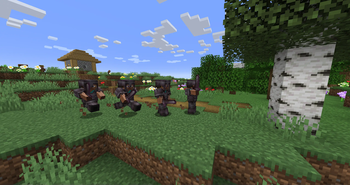
Simple example of one recording used 4 times in a scene with time and position offset

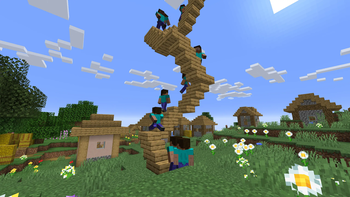
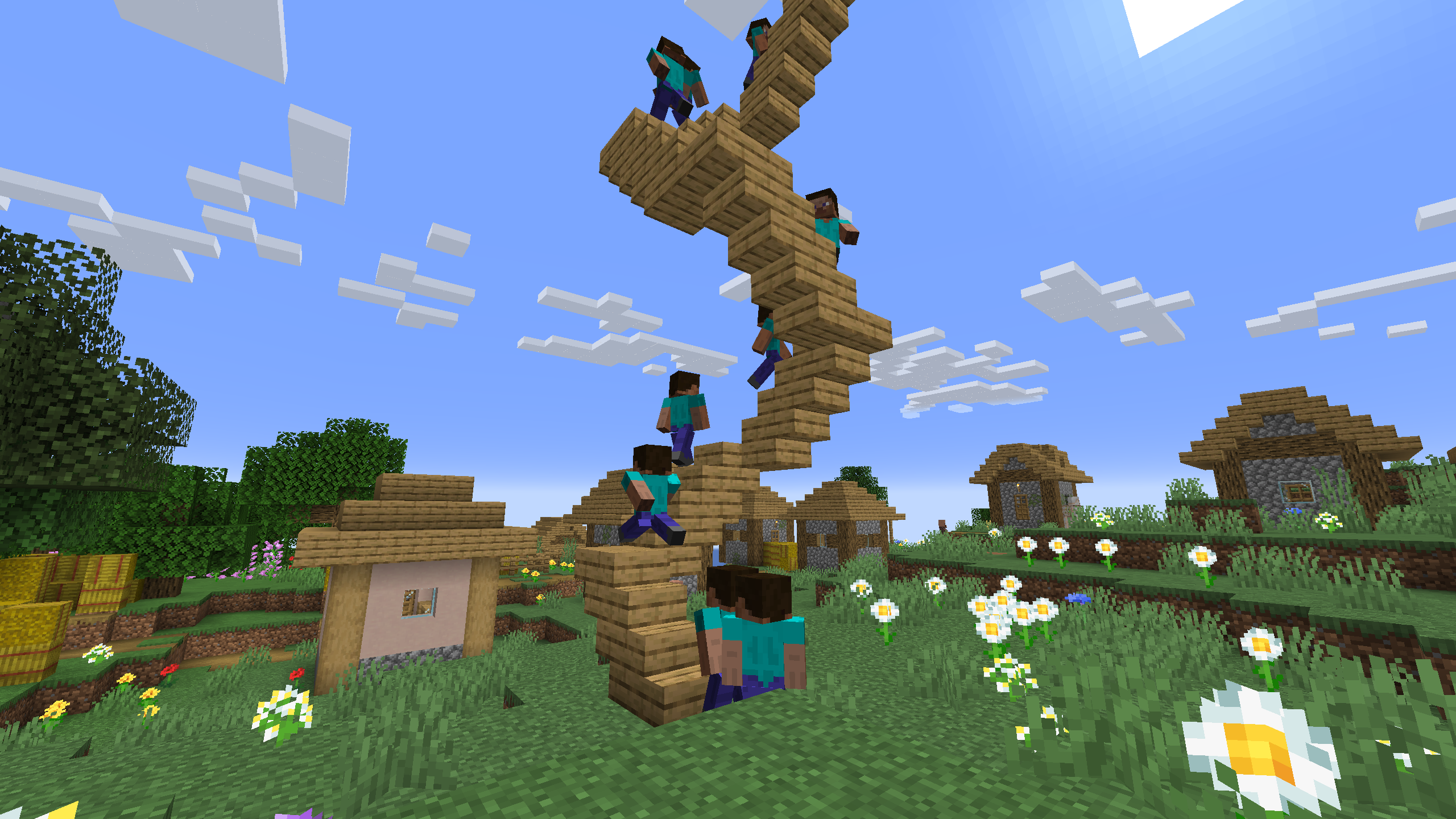
One recording of climbing stairs used multiple times in a scene with start delay
Verfügbare Versionen
Motion Capture auf dem Server installieren
Server bestellen
Bestelle einen Minecraft Java Server mit mindestens 3 GB RAM (4 GB empfohlen).
fabric Loader setzen
Wähle im Panel unter "Egg" den fabric-Loader und die passende Minecraft-Version (26.2).
Mod installieren
Öffne den Mod-Browser im Dashboard und suche nach "Motion Capture". Klicke "Installieren" – fertig! Alternativ: Lade die .jar via SFTP in den /mods Ordner.
Kompatibilität
Mod-Loader
Minecraft-Versionen
26.2, 26.1.2, 26.1.1 (+26 weitere)
Server-seitig
✓ ErforderlichEmpfohlener RAM
4 GB(min. 3 GB)Häufige Fragen
Motion Capture Server crasht beim Start – was tun?
Häufigste Ursache: falsche fabric-Version oder zu wenig RAM. Prüfe im Server-Log (latest.log), ob ein "OutOfMemoryError" oder "Mixin"-Fehler auftritt. Bei Mado Hosting: Stelle sicher, dass mindestens 3 GB RAM zugewiesen sind und der Loader zur Mod-Version passt (26.2). Über das Panel kannst du den Loader mit einem Klick wechseln.
Ist Motion Capture mit fabric und forge und neoforge kompatibel?
Motion Capture unterstützt offiziell fabric, forge, neoforge für Minecraft 26.2, 26.1.2, 26.1.1. Achtung: Forge- und Fabric-Mods sind NICHT untereinander kompatibel – wähle einen Loader und bleibe dabei. Im Mado Dashboard werden inkompatible Loader-Kombinationen automatisch erkannt.
Server laggt mit Motion Capture – wie optimiere ich die Performance?
Empfohlener RAM: 4 GB (+1 GB pro 8 Spieler). Prüfe mit /spark profiler, ob Motion Capture den meisten Tick-Time verbraucht. Häufige Fixes: Server-View-Distance auf 8-10 reduzieren, bei Forge "performant" oder "starlight" als Zusatz-Mod installieren. Bei Mado Hosting läuft dein Server auf NVMe-SSDs mit dedizierten CPU-Kernen für minimale Latenz.
Ähnliche Mods




![[ETF] Entity Texture Features](https://cdn.modrinth.com/data/BVzZfTc1/af683d206d50b05258d865b0d6e4aa2f2cee12f2_96.webp)

Modded Server mieten
Installiere Motion Capture mit nur einem Klick auf deinem Server.
Details
- Lizenz
- GNU Lesser General Public License v3.0 only
- Server-seitig
- Erforderlich