
Muddy Waters
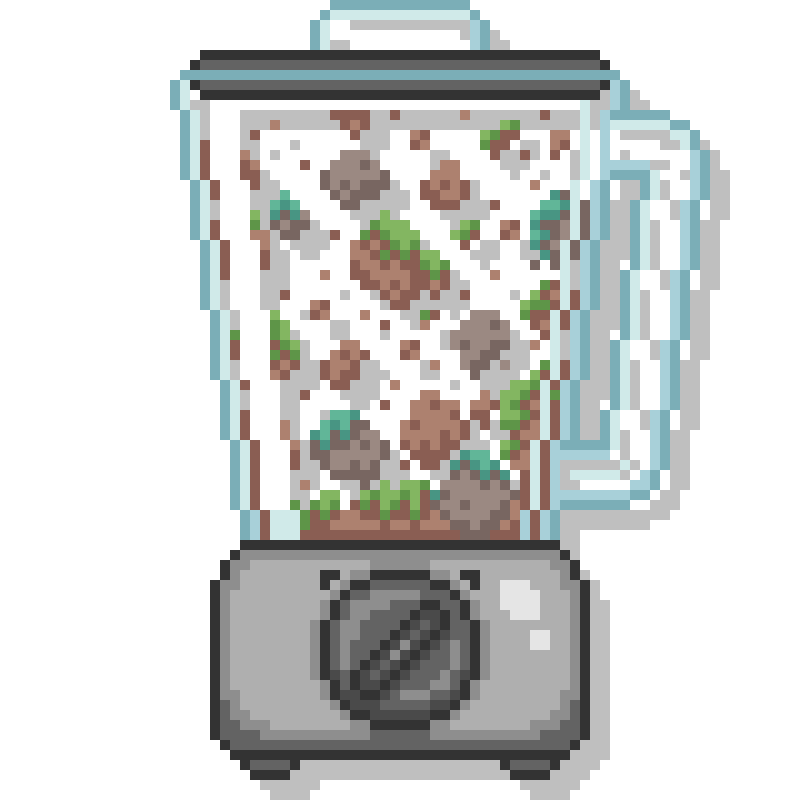
Dirt near water becomes mud on world generation.
Über diese Mod
With this mod, dirt and other configurable blocks will naturally turn into mud when they are near water, both during world generation and through normal gameplay.
This helps address how underutilized the mud block is in world generation, especially since it was originally introduced in only a single biome.
This mod is compatible with most world generation mods.
Config
"mud_replaceable_blocks"
Defines which blocks can be replaced with mud during both world generation and random-tick updates.
"world_gen_mud_radius_noise.min_radius" "world_gen_mud_radius_noise.max_radius"
Defines the radius used to determine how far replaceable blocks can be converted into mud.
A radius of 0 only checks for water directly above the block. A radius of 1 checks for water adjacent to the block, and so on.
Note: If the minimum radius is set to 0 and random-tick mud conversion is enabled, mud will to slowly appear adjacent to water over time.
Radius values must be integers from 0 to 7, inclusive.
"world_gen_radius_noise.noise_stretch"
Defines how stretched out the mud noise out.
Higher values produce gradual transitions, while lower values create more frequent variation.
Value must be greater than zero.
"sea_level_mud_biomes"
Determines which biomes will always generate mud at sea level. By default, this only includes vanilla swamp and mangrove biomes.
"random_tick_mud_conversion_chance"
Determines the chance that a mud-replaceable block will become mud when adjacent to water after being hit with a random tick update.
A value of 1.0 causes eligible blocks to convert to mud as often as possible.
A value of 0.0 disables random-tick mud conversion entirely.
Must be a value from 0.0 to 1.0, inclusive.
You may freely use this mod in any modpack, as long as the download remains hosted within the Modrinth ecosystem.
You may also freely port this mod to a different version/modloader, as long as you reference the original mod and it is hosted within the Modrith ecosystem.
Verfügbare Versionen
Muddy Waters auf dem Server installieren
Server bestellen
Bestelle einen Minecraft Java Server mit mindestens 4 GB RAM (6 GB empfohlen).
fabric Loader setzen
Wähle im Panel unter "Egg" den fabric-Loader und die passende Minecraft-Version (1.21.1).
Mod installieren
Öffne den Mod-Browser im Dashboard und suche nach "Muddy Waters". Klicke "Installieren" – fertig! Alternativ: Lade die .jar via SFTP in den /mods Ordner.
Kompatibilität
Mod-Loader
Minecraft-Versionen
1.21.1
Server-seitig
✓ ErforderlichEmpfohlener RAM
6 GB(min. 4 GB)Häufige Fragen
Muddy Waters Server crasht beim Start – was tun?
Häufigste Ursache: falsche fabric-Version oder zu wenig RAM. Prüfe im Server-Log (latest.log), ob ein "OutOfMemoryError" oder "Mixin"-Fehler auftritt. Bei Mado Hosting: Stelle sicher, dass mindestens 4 GB RAM zugewiesen sind und der Loader zur Mod-Version passt (1.21.1). Über das Panel kannst du den Loader mit einem Klick wechseln.
Ist Muddy Waters mit fabric kompatibel?
Muddy Waters unterstützt offiziell fabric für Minecraft 1.21.1. Im Mado Dashboard werden inkompatible Loader-Kombinationen automatisch erkannt.
Server laggt mit Muddy Waters – wie optimiere ich die Performance?
Empfohlener RAM: 6 GB (+1 GB pro 5 Spieler). Prüfe mit /spark profiler, ob Muddy Waters den meisten Tick-Time verbraucht. Häufige Fixes: Server-View-Distance auf 8-10 reduzieren, bei Forge "performant" oder "starlight" als Zusatz-Mod installieren. Bei Mado Hosting läuft dein Server auf NVMe-SSDs mit dedizierten CPU-Kernen für minimale Latenz.
Ähnliche Mods


Modded Server mieten
Installiere Muddy Waters mit nur einem Klick auf deinem Server.