
Neko UI
change and add more ui/hud
Screenshots
Über diese Mod
Neko UI
Introduction
Neko UI enhances your gaming experience by modifying the original HUD and adding a range of practical interfaces.
Important Notes
- Cores Mod Users: If you have the
Coresmod installed, please download the file without the "all" suffix to avoid conflicts. - JS Code Support: If you need to use JavaScript code to customize the interface, please additionally download and install the
GraalJSmod.(Run with Nashorn when the graaljs mod is not present)
Usage Guide
General Usage
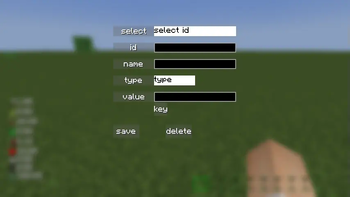
Neko UI offers extensive customization options. If you're not satisfied with the default interface, you can modify the configuration files to customize the HUD display to your liking.
If you encounter any issues during customization, please refer to the WIKI documentation or contact me using the contact information below.
JS Code Example
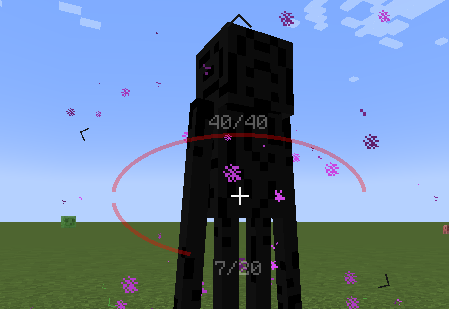
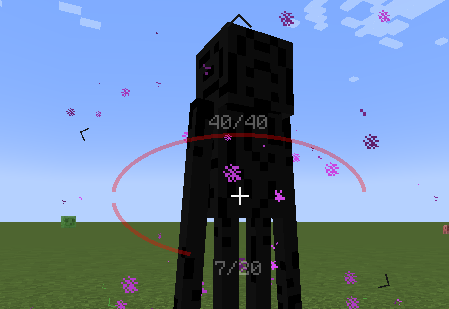
With JavaScript code, you can draw custom UI elements on the screen, such as two elliptical health bars.
Example: Center Health Bar
Interface Preview
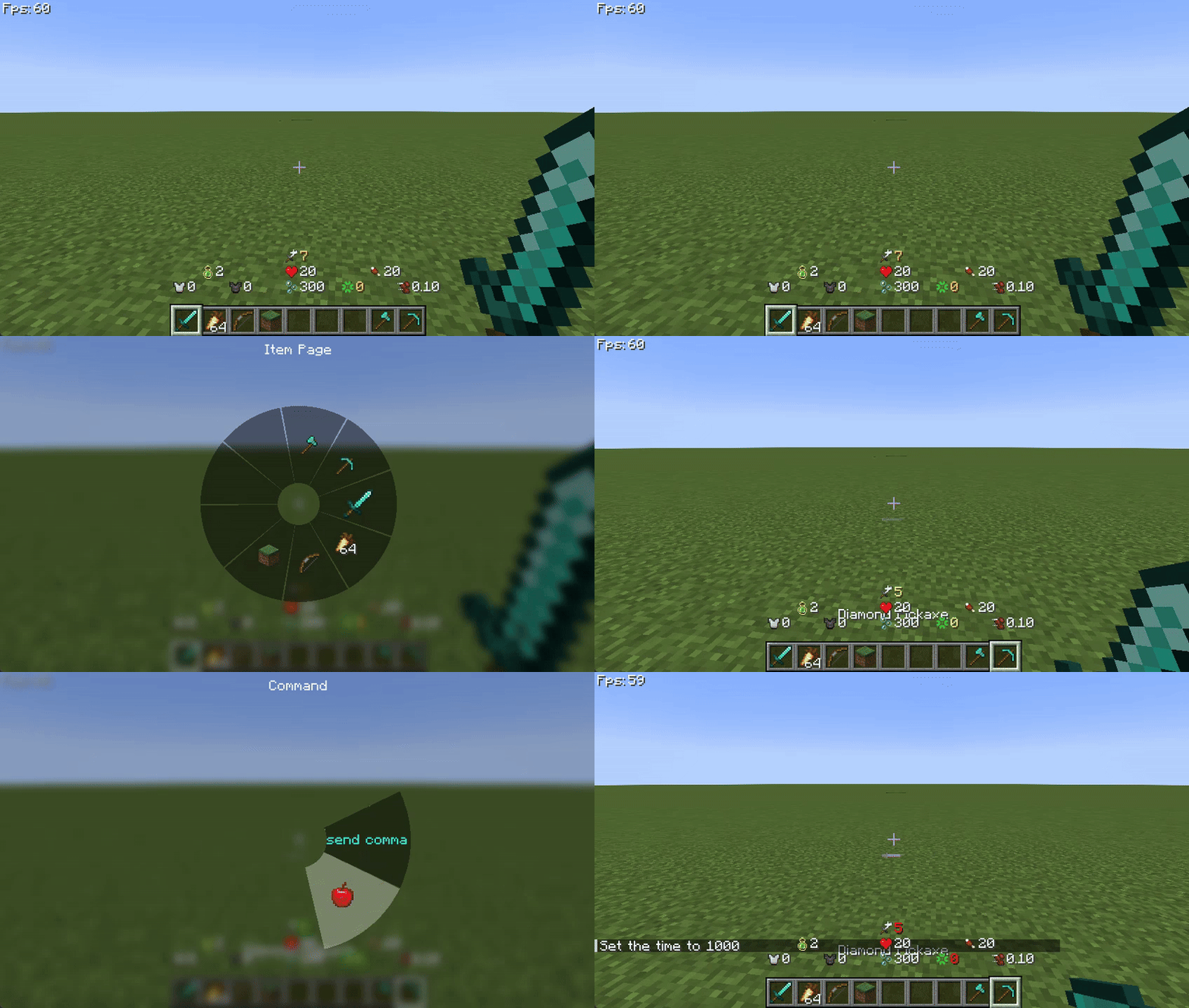
Here are some interface previews of Neko UI, showcasing its features and customization options.
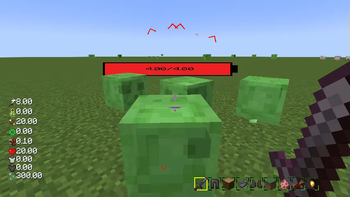
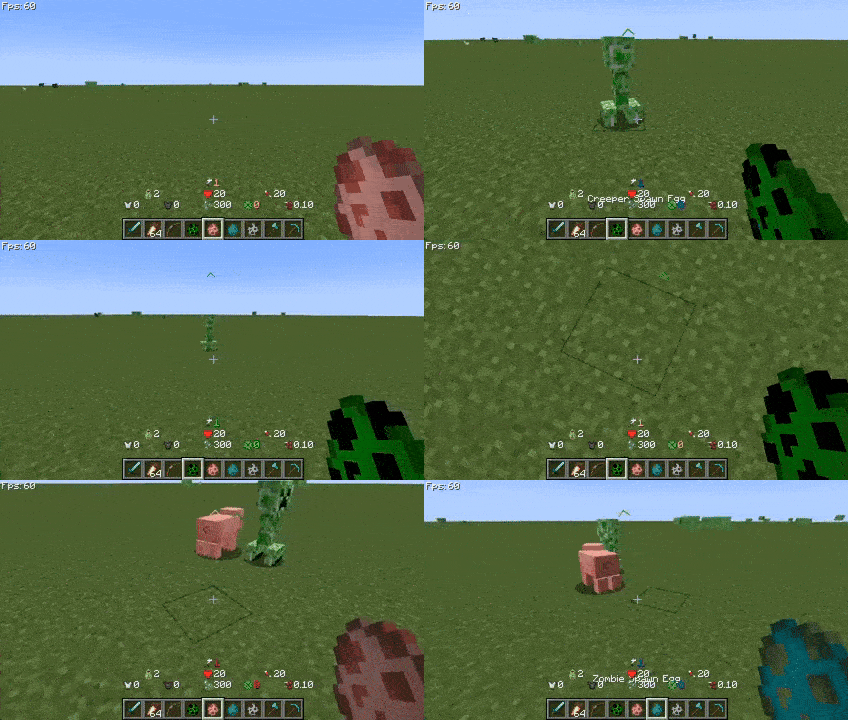
Custom HUD: The health bar, hunger bar, experience bar, and hotbar have been redesigned and can be enabled or disabled individually.
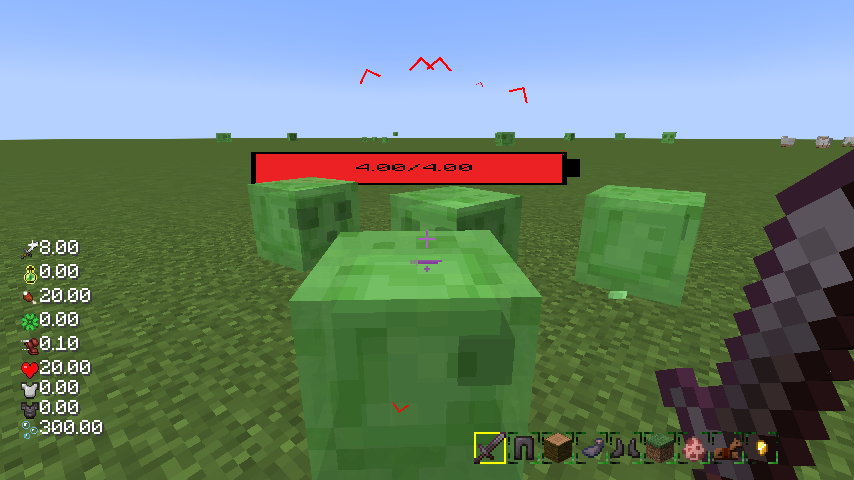
Creature Direction Indicator: Real-time display of creatures relative to your position, with dynamic scaling of icons based on distance for easy tracking.
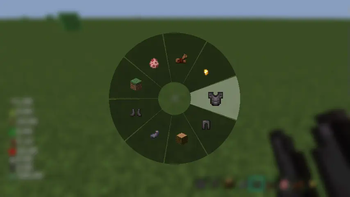
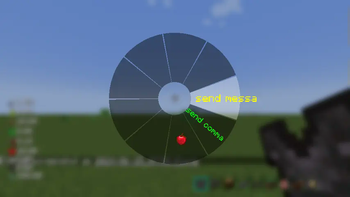
Quick Menu: Hold down the
TABkey to open the quick menu, switch interfaces with the left and right mouse buttons, slide to the desired option, and releaseTABto trigger.
More Information
If you have any questions, suggestions, or feedback, please feel free to contact me through the following methods.
Happy gaming!
Contact Information
Verfügbare Versionen
Neko UI auf deinem Client installieren
Mod-Loader lokal installieren
Installiere forge für deine lokale Minecraft-Version.
Passende Datei herunterladen
Wähle die Neko UI-Datei für forge und Minecraft 26.3.
Mod installieren
Lege die .jar-Datei in deinem lokalen .minecraft/mods-Ordner ab und starte Minecraft neu. Eine Installation auf dem Server ist nicht nötig.
Kompatibilität
Mod-Loader
Minecraft-Versionen
26.3, 26.2, 26.1.2 (+11 weitere)
Server-seitig
✗ Nicht unterstütztEmpfohlener RAM
4 GB(min. 3 GB)Häufige Fragen
Muss Neko UI auf dem Minecraft Server installiert werden?
Nein. Modrinth kennzeichnet Neko UI serverseitig als nicht unterstützt. Installiere die Mod nur im lokalen Minecraft-Mods-Ordner. Dein Server kann unverändert bleiben, sofern die Mod-Seite keine zusätzliche Abhängigkeit nennt.
Welche Version und welchen Loader braucht Neko UI?
Nutze eine Datei für forge, neoforge und exakt deine Minecraft-Version. Unterstützte Versionen sind unter anderem 26.3, 26.2, 26.1.2. Loader-Dateien sind nicht untereinander austauschbar.
Neko UI funktioniert nicht – was kann ich prüfen?
Prüfe zuerst Minecraft-Version, Loader-Version und erforderliche Abhängigkeiten. Lege die .jar-Datei im lokalen .minecraft/mods-Ordner ab und entferne ältere Duplikate. Da die Mod clientseitig ist, löst mehr Server-RAM dieses Problem nicht.
Ähnliche Mods


Minecraft Server für deine Gruppe
Neko UI bleibt auf deinem Client. Hoste dazu eine kompatible Welt für deine Mitspieler.