
One Player Sleep Server Mod
The best multiplayer sleep mod. (This mod does not use custom sleep percentage)
Über diese Mod
One-Player Sleep & Night Skip for Minecraft (Works Without Cheats, Adds a Full Day - First Night May Not Work)
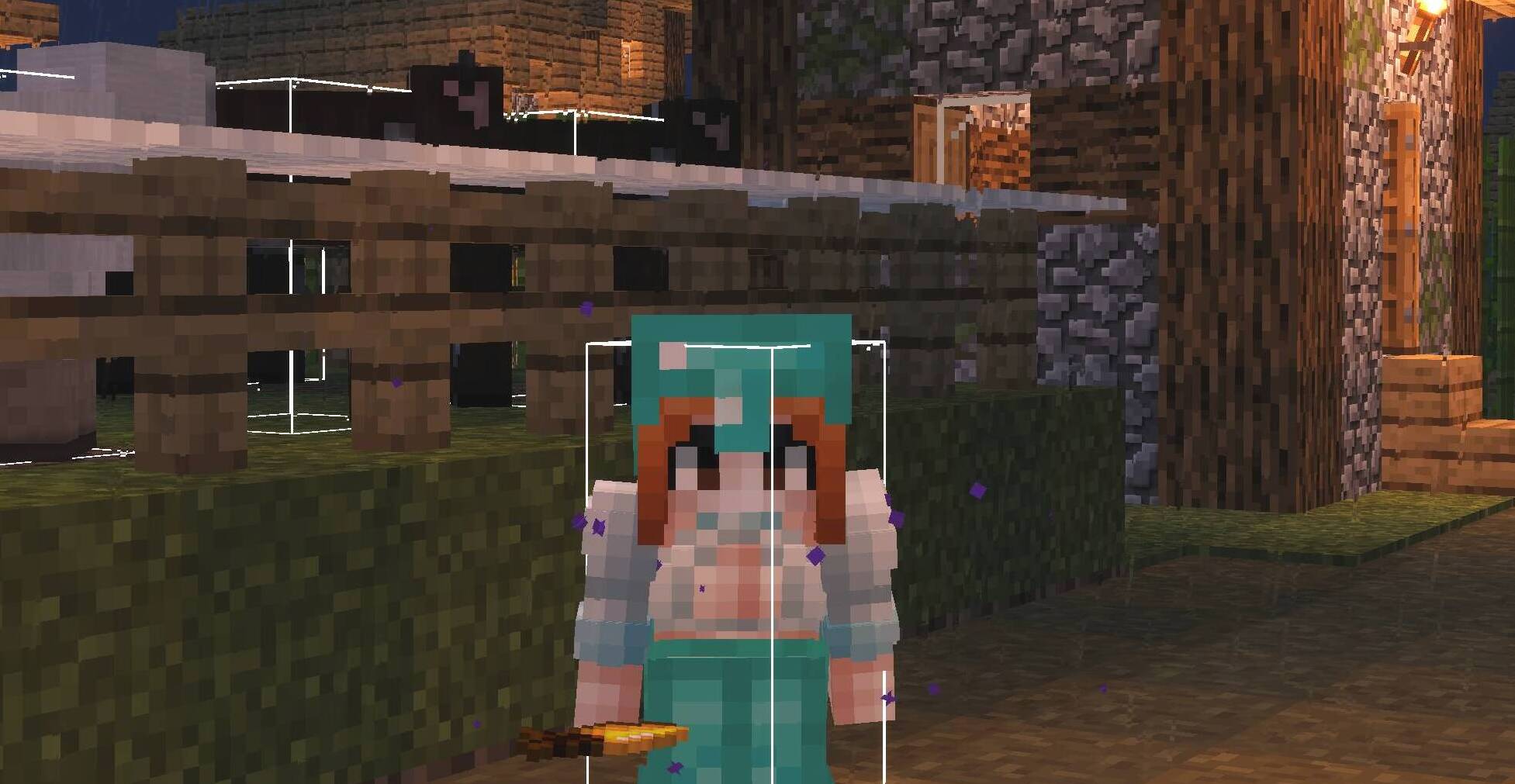
One Player Sleep Mod for Minecraft
Tired of waiting for all players to sleep? Pass the night with one player sleeping. Works on Lunar-hosted, Badlion-hosted, multiplayer, and server environments.
- ✅ Sleep nights with only one player sleeping
- ✅ Works without cheats
- ✅ Maintains game balance by adding a full day after sleeping
- ✅ Compatible with Minecraft Java 1.21.4 (Fabric)
- ✅ Supports single-player and multiplayer servers (Badlion & Lunar hosted)
Key Features:
- Single-Player Night Skip: No more waiting for sunrise or others to sleep. Just sleep and the night is gone!
- Cheats Not Required: This mod functions perfectly even in worlds where cheats are disabled. Enjoy the convenience without needing command access.
- Adds a Full Day: After skipping the night, the mod adds 12000 ticks (one Minecraft day) to the world time, ensuring the day-night cycle remains consistent.
- Compatibility: Works on single-player worlds, including those hosted on Badlion Client and Lunar Client and servers.
Created By: Saif (cxwb on Discord)
Spoiler
Common Arguments:
- "You can just use the command /gamerule playersSleepingPercentage 0":
This only works if cheats are enabled. Since cheats are disabled, this is not an option in that case.
This does not solve the problem for users who do not have access to the admin privileges needed to execute the command.
- "You can download other mods that do the same thing":
Not all mods function the same way, and some may introduce their own issues, like modifying the sleep percentage incorrectly. (Some mods edit the player sleep percentage. And that sometimes will cause the percentage to go over 100% meaning it will show errors like "no amount of sleep can pass this night").
- "You could just use a resource pack or a different launcher":
This doesn't address the core issue that cheats are not allowed, and using external packs or launchers isn't a universal solution for everyone playing in the same world.
- "This mod is useless because there’s a command that does the same thing":
The mod solves the issue for players in situations where cheats are not enabled and where the command is not accessible or desirable.
It works without requiring any external cheat-related permissions.
- "This mod makes the game worse":
The mod was designed to improve the experience by making it easier for single-player and hosted worlds to pass the night without needing multiple players to sleep, which is something some players have found inconvenient in the past.
- "Using cheats, such as enabling them temporarily to run the command, is fine":
Not everyone wants to enable cheats in their game, and doing so temporarily isn’t a seamless solution for people who wish to avoid enabling cheats altogether for various reasons (e.g., preserving game integrity, playing in survival mode or repetition).
Verfügbare Versionen
One Player Sleep Server Mod auf dem Server installieren
Server bestellen
Bestelle einen Minecraft Java Server mit mindestens 3 GB RAM (4 GB empfohlen).
fabric Loader setzen
Wähle im Panel unter "Egg" den fabric-Loader und die passende Minecraft-Version (1.21.4).
Mod installieren
Öffne den Mod-Browser im Dashboard und suche nach "One Player Sleep Server Mod". Klicke "Installieren" – fertig! Alternativ: Lade die .jar via SFTP in den /mods Ordner.
Kompatibilität
Mod-Loader
Minecraft-Versionen
1.21.4
Server-seitig
✓ ErforderlichEmpfohlener RAM
4 GB(min. 3 GB)Häufige Fragen
One Player Sleep Server Mod Server crasht beim Start – was tun?
Häufigste Ursache: falsche fabric-Version oder zu wenig RAM. Prüfe im Server-Log (latest.log), ob ein "OutOfMemoryError" oder "Mixin"-Fehler auftritt. Bei Mado Hosting: Stelle sicher, dass mindestens 3 GB RAM zugewiesen sind und der Loader zur Mod-Version passt (1.21.4). Über das Panel kannst du den Loader mit einem Klick wechseln.
Ist One Player Sleep Server Mod mit fabric kompatibel?
One Player Sleep Server Mod unterstützt offiziell fabric für Minecraft 1.21.4. Im Mado Dashboard werden inkompatible Loader-Kombinationen automatisch erkannt.
Server laggt mit One Player Sleep Server Mod – wie optimiere ich die Performance?
Empfohlener RAM: 4 GB (+1 GB pro 8 Spieler). Prüfe mit /spark profiler, ob One Player Sleep Server Mod den meisten Tick-Time verbraucht. Häufige Fixes: Server-View-Distance auf 8-10 reduzieren, bei Forge "performant" oder "starlight" als Zusatz-Mod installieren. Bei Mado Hosting läuft dein Server auf NVMe-SSDs mit dedizierten CPU-Kernen für minimale Latenz.
Ähnliche Mods






Modded Server mieten
Installiere One Player Sleep Server Mod mit nur einem Klick auf deinem Server.