
Modrinth · Fabric, Forge · Client-Mod
OneConfig
OneConfig ist eine clientseitige Mod. Du installierst sie auf deinem Rechner, auf dem Server ist sie nicht nötig.
Access all your mod settings in one place, with a sleek and intuitive interface. By Polyfrost, best with OneClient.
- Downloads
- 1.5M
- Autor
- Wyvest
- Loader
- Fabric, Forge
- Minecraft
- 1.12.2 – 26.3
- Aktualisiert
- –
Screenshots
So sieht OneConfig aus
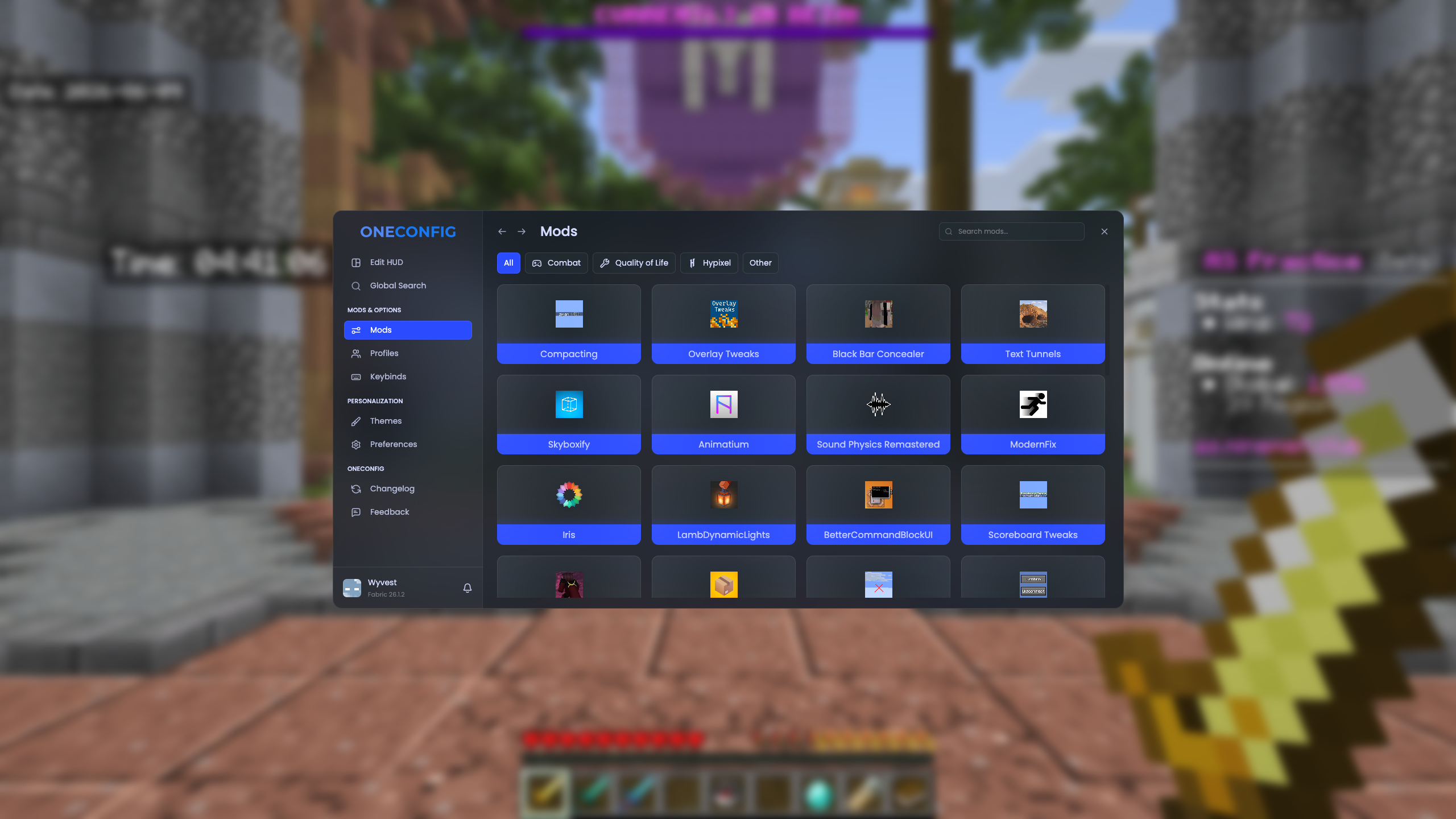
Bilder: OneConfig auf Modrinth, vom Projektteam veröffentlicht.
Einrichtung
OneConfig auf deinem Client installieren
Clientseitige Mods laufen nur auf deinem Rechner. Mehr Server-RAM ändert an ihrer Leistung nichts.
- 01
Loader lokal installieren
Installiere Fabric oder Forge für deine Minecraft-Version in deinem Launcher.
- 02
Datei herunterladen
Lade die OneConfig-Datei für deinen Loader und exakt deine Minecraft-Version herunter, zum Beispiel 26.3.
- 03
In den Mods-Ordner legen
Lege die .jar-Datei in den lokalen Ordner .minecraft/mods und entferne ältere Duplikate.
- 04
Starten
Starte Minecraft mit dem Loader-Profil. Auf dem Server musst du nichts ändern.
- Auf dem Server
- Nicht nötig
- Auf dem Client
- Erforderlich
- Loader
- Fabric, Forge
- Minecraft
- 26.3, 26.2-rc-2, 26.2 +11 weitere
- Lizenz
- LicenseRef-LGPL-3.0-with-Additional-Terms-Applicable-to-OneConfig
Versionen
Veröffentlichte Versionen
Nimm die Datei, die zu Loader und Minecraft-Version deines Servers passt. Server und Spieler brauchen dieselbe Version.
OneConfig · Modrinth- 1.9.323. November 2026Minecraft 26.3 · Fabric
- 1.9.323. November 2026Minecraft 26.2 · Fabric
- 1.9.323. November 2026Minecraft 26.1, 26.1.1, 26.1.2 · Fabric
- 1.9.323. November 2026Minecraft 1.21.11 · Fabric
- 1.9.323. November 2026Minecraft 1.21.10 · Fabric
Originalbeschreibung des Projektautors

OneConfig


OneConfig is a free, open source configuration library by Polyfrost. It gives developers a config API, and it gives players one screen where they change the settings of every mod that uses it.
❔ General information
Is it a client?
OneConfig may look like a client, but it is a standalone mod. You can see for yourself. It ships no mods of its own, so you decide which mods you use with it.
What do players get?
- A settings screen with one card per mod, search, and a keybinds page. Right Shift opens it.
- A HUD editor for moving, scaling and restyling the HUD elements of your mods.
- Profiles, which each keep a separate copy of your mod settings.
Which versions does it support?
- Minecraft 1.8.9 on Ornithe.
- Minecraft 1.21.1-26.3 on Fabric.
OneConfig needs Compose Multiplatform and Fabric Language Kotlin. It also needs Fabric API on Fabric and OSL on Ornithe.
⚡️ Getting started
Almost everything you need to start using OneConfig is in our documentation. For further questions, make a developer ticket in our Discord.
To build OneConfig yourself, run the command below with JDK 25 installed. Replace 26.3-fabric with any supported version, such as 1.8.9-ornithe.
./gradlew ":bootstrap:26.3-fabric:build"
ℹ️ Example mod
Please check out our example mod.
📄 Licenses and Supporting Projects
License
OneConfig is free and open-source. Except where noted otherwise (below and/or in individual files), all code is licensed under BOTH - version 3 of the GNU Lesser General Public License, **AND** - the Additional Terms Applicable to OneConfig, version 1.0 of the Additional Terms or (at your option) any later version.Copies of version 3 of the GNU Lesser General Public License, version 1.0 of the Additional Terms Applicable to OneConfig, and version 3 of the GNU General Public License (which the GNU LGPLv3 supplements) can be found in the LICENSE file.
Polyfrost acts as the specified proxy when deciding whether future versions of the GNU Lesser General Public License shall apply. If Polyfrost publicly states the acceptance of a later version of the GNU Lesser General Public License, this is permanent authorization for you to choose that version for OneConfig. However, you must still be compliant with the Additional Terms Applicable to OneConfig.
Supporting Projects

YourKit supports open source projects with innovative and intelligent tools
for monitoring and profiling Java and .NET applications.
YourKit is the creator of YourKit Java Profiler,
YourKit .NET Profiler,
and YourKit YouMonitor.
Muss OneConfig auf dem Minecraft Server installiert werden?
Nein. Modrinth kennzeichnet OneConfig serverseitig als nicht unterstützt. Installiere die Mod nur im lokalen Mods-Ordner. Dein Server kann unverändert bleiben, sofern die Projektseite keine zusätzliche Abhängigkeit nennt.
Welche Version und welchen Loader braucht OneConfig?
Nutze eine Datei für Fabric, Forge und exakt deine Minecraft-Version. Unterstützt werden unter anderem 26.3, 26.2-rc-2, 26.2. Dateien für verschiedene Loader sind nicht austauschbar.
OneConfig funktioniert nicht – was kann ich prüfen?
Prüfe zuerst Minecraft-Version, Loader-Version und erforderliche Abhängigkeiten. Da die Mod clientseitig ist, löst mehr Server-RAM das Problem nicht.
Ähnliche Mods
Beliebte Mods aus derselben Kategorie
 Server-fähig
Fabric API
von modmuss50
Lightweight and modular API providing common hooks and intercompatibility measures utilized by mods using the Fabric toolchain.
 Server-fähig

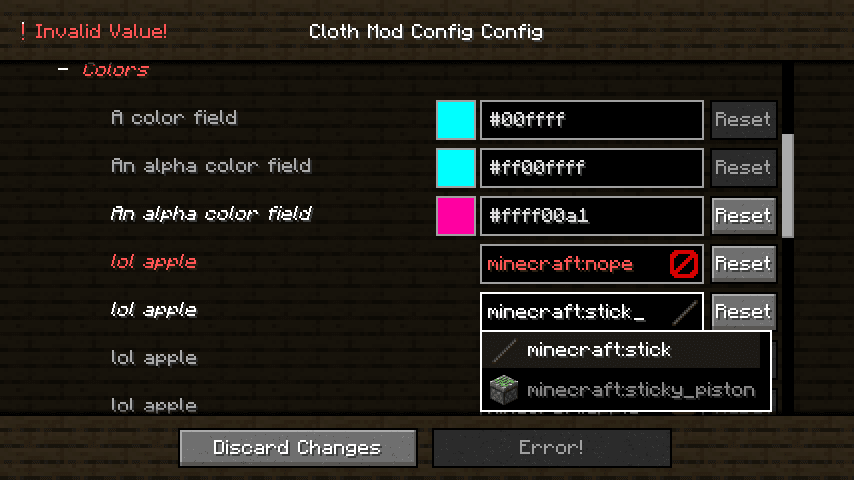
Cloth Config API
von shedaniel
Configuration Library for Minecraft Mods
 Server-fähig

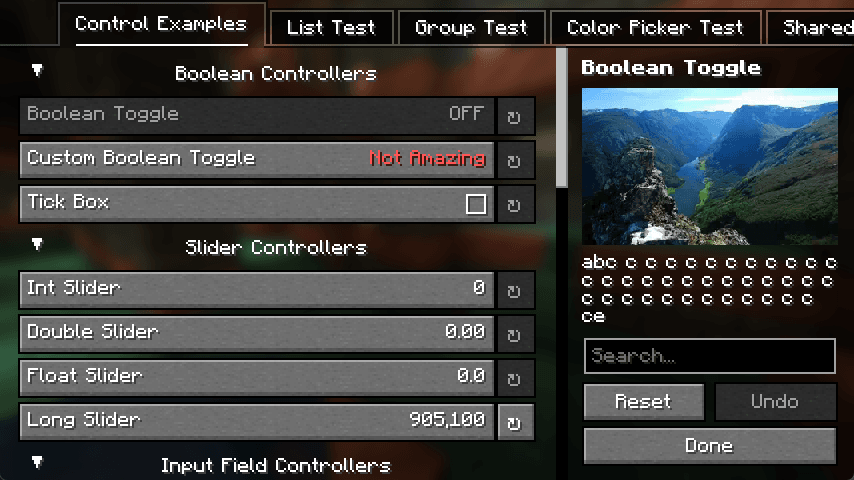
YetAnotherConfigLib (YACL)
von isxander
A builder-based configuration library for Minecraft!
 Server-fähig

Fabric Language Kotlin
von modmuss50
This is a mod that enables usage of the Kotlin programming language for Fabric mods.
Mods für deinen eigenen Server gesucht?
Im Katalog findest du Mods, die auf Minecraft Servern laufen.