
Modrinth · Fabric, NeoForge
Oritech auf deinem Minecraft Server
Oritech läuft auf Minecraft Servern mit Fabric oder NeoForge. Bestell deinen Server, stell den Loader im Panel ein und installiere die Mod mit einem Klick im Mod-Browser.
A technology-focused mod, with animated machinery, diverse processing options, and plenty of new mechanics and equipment
- Downloads
- 1.3M
- Autor
- rearth
- Loader
- Fabric, NeoForge
- Minecraft
- 1.20.4 – 26.1.2
- Aktualisiert
- –
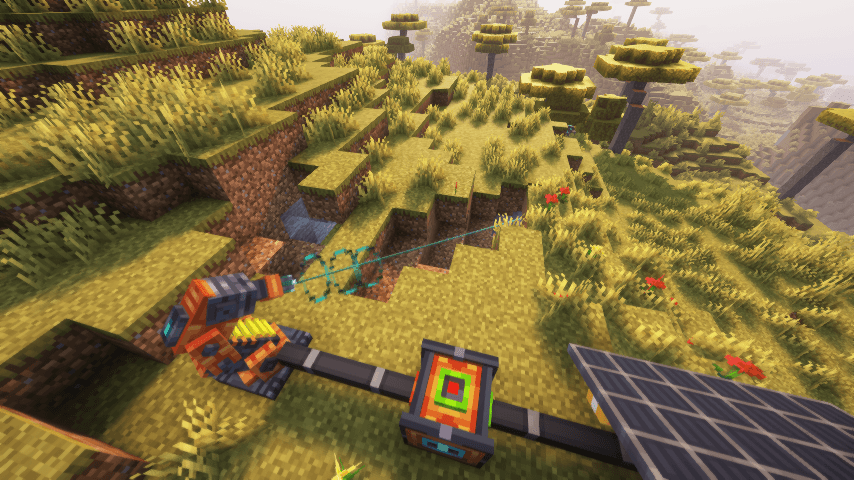
Screenshots
So sieht Oritech aus


Bilder: Oritech auf Modrinth, vom Projektteam veröffentlicht.
Einrichtung
Oritech auf dem Server installieren
Server und Spieler brauchen denselben Loader und dieselbe Minecraft-Version. Sichere die Welt, bevor du Mods hinzufügst oder aktualisierst.
- 01
Konfigurieren
4 GB RAM sind vorausgewählt. Laufzeit und Add-ons wählst du selbst, bezahlt wird per Kreditkarte oder PayPal.
- 02
Loader einstellen
Stell im Panel die Serversoftware auf Fabric oder NeoForge und wähl die passende Minecraft-Version, zum Beispiel 26.1.2.
- 03
Mod installieren
Such im Mod-Browser nach „Oritech“ und installiere die Version für deinen Loader. Alternativ lädst du die .jar per SFTP in den Ordner mods. Erforderliche Abhängigkeiten stehen auf der Projektseite.
- 04
Verbinden
Alle Spieler installieren Oritech in derselben Version lokal und verbinden sich über die Serveradresse aus dem Panel.
- Auf dem Server
- Erforderlich
- Auf dem Client
- Erforderlich
- Loader
- Fabric, NeoForge
- Minecraft
- 26.1.2, 26.1, 1.21.1 +2 weitere
- Lizenz
- Creative Commons Attribution 4.0 International
Das Panel
Mods installieren, Fehler finden.
Echte Screenshots aus dem Mado Panel. Beides ist bei jedem Minecraft Server enthalten.
Mod-Browser
Modrinth und CurseForge direkt im Panel.
Der Browser filtert nach deiner Minecraft-Version. Mods installierst du mit einem Klick, ohne .jar-Dateien hochzuladen.

KI-Crash-Analyse
Wenn ein Mod crasht, liest die Analyse das Log.
Mods scheitern oft an einer falschen Loader-Version, Java-Version oder fehlenden Abhängigkeit. Die Analyse nennt eine wahrscheinliche Ursache und einen Lösungsvorschlag.

Versionen
Veröffentlichte Versionen
Nimm die Datei, die zu Loader und Minecraft-Version deines Servers passt. Server und Spieler brauchen dieselbe Version.
Oritech · Modrinth- fabric 1.2.135. Oktober 2026Minecraft 1.21, 1.21.1 · Fabric
- neoforge 1.2.135. Oktober 2026Minecraft 1.21, 1.21.1 · NeoForge
Originalbeschreibung des Projektautors
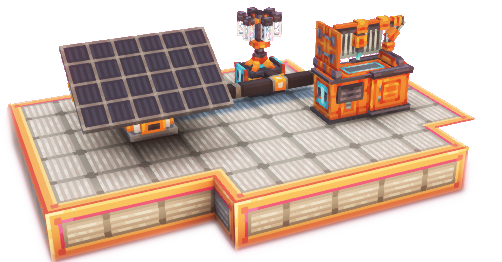







Oritech is an open-source tech mod (currently for Minecraft 26.1.2), featuring many new machines and tools. Content ranges from processing machines, world interaction machines, logistical parts, new features integrated into world generation, equipment, and more. Machines are mostly animated multiblocks, with upgrades being implemented using addon blocks.
A wiki is available online on moddedmc.org or via the Oracle Index mod.
Includes JEI, REI and EMI compatibility. Works best with EMI.
Features include ✨
- Multiple ore processing chains / variants
- Automated farming machines
- Electric tools and armor
- Item, fluid and energy pipes
- Drones to transport items across vast distances
- Lasers to automatically mine blocks
- Colorable machines
- Cybernetic Player augmentation
- Particle Accelerators!
- New decorative content, included connected textures and animated doors
- Diverse energy generation methods, from burning fossil fuels to creating sustainable farms for biofuel
- Extensive configuration options, and Mod Menu integration
Extra mod compatibilities (allowing metals and other components to be processed in Oritech machines, and vice-versa) for the following mods are included:
Fabric
- Alloy Forgery
- Clutter
- Energized Power
- Mythic Metals
- Tech Reborn
Neoforge
- Actually Additions
- Applied Energistics 2
- Create
- Ender IO
- Energized Power
- Immersive Engineering
- Industrial Foregoing
- Mekanism (and Mekanism Generators)
- PneumaticCraft: Repressurized
- Powah!
- Productive Metalworks
The following translations are available:
- English
- Chinese (by PlatinumOak)
- Brazilian Portuguese (by RenanEuzebio)
- Russian (by nuchohent)
- Ukrainian (by nuchohent)
- Spanish (by Seyronh)
- Turkish (by RuyaSavascisi)
- French (by kikipunk)
- German (by Wolkensteinchen)
- Polish (by plhappylemonpl & Przemol)
Small showcase 🎥
Additional information ℹ️
One of the main design ideas is to have multiple ways to get things in the mod. For example, plastic can either be produced using farming items or via oil processing. The same philosophy is applied to most of the mod. The goal is to avoid annoying roadblocks where you need one rare and specific item to proceed. Instead, there are usually multiple ways to get something done (although in this test release this isn't always the case).
Another design goal is to have renewable sources for most things. This includes fuel and items, which can be gained by building large automated farms. Metals can be gained by using the bedrock extractor and gaining "renewable" metals in the late game. Getting those up and running requires players to set up large bases and processing chains. The naturally spawned resource nodes for the bedrock extractors, and also the oil wells are there to incentivize players to build auxiliary bases and then transport items to a central hub.
All parts of Oritech are heavily designed with simplicity and performance in mind. Pipe blocks only have entities where needed (e.g. when connecting to machines), and all networks are cached. Network updates are only sent when needed. Where possible, everything is precomputed or cached.
Pipes are generally pretty fast, and there is only 1 pipe tier for each type.
Credits 🙏
This mod is heavily inspired by the original Techarium mod, which sadly hasn't been released in a playable version yet. A lot of the machine names and models
were taken or strongly inspired by Techarium. Huge thanks to the original techarium devs (YCar and Gecko and everyone else involved) for creating
the assets and ideas, and also for making them available under the CC BY-NC 4.0 DEED license.
Some blocks and item textures are also from malcolmriley's unused-textures repository. Huge thanks to him for making those available as well (under the CC BY 4.0 DEED license).
In detail, these are the following items that are from the above-mentioned sources:
- From ArtOfTecharium (animations and textures were slightly modified, e.g. addon ports added, etc.)
- Assembler Model
- Foundry Model
- Laser Arm Model
- Powered Furnace Model
- Energy Acceptor Model
- Machine Extender Texture
- Exosuit Model
- Deep Drill Model
- Ceiling Lights
- Tech Door, Lever, Button
- From malcolmriley's unused-textures repo
- Oil fluid textures (the dark gas texture)
- Most of the crafting component textures
Acknowledgements
- Arky the PizzaRaccoon, for creating most of the metal ingot textures
- Ridanisaurus Rid, for creating almost all the non-metal component textures
- Kekie6, for creating the energy pipe and big solar panel models
- glisco, the creator of owo-lib, for creating this awesome library and supporting in its usage
- unilock, for providing most of the work on the EMI integration
- The creators and maintainers of Geckolib for creating the great animation engine, and helping out in their discord
- Ycar, for creating all tiers of the machine core textures
- BBoldt and BLOKBUSTR, for providing most of the metal item variant textures
- jshipley, for a lot of contributions with new features, block, mechanics and bugfixes
- CrazyMiner34, for improvements to item rendering in 3rd person & the wrench texture
- NovaKatt, for creating most of the metal / compacted block textures
- Armen, for making the pipes configurable with the wrench and some more improvements
- Relentless, for migrating the project to Mojang mappings and help with Maven publishing
Oritech Server crasht beim Start – was tun?
Häufige Ursachen: Loader- oder Minecraft-Version passen nicht zur Mod-Datei, eine Abhängigkeit fehlt oder der RAM reicht nicht. Such im Log (latest.log) nach „OutOfMemoryError“, „Mixin“ oder fehlenden Mods. Bei Mado wertet die KI-Crash-Analyse das Log aus und schlägt eine Ursache vor. Loader und Version änderst du im Panel.
Mit welchem Loader läuft Oritech?
Laut Modrinth unterstützt Oritech Fabric, NeoForge für Minecraft 26.1.2, 26.1, 1.21.1.
Wie viel RAM braucht ein Server mit Oritech?
Als Orientierung 3–4 GB für einen Server mit dieser Mod. Das ist eine Schätzung, keine gemessene Mindestanforderung. Weitere Mods, viele Spieler und große Sichtweiten brauchen mehr. Ob eine Mod die Tick-Zeit belastet, siehst du mit dem spark-Profiler.
Ähnliche Mods
Beliebte Mods aus derselben Kategorie
 Server-fähig
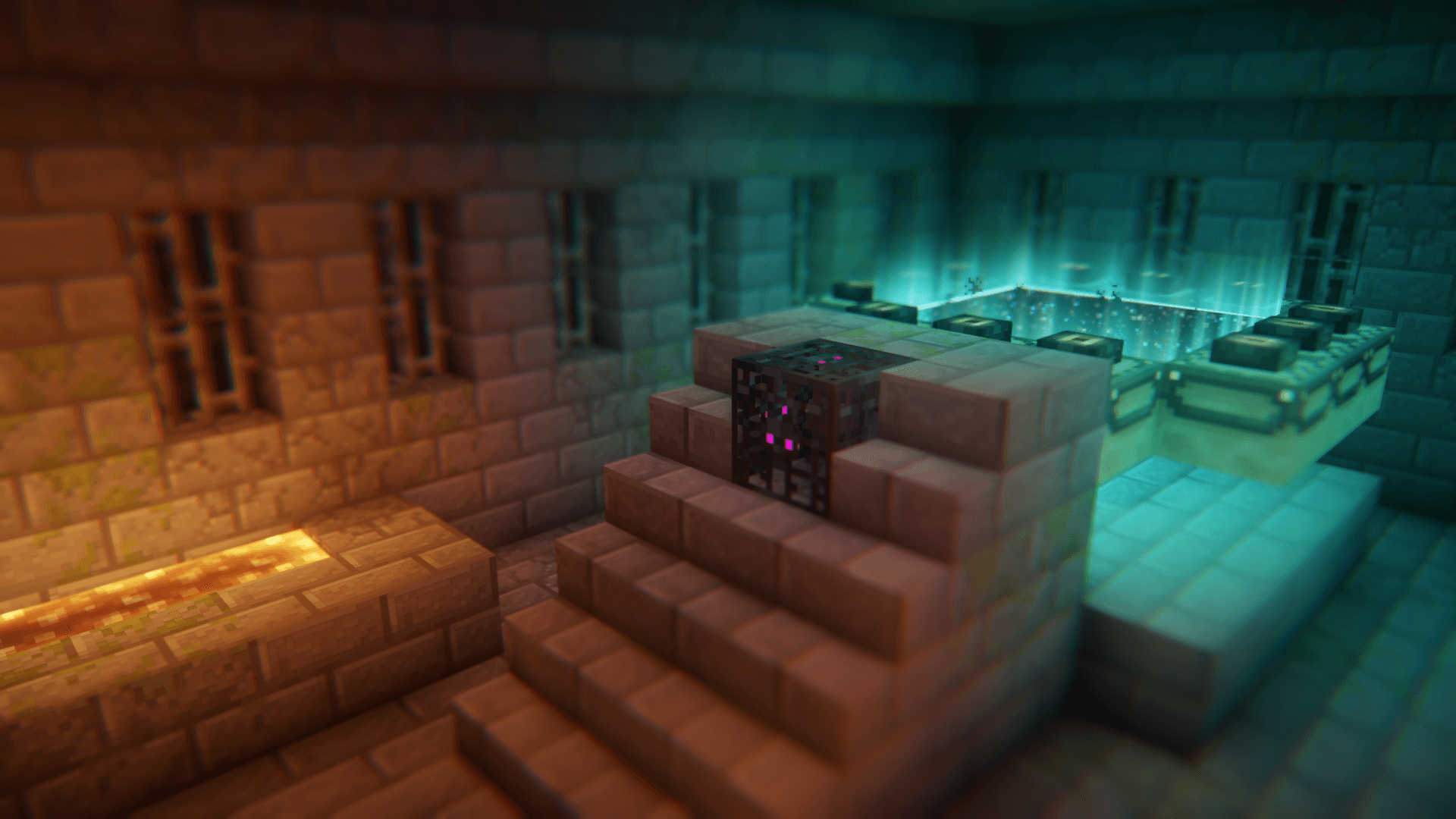
VeinMiner
von Miraculixx
Mine the whole vein on mining a single ore/block. Make the tedious mining experience to something satisfying and fun! FTB Ultimine alternative
 Nur Client

Euphoria Patches
von SpacEagle17
Euphoria Patches is an add-on for Complementary Shaders, extending it with more optional features and settings.
 Server-fähig

Create
von simibubi
Aesthetic Technology that empowers the Player
 Server-fähig

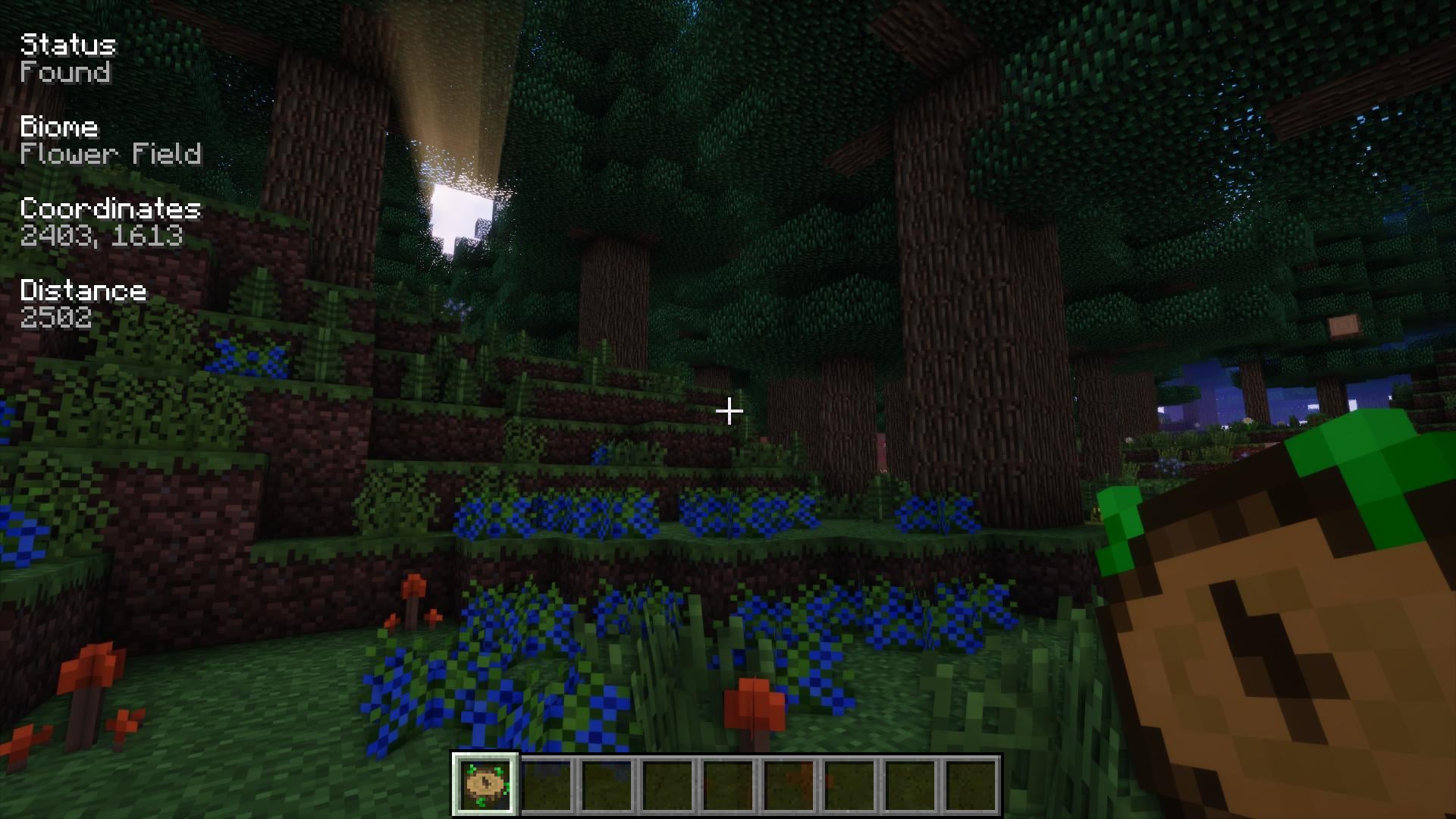
Nature's Compass
von Chaosyr
Allows you to locate biomes anywhere in the world.
Bereit für deinen Server mit Oritech?
4 GB RAM ab 8,00 € im Monat. 35 % auf den 1. Monat mit MADO35.