
Overgeared
An overhaul to minecraft's equipment crafting process.
Screenshots

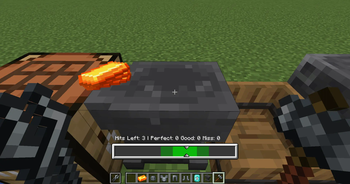
Über diese Mod
Overgeared is a Minecraft mod that overhauls tool and armor crafting with a deep forging system that rewards player skill, preparation, and progression. Inspired by mods like Hot Iron and TerraFirmaCraft, it introduces a more immersive approach to metalworking, blueprint crafting, and alloying.
Fully data pack–compatible. JEI/EMI is highly recommended for browsing recipes.
1.21.1 NeoForge is now out in beta! Use EMI for recipe viewing. Huge thanks to Renari and Acey for helping with the port

IF SOMETHING DOESN'T WORK AFTER UPDATE TRY DELETING THE CONFIG FILE
Documentation for Modpack Makers
Mod Guide
New Items and Blocks
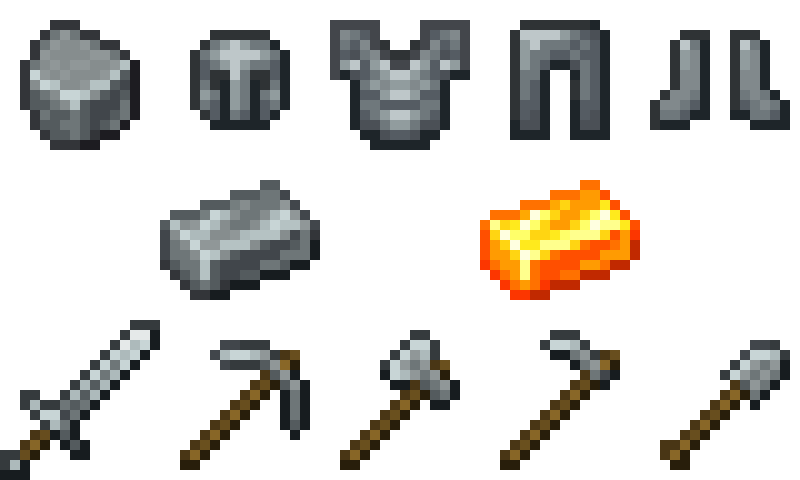
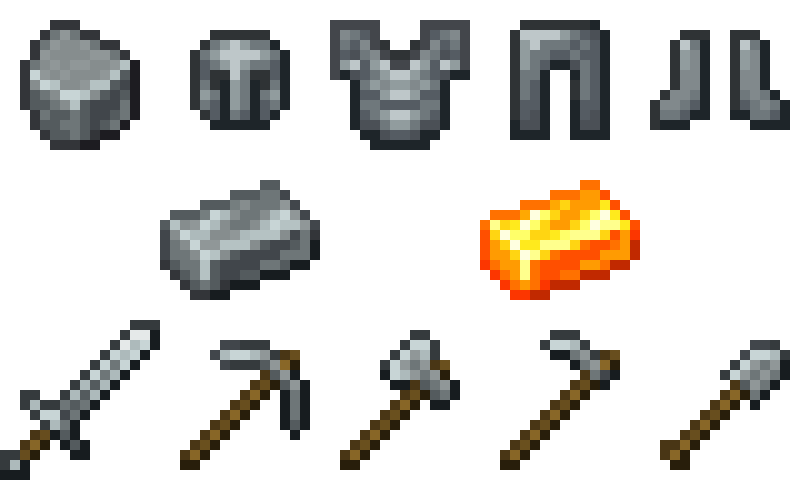
Steel Equipment
A complete steel tier designed to bridge the progression between iron and diamond.
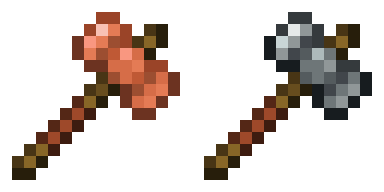
Smithing Hammer
Available in Steel and Copper variants. Used to begin the forging process.
- Sneak + right-click Stone → convert it into a Stone Anvil
- Sneak + right-click vanilla Anvil → convert it into a Smithing Anvil
- Sneak + right-click a Smithing Anvil → start forging
Smithing Tongs
Used to protect yourself from heated metal. Comes in Wooden, Iron and Steel variants. 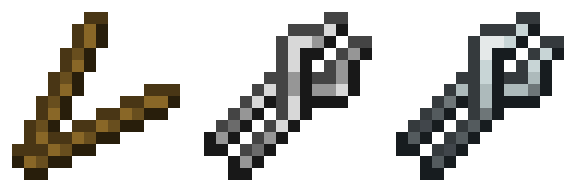
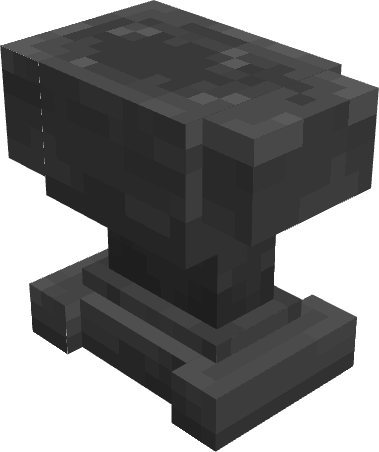
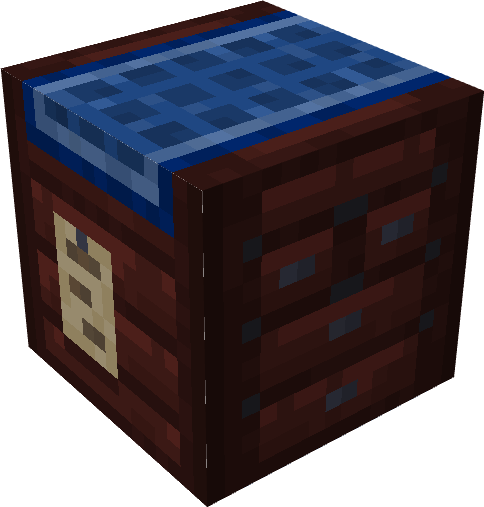
Smithing Anvil
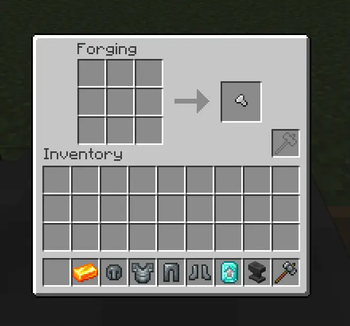
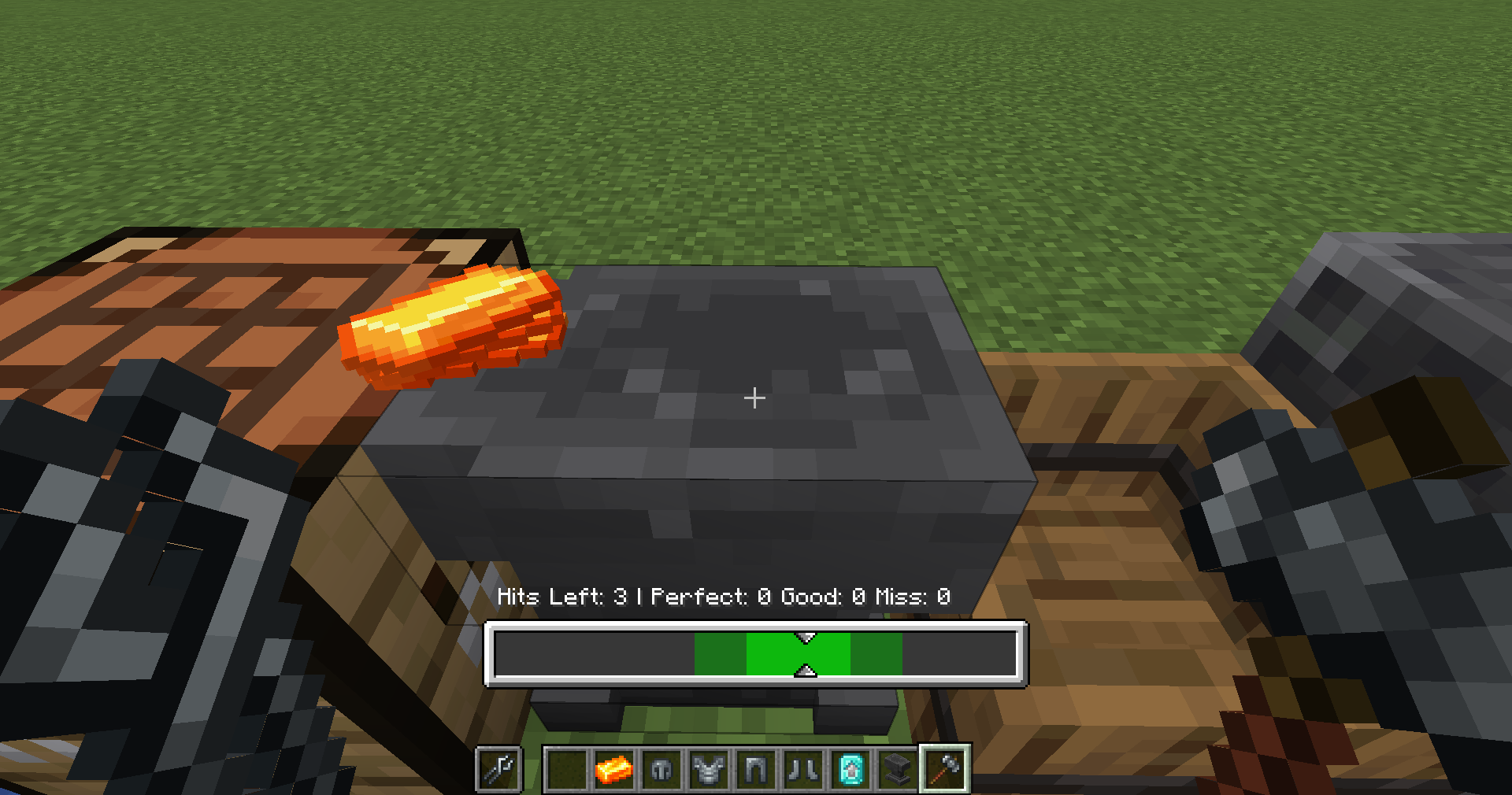
The main workstation for forging. Place ingredients in the 3×3 grid and activate forging with a Smithing Hammer.
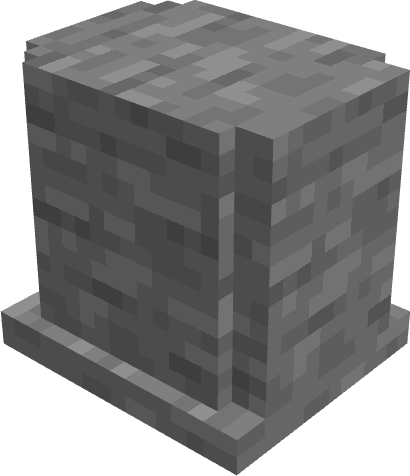
Stone Anvil
An early-game option for simple forging.
- Cheaper to craft
- Lower durability
- Only supports forging up to Well Forged tier
- Lets players progress into full forging
Rock Knapping System
Craft stone tool parts using a click-based 3×3 interface.
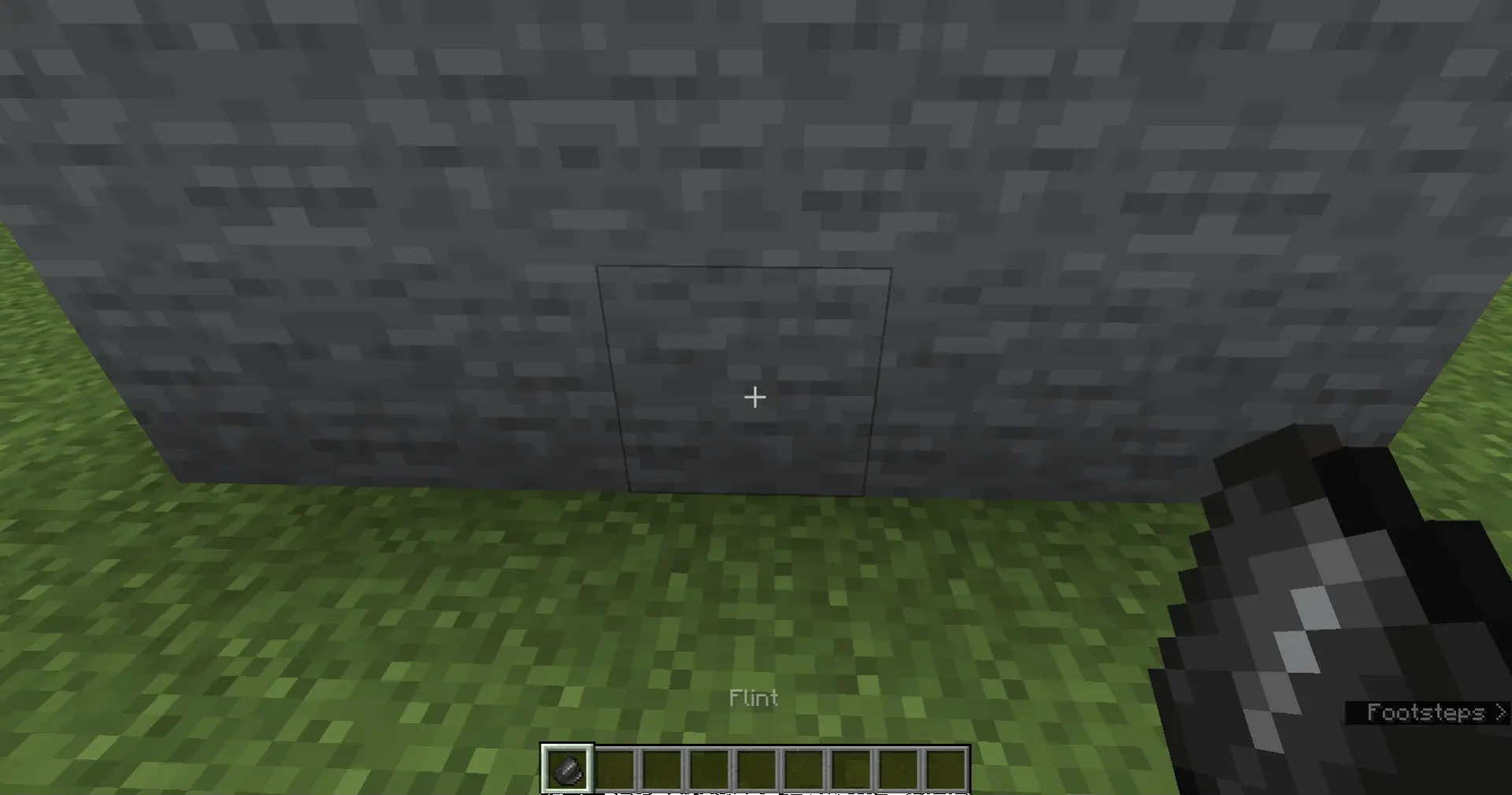
- Obtain rocks by repeatedly right-clicking flint on stone
- Use rocks in the knapping UI to shape tool heads
Forging System & Tool Quality
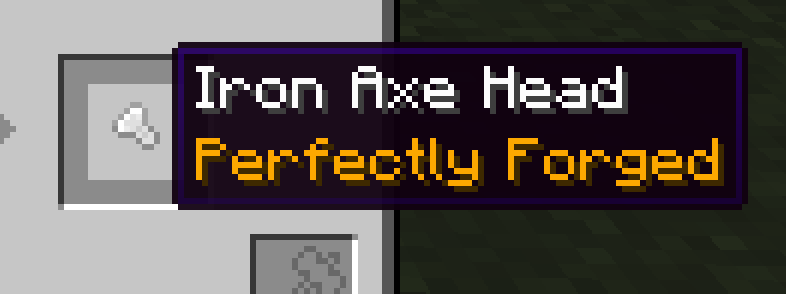
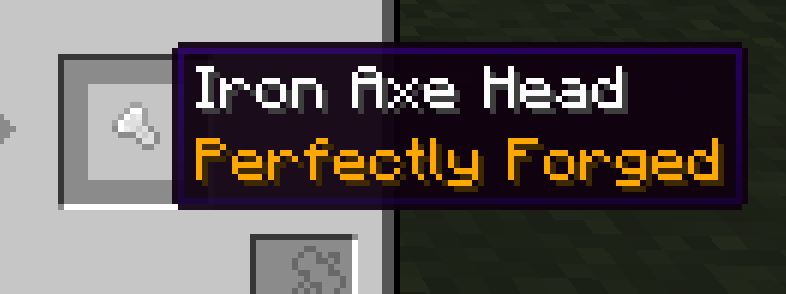
Forging replaces classic tool/armor crafting. Hit timing in the forging minigame determines the Forging Quality:
- Poorly Forged
- Well Forged
- Expertly Forged
- Perfectly Forged
- Masterwork
Quality affects:
- Durability
- Attack Damage
- Attack Speed
- Mining Speed
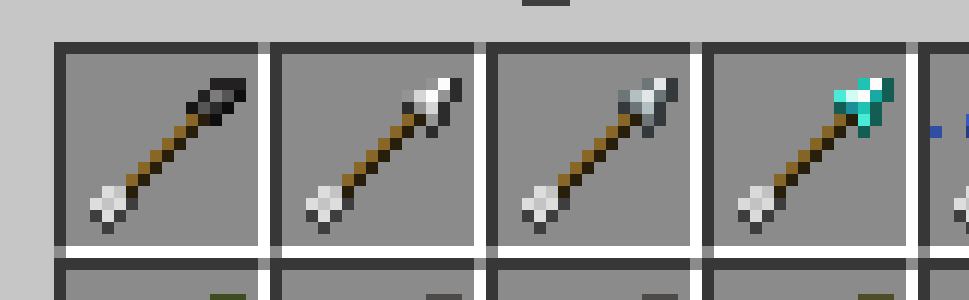
Tool Head Modifiers
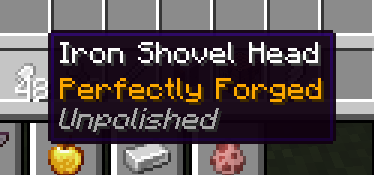
Some tool heads have Polished / Unpolished variants:
- Unpolished reduces max forging quality
- Use a Grindstone to polish tool heads first
Related Tags:
overgeared:grindableovergeared:grinded
Blueprint System
Blueprints define the maximum achievable forging quality.
Each blueprint tracks:
- Quality (Poor → Master)
- Uses & leveling progression
- Tool Type
- Maximum achievable final quality
Blueprints:
- Can be upgraded through forging
- Can be duplicated using Empty Blueprints (but the duplicate is worse quality)
Diamond Crafting Overhaul
Diamond items are no longer crafted in a crafting table.
- Upgrade Steel gear at a Smithing Table
- Requires a special Smithing Template obtainable from structures
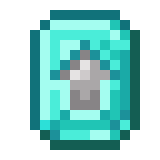
Casting System
Tool Casts
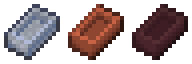
Tool Casts let you duplicate tool heads, sacrificing quality for convenience.
Two types:
- Clay Tool Cast – fragile, early-game
- Nether Tool Cast – durable, late-game
Ideal for mass-producing tool heads with consistent shapes.
Alloy Furnaces
Specialized furnaces for alloy creation:
| Furnace Type | Input Slots | Specialization |
|---|---|---|
| Brick Alloy Furnace | 4 | Standard alloy recipes |
| Nether Alloy Furnace | 9 | High-tier & Netherite alloys |

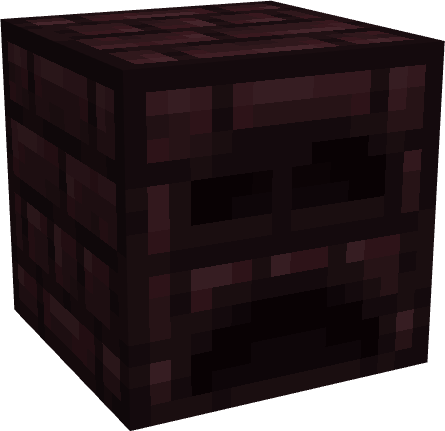
Netherite Ingots now require the Nether Alloy Furnace.
New Recipe Types
NBT-Preserving
nbt_smeltingnbt_blasting→ Keeps NBT from input to output.
Casting
cast_smeltingcast_blasting
Advanced Alloying
alloy_smelting— up to 4 inputsnether_alloy_smelting— up to 9 inputs
New Commands
/givecast <toolType> [quality] [material]
# Gives a tool cast with custom parameters

/setforgingquality <quality>
# Sets the forging quality on your held item
Quality Tiers: poor → well → expert → perfect → master
Advancements
New advancements provide a full guided progression through:
- Knapping
- First forging
- Blueprint mastery
- Alloy smelting
- Cast creation
- High-tier forging steps
Verfügbare Versionen
Overgeared auf dem Server installieren
Server bestellen
Bestelle einen Minecraft Java Server mit mindestens 3 GB RAM (4 GB empfohlen).
fabric Loader setzen
Wähle im Panel unter "Egg" den fabric-Loader und die passende Minecraft-Version (1.21.1).
Mod installieren
Öffne den Mod-Browser im Dashboard und suche nach "Overgeared". Klicke "Installieren" – fertig! Alternativ: Lade die .jar via SFTP in den /mods Ordner.
Kompatibilität
Mod-Loader
Minecraft-Versionen
1.21.1, 1.20.6, 1.20.5 (+4 weitere)
Server-seitig
✓ ErforderlichEmpfohlener RAM
4 GB(min. 3 GB)Häufige Fragen
Overgeared Server crasht beim Start – was tun?
Häufigste Ursache: falsche fabric-Version oder zu wenig RAM. Prüfe im Server-Log (latest.log), ob ein "OutOfMemoryError" oder "Mixin"-Fehler auftritt. Bei Mado Hosting: Stelle sicher, dass mindestens 3 GB RAM zugewiesen sind und der Loader zur Mod-Version passt (1.21.1). Über das Panel kannst du den Loader mit einem Klick wechseln.
Ist Overgeared mit fabric und forge und neoforge kompatibel?
Overgeared unterstützt offiziell fabric, forge, neoforge für Minecraft 1.21.1, 1.20.6, 1.20.5. Achtung: Forge- und Fabric-Mods sind NICHT untereinander kompatibel – wähle einen Loader und bleibe dabei. Im Mado Dashboard werden inkompatible Loader-Kombinationen automatisch erkannt.
Server laggt mit Overgeared – wie optimiere ich die Performance?
Empfohlener RAM: 4 GB (+1 GB pro 8 Spieler). Prüfe mit /spark profiler, ob Overgeared den meisten Tick-Time verbraucht. Häufige Fixes: Server-View-Distance auf 8-10 reduzieren, bei Forge "performant" oder "starlight" als Zusatz-Mod installieren. Bei Mado Hosting läuft dein Server auf NVMe-SSDs mit dedizierten CPU-Kernen für minimale Latenz.
Ähnliche Mods




Modded Server mieten
Installiere Overgeared mit nur einem Klick auf deinem Server.