
Panorama Screenshot
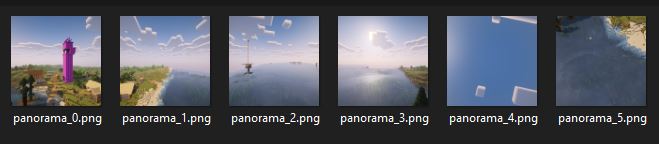
Take panorama screenshots just like Mojang!
Screenshots


Über diese Mod
Use unused code in the vanilla client to make panorama screenshots just as MOJANG does!
The mod is characterized by the fact that it makes unused panorama screenshot code already included in the vanilla game usable. This makes the mod very lightweight and presumably easy and quick to update to the next Minecraft versions.
How to take panorama screenshots
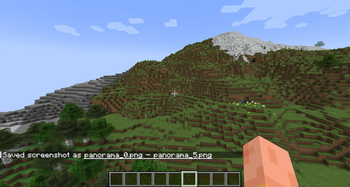
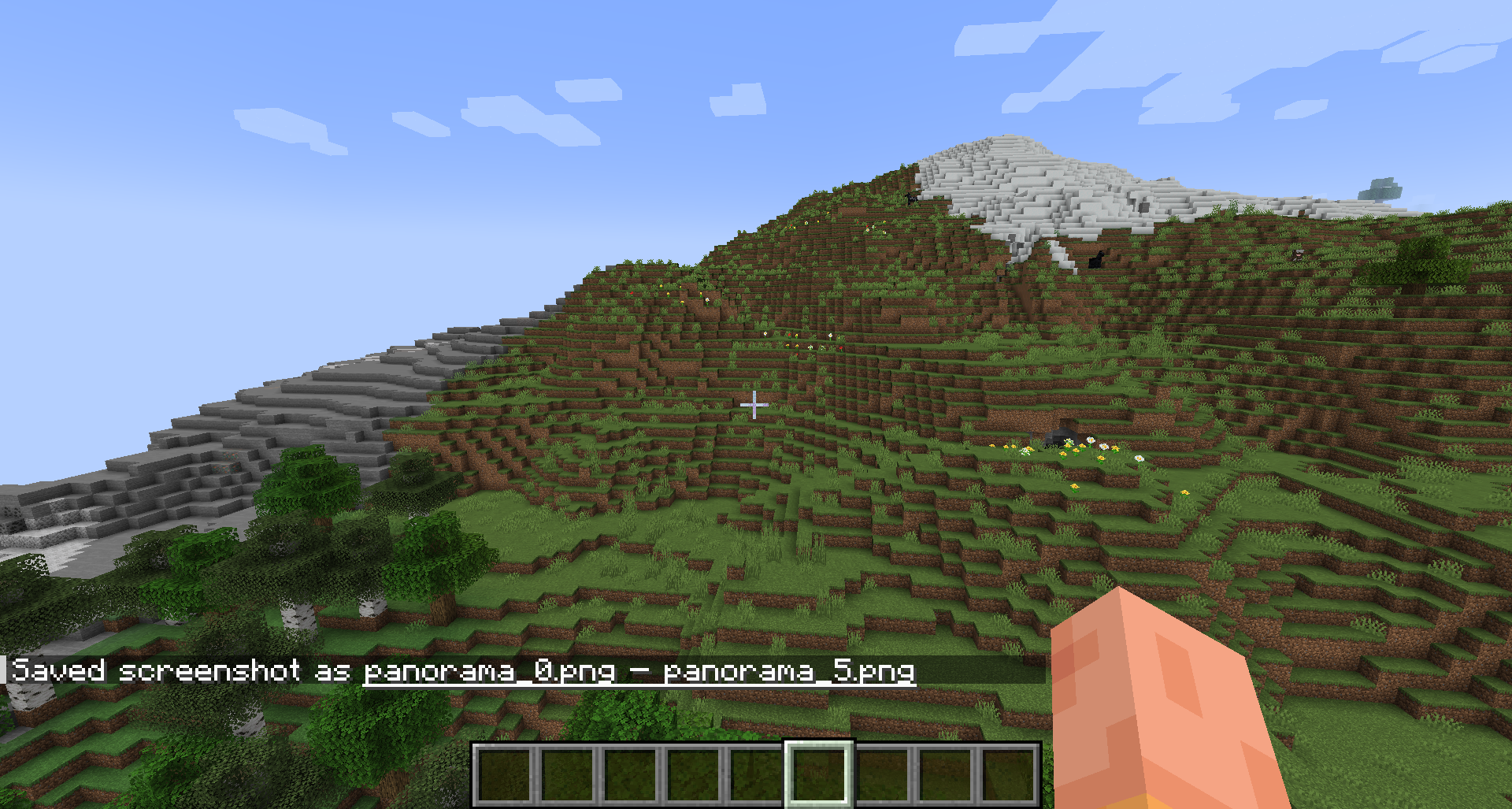
It's as simple as just pressing F4. (The key is configurable.) The rest is completely automated. No need to adjust the window size or FOV. The screenshots are then simply saved in the regular screenshot folder or, starting with mod version 1.1.0, in timestamped subfolders.
Limited functionality with shaders
Recordings with shaders enabled only work from Minecraft version 1.21.8 onwards. In older versions the recording will be blank. I can't change that because this mod doesn't change Mojang's Panorama code, it just uses it.
Using the recordings
This is just a very simple mod for creating recordings using Minecraft's own function. If you want to use the recording as your main menu background, for example, you will need to create your own texture pack. There are plenty of tutorials online for this.
Images

Verfügbare Versionen
Panorama Screenshot auf deinem Client installieren
Mod-Loader lokal installieren
Installiere fabric für deine lokale Minecraft-Version.
Passende Datei herunterladen
Wähle die Panorama Screenshot-Datei für fabric und Minecraft 26.1.2.
Mod installieren
Lege die .jar-Datei in deinem lokalen .minecraft/mods-Ordner ab und starte Minecraft neu. Eine Installation auf dem Server ist nicht nötig.
Kompatibilität
Mod-Loader
Minecraft-Versionen
26.1.2, 1.21.11, 1.21.10 (+6 weitere)
Server-seitig
✗ Nicht unterstütztEmpfohlener RAM
4 GB(min. 3 GB)Häufige Fragen
Muss Panorama Screenshot auf dem Minecraft Server installiert werden?
Nein. Modrinth kennzeichnet Panorama Screenshot serverseitig als nicht unterstützt. Installiere die Mod nur im lokalen Minecraft-Mods-Ordner. Dein Server kann unverändert bleiben, sofern die Mod-Seite keine zusätzliche Abhängigkeit nennt.
Welche Version und welchen Loader braucht Panorama Screenshot?
Nutze eine Datei für fabric, quilt und exakt deine Minecraft-Version. Unterstützte Versionen sind unter anderem 26.1.2, 1.21.11, 1.21.10. Loader-Dateien sind nicht untereinander austauschbar.
Panorama Screenshot funktioniert nicht – was kann ich prüfen?
Prüfe zuerst Minecraft-Version, Loader-Version und erforderliche Abhängigkeiten. Lege die .jar-Datei im lokalen .minecraft/mods-Ordner ab und entferne ältere Duplikate. Da die Mod clientseitig ist, löst mehr Server-RAM dieses Problem nicht.
Ähnliche Mods




![[ETF] Entity Texture Features](https://cdn.modrinth.com/data/BVzZfTc1/af683d206d50b05258d865b0d6e4aa2f2cee12f2_96.webp)

Minecraft Server für deine Gruppe
Panorama Screenshot bleibt auf deinem Client. Hoste dazu eine kompatible Welt für deine Mitspieler.
Details
- Lizenz
- GNU General Public License v3.0 or later
- Server-seitig
- Nicht unterstützt