
Paper Doll
Shows a tiny player model on screen when performing actions like sprinting, swimming, and flying.
Screenshots

Über diese Mod
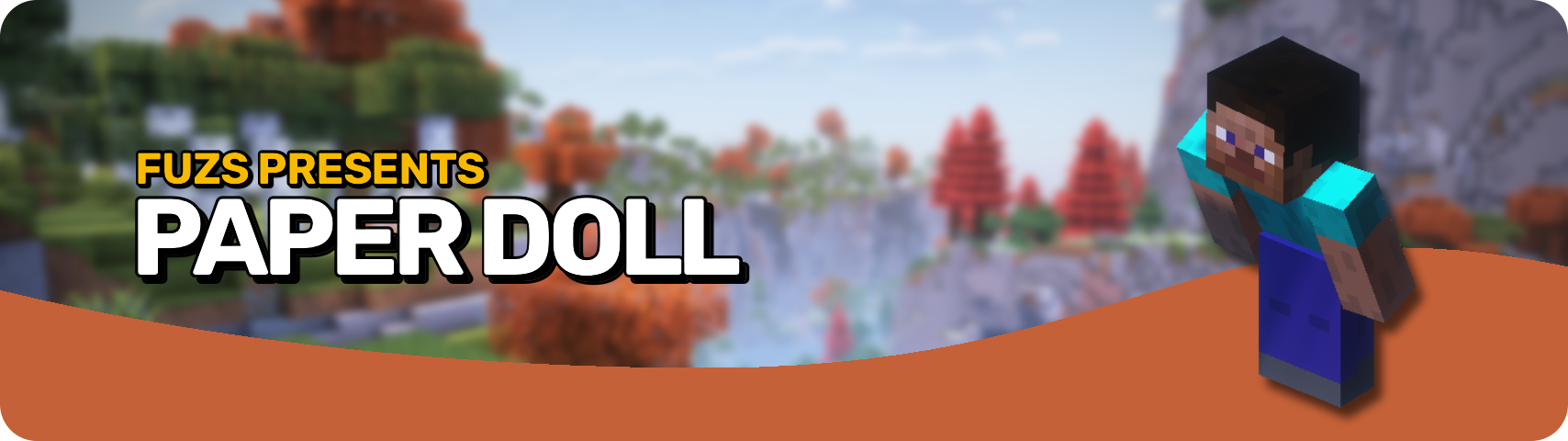








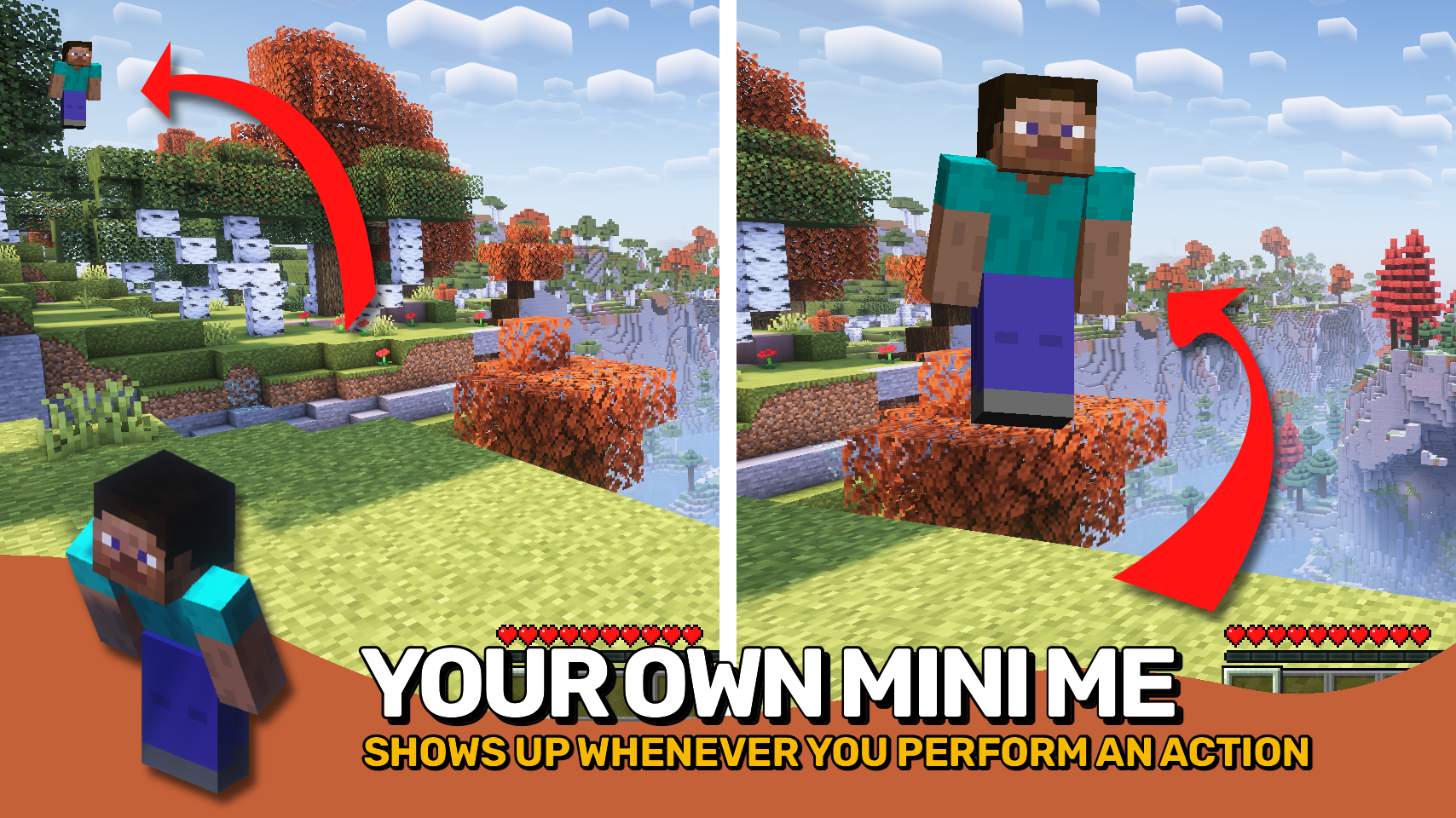
Paper Doll adds the familiar Bedrock Edition paper doll to Minecraft: Java Edition, showing a small model of your character on screen while performing various actions. 🧍
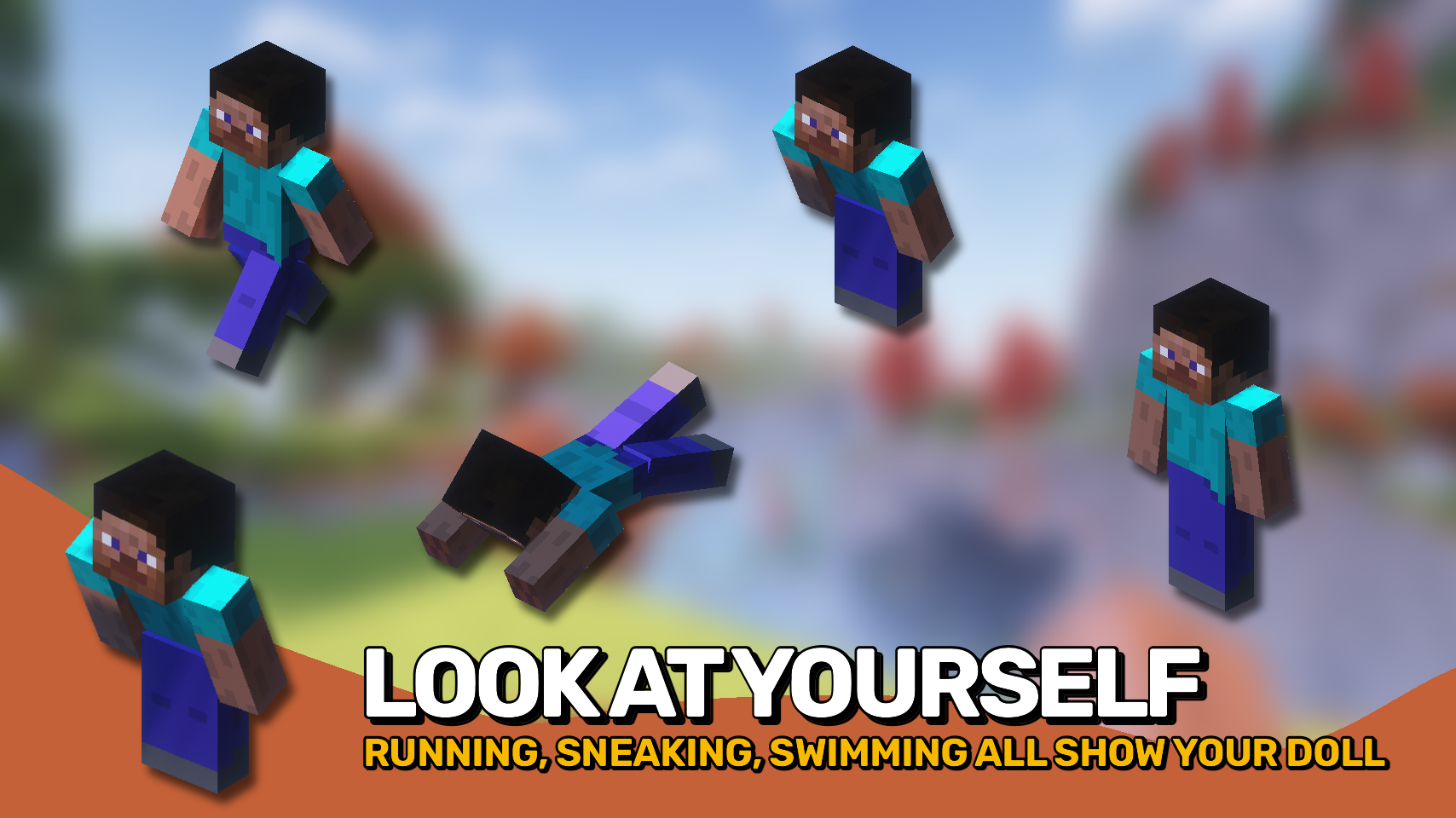
The paper doll can appear while sprinting, swimming, crouching, crawling, flying, gliding, and more, giving you a quick visual overview of your character without opening any menus. ✨
Everything is highly customizable. Adjust its position, size, display duration, head movement, and exactly which actions should make it appear. Whether you want a faithful Bedrock experience or your own custom setup, this mod lets you tailor the display to your liking. ⚙️

- 🧍 Bedrock-Style Display: Shows a miniature version of your player directly on the HUD.
- 🏃 Action-Based Visibility: Display the paper doll while sprinting, swimming, crouching, crawling, flying, gliding, and more.
- 🎯 Custom Positioning: Place the display anywhere on the screen using configurable anchor points and offsets.
- 🔍 Adjustable Scale: Resize the paper doll to fit your preferred HUD layout.
- 👀 Head Tracking: Configure head movement to follow yaw, pitch, or both.
- ⏱️ Smart Display Timing: Keep the paper doll visible briefly after an action ends or display it continuously.
- ⚙️ Fully Configurable: Customize exactly which actions trigger the display and how it behaves.


⏩ INSTALLATION REQUIRED ON CLIENT
⏩ REQUIRES PUZZLES LIB TO BE INSTALLED (FABRIC & NEOFORGE)
⏩ REQUIRES FABRIC API TO BE INSTALLED (FABRIC)
⏩ REQUIRES FORGE CONFIG API PORT TO BE INSTALLED (FABRIC)

If available for a mod, configuration is possible directly from in-game using the mod menu (requires Mod Menu by Prospector to be installed on Fabric).
For manual configuration using an external text editor all files are found at .minecraft/config, named as MOD_ID-client.toml, MOD_ID-common.toml, or MOD_ID-server.toml, depending on the type of config. Not all types might exist for a mod, if any at all.
 |
 |
|
 |
 |
|
 |
 |
|
 |
 |
|
 |
 |

© 2026 @heyitsfuzs. All rights reserved. This page was last edited on 11 September 2026, at 06:44 (UTC).
Verfügbare Versionen
Paper Doll auf deinem Client installieren
Mod-Loader lokal installieren
Installiere fabric für deine lokale Minecraft-Version.
Passende Datei herunterladen
Wähle die Paper Doll-Datei für fabric und Minecraft 26.3.
Mod installieren
Lege die .jar-Datei in deinem lokalen .minecraft/mods-Ordner ab und starte Minecraft neu. Eine Installation auf dem Server ist nicht nötig.
Kompatibilität
Mod-Loader
Minecraft-Versionen
26.3, 26.2, 26.1.2 (+17 weitere)
Server-seitig
✗ Nicht unterstütztEmpfohlener RAM
4 GB(min. 3 GB)Häufige Fragen
Muss Paper Doll auf dem Minecraft Server installiert werden?
Nein. Modrinth kennzeichnet Paper Doll serverseitig als nicht unterstützt. Installiere die Mod nur im lokalen Minecraft-Mods-Ordner. Dein Server kann unverändert bleiben, sofern die Mod-Seite keine zusätzliche Abhängigkeit nennt.
Welche Version und welchen Loader braucht Paper Doll?
Nutze eine Datei für fabric, forge, neoforge und exakt deine Minecraft-Version. Unterstützte Versionen sind unter anderem 26.3, 26.2, 26.1.2. Loader-Dateien sind nicht untereinander austauschbar.
Paper Doll funktioniert nicht – was kann ich prüfen?
Prüfe zuerst Minecraft-Version, Loader-Version und erforderliche Abhängigkeiten. Lege die .jar-Datei im lokalen .minecraft/mods-Ordner ab und entferne ältere Duplikate. Da die Mod clientseitig ist, löst mehr Server-RAM dieses Problem nicht.
Ähnliche Mods




![[ETF] Entity Texture Features](https://cdn.modrinth.com/data/BVzZfTc1/af683d206d50b05258d865b0d6e4aa2f2cee12f2_96.webp)

Minecraft Server für deine Gruppe
Paper Doll bleibt auf deinem Client. Hoste dazu eine kompatible Welt für deine Mitspieler.