
Modrinth · Fabric, Forge, NeoForge
PeterWolf’s Planes auf deinem Minecraft Server
PeterWolf’s Planes läuft auf Minecraft Servern mit Fabric oder Forge oder NeoForge. Bestell deinen Server, stell den Loader im Panel ein und installiere die Mod mit einem Klick im Mod-Browser.
Peter Wolf’s Planes adds a fully‑steerable biplane to Minecraft, bringing a lightweight, vintage‑style aviation experience to the game.
- Downloads
- 11.8K
- Autor
- peterwolfpl
- Loader
- Fabric, Forge, NeoForge
- Minecraft
- 1.20.1 – 26.3
- Aktualisiert
- –
Screenshots
So sieht PeterWolf’s Planes aus
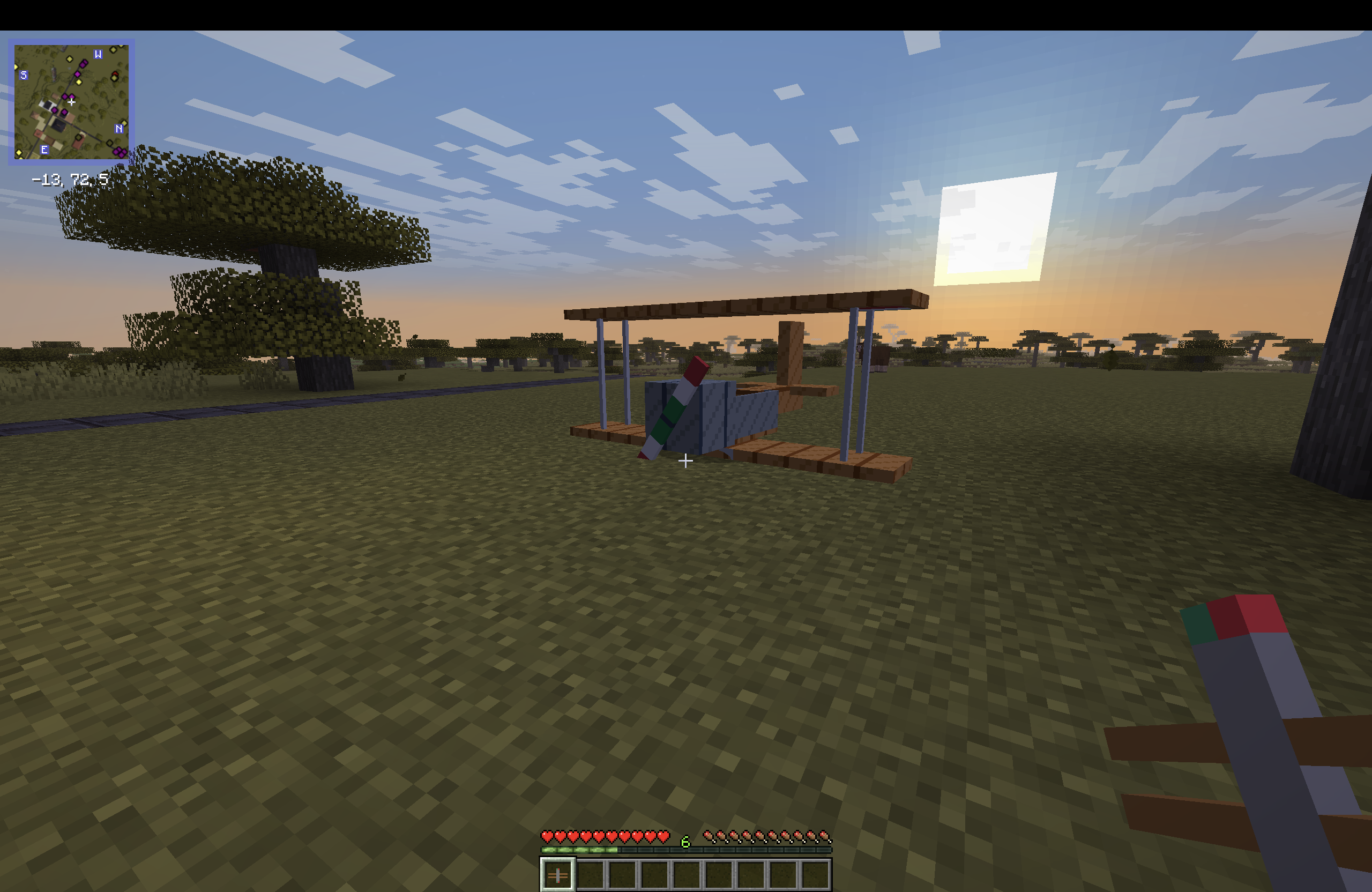
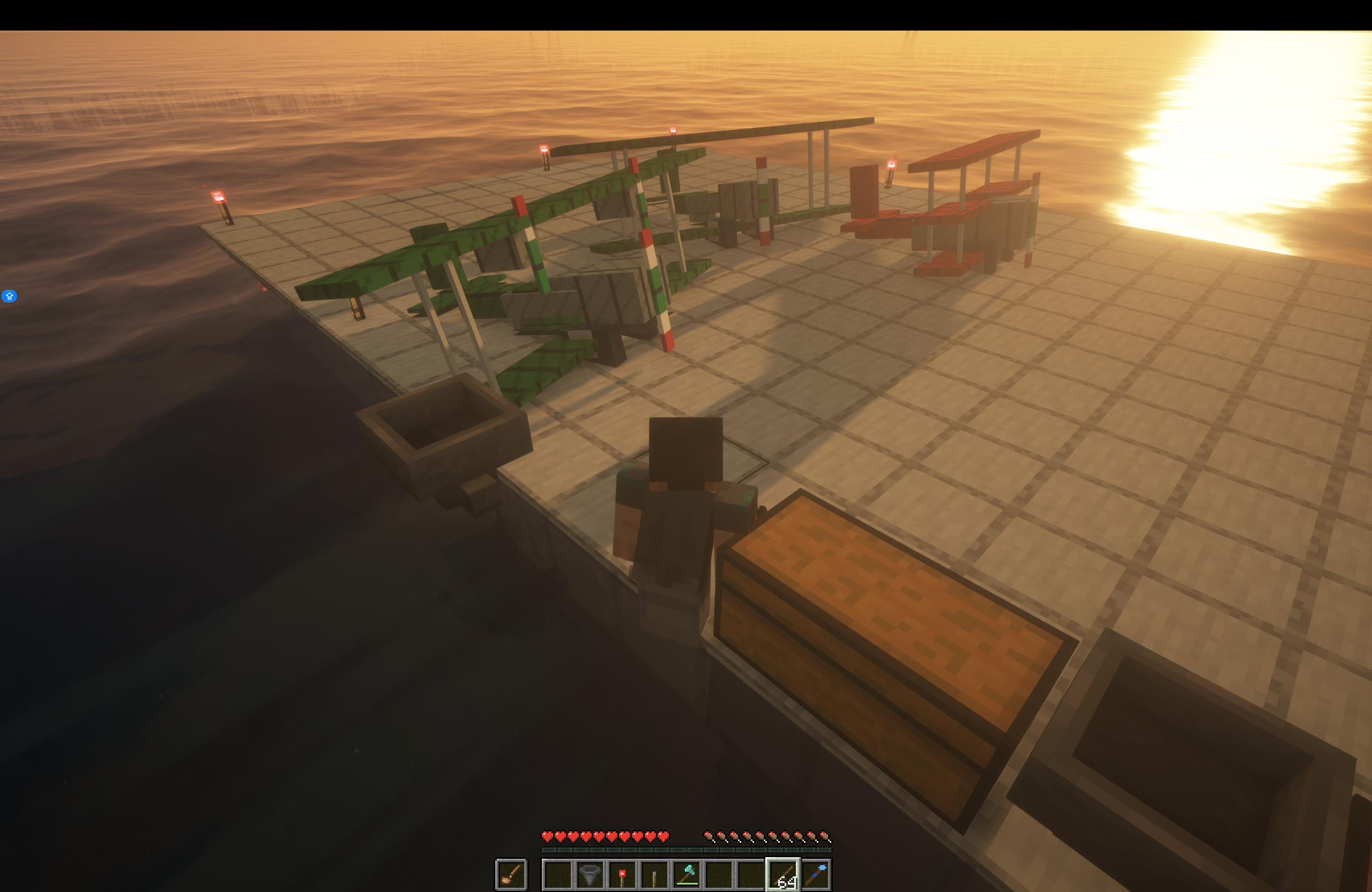
Bilder: PeterWolf’s Planes auf Modrinth, vom Projektteam veröffentlicht.
Einrichtung
PeterWolf’s Planes auf dem Server installieren
Server und Spieler brauchen denselben Loader und dieselbe Minecraft-Version. Sichere die Welt, bevor du Mods hinzufügst oder aktualisierst.
- 01
Konfigurieren
4 GB RAM sind vorausgewählt. Laufzeit und Add-ons wählst du selbst, bezahlt wird per Kreditkarte oder PayPal.
- 02
Loader einstellen
Stell im Panel die Serversoftware auf Fabric oder Forge oder NeoForge und wähl die passende Minecraft-Version, zum Beispiel 26.3.
- 03
Mod installieren
Such im Mod-Browser nach „PeterWolf’s Planes“ und installiere die Version für deinen Loader. Alternativ lädst du die .jar per SFTP in den Ordner mods. Erforderliche Abhängigkeiten stehen auf der Projektseite.
- 04
Verbinden
Alle Spieler installieren PeterWolf’s Planes in derselben Version lokal und verbinden sich über die Serveradresse aus dem Panel.
- Auf dem Server
- Erforderlich
- Auf dem Client
- Erforderlich
- Loader
- Fabric, Forge, NeoForge
- Minecraft
- 26.3, 26.2, 1.21.11 +2 weitere
- Lizenz
- Mozilla Public License 2.0
Das Panel
Mods installieren, Fehler finden.
Echte Screenshots aus dem Mado Panel. Beides ist bei jedem Minecraft Server enthalten.
Mod-Browser
Modrinth und CurseForge direkt im Panel.
Der Browser filtert nach deiner Minecraft-Version. Mods installierst du mit einem Klick, ohne .jar-Dateien hochzuladen.

KI-Crash-Analyse
Wenn ein Mod crasht, liest die Analyse das Log.
Mods scheitern oft an einer falschen Loader-Version, Java-Version oder fehlenden Abhängigkeit. Die Analyse nennt eine wahrscheinliche Ursache und einen Lösungsvorschlag.

Versionen
Veröffentlichte Versionen
Nimm die Datei, die zu Loader und Minecraft-Version deines Servers passt. Server und Spieler brauchen dieselbe Version.
PeterWolf’s Planes · Modrinth- Peter Wolf's Planes 1.6.115. November 2026Minecraft 26.3 · Fabric
- Peter Wolf's Planes 1.6.0+1.20.113. November 2026Minecraft 1.20.1 · NeoForge
- Peter Wolf's Planes 1.6.0+1.20.113. November 2026Minecraft 1.20.1 · Forge
- Peter Wolf's Planes 1.6.0+1.20.113. November 2026Minecraft 1.20.1 · Fabric
- Peter Wolf's Planes 1.6.0+1.21.113. November 2026Minecraft 1.21.1 · NeoForge
Originalbeschreibung des Projektautors
PeterWolf’s Planes
Overview
Peter Wolf’s Planes adds a fully‑steerable biplane to Minecraft, bringing a lightweight, vintage‑style aviation experience to the game. The mod introduces realistic flight physics, speed‑dependent control surfaces, a functional HUD, and a polished visual presentation (custom icon and ModMenu banner).
Features
- Steerable Biplane Entity – Fly a biplane that responds to mouse look (pitch & roll) and keyboard A/D for yaw/rudder.
- Speed‑Dependent Controls – Control surface effectiveness scales with forward speed; at a standstill the plane is unresponsive, and responsiveness ramps up linearly as you accelerate.
- Aerodynamic Lift Tuning – Lift is calibrated to overcome gravity at roughly 35 km/h (≈ 0.486 blocks/tick), providing a smooth take‑off and realistic stall behavior.
- Improved Gliding Physics – Reduced drag at low throttle and enhanced lift allow graceful glides and energy exchange (climbing slows the plane, diving speeds it up).
- Larger Landing‑Gear Wheels – Wheels are now 4 × 10 × 10 blocks, with custom textures for a sturdier ground stance and better visual appeal.
- Cockpit HUD – A glass‑morphic overlay shows current speed (m/s & km/h), altitude, vertical speed (color‑coded), and throttle/brake status.
⚔️ Dogfight Combat Mode (v1.1.0)
While piloting, press V to arm combat mode (shown on the HUD as Combat: ARMED).
| Control | Action |
|---|---|
| V | Toggle combat mode (ARMED / SAFE) |
| Left Mouse Button | Fire twin machine guns (rapid dual tracers along the nose) |
| B | Drop a lit TNT bomb (consumes 1× TNT; free in Creative) |
Combat details
- Machine guns fire dual streams from the wing roots with plane-relative muzzle velocity — no ammo required.
- Bombs inherit most of the plane's velocity, fall under gravity with a short fuse, and explode on the ground (or mid-air when the fuse runs out).
- Occupied aircraft can be damaged by projectiles and explosions. The HUD shows airframe integrity; at 0 HP the plane is destroyed and passengers are ejected.
- Your own munitions will not damage the plane you are piloting.
- Keybinds are remappable under Controls → Peter Wolf's Planes.
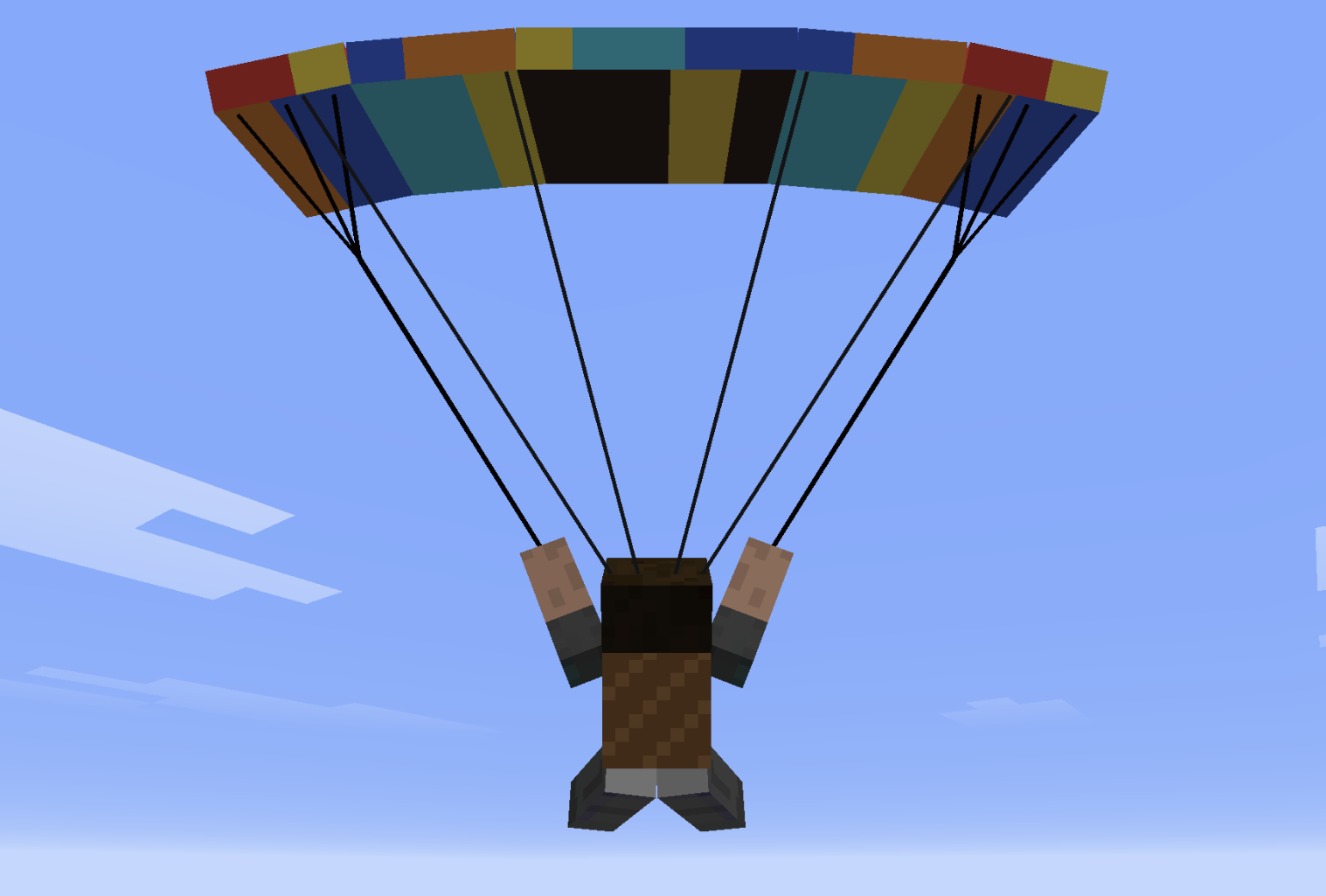
🪂 Paraglider & other features
- Paraglider Backpack (chest slot): deploy in free-fall for controlled descent with bank turns, flares, double-W dive, and spiral dives.
- Squadron Horn + Villager Pilot: recruit AI wingmen into a V-formation.
- Tail push: approach the tail of an empty plane and hold Shift + Right-Click to wheelbarrow-push it on the ground.
- Worldgen runway structures with loot.
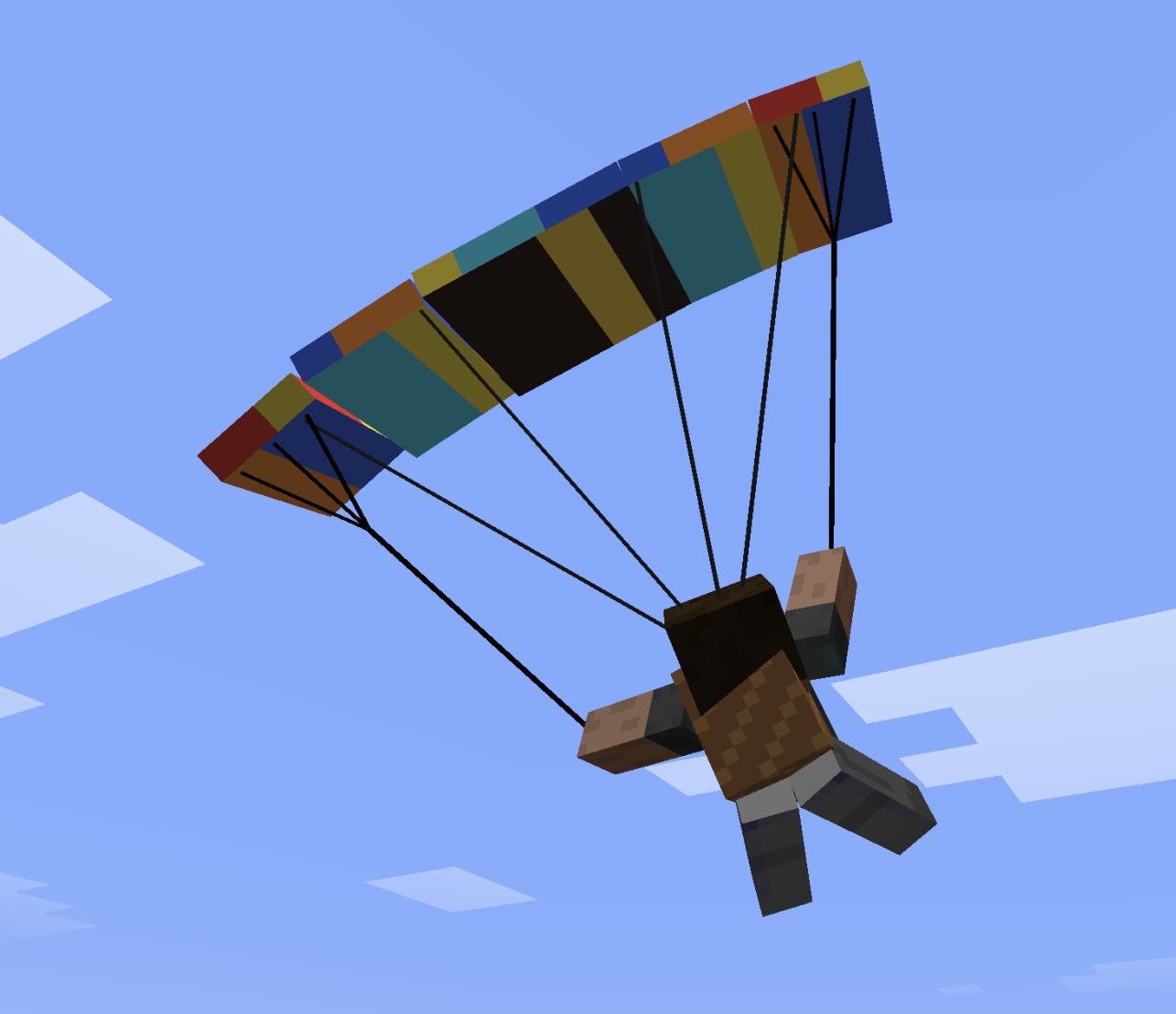
Paraglider Controls
The paraglider uses simple, intuitive flight controls.
- Steer left or right to pull the corresponding brake line and turn.
- Double-tap the left or right steering key to enter a fast descending spiral.
- Double-tap S to search for rising air currents above slopes.
- Push forward to gain speed.
- Pull back to slow down and flare before landing.
The canopy banks naturally, while the inner wingtip bends slightly during tighter turns.
🛠️ Crafting recipes (survival)
Craft in a Crafting Table. Shapes are 3×3.
Biplane (plane)
W P W
I I I
  S
- W white wool · P oak planks · I iron ingot · S stick
Large Biplane
W P W
I I I
P S P
- W white wool · P oak planks · I iron ingot · S stick
Large Twin-Engine Biplane
I F I
W P W
I S I
- I iron ingot · F furnace · W white wool · P oak planks · S stick
Red Baron's Triplane
R G R
I I I
  S
- R red wool · G gold ingot · I iron ingot · S stick
Water Plane
  B
W P W
I I I
- B oak boat · W white wool · P oak planks · I iron ingot
Monoplane (fast fighter)
I D I
W P W
  S
- I iron ingot · D diamond · W white wool · P oak planks · S stick
Paraglider Backpack (chest armor)
L P L
S W S
L   L
- L leather · P phantom membrane · S string · W white wool
Installation
- Install Fabric Loader for Minecraft 26.2 (or newer) and the Fabric API.
- Download the latest peterwolfs_planes-*.jar from Modrinth.
- Place the JAR file into your mods/ folder.
- Launch Minecraft – the biplane item appears in the Creative tab under Peter Wolf’s Planes and can be crafted or given via commands.
Usage
- Equip the Plane item and right‑click to mount.
- Throttle: Use the assigned key (default W/S). Negative throttle triggers wheel brakes on the ground.
- Steering: Move the mouse to control pitch (up/down) and roll (left/right). Yaw is assisted by a small rudder mix.
- HUD: Automatically appears while riding; press H to toggle.
🚁 Helicopter — Quick Flight Guide
🎮 Controls
- W (Hold): Lift off / Climb
- S (Hold): Descend / Land
- Release W / S: Auto-Altitude Hold (maintains exact altitude)
- Mouse Forward / Back: Pitch nose down (fly forward) / Pitch up (brake / fly back)
- Mouse Left / Right: Bank left / right (strafe sideways)
- A / D: Rotate tail / heading (yaw)
- Aim at Horizon: Auto-stabilizes into a stationary hover
🛑 Ground, Takeoff & Landing
- On the Ground:
- Controls are locked — moving the mouse won't tilt the helicopter or slide.
- A / D still rotate the helicopter on the spot to align before takeoff.
- Takeoff:
- Hold W to lift off vertically.
- The moment skids leave the ground, your cursor automatically centers to the horizon for a smooth, stable start.
- Landing:
- Hold S to descend. Upon touching the ground, the helicopter auto-levels and controls lock into parked mode.
⌨️ Commands & Crafting
- Toggle Altitude Mode:
/helialt(switches between Simple Auto-Hold and Realistic collective) - Crafting (3×3 Table):
- Top:
Iron Ingot|Iron Bars|Iron Ingot - Mid:
Iron Ingot|Minecart|Iron Ingot - Bot:
Iron Bars|Redstone|Iron Bars
- Top:
PeterWolf’s Planes Server crasht beim Start – was tun?
Häufige Ursachen: Loader- oder Minecraft-Version passen nicht zur Mod-Datei, eine Abhängigkeit fehlt oder der RAM reicht nicht. Such im Log (latest.log) nach „OutOfMemoryError“, „Mixin“ oder fehlenden Mods. Bei Mado wertet die KI-Crash-Analyse das Log aus und schlägt eine Ursache vor. Loader und Version änderst du im Panel.
Mit welchem Loader läuft PeterWolf’s Planes?
Laut Modrinth unterstützt PeterWolf’s Planes Fabric, Forge, NeoForge für Minecraft 26.3, 26.2, 1.21.11. Forge- und Fabric-Dateien sind nicht untereinander austauschbar: Wähl einen Loader für Server und Clients.
Wie viel RAM braucht ein Server mit PeterWolf’s Planes?
Als Orientierung 3–4 GB für einen Server mit dieser Mod. Das ist eine Schätzung, keine gemessene Mindestanforderung. Weitere Mods, viele Spieler und große Sichtweiten brauchen mehr. Ob eine Mod die Tick-Zeit belastet, siehst du mit dem spark-Profiler.
Ähnliche Mods
Beliebte Mods aus derselben Kategorie
 Server-fähig

Xaero's Minimap
von thexaero
Displays a map of the nearby world terrain, players, mobs, entities in the corner of your screen. Lets you create waypoints which help you find the locations you've marked.
 Server-fähig

Xaero's World Map
von thexaero
Adds a full screen world map which shows you what you have explored in the world. Works great together with Xaero's Minimap.
 Server-fähig

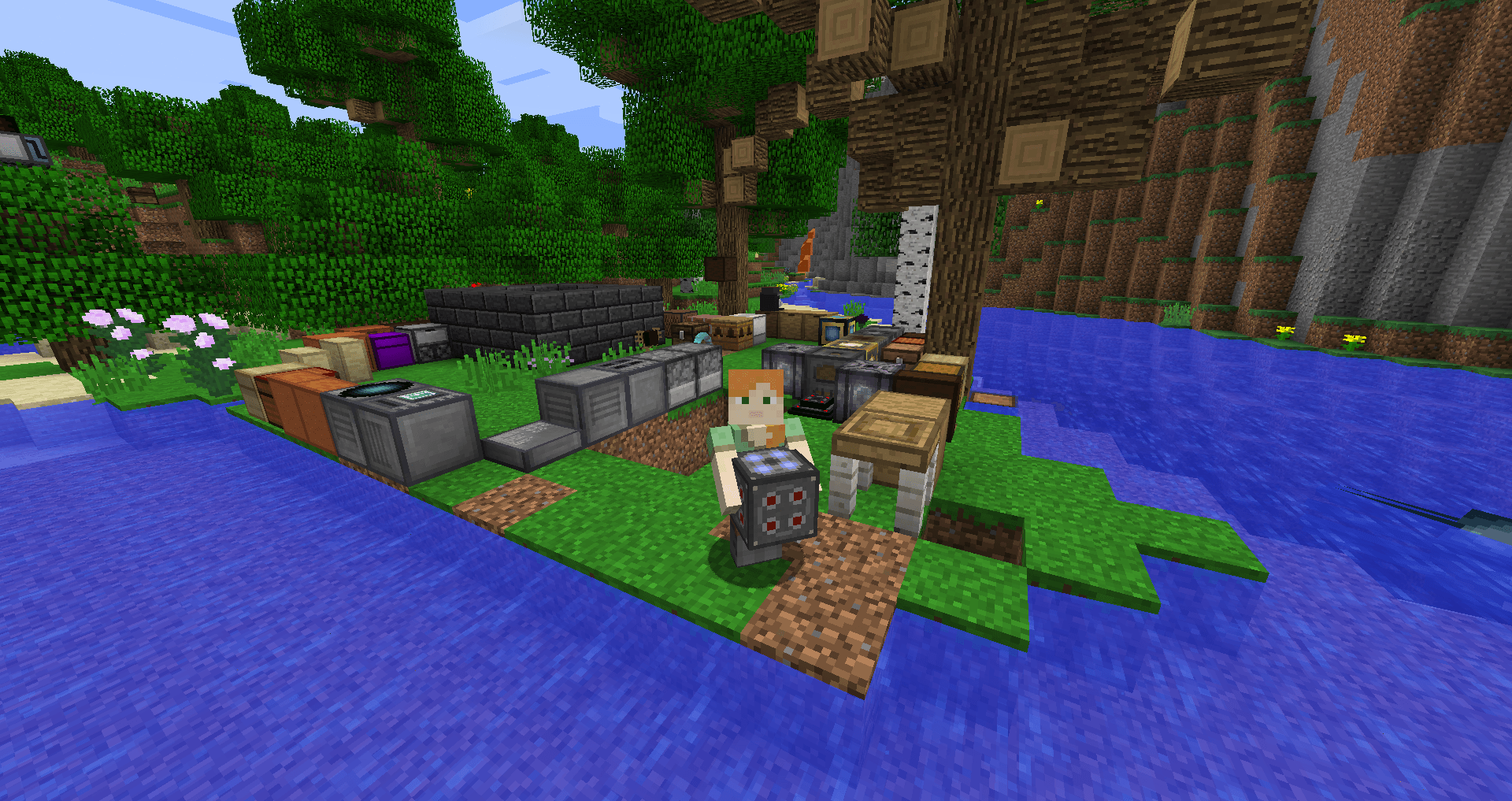
Carry On
von Tschipp
Carry On allows you to pick up Tile Entities and Mobs and carry them around!
 Server-fähig

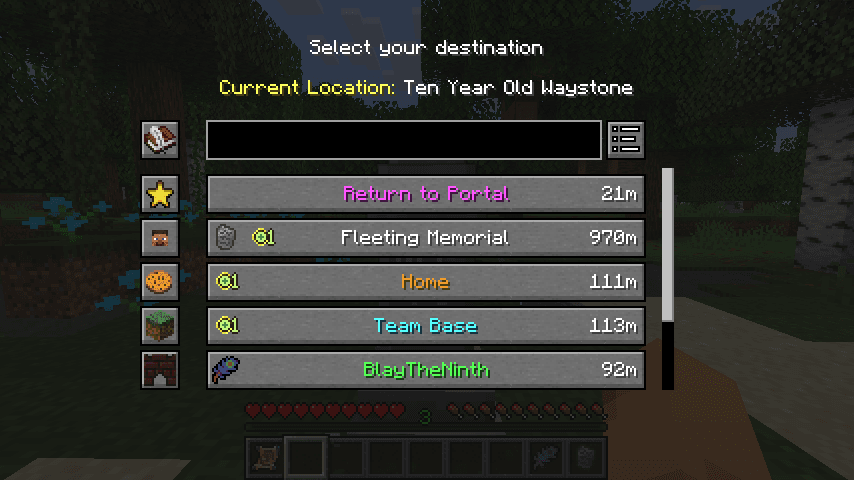
Waystones
von BlayTheNinth
Teleport from waystone to waystone or craft magical scrolls to warp.
Bereit für deinen Server mit PeterWolf’s Planes?
4 GB RAM ab 8,00 € im Monat. 35 % auf den 1. Monat mit MADO35.