
PAM | Philipp´s Alarm Mod
A mod that adds new siren blocks with 3D Models that will play an Alarm if its powerd by redstone.
Screenshots
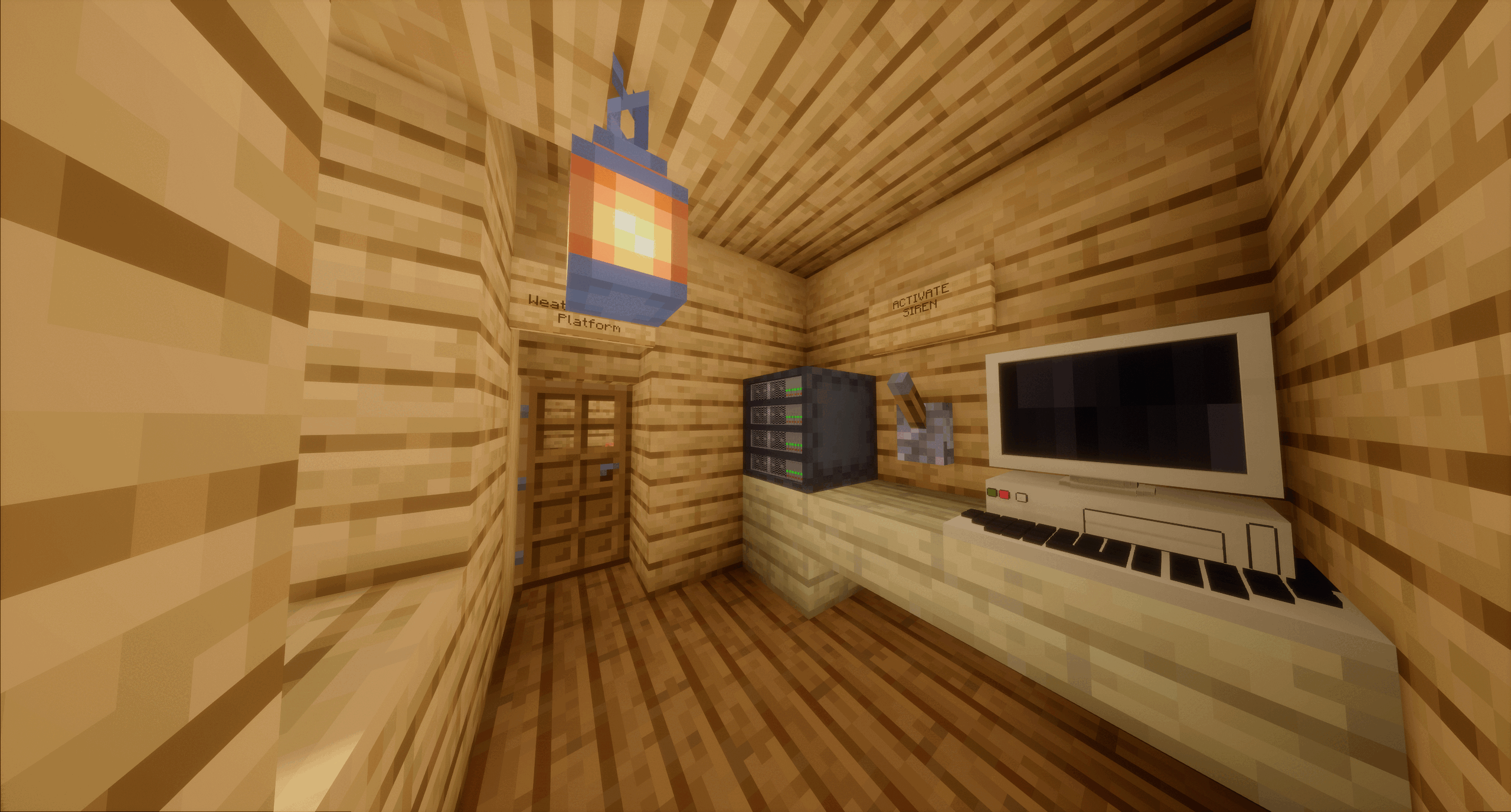
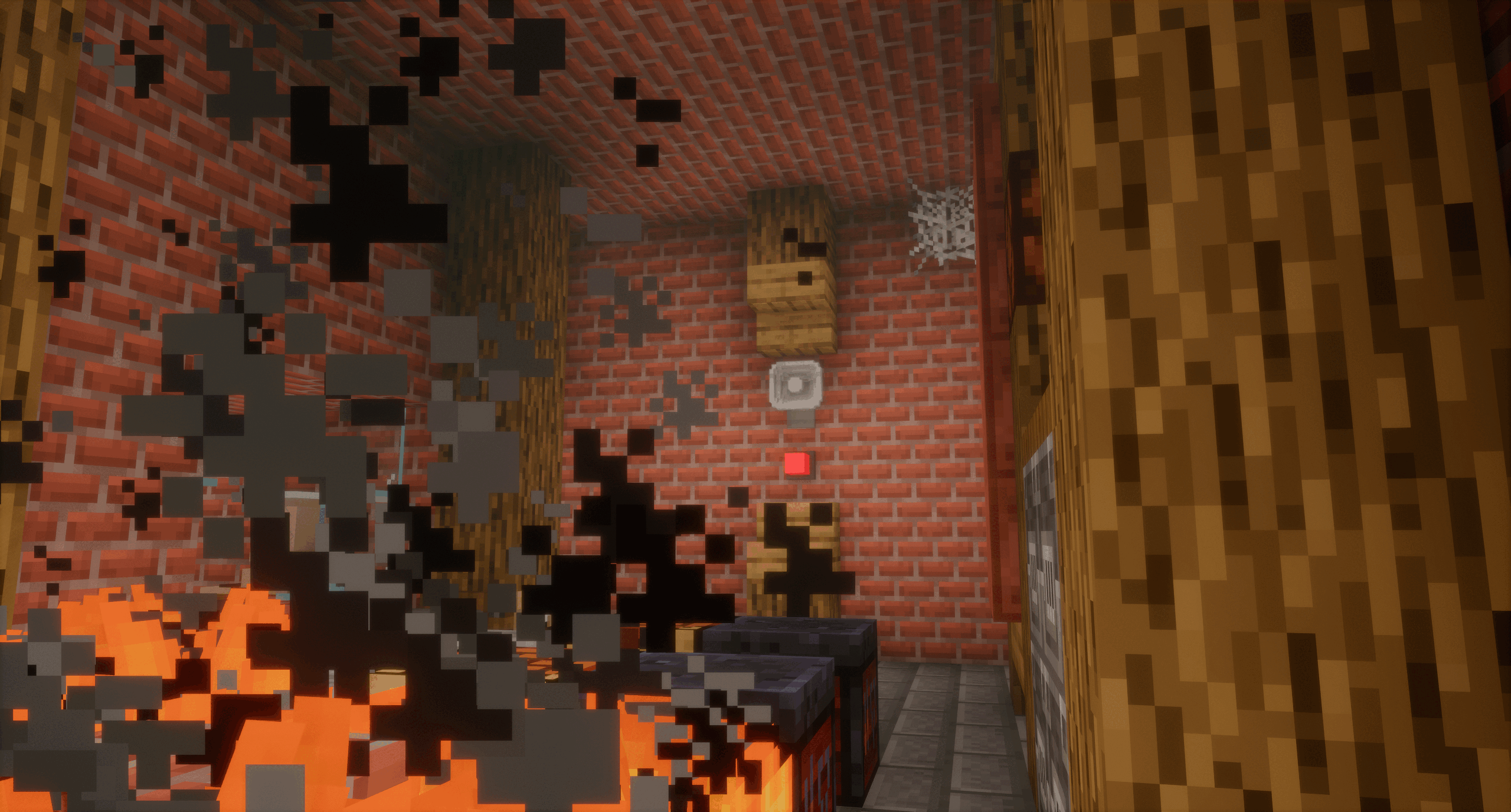
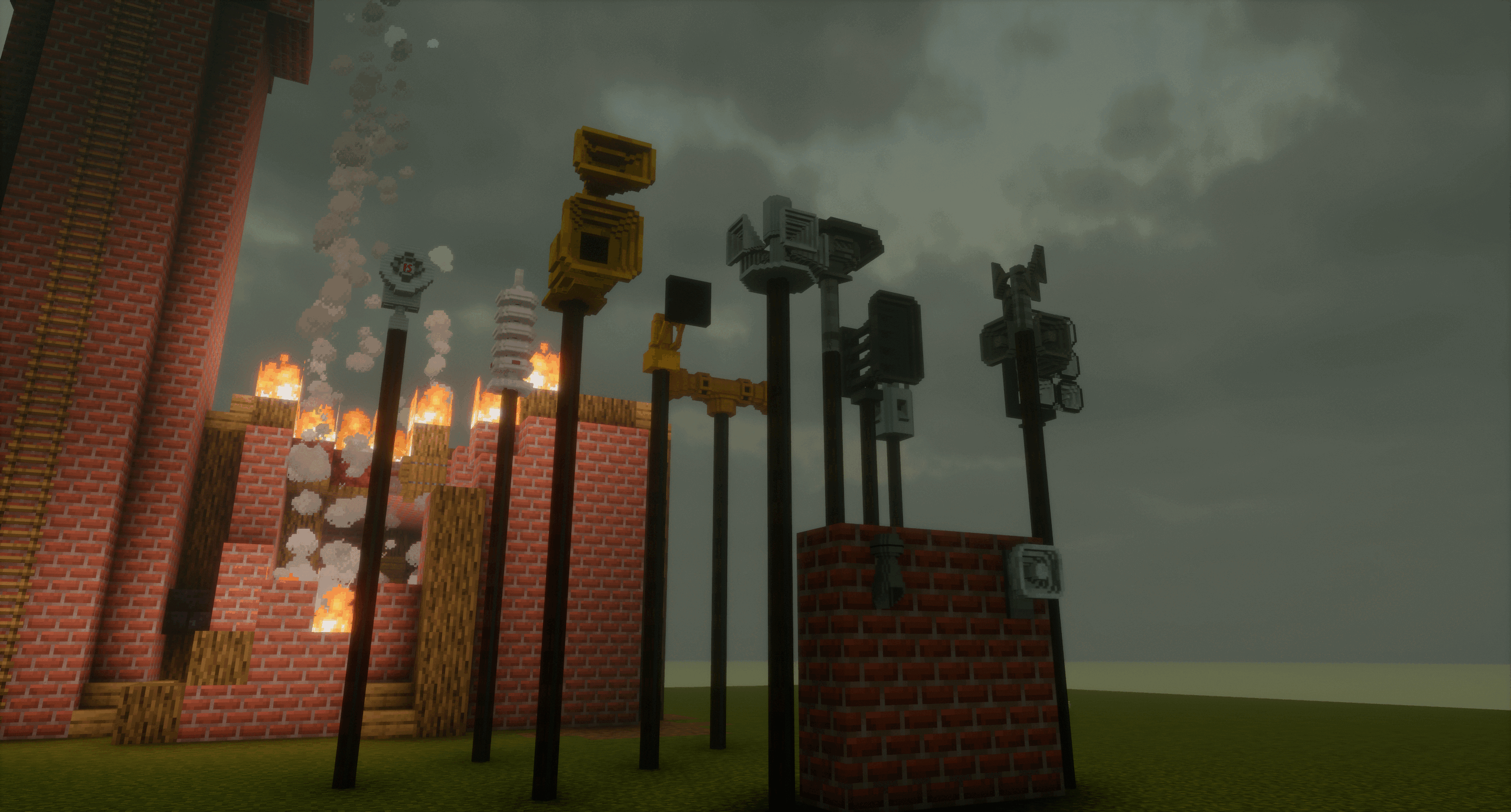
Über diese Mod

This mod adds currently 15 new sirens to Minecraft, along with:
- New Recipies
- Siren Light
- New Advancements
- New Structures
- Siren Control Board
- New Deco-Blocks
Information
This mod adds sirens to the game. These sirens are related to real life and so are their features such as rotating. Therefore, sirens can be activated via a Server (ingame item) or via a control panel. In addition, it brings new Deco-Blocks and structures to the game such as a Radio Tower. This mod is perfect for those who want to alert Villagers with a 130dB HLS.
If you encounter a bug please report it in the DISCORD
FAQ:
1. Why are the sirens so quiet?
A: Use /pam:config to make them louder; this was also in the Spawn-Disclaimer.
2. Will this mod be ported to bedrock?
A: No.
3. Will this mod be ported to a newer version of Java?
A: Maybe. But right now: No.
4. Does this mod work with multiplayer?
A: Mostly; the config option is currently the only thing that may not work in multiplayer. This means: Yes
5. Why cant I hear the horn speaker or the industrial horn?
A: The alarms always take the half of the current sound setting. On the sound setting „quiet“ is the half of the sound setting 0.2. This means it is really really quiet. Fix: Turn up the siren volume.
Showcase Videos
Disclaimer
This mod uses audio files
that are LOUD to VERY LOUD!
Please find your sweet spot
of Volume in the Config.
Run /pam:config for the Configs.
Photosensitivity warning
A very small percentage of individuals may experience epileptic seizures when exposed to certain light patterns or flashing lights. This mod contains rotating siren lights / strobe lights and flashing visual effects that may trigger epileptic seizures or blackouts in these individuals. If you, or anyone in your family, has an epileptic condition or has had seizures of any kind, consult your physician before using this mod. If you experience any of the following symptoms while playing: dizziness, altered vision, eye or muscle twitches, loss of awareness, disorientation, any involuntary movement, or convulsions; IMMEDIATELY discontinue use and consult your physician.
Verfügbare Versionen
PAM | Philipp´s Alarm Mod auf dem Server installieren
Server bestellen
Bestelle einen Minecraft Java Server mit mindestens 3 GB RAM (4 GB empfohlen).
forge Loader setzen
Wähle im Panel unter "Egg" den forge-Loader und die passende Minecraft-Version (1.21.1).
Mod installieren
Öffne den Mod-Browser im Dashboard und suche nach "PAM | Philipp´s Alarm Mod". Klicke "Installieren" – fertig! Alternativ: Lade die .jar via SFTP in den /mods Ordner.
Kompatibilität
Mod-Loader
Minecraft-Versionen
1.21.1, 1.20.1
Server-seitig
✓ ErforderlichEmpfohlener RAM
4 GB(min. 3 GB)Häufige Fragen
PAM | Philipp´s Alarm Mod Server crasht beim Start – was tun?
Häufigste Ursache: falsche forge-Version oder zu wenig RAM. Prüfe im Server-Log (latest.log), ob ein "OutOfMemoryError" oder "Mixin"-Fehler auftritt. Bei Mado Hosting: Stelle sicher, dass mindestens 3 GB RAM zugewiesen sind und der Loader zur Mod-Version passt (1.21.1). Über das Panel kannst du den Loader mit einem Klick wechseln.
Ist PAM | Philipp´s Alarm Mod mit forge und neoforge kompatibel?
PAM | Philipp´s Alarm Mod unterstützt offiziell forge, neoforge für Minecraft 1.21.1, 1.20.1. Im Mado Dashboard werden inkompatible Loader-Kombinationen automatisch erkannt.
Server laggt mit PAM | Philipp´s Alarm Mod – wie optimiere ich die Performance?
Empfohlener RAM: 4 GB (+1 GB pro 8 Spieler). Prüfe mit /spark profiler, ob PAM | Philipp´s Alarm Mod den meisten Tick-Time verbraucht. Häufige Fixes: Server-View-Distance auf 8-10 reduzieren, bei Forge "performant" oder "starlight" als Zusatz-Mod installieren. Bei Mado Hosting läuft dein Server auf NVMe-SSDs mit dedizierten CPU-Kernen für minimale Latenz.
Ähnliche Mods




Modded Server mieten
Installiere PAM | Philipp´s Alarm Mod mit nur einem Klick auf deinem Server.