
Modrinth · Fabric, Forge, NeoForge, Quilt
Graves auf deinem Minecraft Server
Graves läuft auf Minecraft Servern mit Fabric oder Forge oder NeoForge oder Quilt. Bestell deinen Server, stell den Loader im Panel ein und installiere die Mod mit einem Klick im Mod-Browser.
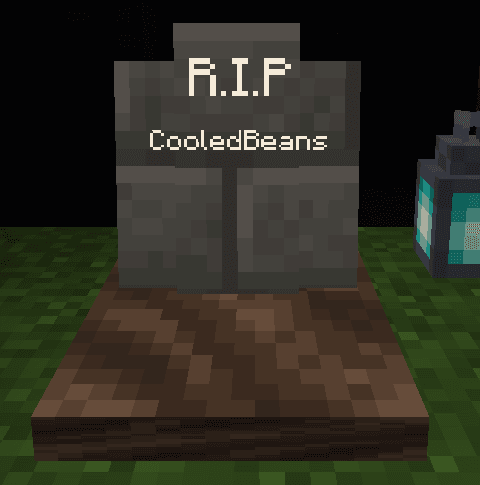
When a player dies they leave a grave which contain their items. Settings are highly configurable
- Downloads
- 63.3K
- Autor
- CooledBeans
- Loader
- Fabric, Forge, NeoForge, Quilt
- Minecraft
- 1.20.4 – 1.21.9
- Aktualisiert
- –
Screenshots
So sieht Graves aus
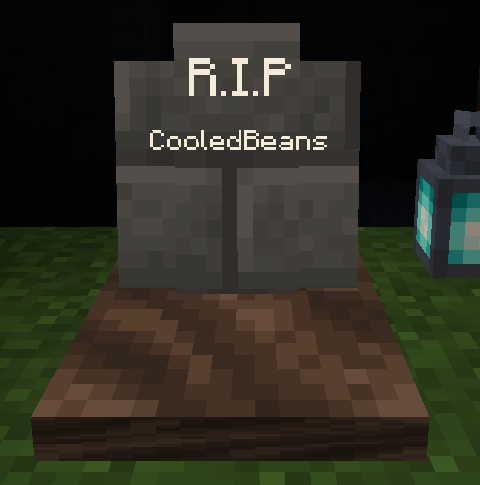
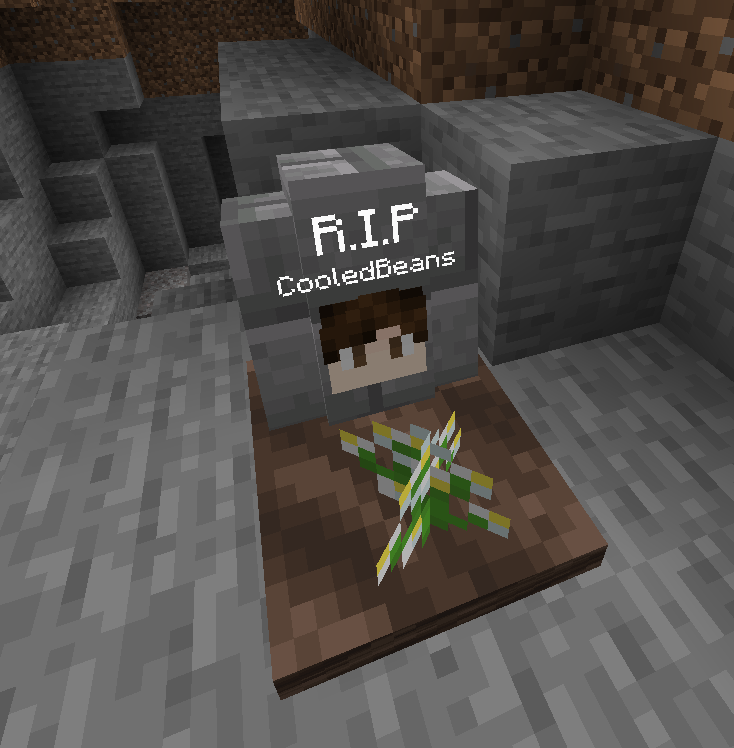
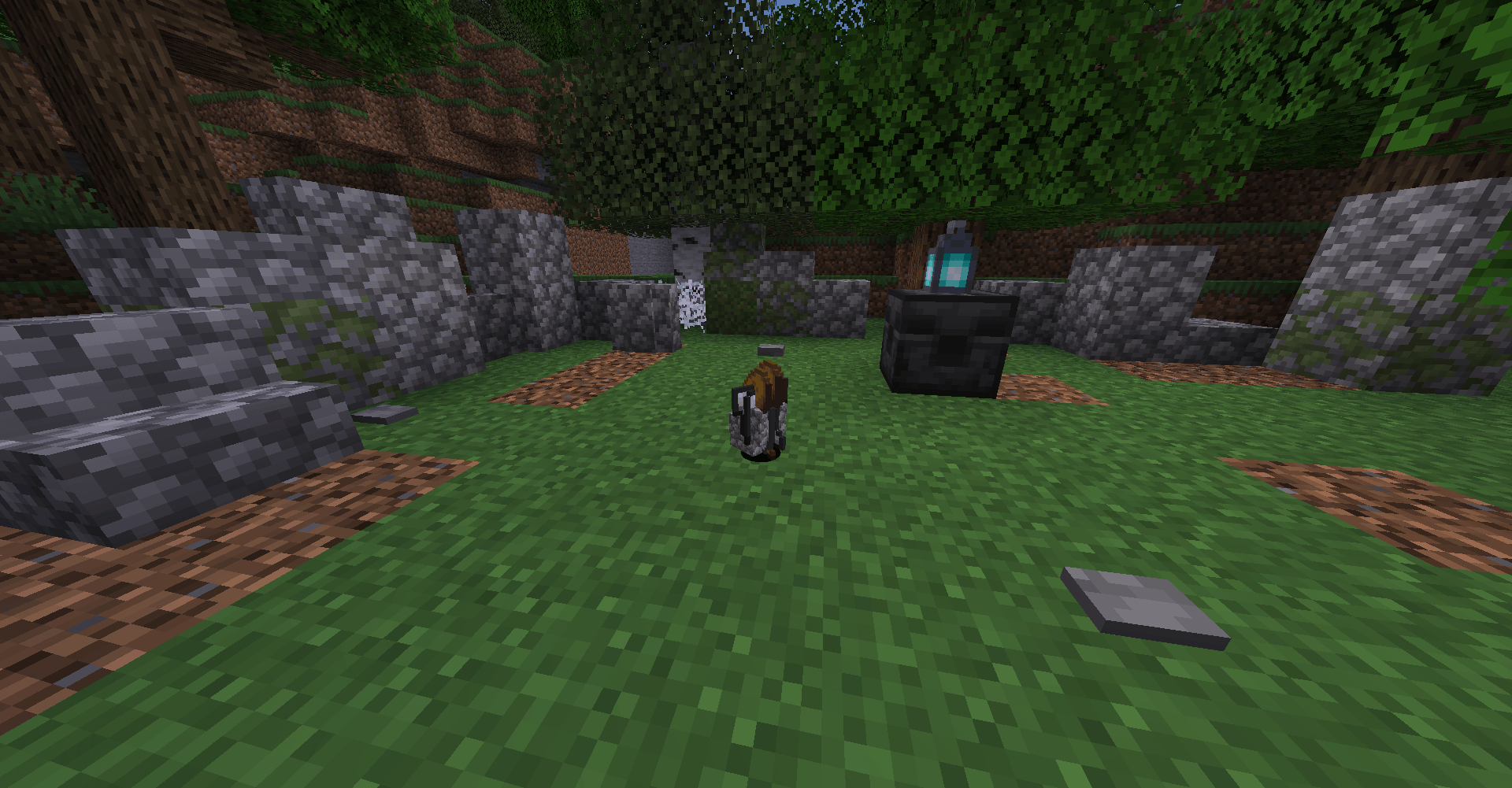
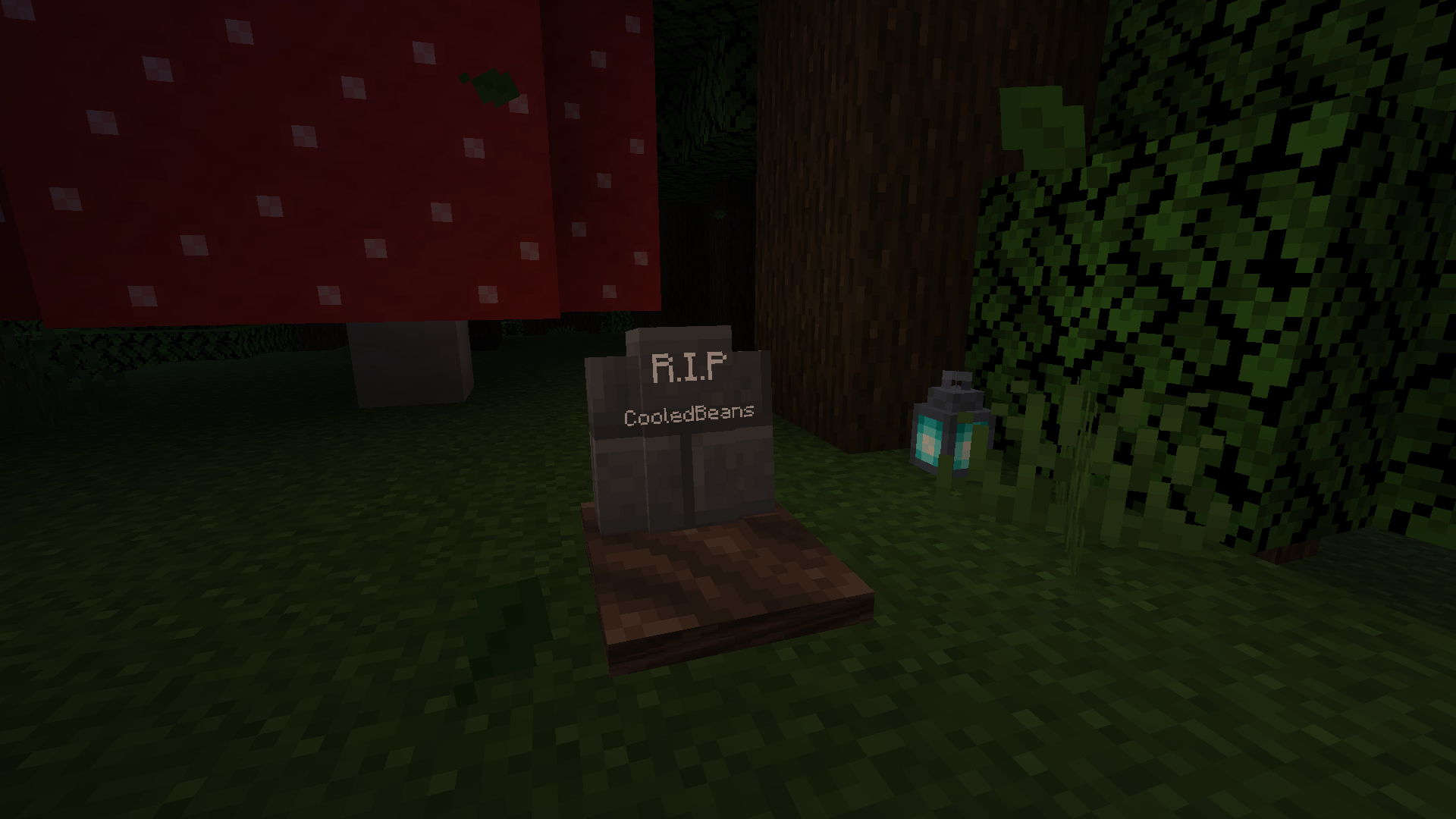
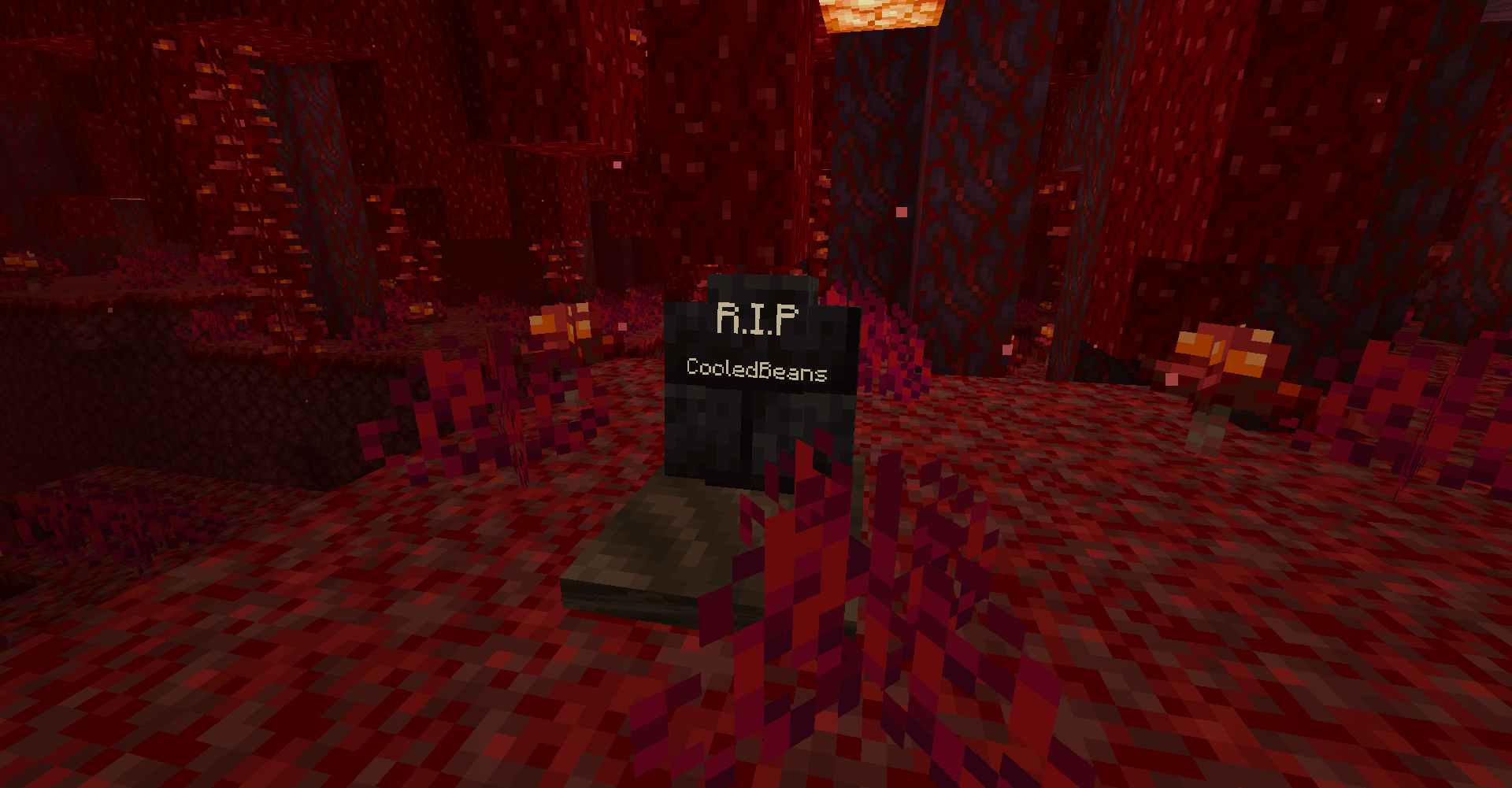
Bilder: Graves auf Modrinth, vom Projektteam veröffentlicht.
Einrichtung
Graves auf dem Server installieren
Server und Spieler brauchen denselben Loader und dieselbe Minecraft-Version. Sichere die Welt, bevor du Mods hinzufügst oder aktualisierst.
- 01
Konfigurieren
4 GB RAM sind vorausgewählt. Laufzeit und Add-ons wählst du selbst, bezahlt wird per Kreditkarte oder PayPal.
- 02
Loader einstellen
Stell im Panel die Serversoftware auf Fabric oder Forge oder NeoForge oder Quilt und wähl die passende Minecraft-Version, zum Beispiel 1.21.9.
- 03
Mod installieren
Such im Mod-Browser nach „Graves“ und installiere die Version für deinen Loader. Alternativ lädst du die .jar per SFTP in den Ordner mods. Erforderliche Abhängigkeiten stehen auf der Projektseite.
- 04
Verbinden
Graves ist auf dem Client optional. Spieler verbinden sich über die Serveradresse aus dem Panel.
- Auf dem Server
- Erforderlich
- Auf dem Client
- Optional
- Loader
- Fabric, Forge, NeoForge, Quilt
- Minecraft
- 1.21.9, 1.21.8, 1.21.7 +12 weitere
- Lizenz
- Creative Commons Attribution Non Commercial 4.0 International
Das Panel
Mods installieren, Fehler finden.
Echte Screenshots aus dem Mado Panel. Beides ist bei jedem Minecraft Server enthalten.
Mod-Browser
Modrinth und CurseForge direkt im Panel.
Der Browser filtert nach deiner Minecraft-Version. Mods installierst du mit einem Klick, ohne .jar-Dateien hochzuladen.

KI-Crash-Analyse
Wenn ein Mod crasht, liest die Analyse das Log.
Mods scheitern oft an einer falschen Loader-Version, Java-Version oder fehlenden Abhängigkeit. Die Analyse nennt eine wahrscheinliche Ursache und einen Lösungsvorschlag.

Versionen
Veröffentlichte Versionen
Nimm die Datei, die zu Loader und Minecraft-Version deines Servers passt. Server und Spieler brauchen dieselbe Version.
Graves · Modrinth- v1.3 (Mod)18. Juni 2025Minecraft 1.21.10, 1.21.6, 1.21.7, 1.21.8, 1.21.9 · Fabric, Forge, NeoForge, Quilt
- v1.3 (DP)18. Juni 2025Minecraft 1.21.10, 1.21.6, 1.21.7, 1.21.8, 1.21.9 · datapack
Originalbeschreibung des Projektautors
Graves
(Requires the game rule keep_inventory to be true and immediate_respawn to be false)
When a player dies they will leave a grave at the site of their death which will will keep their items and experience safe. Left or right click the grave to open it and drop its contents. This datapack is multiplayer-friendly and highly configurable, allowing you to make graves despawn, how long it takes for them to despawn, what items are dropped, and more!
The amount of experience dropped on death no longer has a maximum. E.g. players dying at level 30 will now drop 13 levels of experience rather than 7.
Config Settings
To open the settings menu, run the command /function m_graves:settings/open to open an interactive GUI.
General Settings
Despawn Despawn: Graves will automatically despawn after a specific amount of time, causing them to drop their contents. Note that unlike items, this timer will continue when the grave is not loaded. (Disabled by default with a default time of 10 minutes)
Void Recovery: Dying in or above the void will cause your grave to be placed on solid block within a specified horizontal radius.
Auto-Equip: When a grave is opened, the items will be placed into the slots they were originally in. If a slot is already filled, the item will instead be dropped.
Show Death Coordinates: After a player dies, the coordinates and dimension of their death are shown to them in chat. (Disabled by default)
Death Locator Compass: After a player dies, they will be given a compass which points to the location of their death. The compass also acts as a key if that toggle is enabled. (Disabled by default)
Locked Graves: Graves can only be opened by their owner. (Disabled by default)
Keys: After a player dies they will recieve a key that other players can use to open their grave. The key will disappear when used. (Disabled by default)
Auto Unlock: Locked graves will automatically unlock themselves after a specified amount of time. (Disabled by default with a default time of 5 minutes)
Visual Settings
Glowing Graves: Graves can be seen through walls. (disabled by default)
Display Player Name: Graves display the name of their owner. (enabled by default)
Display Player Head: Graves display the head of their owner. (enabled by default)
Grave Decorators: Graves have randomized vegetation. (enabled by default)
Inventory Settings
Keep Experience: Experience is kept on death. (disabled by default)
Keep Hotbar: Items in the hotbar are kept on death (disabled by default).
Keep armor: Equiped armor is kept on death (disabled by default).
Keep Some Items: Some items are not dropped on death (disabled by default). The list of items defaults to weapons, armor, tools, and other equipment but can be changed in m_graves/tags/items/kept_items.
Lose Some Items: Some items are permanently lost on death (disabled by default). The list of items is empty by default but can be changed in m_graves/tags/items/lost_items.
Some item tags have been made built-in for the convenience of editing the kept and lost items:
#m_graves:equipmentfor weapons, armor, tools, and other equipment#m_graves:mob_dropsfor mob drops#m_graves:rare_itemsfor items that have colored text when unenchanted (netherstars, dragon egg, etc)#m_graves:resourcesfor mined resources (coal, iron, diamond, netherite, etc)#m_graves:smithing_templatesfor all smithing templates
Grave Placement
When a grave is spawned it will move to the floor directly beneath it rather than float in the air. If the player dies in a solid block it will check adjacent empty blocks to spawn the grave. If the player dies in non-flowing lava, it will attempt to place the grave at the surface of the lava.
Graves Server crasht beim Start – was tun?
Häufige Ursachen: Loader- oder Minecraft-Version passen nicht zur Mod-Datei, eine Abhängigkeit fehlt oder der RAM reicht nicht. Such im Log (latest.log) nach „OutOfMemoryError“, „Mixin“ oder fehlenden Mods. Bei Mado wertet die KI-Crash-Analyse das Log aus und schlägt eine Ursache vor. Loader und Version änderst du im Panel.
Mit welchem Loader läuft Graves?
Laut Modrinth unterstützt Graves Fabric, Forge, NeoForge, Quilt für Minecraft 1.21.9, 1.21.8, 1.21.7. Forge- und Fabric-Dateien sind nicht untereinander austauschbar: Wähl einen Loader für Server und Clients.
Wie viel RAM braucht ein Server mit Graves?
Als Orientierung 3–4 GB für einen Server mit dieser Mod. Das ist eine Schätzung, keine gemessene Mindestanforderung. Weitere Mods, viele Spieler und große Sichtweiten brauchen mehr. Ob eine Mod die Tick-Zeit belastet, siehst du mit dem spark-Profiler.
Ähnliche Mods
Beliebte Mods aus derselben Kategorie
 Server-fähig

Xaero's Minimap
von thexaero
Displays a map of the nearby world terrain, players, mobs, entities in the corner of your screen. Lets you create waypoints which help you find the locations you've marked.
 Server-fähig

Xaero's World Map
von thexaero
Adds a full screen world map which shows you what you have explored in the world. Works great together with Xaero's Minimap.
 Nur Client

Not Enough Animations
von tr7zw
Bringing first-person animations to the third-person
 Nur Client

3D Skin Layers
von tr7zw
Render the player skin layer in 3d!
Bereit für deinen Server mit Graves?
4 GB RAM ab 8,00 € im Monat. 35 % auf den 1. Monat mit MADO35.