Quick Skin
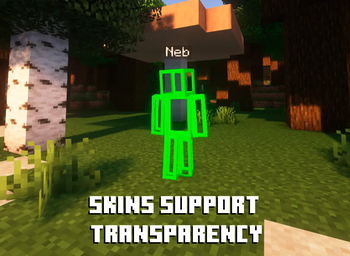
Sick of wasting time with Minecraft’s slow launcher just to change your skin? Quick Skin lets you swap skins instantly even on “offline” servers and gives you access to every official Minecraft cape.
Screenshots

Über diese Mod
The default Minecraft skin system is rigid. Changing your look requires leaving the game, you're stuck with standard resolutions, and cool customizations like animated capes are impossible. QuickSkin completely overhauls this experience, giving you total control over your appearance directly in-game with powerful features for both single-player and multiplayer.

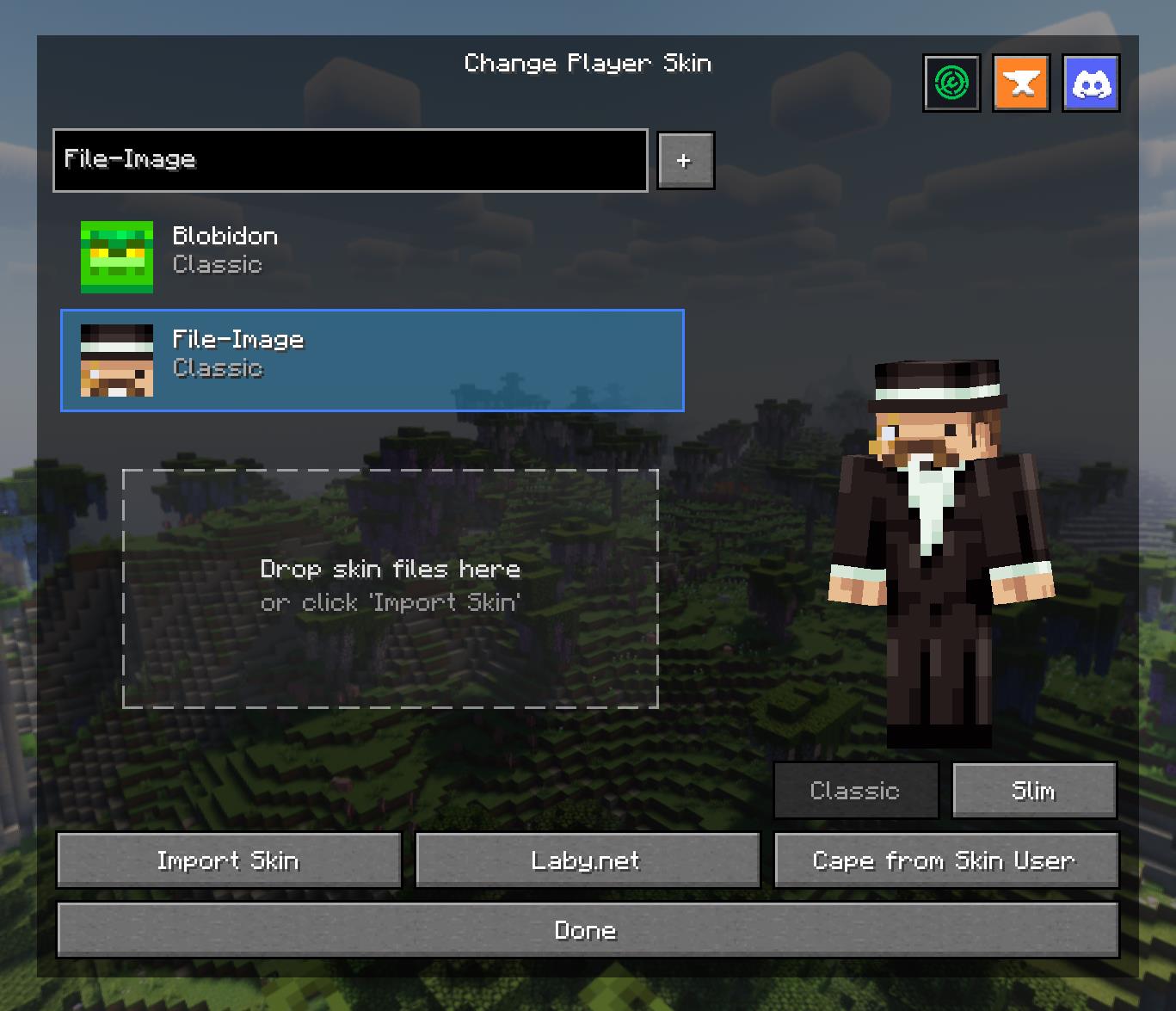
The Ultimate Skin Management GUI
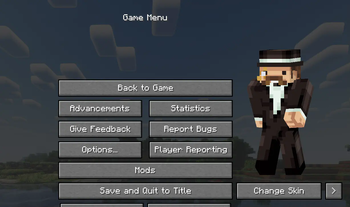
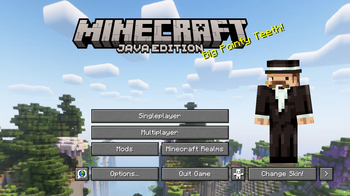
Access a powerful and intuitive menu from the Title or Pause screen to manage your entire look.
- Skin Library: Save skins from other players by username or import your own local files.
- Model Swapping: Instantly switch between Classic and Slim player models.
- Drag & Drop: Simply drag skin files onto the menu to import them into your local library.
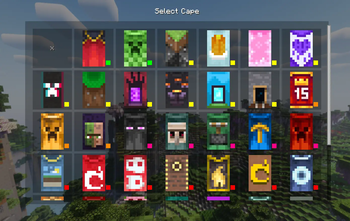
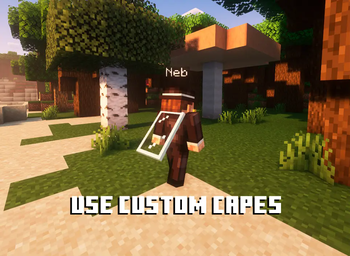
- Cape Selector: Choose from a library of built-in capes or your own imported animated/static capes.
High-Definition Skin Engine
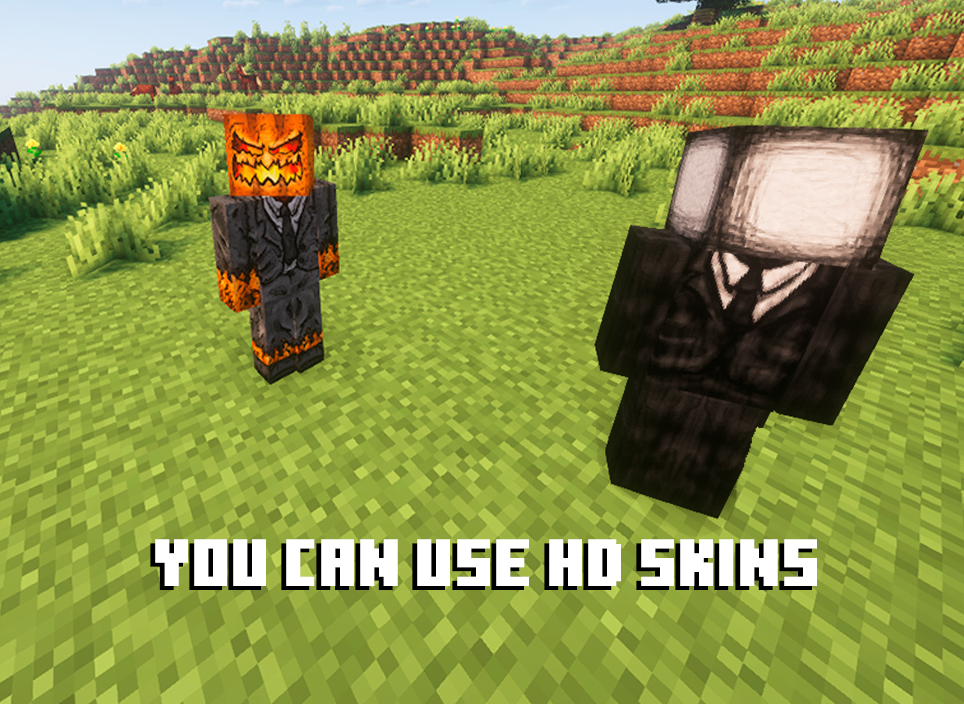
Break free from 64x64 limitations! QuickSkin's HD Texture Processor allows you to use high-resolution skins.
- Automatic Normalization: The mod intelligently handles different skin formats, converting legacy skins (64x32) to the modern format on import.
- Performance Scaling: HD skins are automatically downsampled for previews and thumbnails to ensure smooth UI performance, with quality settings available in the config.
- Full Resolution In-Game: Enjoy your detailed HD skins in all their glory in the world.
Animated Cape Engine
Equip dynamic, eye-catching animated capes using standard GIF files.
- GIF Processing: The mod automatically processes GIFs into an efficient texture atlas for smooth in-game animation.
- Performance First: Control the maximum FPS, memory usage, and concurrent animations to keep your game running smoothly.
- Speed Control: Adjust the playback speed of your animated cape in the Cape Selection menu to get the perfect effect.

Mod Compatibility
QuickSkin is designed to work seamlessly alongside popular player customization, rendering, and utility mods.
Currently supported mods include:
If you find any conflicts, please report them!
❤ Discord ➜ https://discord.gg/EeQgres2Fz
Verfügbare Versionen
Quick Skin auf dem Server installieren
Server bestellen
Bestelle einen Minecraft Java Server mit mindestens 3 GB RAM (4 GB empfohlen).
fabric Loader setzen
Wähle im Panel unter "Egg" den fabric-Loader und die passende Minecraft-Version (26.3).
Mod installieren
Öffne den Mod-Browser im Dashboard und suche nach "Quick Skin". Klicke "Installieren" – fertig! Alternativ: Lade die .jar via SFTP in den /mods Ordner.
Kompatibilität
Mod-Loader
Minecraft-Versionen
26.3, 26.2, 26.1.2 (+14 weitere)
Server-seitig
~ OptionalEmpfohlener RAM
4 GB(min. 3 GB)Häufige Fragen
Quick Skin Server crasht beim Start – was tun?
Häufigste Ursache: falsche fabric-Version oder zu wenig RAM. Prüfe im Server-Log (latest.log), ob ein "OutOfMemoryError" oder "Mixin"-Fehler auftritt. Bei Mado Hosting: Stelle sicher, dass mindestens 3 GB RAM zugewiesen sind und der Loader zur Mod-Version passt (26.3). Über das Panel kannst du den Loader mit einem Klick wechseln.
Ist Quick Skin mit fabric und forge und neoforge kompatibel?
Quick Skin unterstützt offiziell fabric, forge, neoforge für Minecraft 26.3, 26.2, 26.1.2. Achtung: Forge- und Fabric-Mods sind NICHT untereinander kompatibel – wähle einen Loader und bleibe dabei. Im Mado Dashboard werden inkompatible Loader-Kombinationen automatisch erkannt.
Server laggt mit Quick Skin – wie optimiere ich die Performance?
Empfohlener RAM: 4 GB (+1 GB pro 8 Spieler). Prüfe mit /spark profiler, ob Quick Skin den meisten Tick-Time verbraucht. Häufige Fixes: Server-View-Distance auf 8-10 reduzieren, bei Forge "performant" oder "starlight" als Zusatz-Mod installieren. Bei Mado Hosting läuft dein Server auf NVMe-SSDs mit dedizierten CPU-Kernen für minimale Latenz.
Ähnliche Mods




![[ETF] Entity Texture Features](https://cdn.modrinth.com/data/BVzZfTc1/af683d206d50b05258d865b0d6e4aa2f2cee12f2_96.webp)

Modded Server mieten
Installiere Quick Skin mit nur einem Klick auf deinem Server.