
Refined Wireless Upgrades
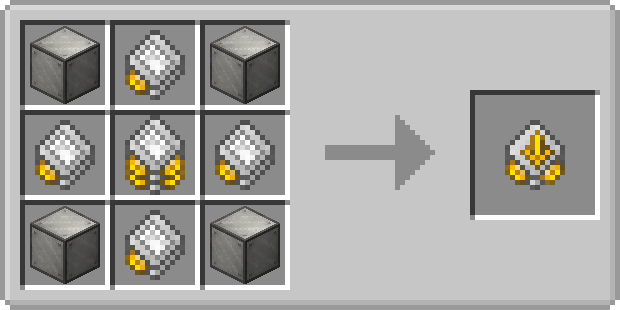
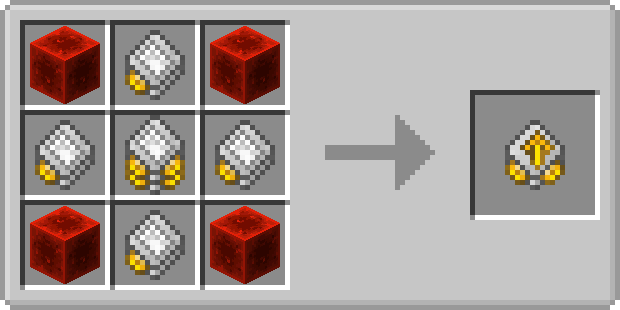
Expands your Refined Storage Wireless Grid with automatic inventory transfers, block picking, item collection, and additional energy capacity upgrades
Screenshots
Über diese Mod
If you want to put this mod in your modpack, feel free to use it :)
Formerly known as RS Insert Export Upgrade.
Insert Upgrade
The Insert Upgrade takes items in specific slots of your inventory and dumps them into your network.
Open up your wireless grid and add the insert or export or block picker upgrade in the slot on the right.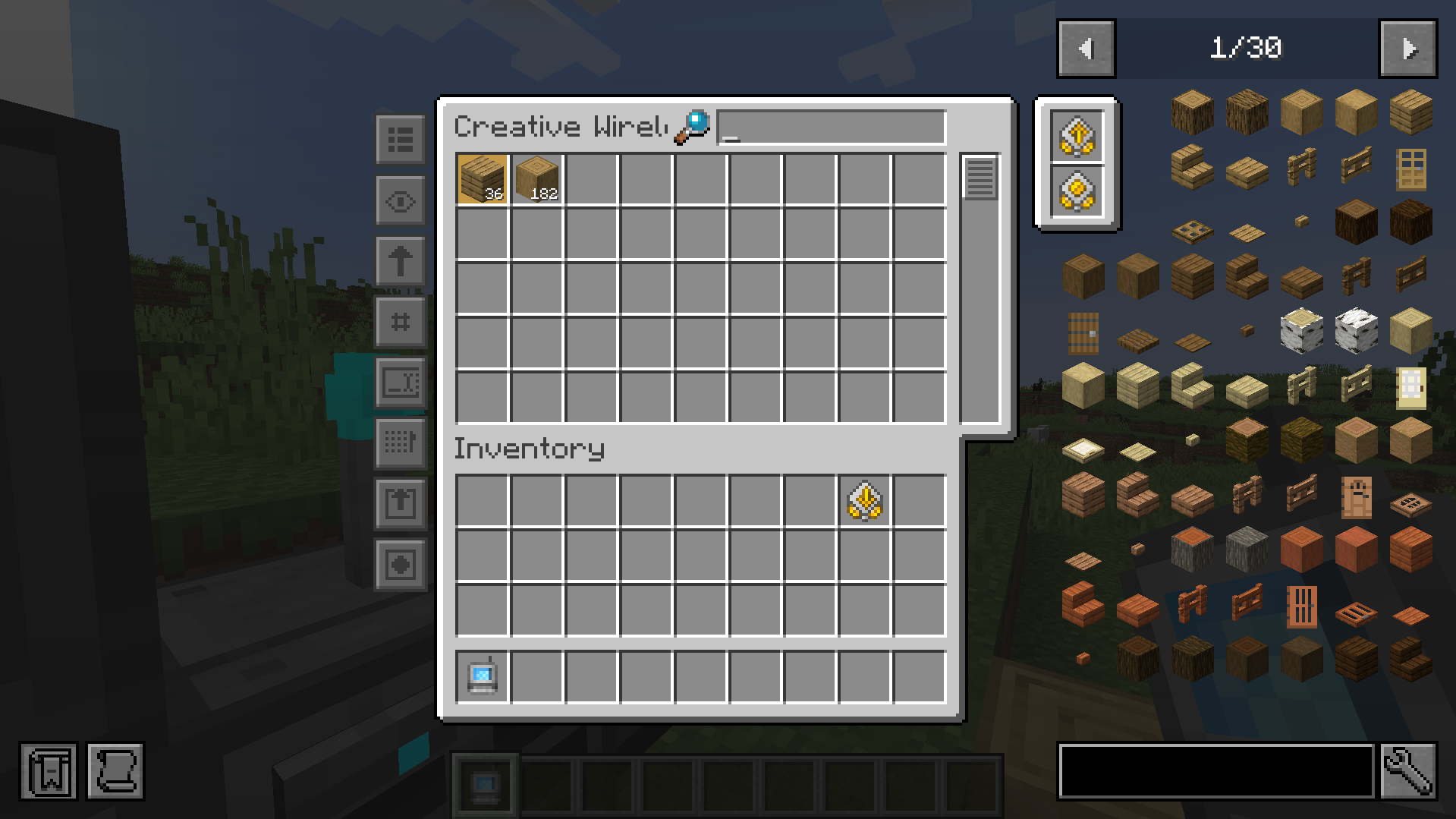
To configure it, click on one of the new left side buttons.
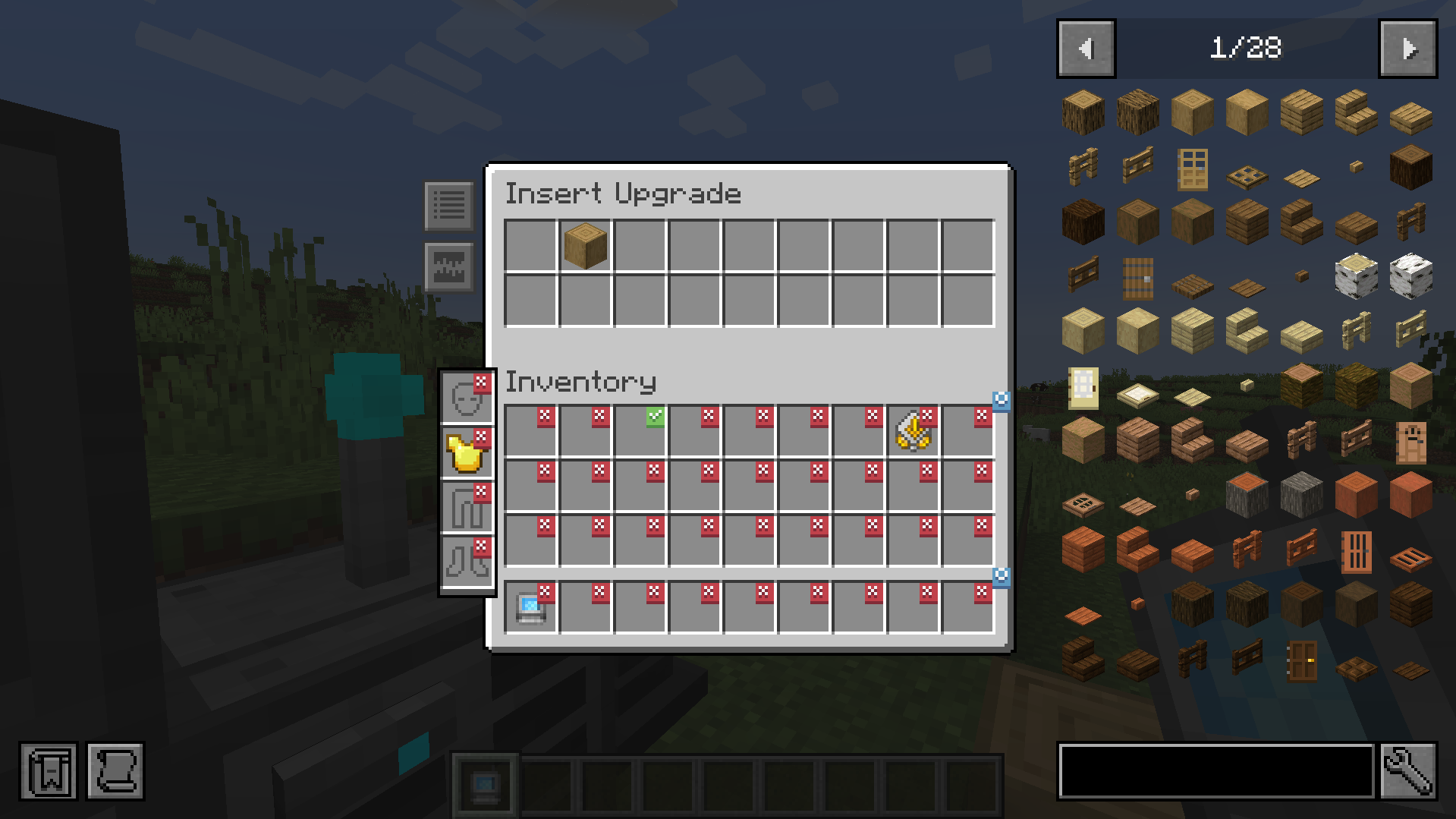
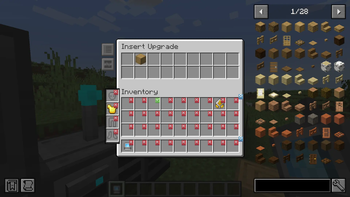
Clicking on slots makes a checkmark. Any item in the slot that has a checkmark will get imported to your network. You can whitelist or blacklist items by adding them to the filter at the top.
Export Upgrade
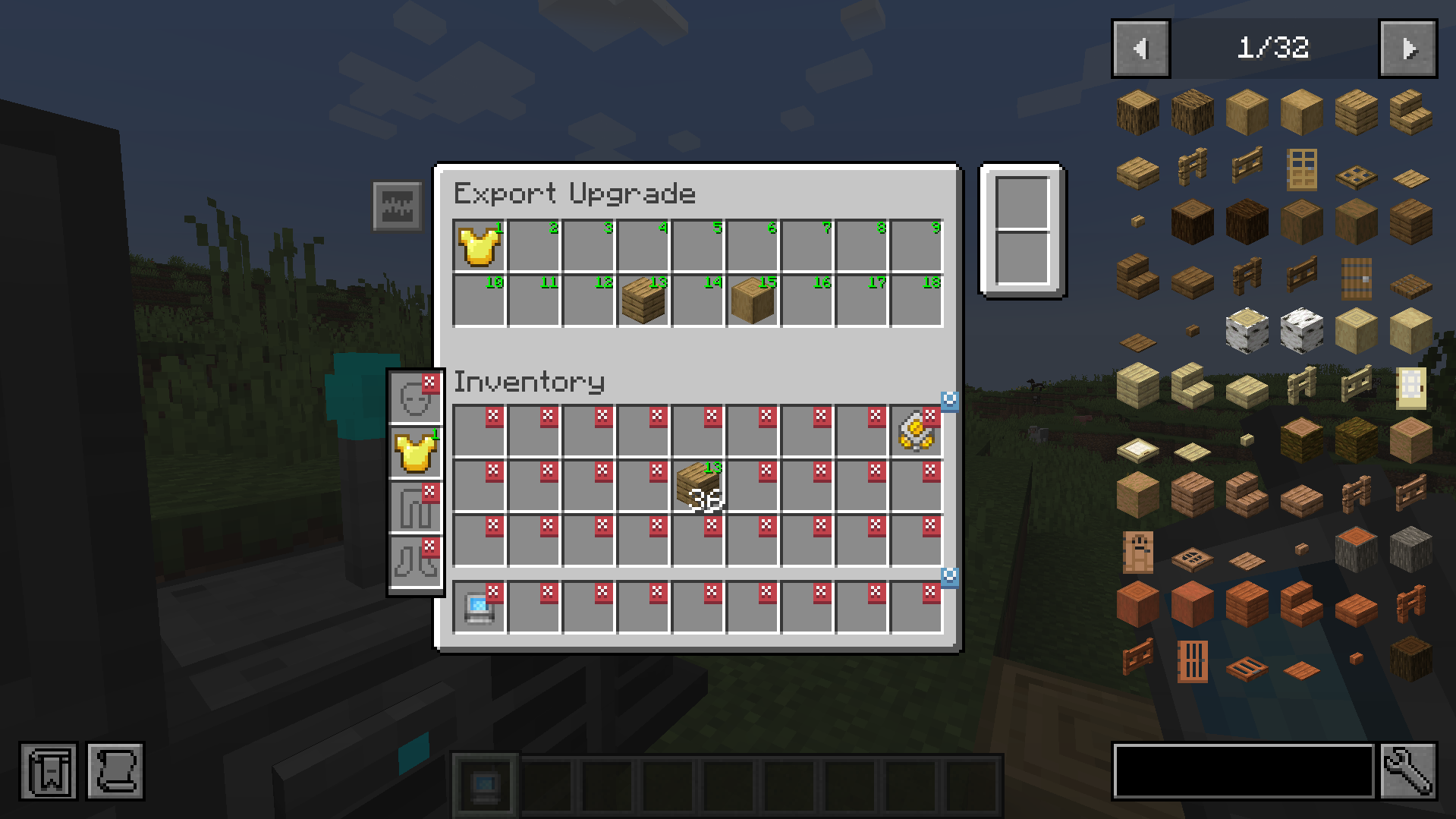
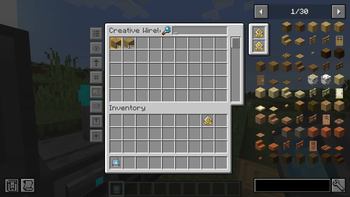
The Export Upgrade works exactly the same but will pull items from your Refined Storage into your inventory. To specify what items, drag the item from JEI into one of the slots at the top and click on a slot in your inventory to change it to the desired number. Right clicking clears back to X.
Block Picker Upgrade
Lets you extract the block you are currently looking at directly from your Network. Simply aim at a block and press the "Pick Block" keybind. If the matching block is available in your network, it will be extracted into your inventory.
Magnet Upgrade
Automatically collects nearby dropped items into your inventory or directly into your storage network.
- Pickup Filter: Choose which items the magnet collects.
- Pickup Destination: Send collected items to your inventory or network.
- Insert Filter: In Network mode, choose which collected items enter the network. Other items and anything the network cannot accept go to your inventory.
Items that cannot fit remain on the ground.
Energy Capacity Upgrade
Increase your Wireless Grid's energy capacity by 1,000 FE per upgrade by default. Install up to two Energy Capacity Upgrades per grid.

Verfügbare Versionen
Refined Wireless Upgrades auf dem Server installieren
Server bestellen
Bestelle einen Minecraft Java Server mit mindestens 3 GB RAM (4 GB empfohlen).
fabric Loader setzen
Wähle im Panel unter "Egg" den fabric-Loader und die passende Minecraft-Version (26.1.2).
Mod installieren
Öffne den Mod-Browser im Dashboard und suche nach "Refined Wireless Upgrades". Klicke "Installieren" – fertig! Alternativ: Lade die .jar via SFTP in den /mods Ordner.
Kompatibilität
Mod-Loader
Minecraft-Versionen
26.1.2, 1.21.1, 1.20.1
Server-seitig
✓ ErforderlichEmpfohlener RAM
4 GB(min. 3 GB)Häufige Fragen
Refined Wireless Upgrades Server crasht beim Start – was tun?
Häufigste Ursache: falsche fabric-Version oder zu wenig RAM. Prüfe im Server-Log (latest.log), ob ein "OutOfMemoryError" oder "Mixin"-Fehler auftritt. Bei Mado Hosting: Stelle sicher, dass mindestens 3 GB RAM zugewiesen sind und der Loader zur Mod-Version passt (26.1.2). Über das Panel kannst du den Loader mit einem Klick wechseln.
Ist Refined Wireless Upgrades mit fabric und forge und neoforge kompatibel?
Refined Wireless Upgrades unterstützt offiziell fabric, forge, neoforge für Minecraft 26.1.2, 1.21.1, 1.20.1. Achtung: Forge- und Fabric-Mods sind NICHT untereinander kompatibel – wähle einen Loader und bleibe dabei. Im Mado Dashboard werden inkompatible Loader-Kombinationen automatisch erkannt.
Server laggt mit Refined Wireless Upgrades – wie optimiere ich die Performance?
Empfohlener RAM: 4 GB (+1 GB pro 8 Spieler). Prüfe mit /spark profiler, ob Refined Wireless Upgrades den meisten Tick-Time verbraucht. Häufige Fixes: Server-View-Distance auf 8-10 reduzieren, bei Forge "performant" oder "starlight" als Zusatz-Mod installieren. Bei Mado Hosting läuft dein Server auf NVMe-SSDs mit dedizierten CPU-Kernen für minimale Latenz.
Ähnliche Mods




Modded Server mieten
Installiere Refined Wireless Upgrades mit nur einem Klick auf deinem Server.