
Reliable Advancements
In-game advancement editing and improvements to the advancement screen!
Screenshots
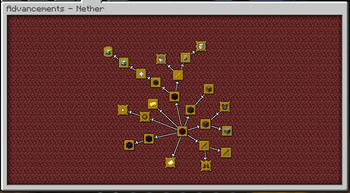
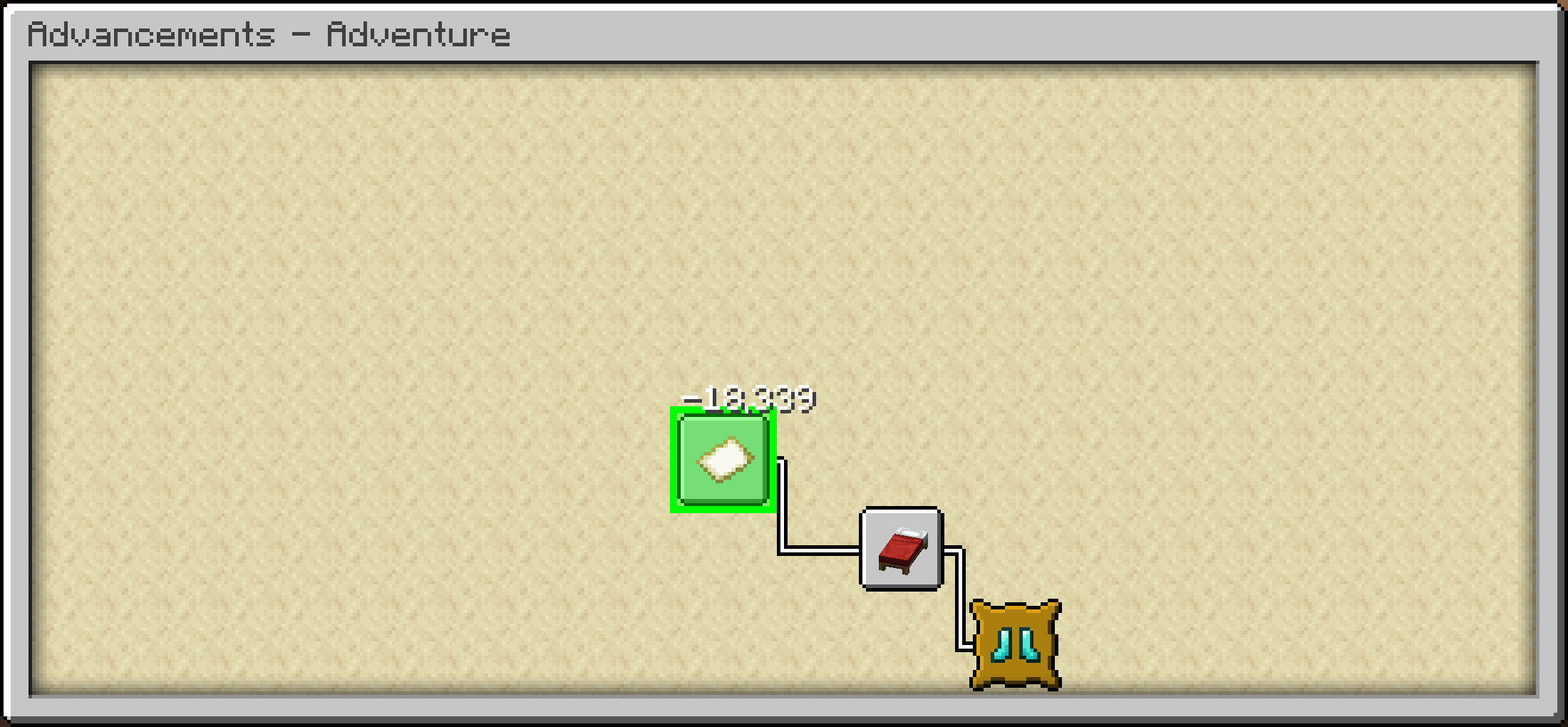
Über diese Mod
Reliable Advancements



A client-side mod (with optional server-side integration for Advancement editing) that overhauls the Advancements screen, provides quality-of-life improvements, extensive customization, and in-game editing tools.
Mod Compatibility
Incompatible with Better Advancements, Clickable Advancements, and Advancements Arranged since those mods' features are fully covered by Reliable Advancements.
Features
Advancement Customization
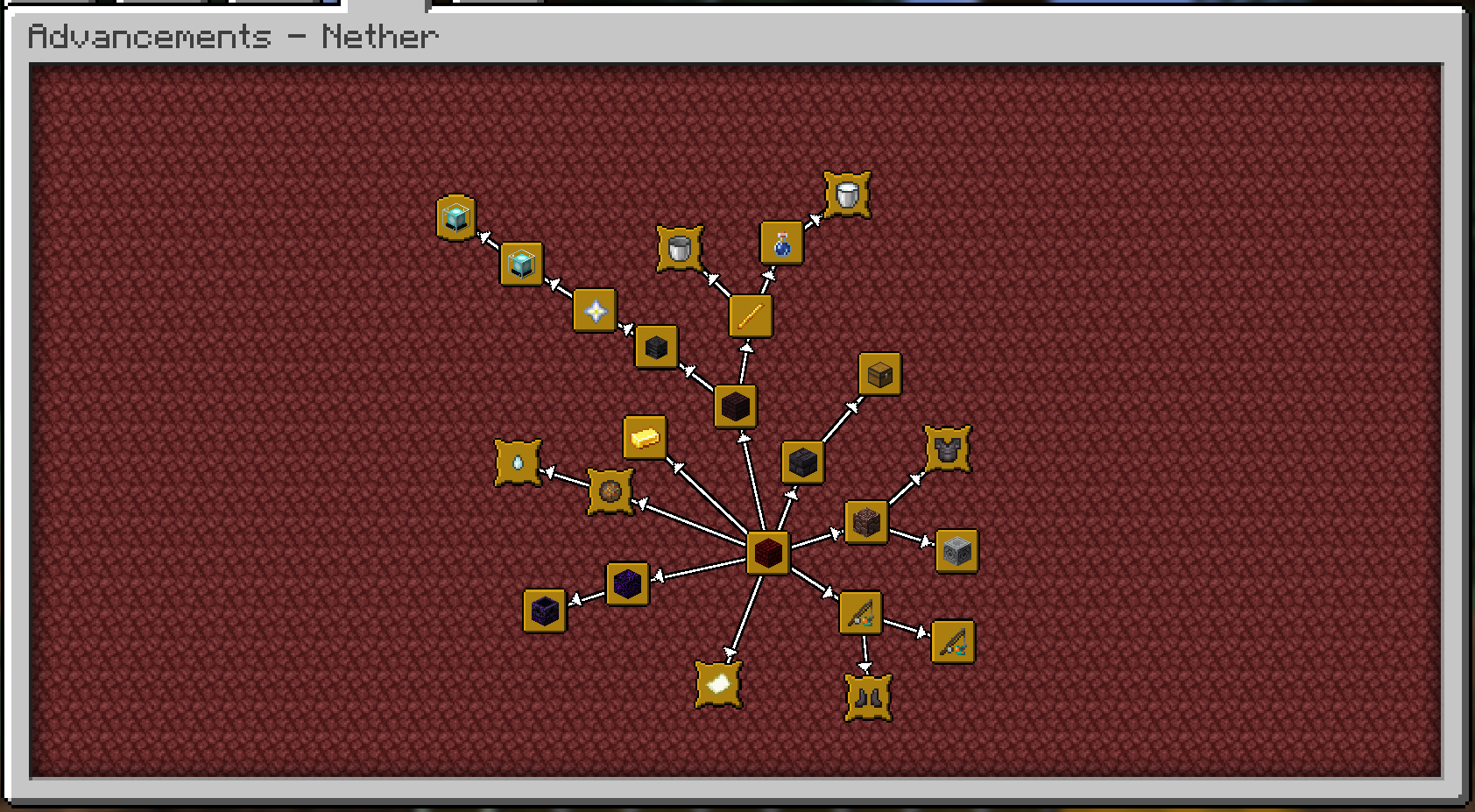
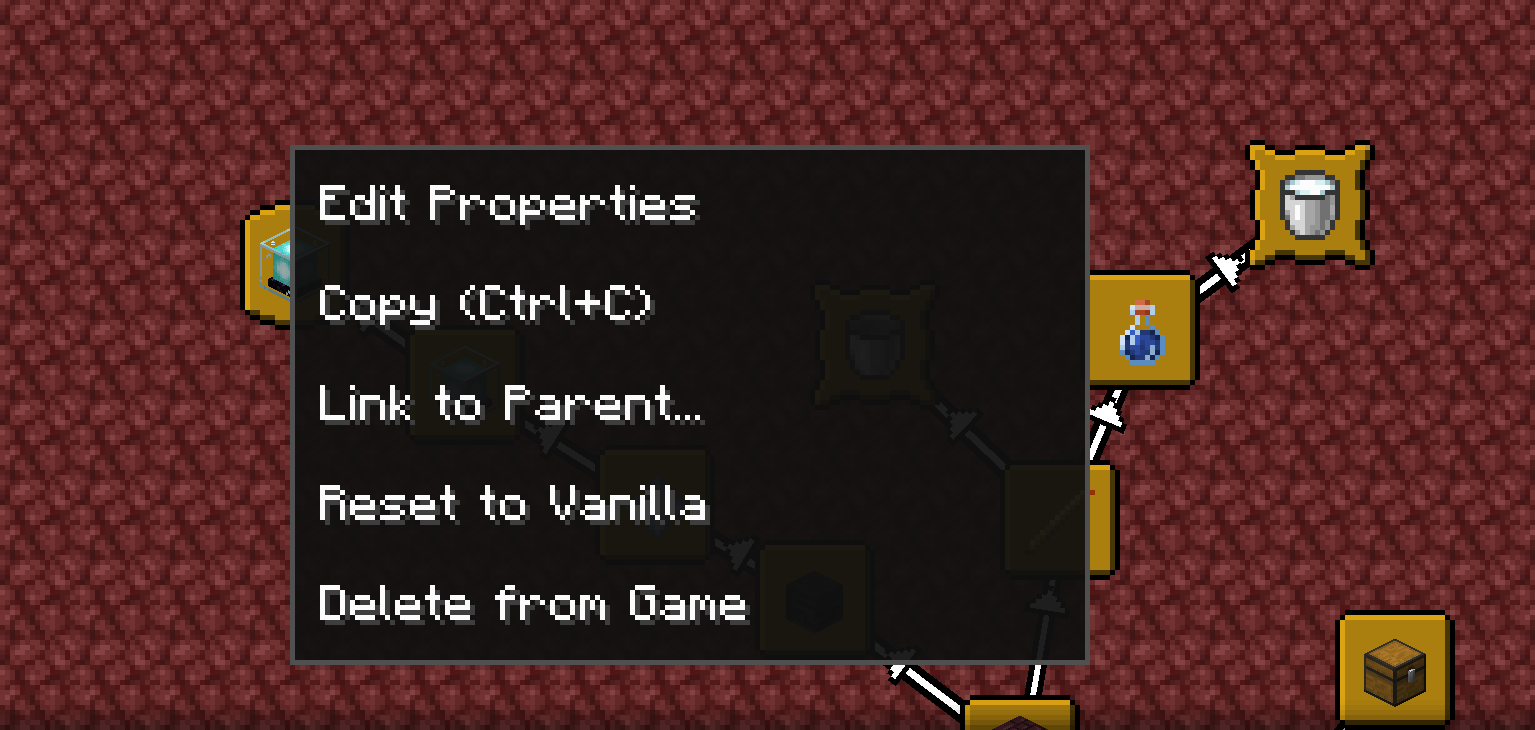
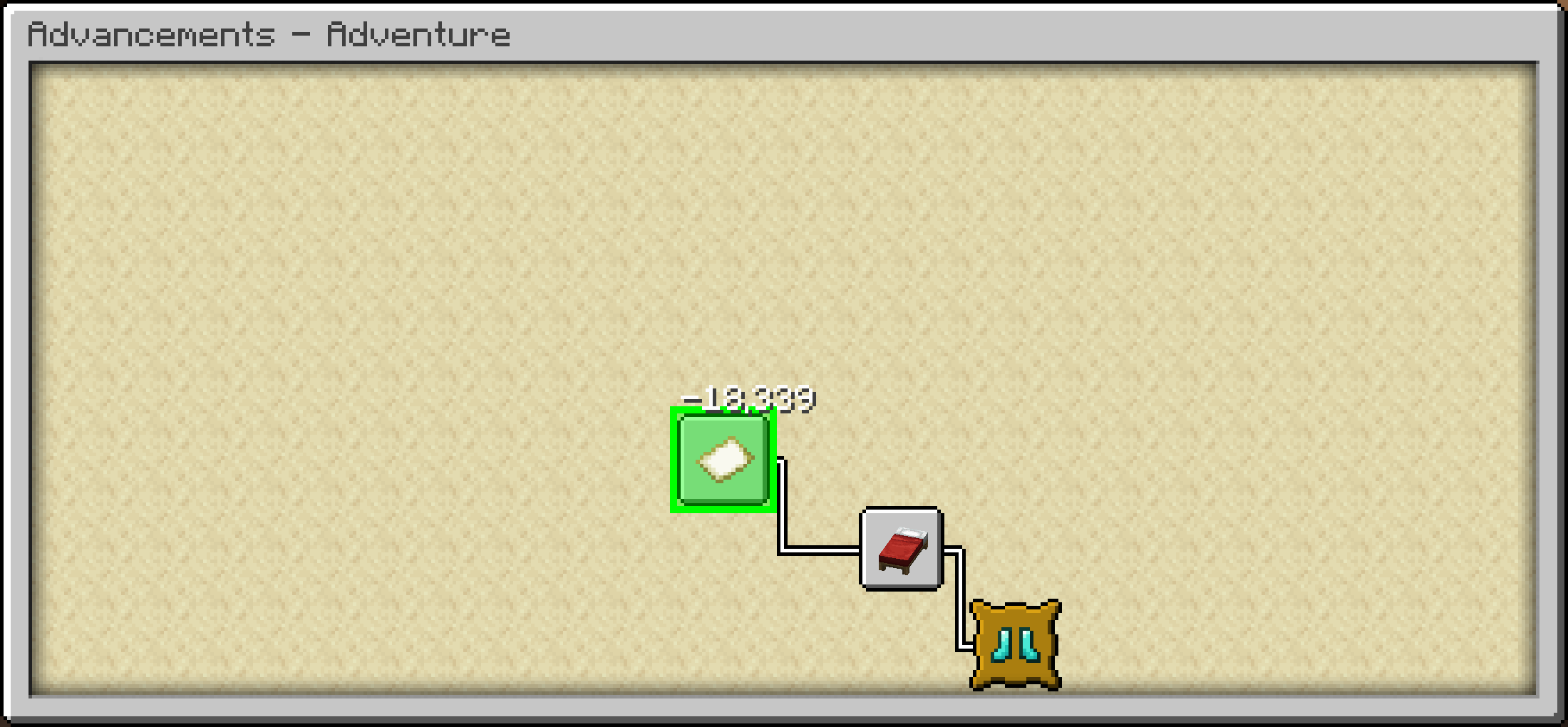
Freely move advancements around, to wherever you'd like! They'll even save their positions.
Choose how advancements connect! You can toggle connection arrows, use direct straight
lines, or hide the lines entirely.Fully customize the colors for a personalized look:
- Completed and uncompleted connection lines
- Completed and uncompleted icons
- Completed and uncompleted titles
UI Improvements
- Configurable Advancement window UI size (much larger than the vanilla one, by default).
- Additional control options in the Advancement Window!
- Middle mouse drag to freely pan.
- Shift-scroll to scroll left and right.
- Control-scroll to zoom out and in.
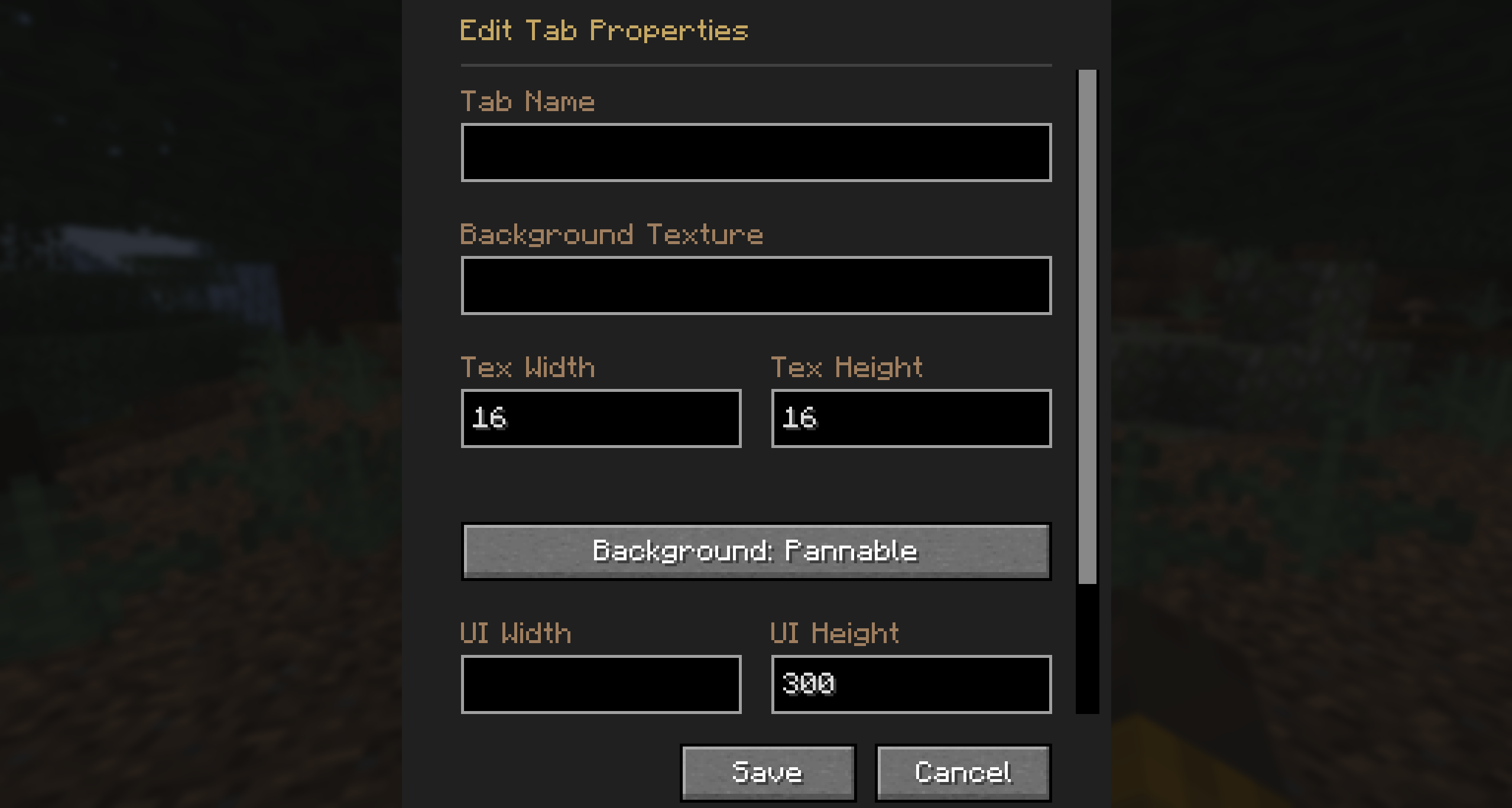
- Open the advancements tab directly from the inventory screen! Includes options to customize the
button style, texture, and position. - View detailed criteria for each advancement directly in the UI.
- Option to sort advancement tabs alphabetically or by IDs.
Editing Mode
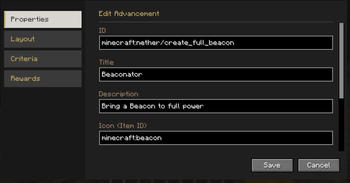
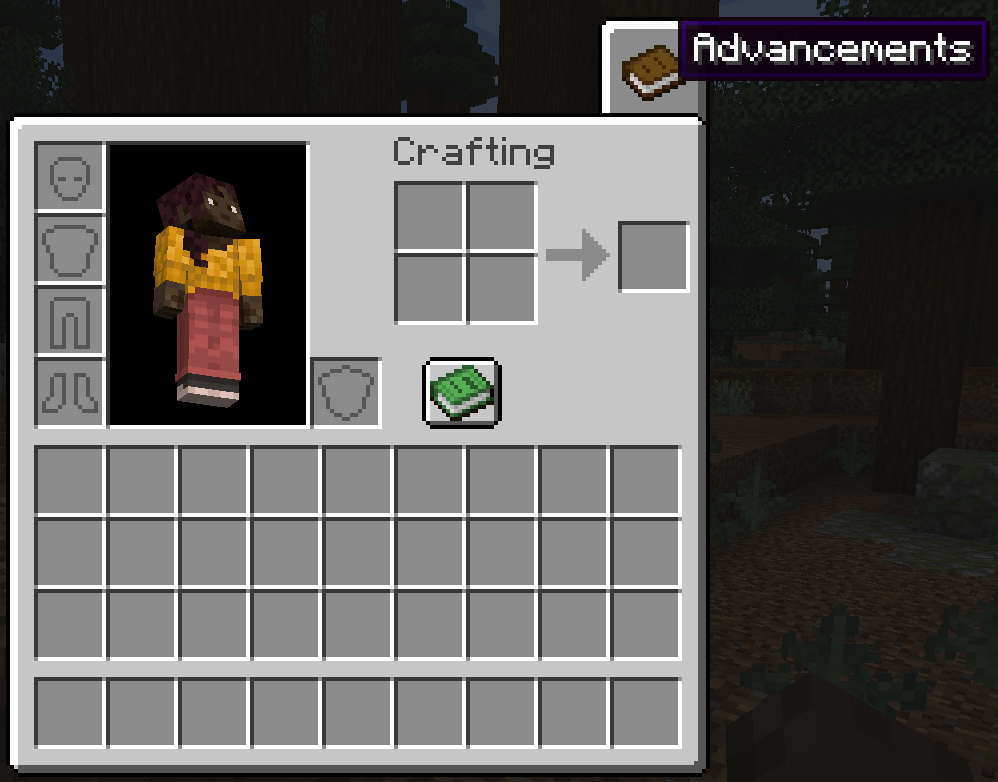
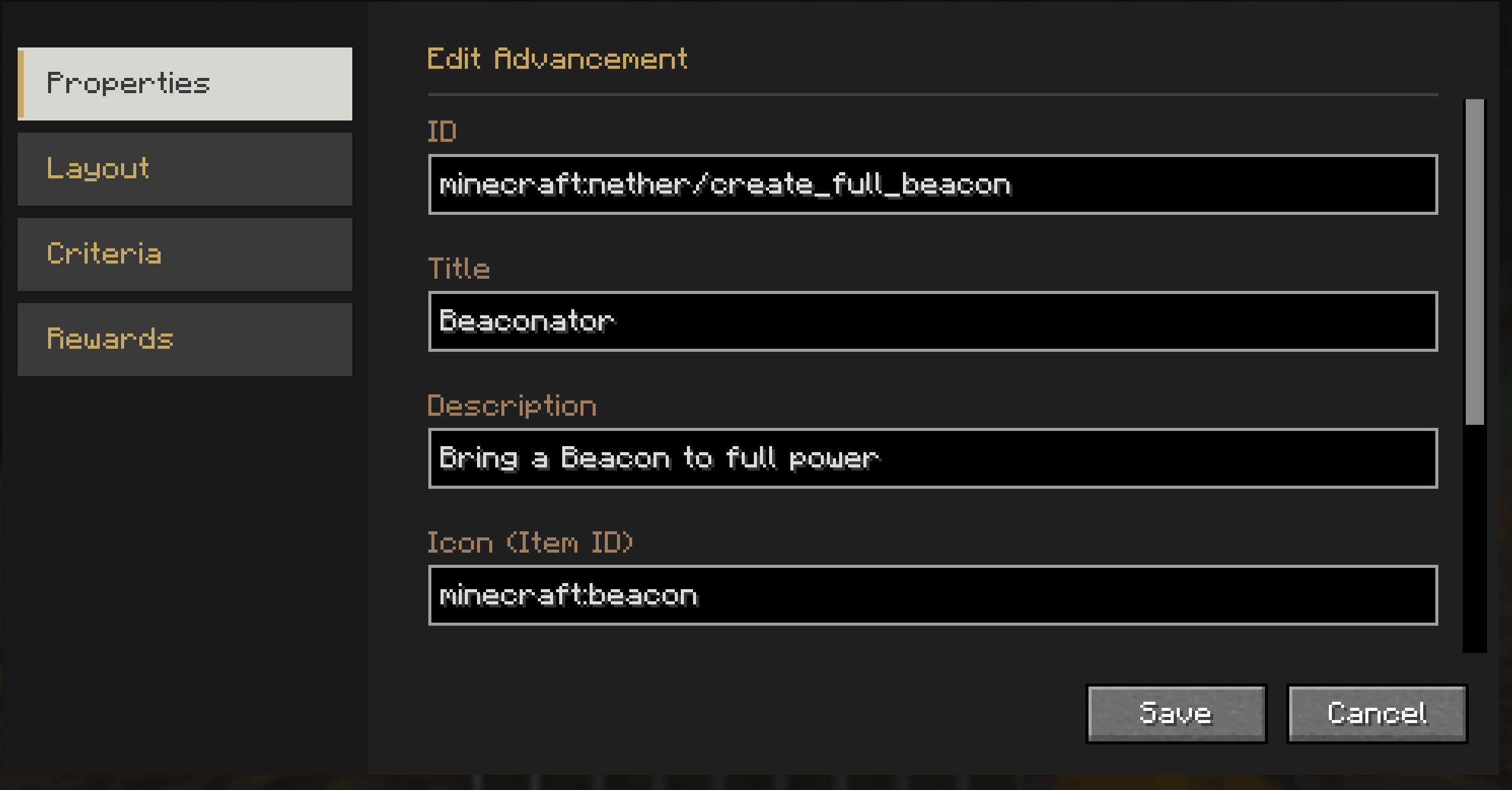
- Comes with a powerful built-in editor allowing you to modify advancement layouts and advancement properties natively
in-game. - You can freely add, modify, or remove advancements directly from the Advancement screen!
Credits
This mod is built upon the incredible work of previous advancement UI mods.
-
This mod started as a fork of Better Advancements and contains all the features from that mod. Their original code is
used under their Don’t Be a Jerk
non-commercial care-free license. -
Portions of code used and adapted under their
MIT License.
License



Verfügbare Versionen
Reliable Advancements auf dem Server installieren
Server bestellen
Bestelle einen Minecraft Java Server mit mindestens 3 GB RAM (4 GB empfohlen).
fabric Loader setzen
Wähle im Panel unter "Egg" den fabric-Loader und die passende Minecraft-Version (26.3).
Mod installieren
Öffne den Mod-Browser im Dashboard und suche nach "Reliable Advancements". Klicke "Installieren" – fertig! Alternativ: Lade die .jar via SFTP in den /mods Ordner.
Kompatibilität
Mod-Loader
Minecraft-Versionen
26.3, 26.2, 26.1.2 (+5 weitere)
Server-seitig
~ OptionalEmpfohlener RAM
4 GB(min. 3 GB)Häufige Fragen
Reliable Advancements Server crasht beim Start – was tun?
Häufigste Ursache: falsche fabric-Version oder zu wenig RAM. Prüfe im Server-Log (latest.log), ob ein "OutOfMemoryError" oder "Mixin"-Fehler auftritt. Bei Mado Hosting: Stelle sicher, dass mindestens 3 GB RAM zugewiesen sind und der Loader zur Mod-Version passt (26.3). Über das Panel kannst du den Loader mit einem Klick wechseln.
Ist Reliable Advancements mit fabric und forge und neoforge kompatibel?
Reliable Advancements unterstützt offiziell fabric, forge, neoforge für Minecraft 26.3, 26.2, 26.1.2. Achtung: Forge- und Fabric-Mods sind NICHT untereinander kompatibel – wähle einen Loader und bleibe dabei. Im Mado Dashboard werden inkompatible Loader-Kombinationen automatisch erkannt.
Server laggt mit Reliable Advancements – wie optimiere ich die Performance?
Empfohlener RAM: 4 GB (+1 GB pro 8 Spieler). Prüfe mit /spark profiler, ob Reliable Advancements den meisten Tick-Time verbraucht. Häufige Fixes: Server-View-Distance auf 8-10 reduzieren, bei Forge "performant" oder "starlight" als Zusatz-Mod installieren. Bei Mado Hosting läuft dein Server auf NVMe-SSDs mit dedizierten CPU-Kernen für minimale Latenz.
Ähnliche Mods




![[ETF] Entity Texture Features](https://cdn.modrinth.com/data/BVzZfTc1/af683d206d50b05258d865b0d6e4aa2f2cee12f2_96.webp)

Modded Server mieten
Installiere Reliable Advancements mit nur einem Klick auf deinem Server.