Sable Beyond
Sable Beyond expands the Sable mod with additional features, quality-of-life improvements, and compatibility support. It is designed to add ideas that are not part of the main mod while keeping the gameplay experience consistent with Sable.
Screenshots
Über diese Mod




Sable Beyond
Sable Beyond expands the Sable mod with additional features, quality-of-life improvements, and compatibility support. It is designed to add ideas that are not part of the main mod while keeping the gameplay experience consistent with Sable.
Each feature is highly configurable. For example, if you do not want entity mass, no problem you can disable it in the config. You just need to locate the config/sable_beyond folder, where all the config files are stored, or use the in-game config screen.
⚠️ This mod is still in alpha, so please make a backup beforehand. Also, if you encounter a bug, please report it on the GitHub Issues page.
Features
Some features are disabled by default, so please check the config
| Version | Feature | NeoForge | Fabric |
|---|---|---|---|
| 0.0.1 | Mechanical Arms can interact with Sable sublevels | ✅ | ❌ |
| 0.0.1 | Create Encased Fans can push and pull sublevels | ✅ | ❌ |
| 0.0.1 | Configurable entity mass system with formula support (disabled by default) | ✅ | ✅ |
| 0.0.2 | In-game configuration screen using Cloth Config | ✅ | ✅ |
| 0.0.2 | Dynamic mass system with real-time mass changes (disabled by default) | ✅ | ✅ |
| 0.0.2 | Dynamic mass support for Create Fluid Tanks, Spouts, Drains and Basins | ✅ | ❌ |
| 0.0.2 | Upside-down Basins in sublevels drop their items (disabled by default) | ✅ | ❌ |
| 0.0.2 | KubeJS integration (WIP) | ✅ | ❌ |
| 0.4.0 | Improved fire spreading between sublevels and the real world | ✅ | ✅ |
| 0.4.0 | Lava can ignite flammable blocks inside sublevels | ✅ | ✅ |
| 0.4.0 | Fire is extinguished when a sublevel enters water or a solid block | ✅ | ✅ |
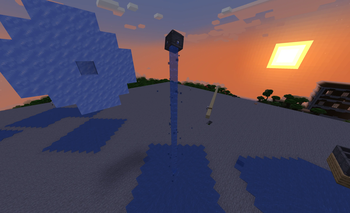
| 0.5.0 | Flowing fluids apply configurable forces to sublevels | ✅ | ✅ |
| 0.5.0 | Fluid escapes from upside-down Basins and can enter fluid containers (disabled by default) | ✅ | ❌ |
| 0.5.0 | Upward-facing Basins absorb fluid source blocks above them (disabled by default) | ✅ | ❌ |
| 0.5.0 | Powered Water Wheels generate configurable propulsion while touching water | ✅ | ❌ |
Entity Mass (disabled by default)
Entities now react to forces based on their configured mass, creating more realistic movement behavior.
- An advanced config for the entity mass and formula system with functions and operators
Create advanced formulas with operators and functions to fine-tune mass calculations.
Dynamic Mass (disabled by default)
Some blocks now carry their contents with them: supported Create fluid-related blocks, such as Fluid Tanks, Basin, etc, dynamically adjust their mass based on what they contain.
Fire
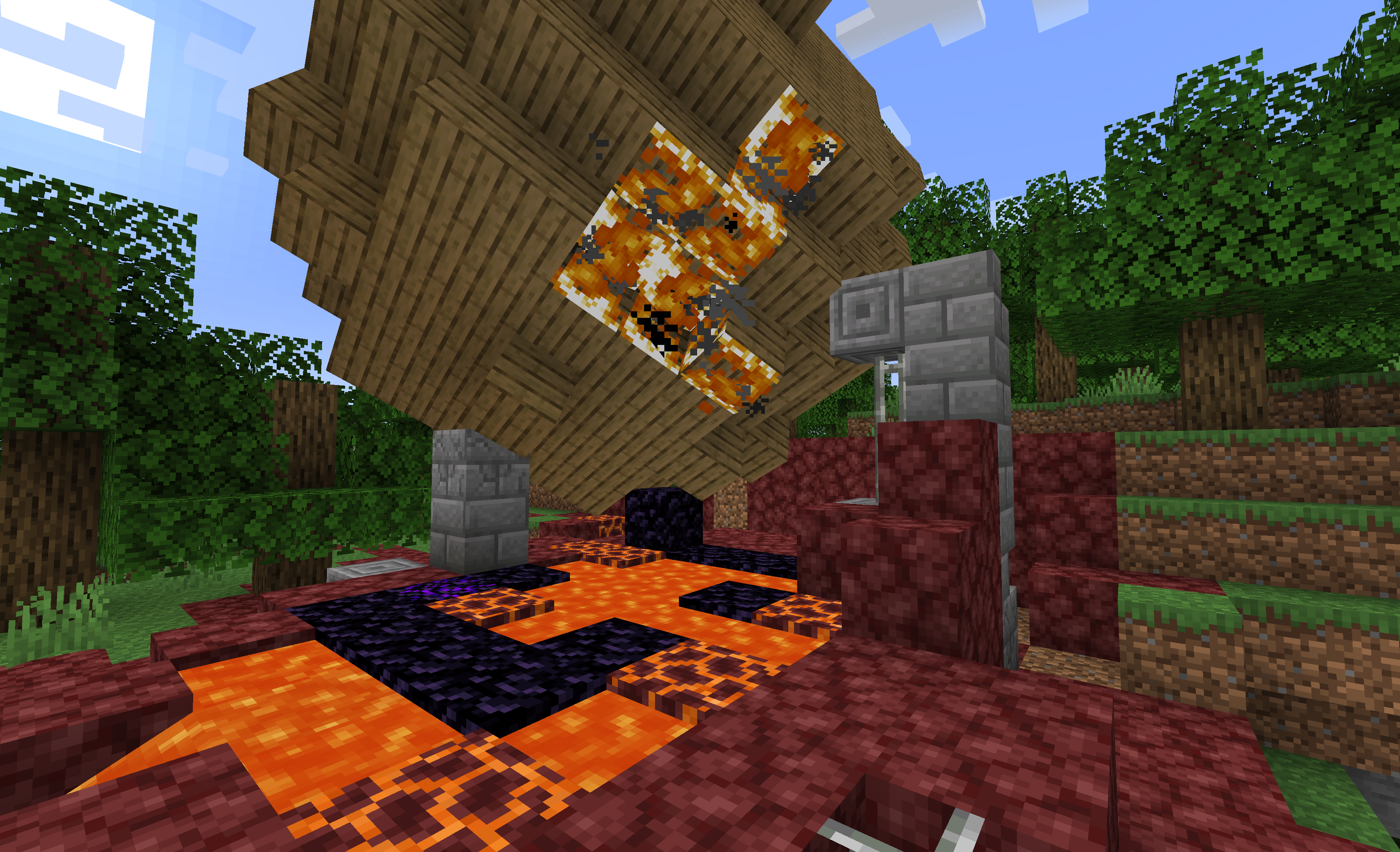
Lava can ignite flammable blocks inside sublevels.
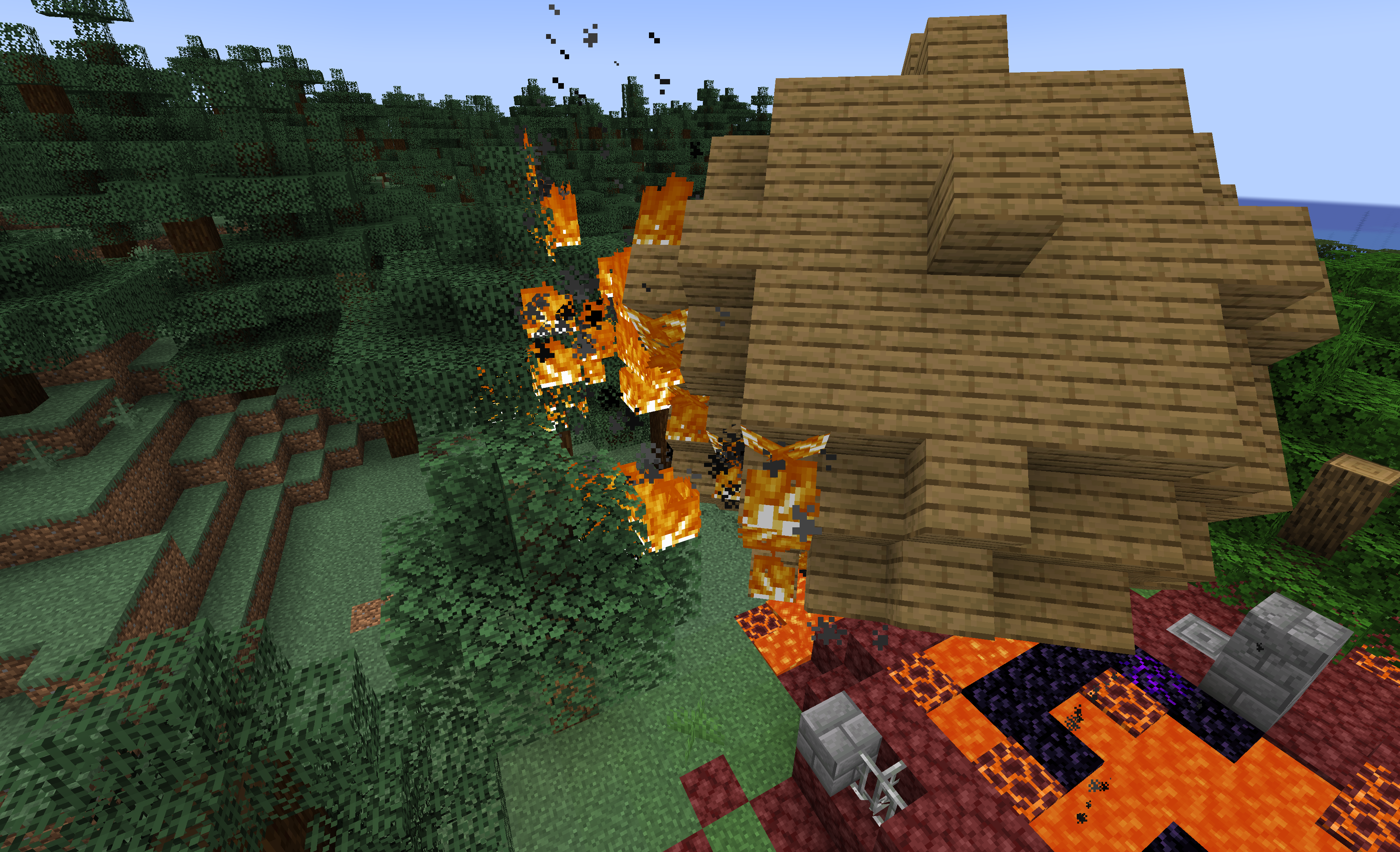
Fire spreading between sublevels and the real world.

Fire is extinguished when a sublevel enters water or a solid block.
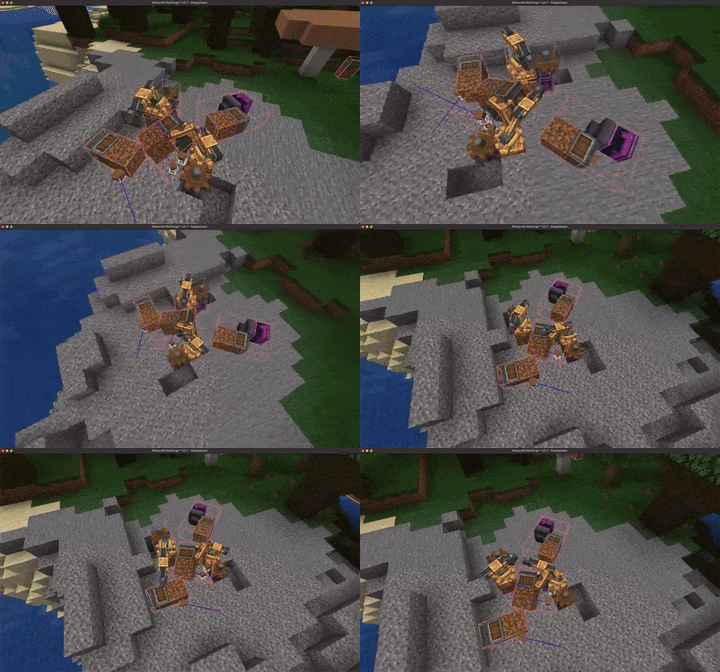
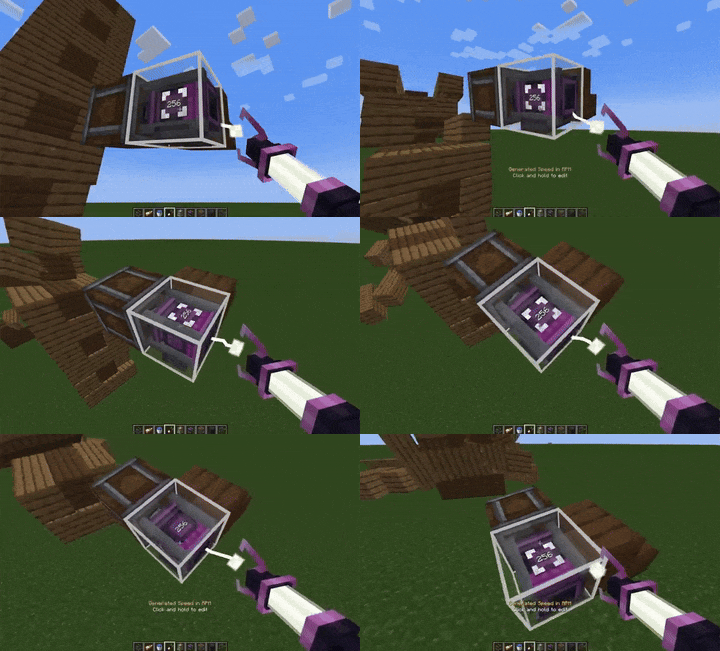
Mechanical arm compatibility with Sable sublevels
Mechanical Arms can now interact and operate correctly across different Sable sublevels.
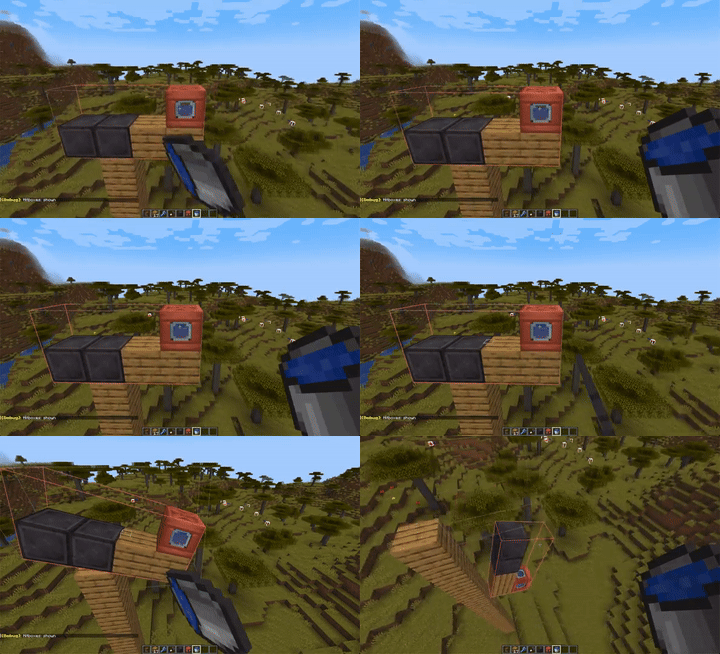
Encased Fan can push/pull sublevels
Encased Fans are now able to push and pull entire sublevels, expanding automation possibilities.
The Basin has revised its Newtonian physics lessons (disabled by default)
Basin drops its items when the basin is upside-down.
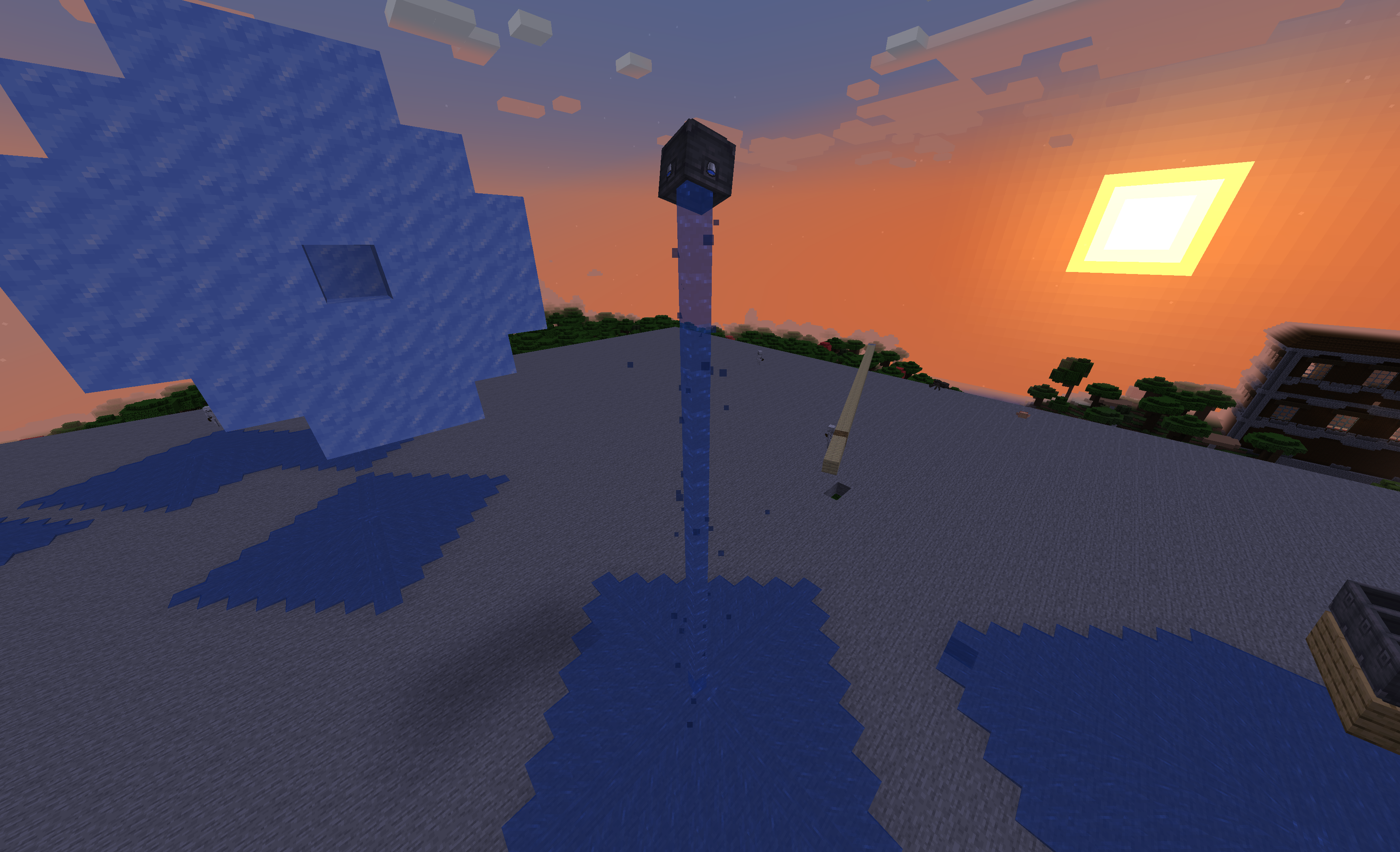
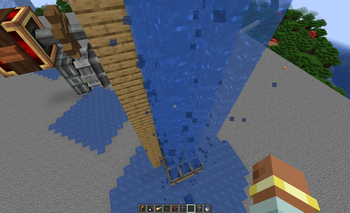
Fluid escape from a upside-down basin
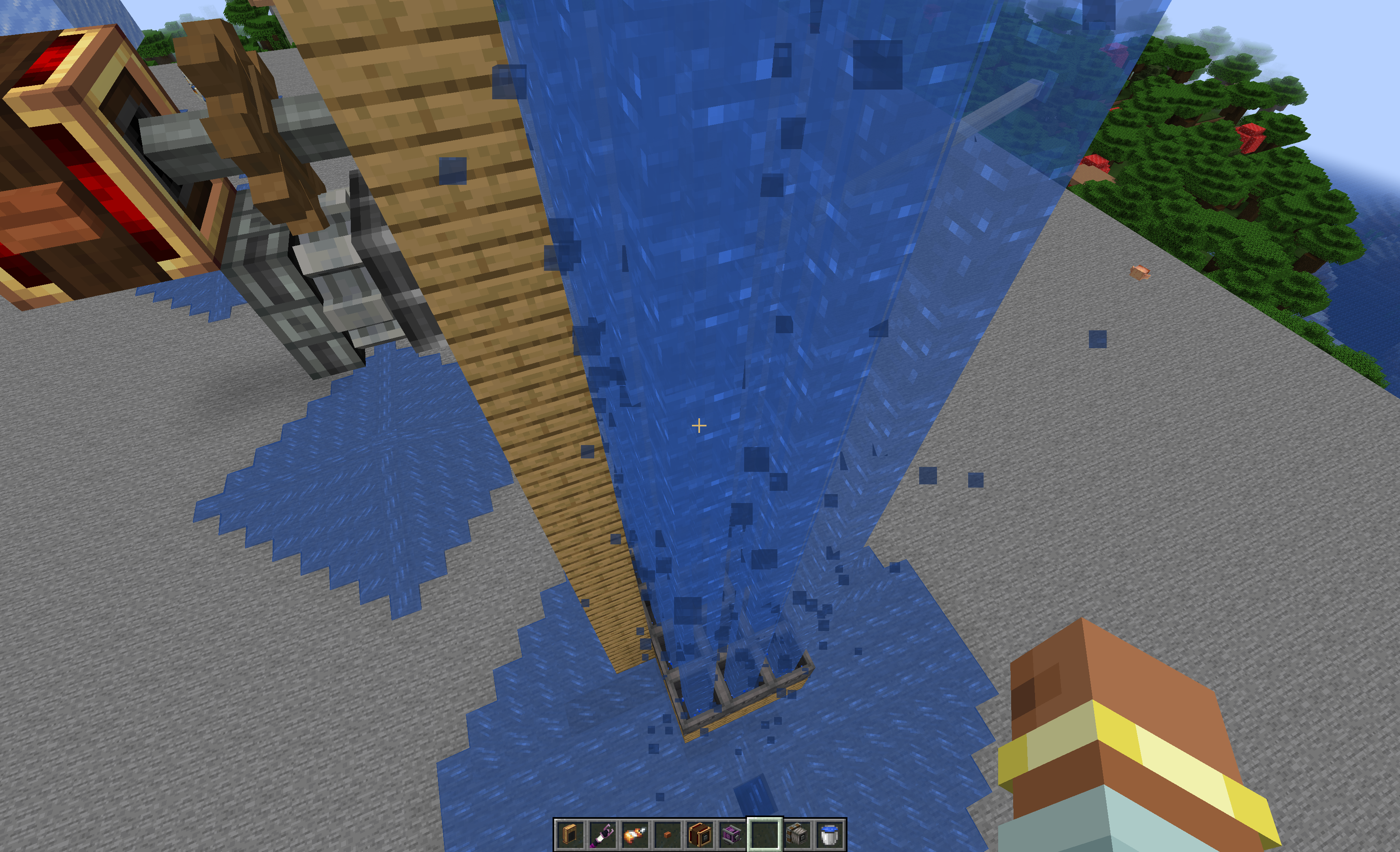
Fluid escaping from a basin can be transfered to any fluid container if aimed propelly !
The Config Page
Verfügbare Versionen
Sable Beyond auf dem Server installieren
Server bestellen
Bestelle einen Minecraft Java Server mit mindestens 3 GB RAM (4 GB empfohlen).
fabric Loader setzen
Wähle im Panel unter "Egg" den fabric-Loader und die passende Minecraft-Version (1.21.1).
Mod installieren
Öffne den Mod-Browser im Dashboard und suche nach "Sable Beyond". Klicke "Installieren" – fertig! Alternativ: Lade die .jar via SFTP in den /mods Ordner.
Kompatibilität
Mod-Loader
Minecraft-Versionen
1.21.1
Server-seitig
✓ ErforderlichEmpfohlener RAM
4 GB(min. 3 GB)Häufige Fragen
Sable Beyond Server crasht beim Start – was tun?
Häufigste Ursache: falsche fabric-Version oder zu wenig RAM. Prüfe im Server-Log (latest.log), ob ein "OutOfMemoryError" oder "Mixin"-Fehler auftritt. Bei Mado Hosting: Stelle sicher, dass mindestens 3 GB RAM zugewiesen sind und der Loader zur Mod-Version passt (1.21.1). Über das Panel kannst du den Loader mit einem Klick wechseln.
Ist Sable Beyond mit fabric und neoforge kompatibel?
Sable Beyond unterstützt offiziell fabric, neoforge für Minecraft 1.21.1. Im Mado Dashboard werden inkompatible Loader-Kombinationen automatisch erkannt.
Server laggt mit Sable Beyond – wie optimiere ich die Performance?
Empfohlener RAM: 4 GB (+1 GB pro 8 Spieler). Prüfe mit /spark profiler, ob Sable Beyond den meisten Tick-Time verbraucht. Häufige Fixes: Server-View-Distance auf 8-10 reduzieren, bei Forge "performant" oder "starlight" als Zusatz-Mod installieren. Bei Mado Hosting läuft dein Server auf NVMe-SSDs mit dedizierten CPU-Kernen für minimale Latenz.
Ähnliche Mods






Modded Server mieten
Installiere Sable Beyond mit nur einem Klick auf deinem Server.