
Scholar
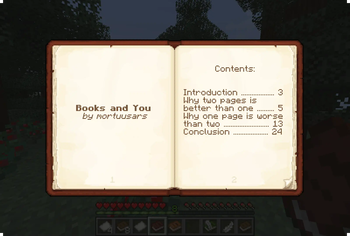
Two-page book editing/viewing, easy formatting, colored books, literate mobs and other book-related improvements
Screenshots
Über diese Mod

Improving Minecraft book experience, two pages at a time
Description in text form
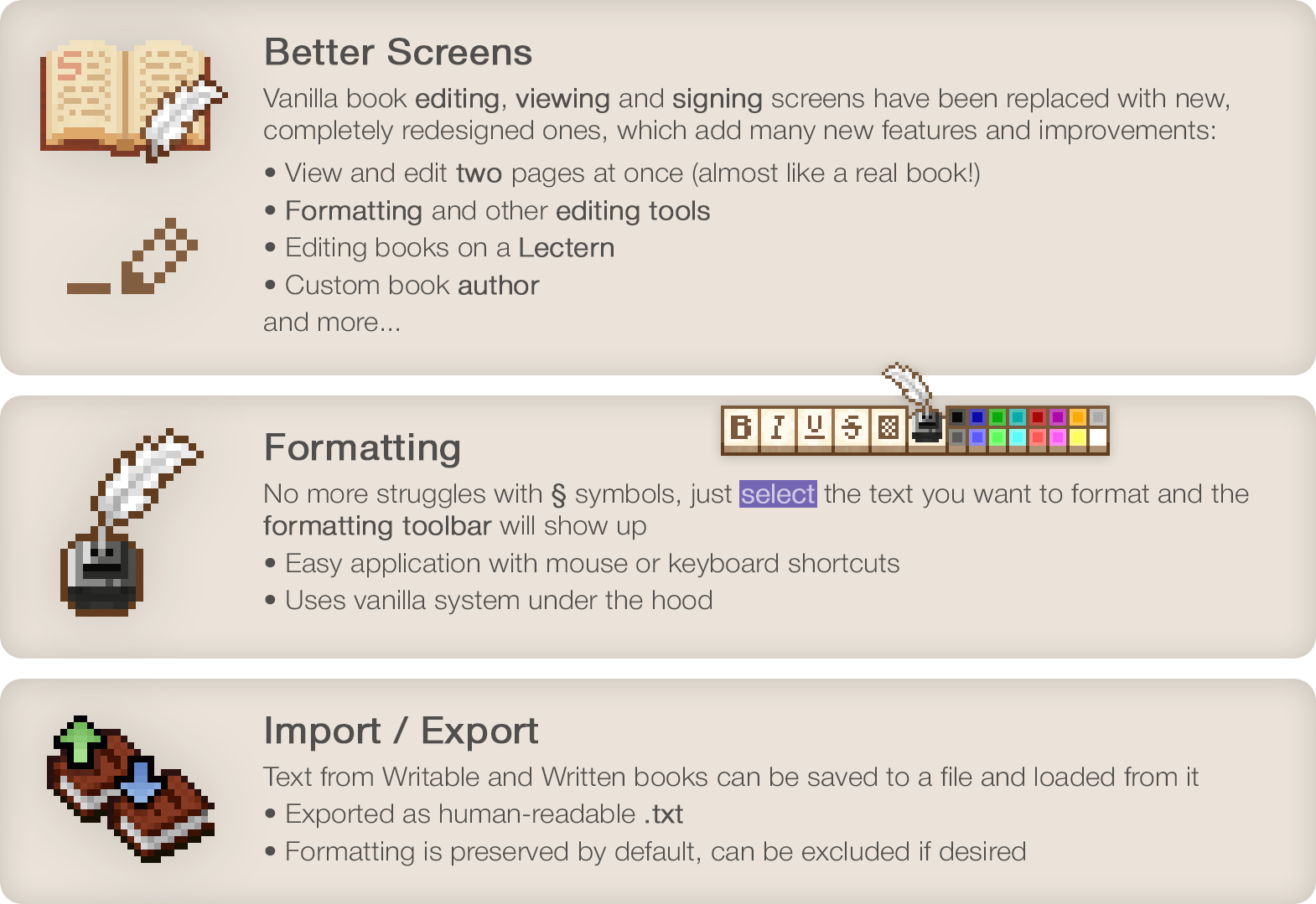
Better Screens
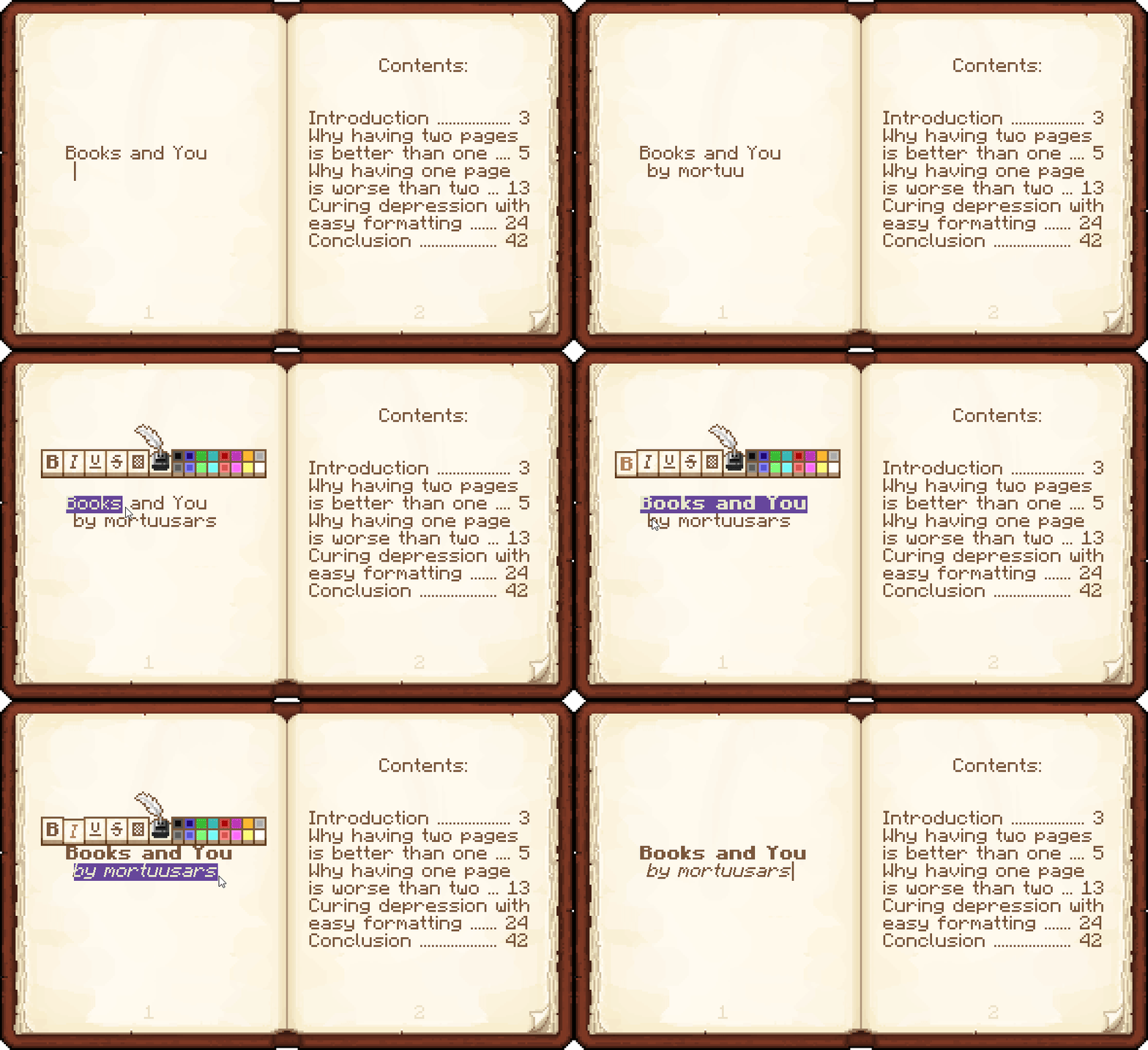
Vanilla book editing, viewing and signing screens have been replaced with new, completely redesigned ones, which add many new features and improvements:
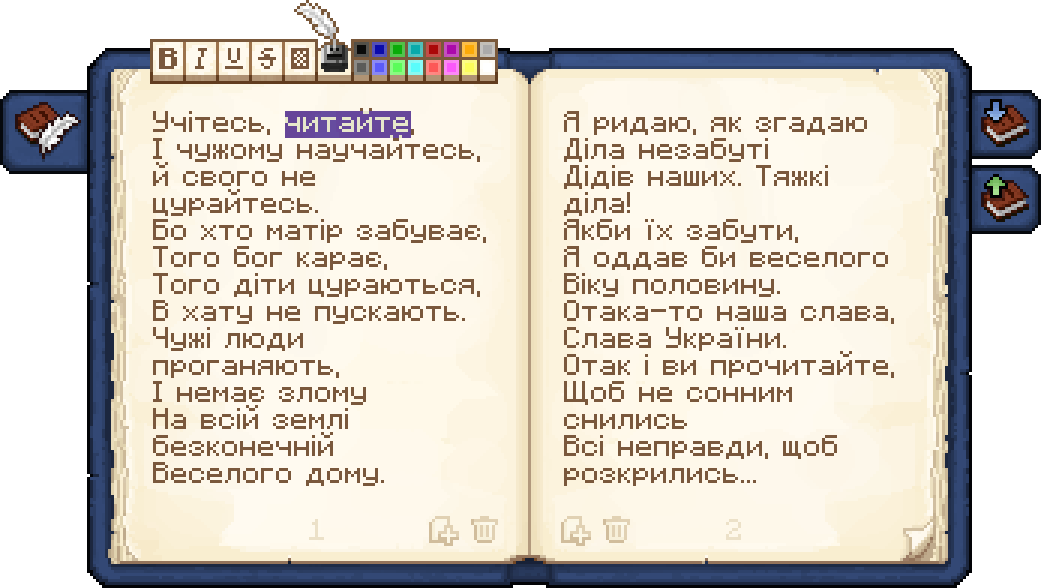
- View and edit two pages at once (almost like a real book!)
- Formatting and other editing tools
- Editing books on a Lectern
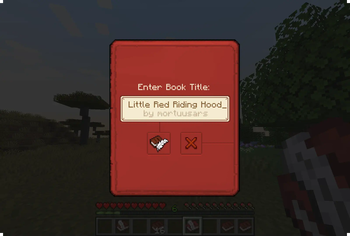
- Custom book author
and more...
Formatting
No more struggles with § symbols, just select the text you want to format and the formatting toolbar will show up
- Easy application with mouse or keyboard shortcuts
- Uses vanilla system under the hood
Import / Export
Text from Writable and Written books can be saved to a file and loaded from it
- Exported as human-readable .txt
- Formatting is preserved by default, can be excluded if desired
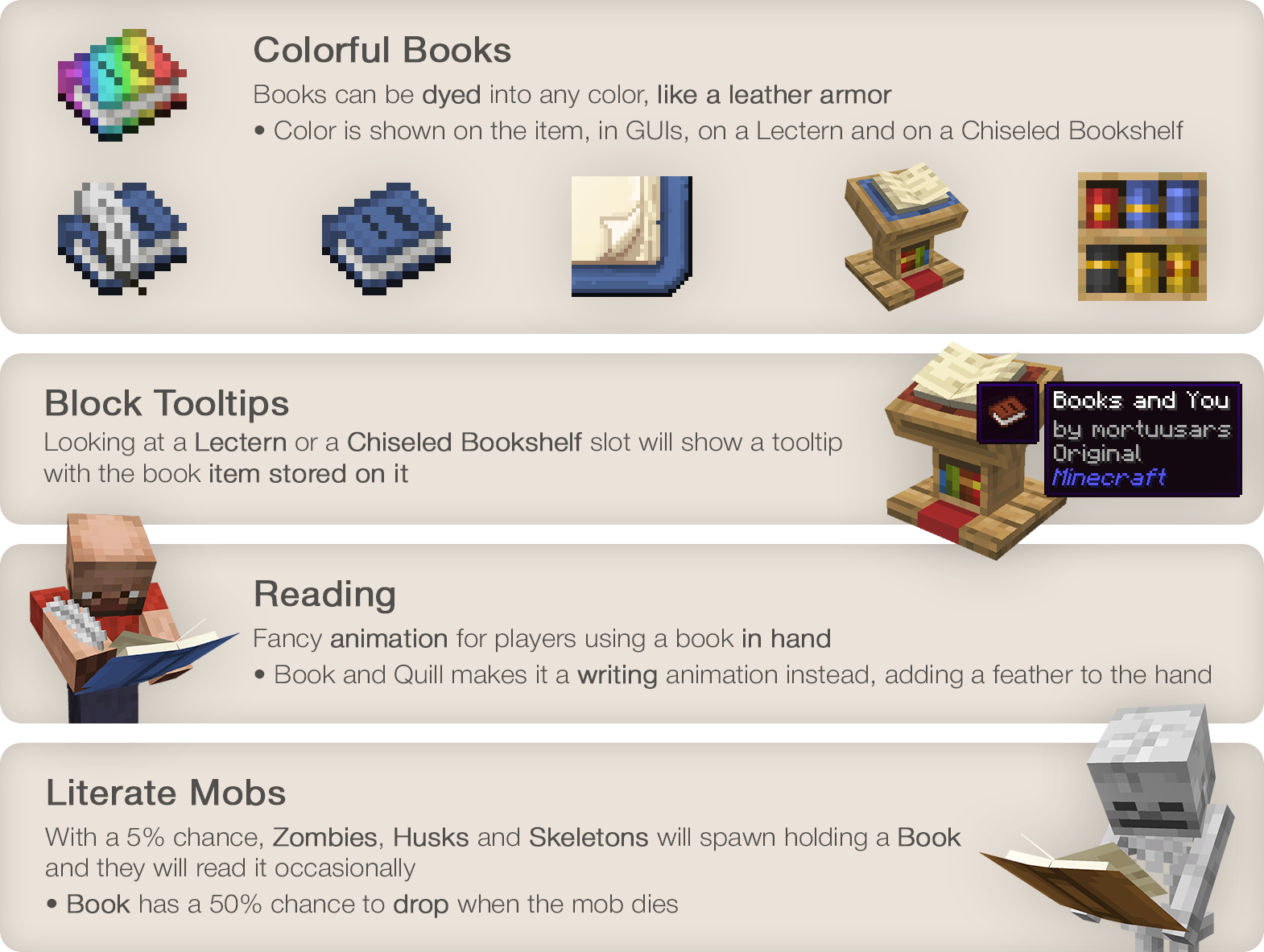
Colorful Books
Books can be dyed into any color, like a leather armor
- Color is shown on the item, in GUIs, on a Lectern and on a Chiseled Bookshelf
Block Tooltips
Looking at a Lectern or a Chiseled Bookshelf slot will show a tooltip with the book item stored on it
Reading
Fancy animation for players using a book in hand
- Book and Quill makes it a writing animation instead, adding a feather to the hand
Literate Mobs
With a 5% chance, Zombies, Husks and Skeletons will spawn holding a Book and they will read it occasionally
- Book has a 50% chance to drop when the mob dies
Enjoying the mod? Your support would allow me to continue working on it and on other mods!




Verfügbare Versionen
Scholar auf dem Server installieren
Server bestellen
Bestelle einen Minecraft Java Server mit mindestens 3 GB RAM (4 GB empfohlen).
fabric Loader setzen
Wähle im Panel unter "Egg" den fabric-Loader und die passende Minecraft-Version (26.2).
Mod installieren
Öffne den Mod-Browser im Dashboard und suche nach "Scholar". Klicke "Installieren" – fertig! Alternativ: Lade die .jar via SFTP in den /mods Ordner.
Kompatibilität
Mod-Loader
Minecraft-Versionen
26.2, 26.1.2, 26.1.1 (+9 weitere)
Server-seitig
✓ ErforderlichEmpfohlener RAM
4 GB(min. 3 GB)Häufige Fragen
Scholar Server crasht beim Start – was tun?
Häufigste Ursache: falsche fabric-Version oder zu wenig RAM. Prüfe im Server-Log (latest.log), ob ein "OutOfMemoryError" oder "Mixin"-Fehler auftritt. Bei Mado Hosting: Stelle sicher, dass mindestens 3 GB RAM zugewiesen sind und der Loader zur Mod-Version passt (26.2). Über das Panel kannst du den Loader mit einem Klick wechseln.
Ist Scholar mit fabric und forge und neoforge und quilt kompatibel?
Scholar unterstützt offiziell fabric, forge, neoforge, quilt für Minecraft 26.2, 26.1.2, 26.1.1. Achtung: Forge- und Fabric-Mods sind NICHT untereinander kompatibel – wähle einen Loader und bleibe dabei. Im Mado Dashboard werden inkompatible Loader-Kombinationen automatisch erkannt.
Server laggt mit Scholar – wie optimiere ich die Performance?
Empfohlener RAM: 4 GB (+1 GB pro 8 Spieler). Prüfe mit /spark profiler, ob Scholar den meisten Tick-Time verbraucht. Häufige Fixes: Server-View-Distance auf 8-10 reduzieren, bei Forge "performant" oder "starlight" als Zusatz-Mod installieren. Bei Mado Hosting läuft dein Server auf NVMe-SSDs mit dedizierten CPU-Kernen für minimale Latenz.
Ähnliche Mods




![[ETF] Entity Texture Features](https://cdn.modrinth.com/data/BVzZfTc1/af683d206d50b05258d865b0d6e4aa2f2cee12f2_96.webp)

Modded Server mieten
Installiere Scholar mit nur einem Klick auf deinem Server.