Screenshot Viewer
View your screenshots in game!
Über diese Mod
Screenshot Viewer
Screenshot viewer is a mod that allows you to see the screenshots that you have taken while you were gaming! (including the accidental ones you took when you where trying to press F3).
It comes with a great GUI and an in-game configuration thanks to CatConfigMC, a library I myself developped.
Here are two screenshots of the in-game GUI:
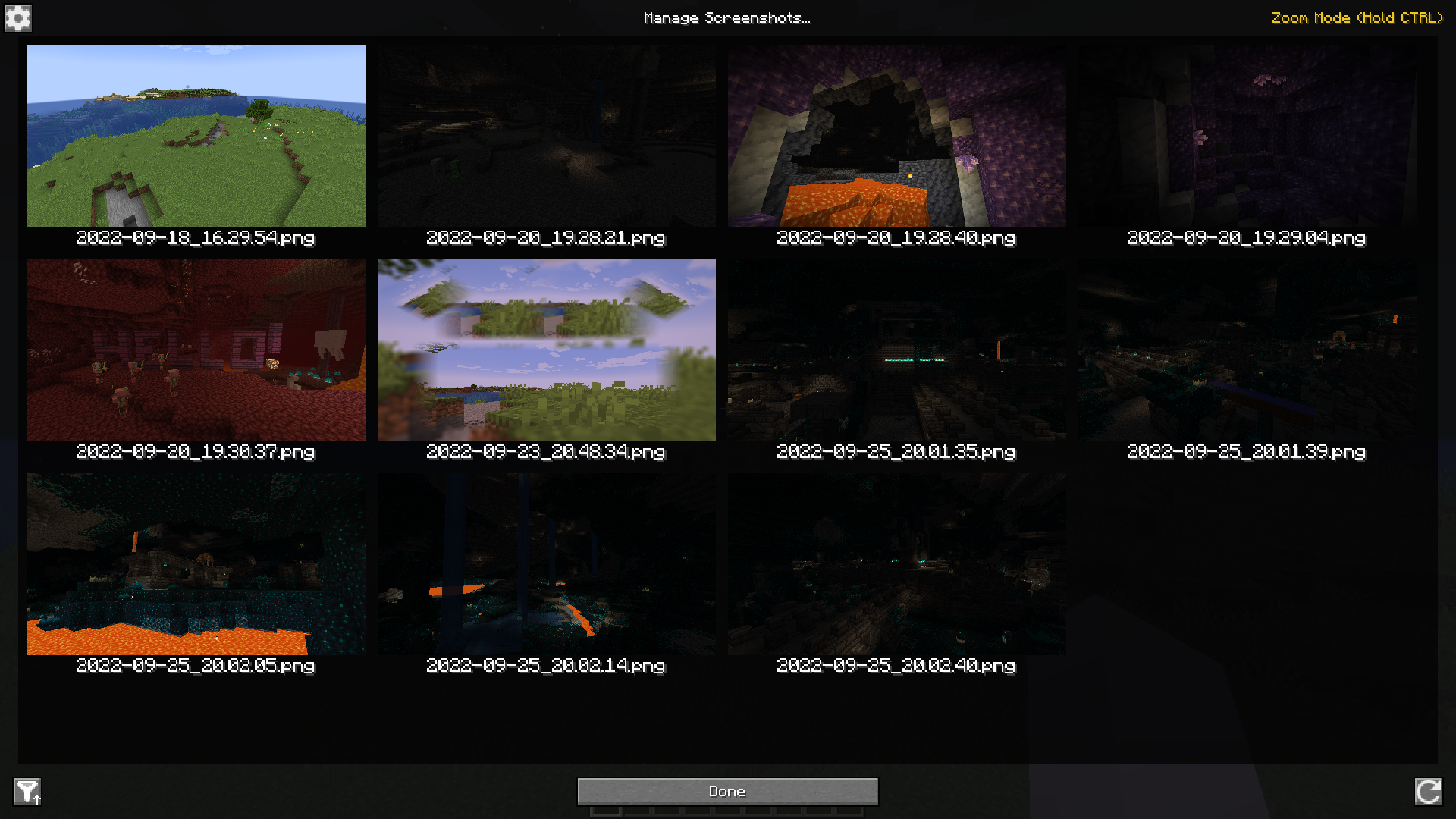
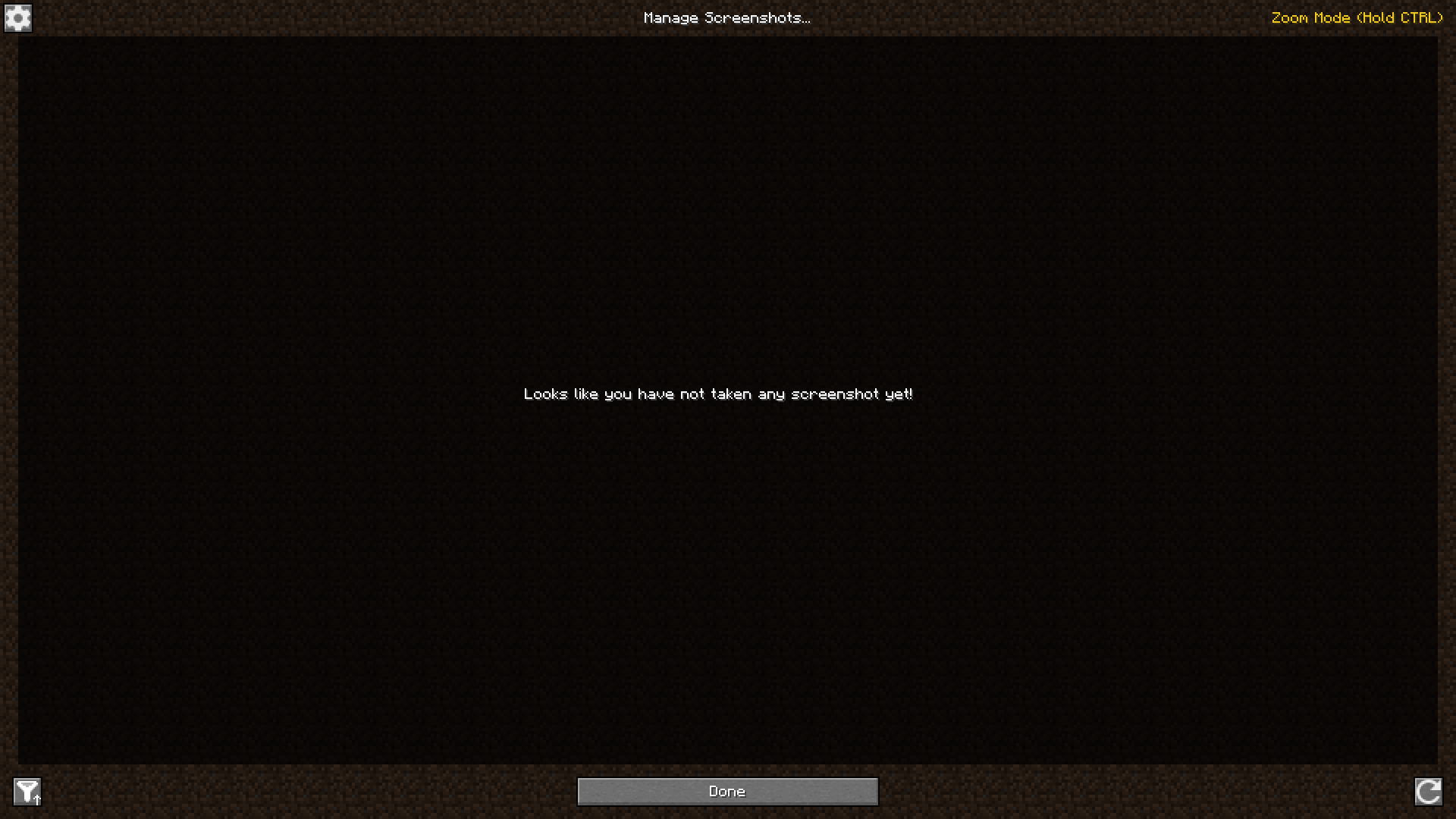
If you want to see in detail one of your screenshots, or just go through them, you can click on one to enlarge it and scroll or click on the buttons on the left and right to go to the next one or the previous one.
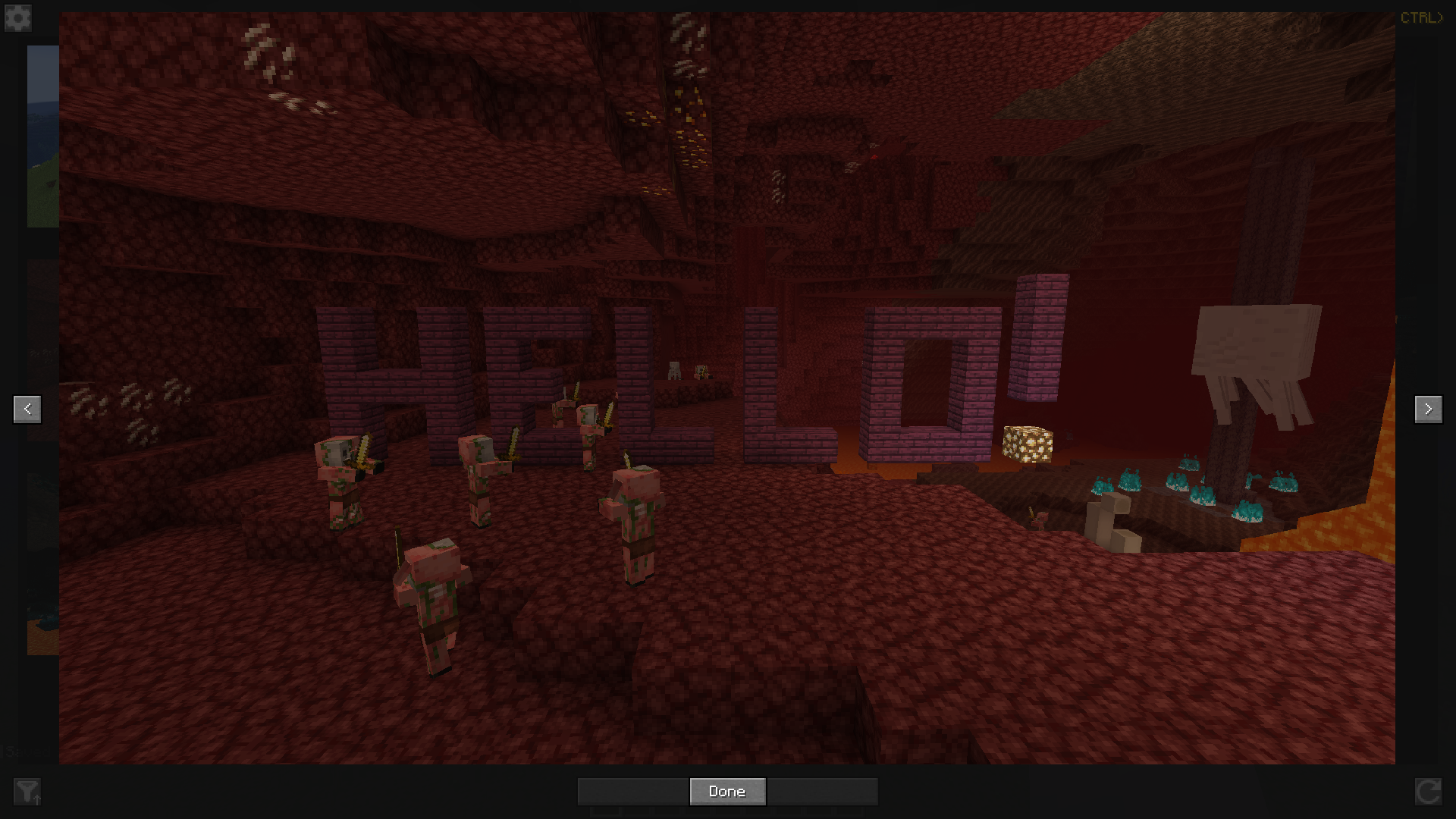
Finally, you can access this screenshots management screen by clicking on a button on the title screen or in the pause menu, or by configuring a key binding.
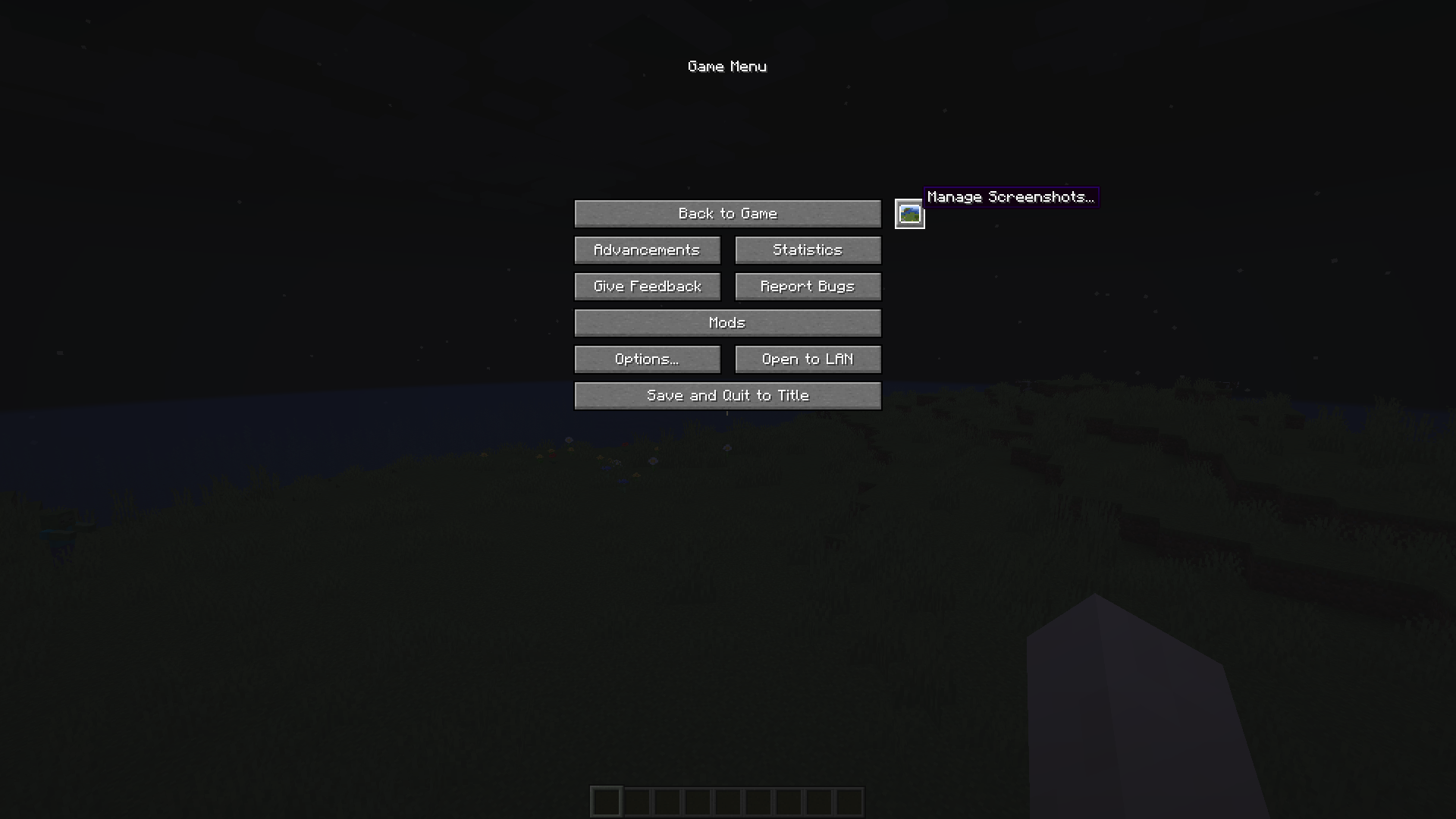
Hope you will enjoy the mod!
Verfügbare Versionen
Screenshot Viewer auf deinem Client installieren
Mod-Loader lokal installieren
Installiere fabric für deine lokale Minecraft-Version.
Passende Datei herunterladen
Wähle die Screenshot Viewer-Datei für fabric und Minecraft 26.2.
Mod installieren
Lege die .jar-Datei in deinem lokalen .minecraft/mods-Ordner ab und starte Minecraft neu. Eine Installation auf dem Server ist nicht nötig.
Kompatibilität
Mod-Loader
Minecraft-Versionen
26.2, 26.1.2, 26.1.1 (+22 weitere)
Server-seitig
✗ Nicht unterstütztEmpfohlener RAM
4 GB(min. 3 GB)Häufige Fragen
Muss Screenshot Viewer auf dem Minecraft Server installiert werden?
Nein. Modrinth kennzeichnet Screenshot Viewer serverseitig als nicht unterstützt. Installiere die Mod nur im lokalen Minecraft-Mods-Ordner. Dein Server kann unverändert bleiben, sofern die Mod-Seite keine zusätzliche Abhängigkeit nennt.
Welche Version und welchen Loader braucht Screenshot Viewer?
Nutze eine Datei für fabric, forge, neoforge und exakt deine Minecraft-Version. Unterstützte Versionen sind unter anderem 26.2, 26.1.2, 26.1.1. Loader-Dateien sind nicht untereinander austauschbar.
Screenshot Viewer funktioniert nicht – was kann ich prüfen?
Prüfe zuerst Minecraft-Version, Loader-Version und erforderliche Abhängigkeiten. Lege die .jar-Datei im lokalen .minecraft/mods-Ordner ab und entferne ältere Duplikate. Da die Mod clientseitig ist, löst mehr Server-RAM dieses Problem nicht.
Ähnliche Mods




![[ETF] Entity Texture Features](https://cdn.modrinth.com/data/BVzZfTc1/af683d206d50b05258d865b0d6e4aa2f2cee12f2_96.webp)

Minecraft Server für deine Gruppe
Screenshot Viewer bleibt auf deinem Client. Hoste dazu eine kompatible Welt für deine Mitspieler.