
Scriptor Magicae
Discover and write custom spells. Knowledge is power!
Screenshots
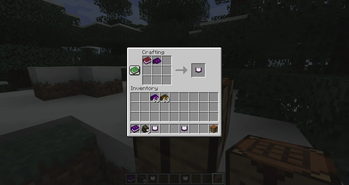
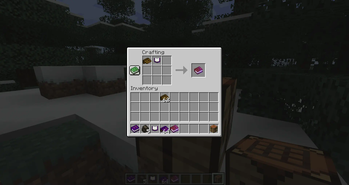
Über diese Mod

Scriptor Magicae
Knowledge is power!
Downloads:


If you notice any bugs or have a suggestion, please feel free to open an
Issue.
You can join My Discord to be notified about
mod updates, new mods, and other things I do.
I've created a video explaining how to customize Scriptor in-depth.
Check it out at:
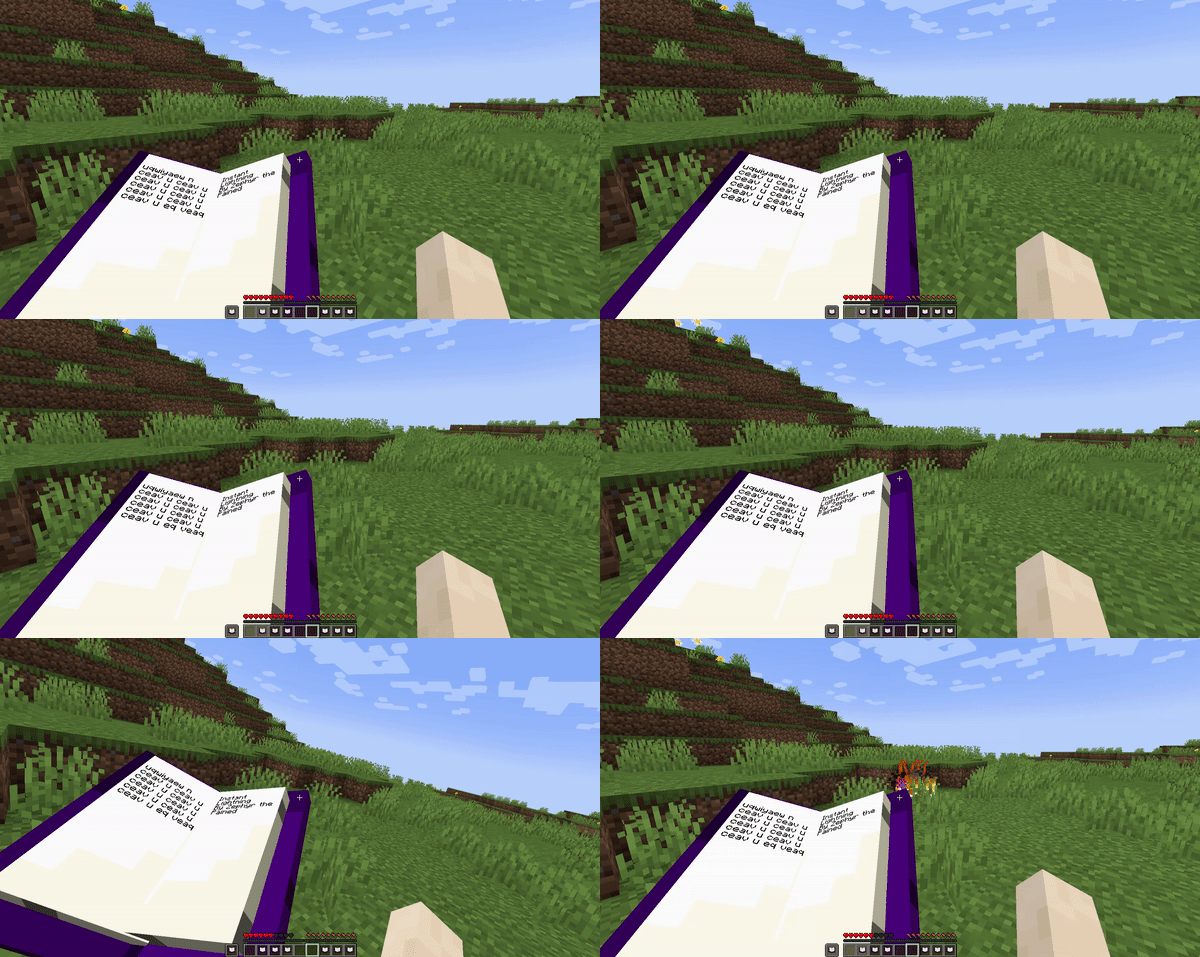
Welcome to Scriptor, the mod which gives words power.
This Vanilla-style mod adds various kinds of magic spell to the world
with the aim of making discovery and spellcrafting simple, interesting,
and reasonable when compared to Vanilla gear and capabilities.
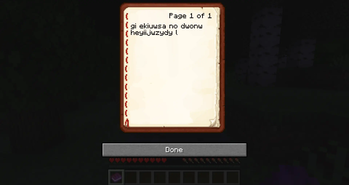
In this mod, spells are constructed much like sentences, with a catch:
The words and sentence structure used are random in every world!
For the average player, plenty of spells can be obtained in each world,
but for anyone dedicated enough, you can reverse engineer these spells
and learn how to draft even more powerful spells yourself.
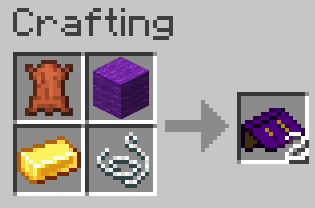
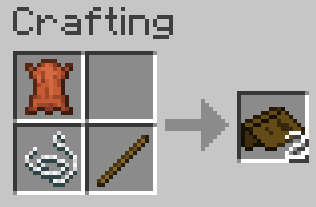
For information on usage and such, check out the docs on
GitHub
or explore the world in game to learn more about how magic works for
you.
Special Thanks
- Kasualix
and
Rivmun
for the Simplified Chinese (zh_CN) translation. - thekillergoose
for the Canadian French (fr_CA) translation. - KingAlexey212
for Russian (ru_RU) and Ukrainian (uk_UA) translations. - Regulars of the Discord Server who
regularly suggest improvements and get spells named after them.
Verfügbare Versionen
Scriptor Magicae auf dem Server installieren
Server bestellen
Bestelle einen Minecraft Java Server mit mindestens 3 GB RAM (4 GB empfohlen).
fabric Loader setzen
Wähle im Panel unter "Egg" den fabric-Loader und die passende Minecraft-Version (1.21.1).
Mod installieren
Öffne den Mod-Browser im Dashboard und suche nach "Scriptor Magicae". Klicke "Installieren" – fertig! Alternativ: Lade die .jar via SFTP in den /mods Ordner.
Kompatibilität
Mod-Loader
Minecraft-Versionen
1.21.1, 1.21, 1.20.6 (+8 weitere)
Server-seitig
✓ ErforderlichEmpfohlener RAM
4 GB(min. 3 GB)Häufige Fragen
Scriptor Magicae Server crasht beim Start – was tun?
Häufigste Ursache: falsche fabric-Version oder zu wenig RAM. Prüfe im Server-Log (latest.log), ob ein "OutOfMemoryError" oder "Mixin"-Fehler auftritt. Bei Mado Hosting: Stelle sicher, dass mindestens 3 GB RAM zugewiesen sind und der Loader zur Mod-Version passt (1.21.1). Über das Panel kannst du den Loader mit einem Klick wechseln.
Ist Scriptor Magicae mit fabric und forge und neoforge und quilt kompatibel?
Scriptor Magicae unterstützt offiziell fabric, forge, neoforge, quilt für Minecraft 1.21.1, 1.21, 1.20.6. Achtung: Forge- und Fabric-Mods sind NICHT untereinander kompatibel – wähle einen Loader und bleibe dabei. Im Mado Dashboard werden inkompatible Loader-Kombinationen automatisch erkannt.
Server laggt mit Scriptor Magicae – wie optimiere ich die Performance?
Empfohlener RAM: 4 GB (+1 GB pro 8 Spieler). Prüfe mit /spark profiler, ob Scriptor Magicae den meisten Tick-Time verbraucht. Häufige Fixes: Server-View-Distance auf 8-10 reduzieren, bei Forge "performant" oder "starlight" als Zusatz-Mod installieren. Bei Mado Hosting läuft dein Server auf NVMe-SSDs mit dedizierten CPU-Kernen für minimale Latenz.
Ähnliche Mods





Modded Server mieten
Installiere Scriptor Magicae mit nur einem Klick auf deinem Server.