
Security
Adds security features to protect your buildings, valuables, and yourself from threats.
Screenshots
Über diese Mod

Adds security features to protect your buildings, valuables, and yourself from threats.
Check the wiki to see everything this mod includes: wiki.
Keypad
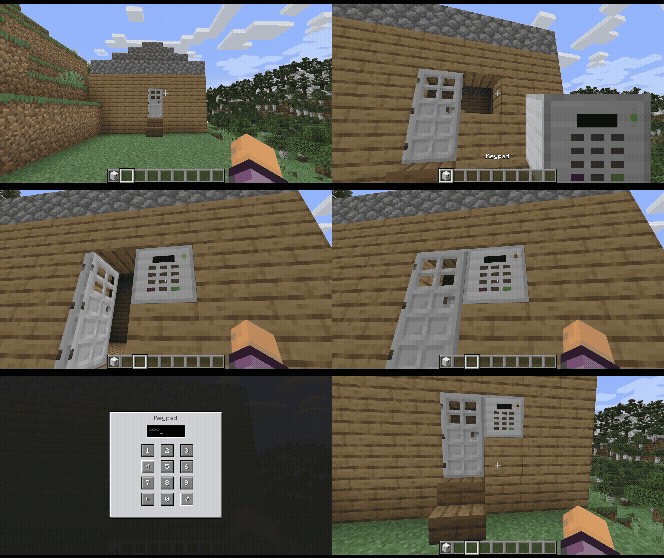
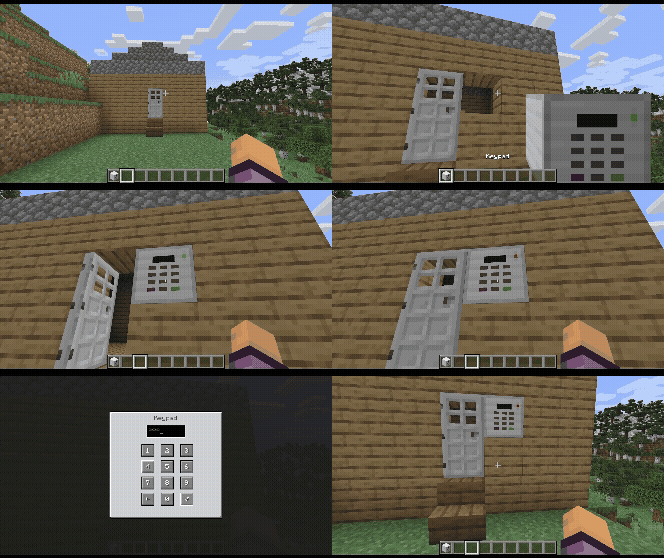
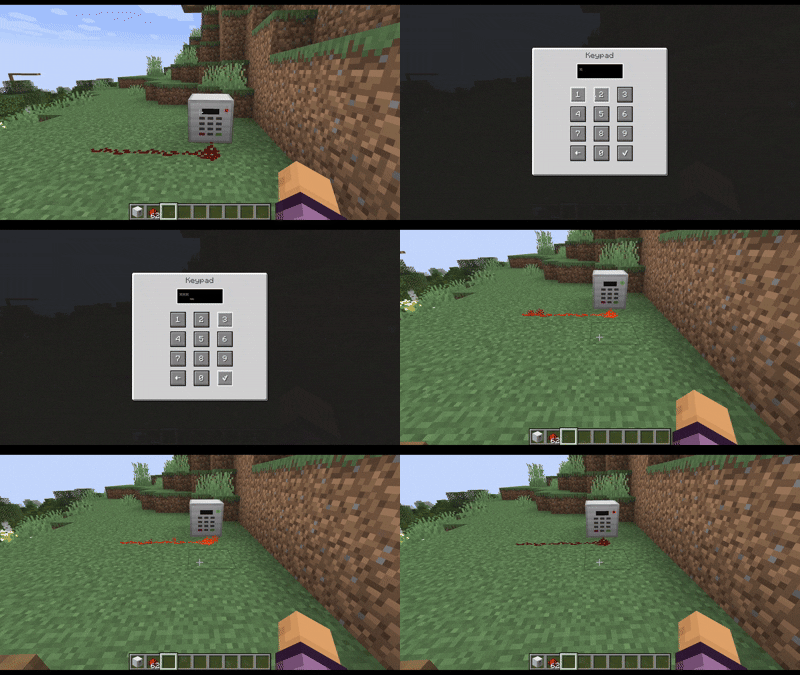
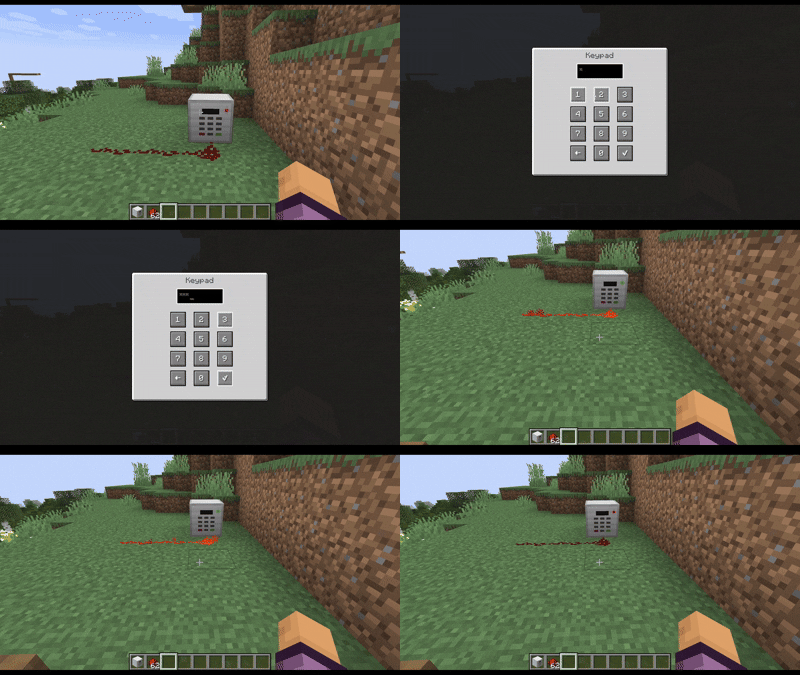
The Keypad is used by right-clicking it, and introducing a numerical passcode.
Once the keycode is set, right-clicking the keypad will allow you to enter the code.
If it's correct, the keypad will emit redstone power for 3 seconds (Can be set with the config keypadBlockAutolockTime)
Block Reinforcer / Block Remover
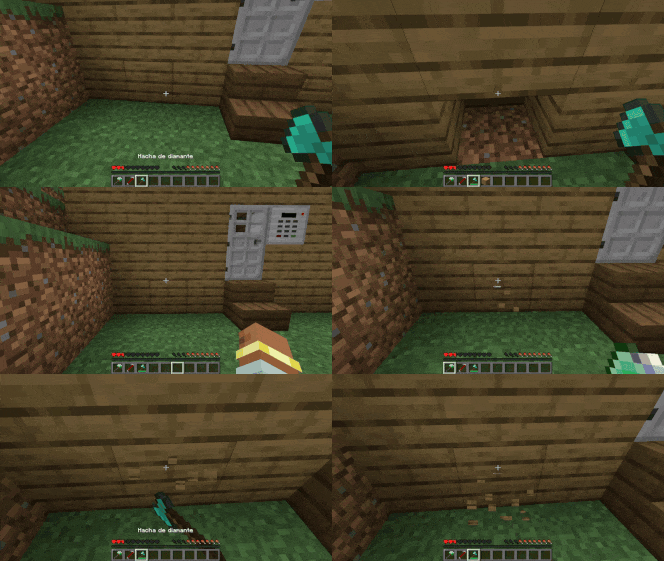
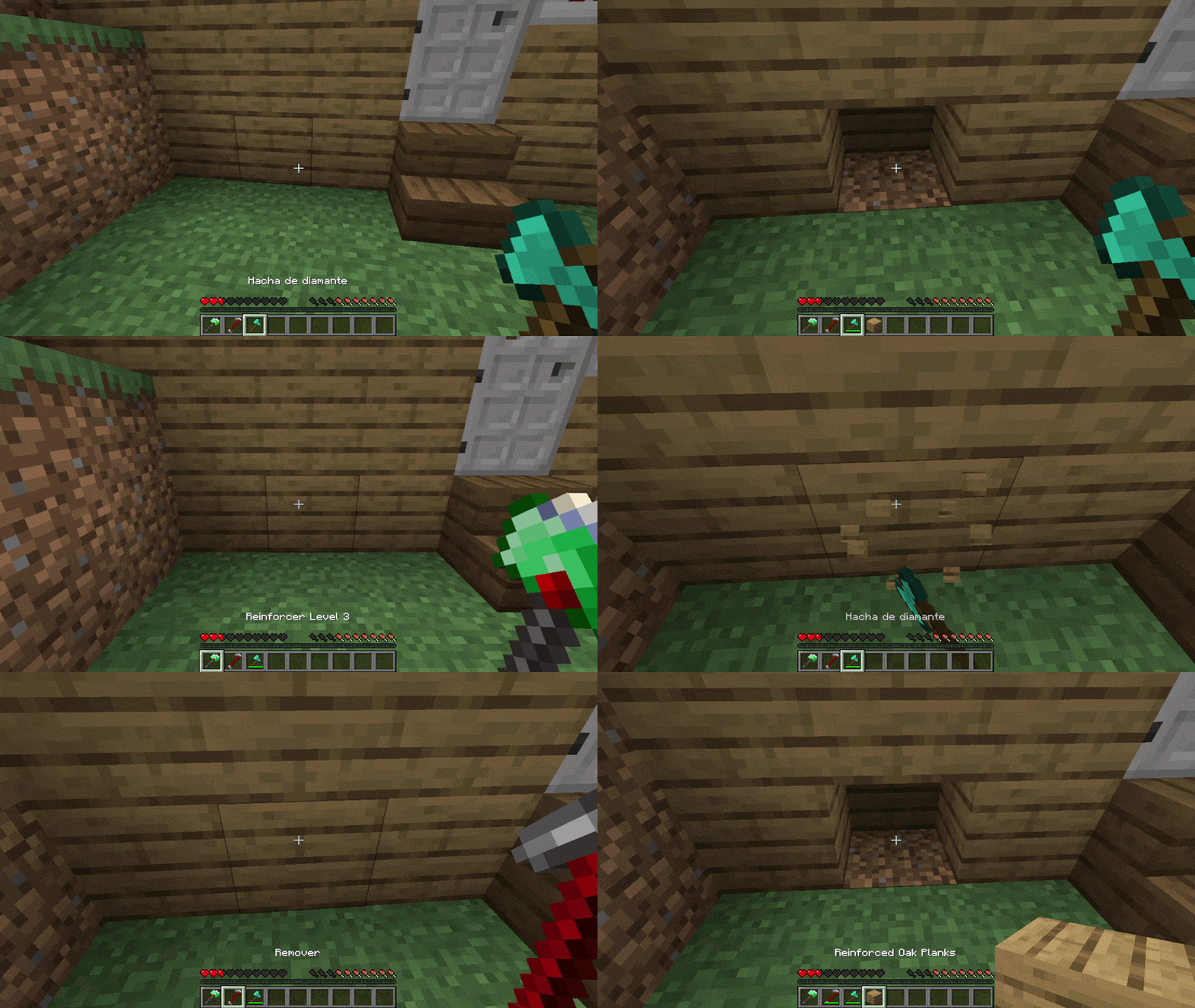
Use the Block Reinforcer to secure your house making your block indestructible.
Once a block is reinforced only the owner with a block remover can remove it.
Mines
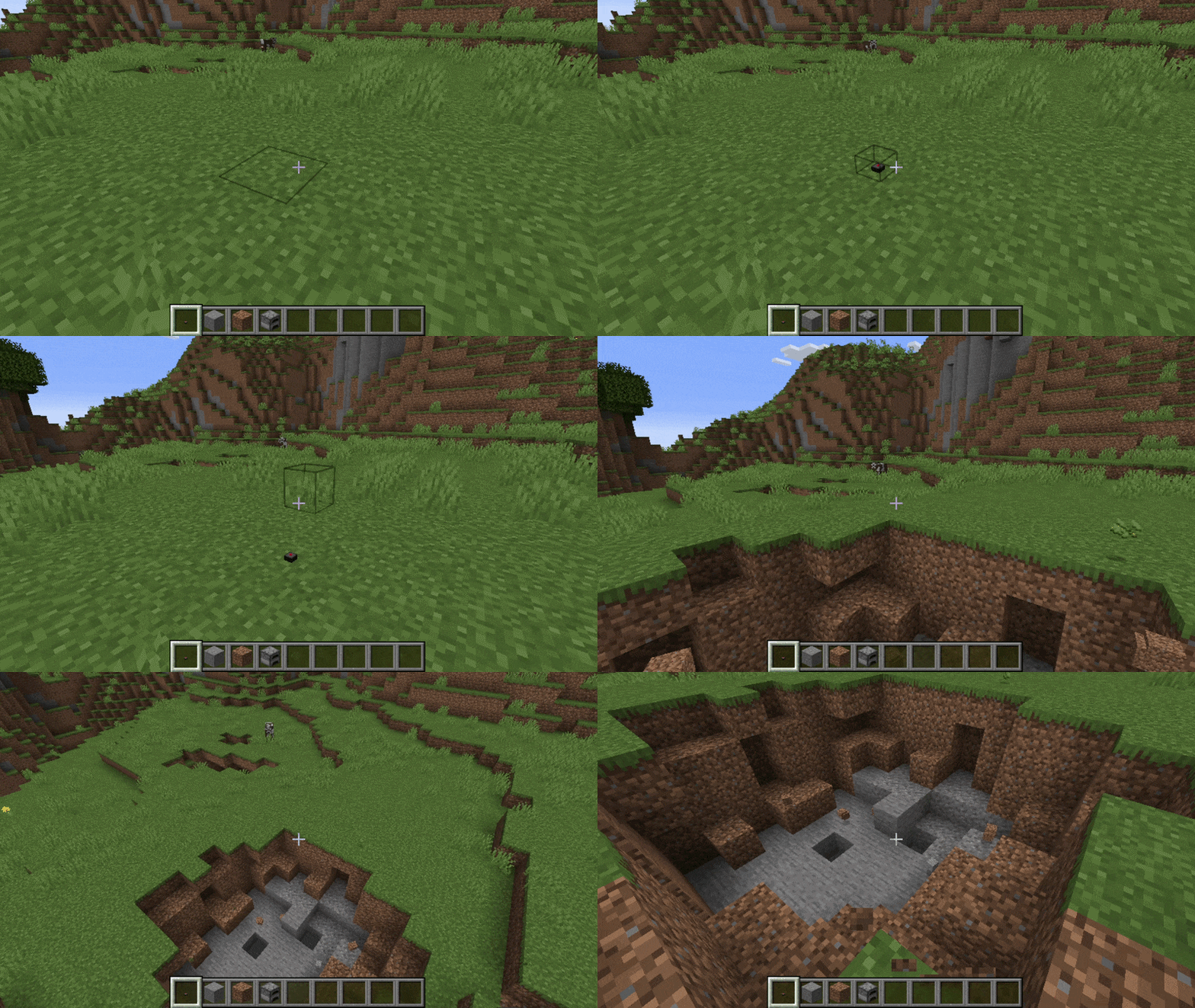
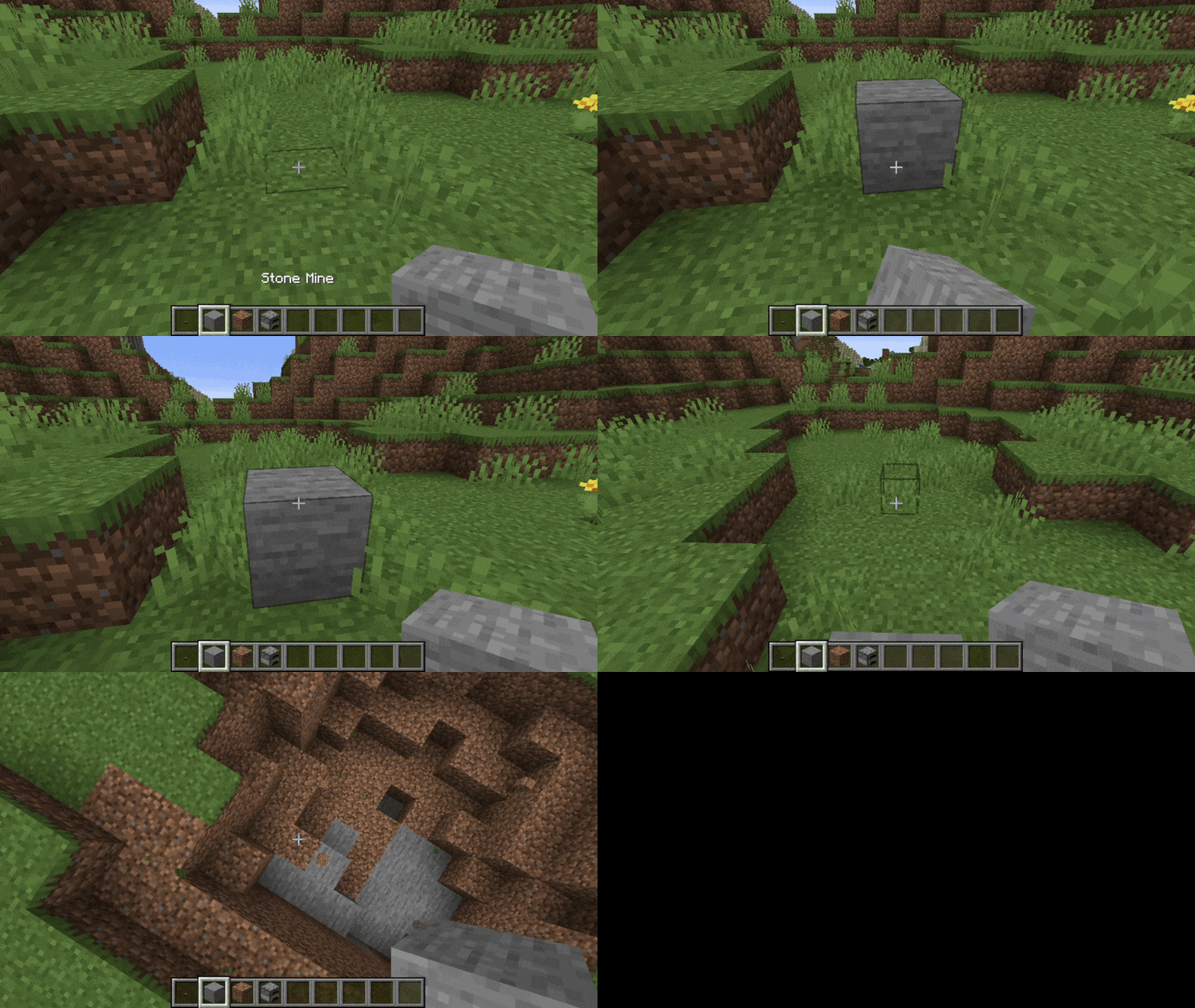
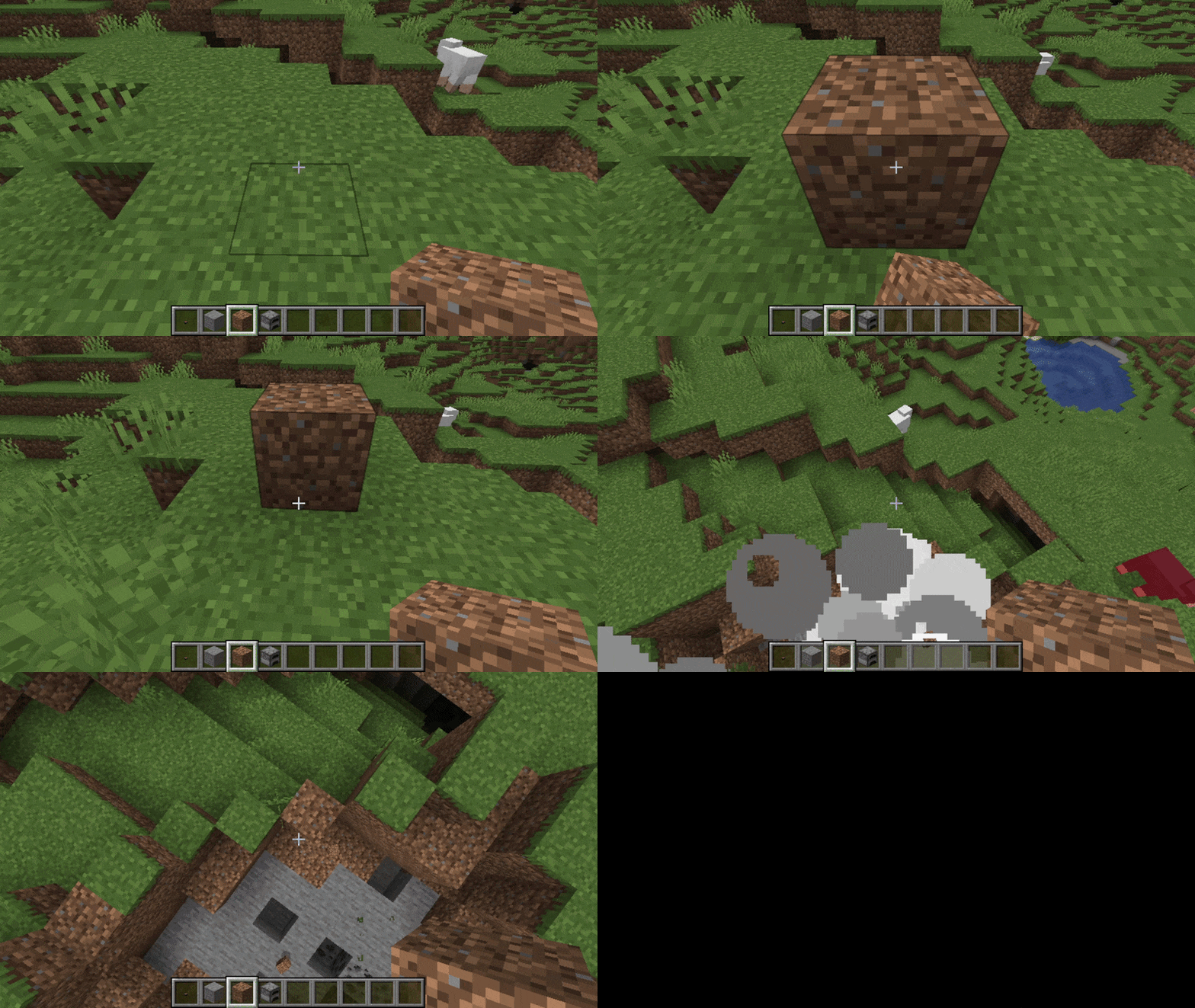
The Mine explodes when stepped on or interacted with. Can be disguised as other blocks.
Mine
Stone Mine
Dirt Mine
Furnace Mine
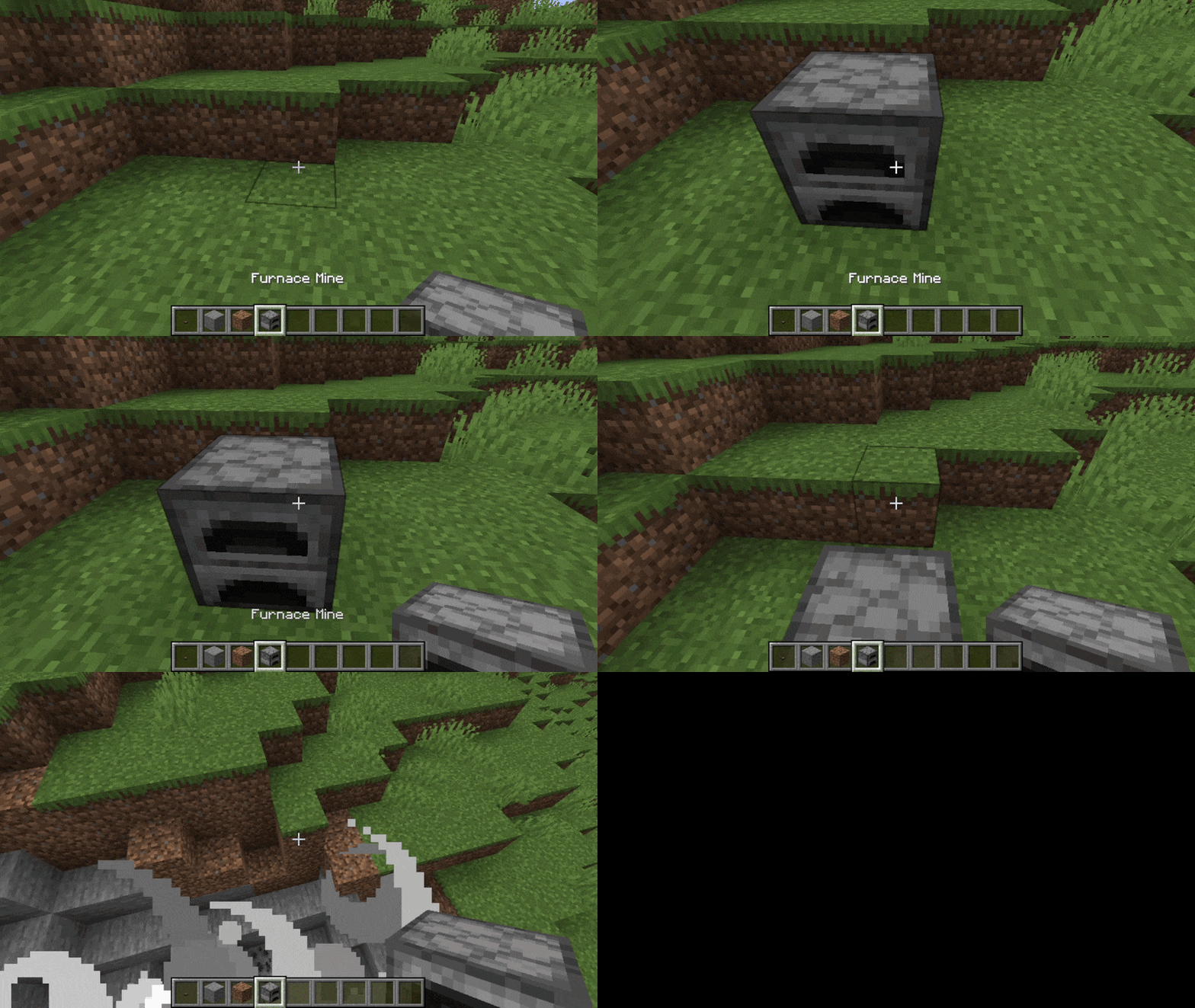
The furnace mine will also explode when you interact with it.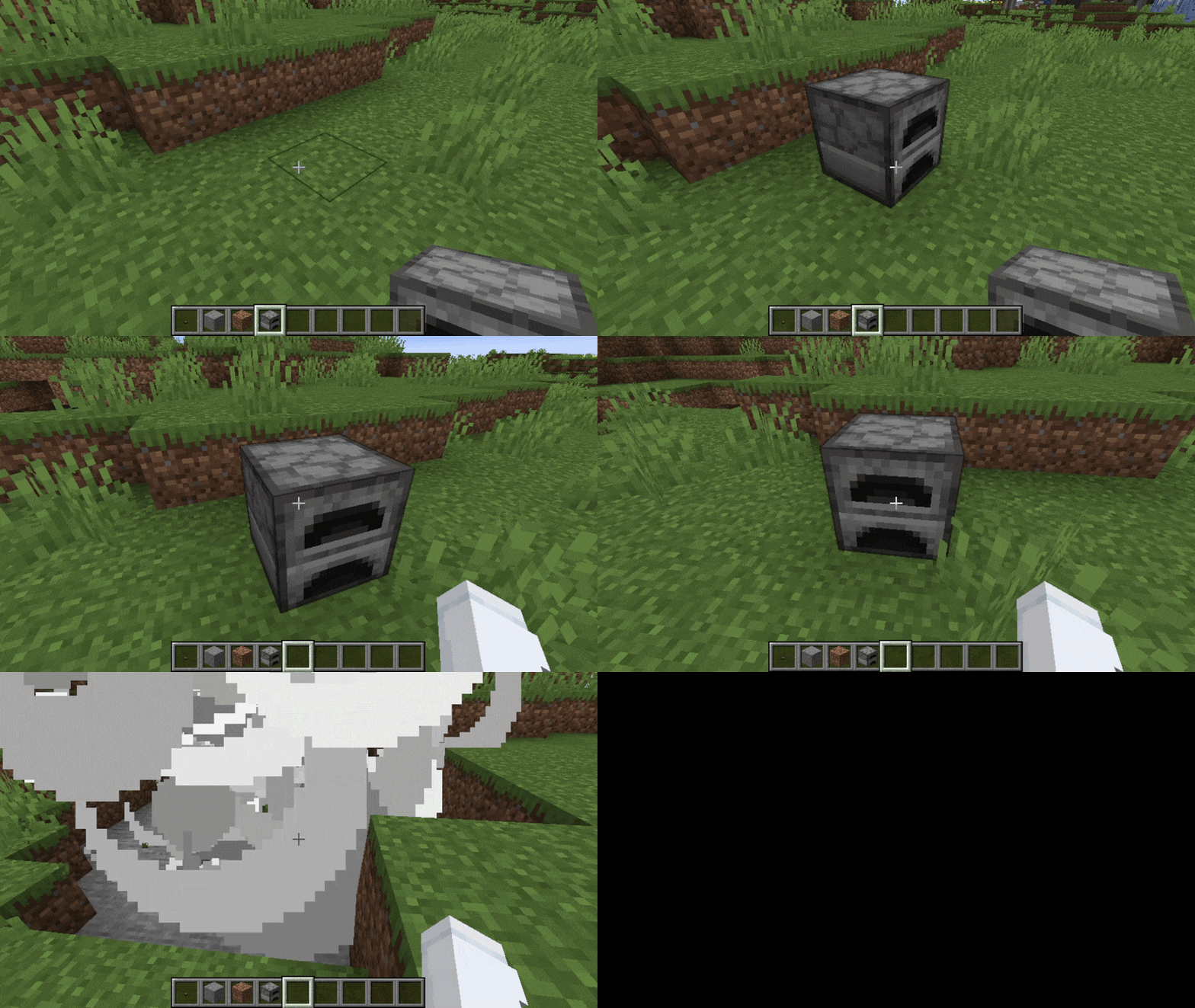
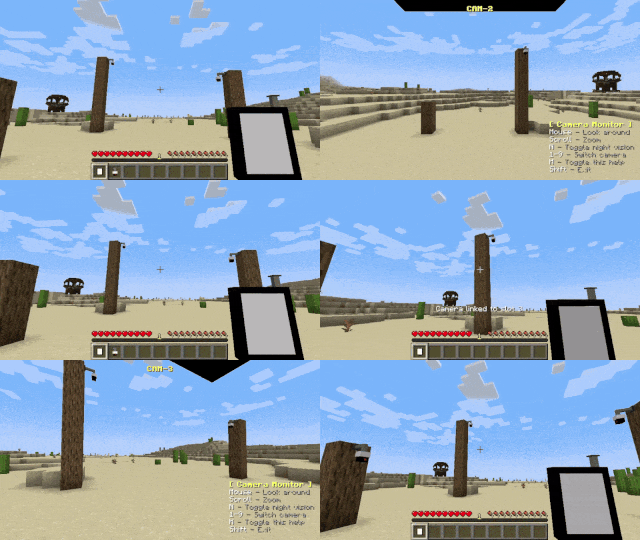
Camera Monitor / Security Camera
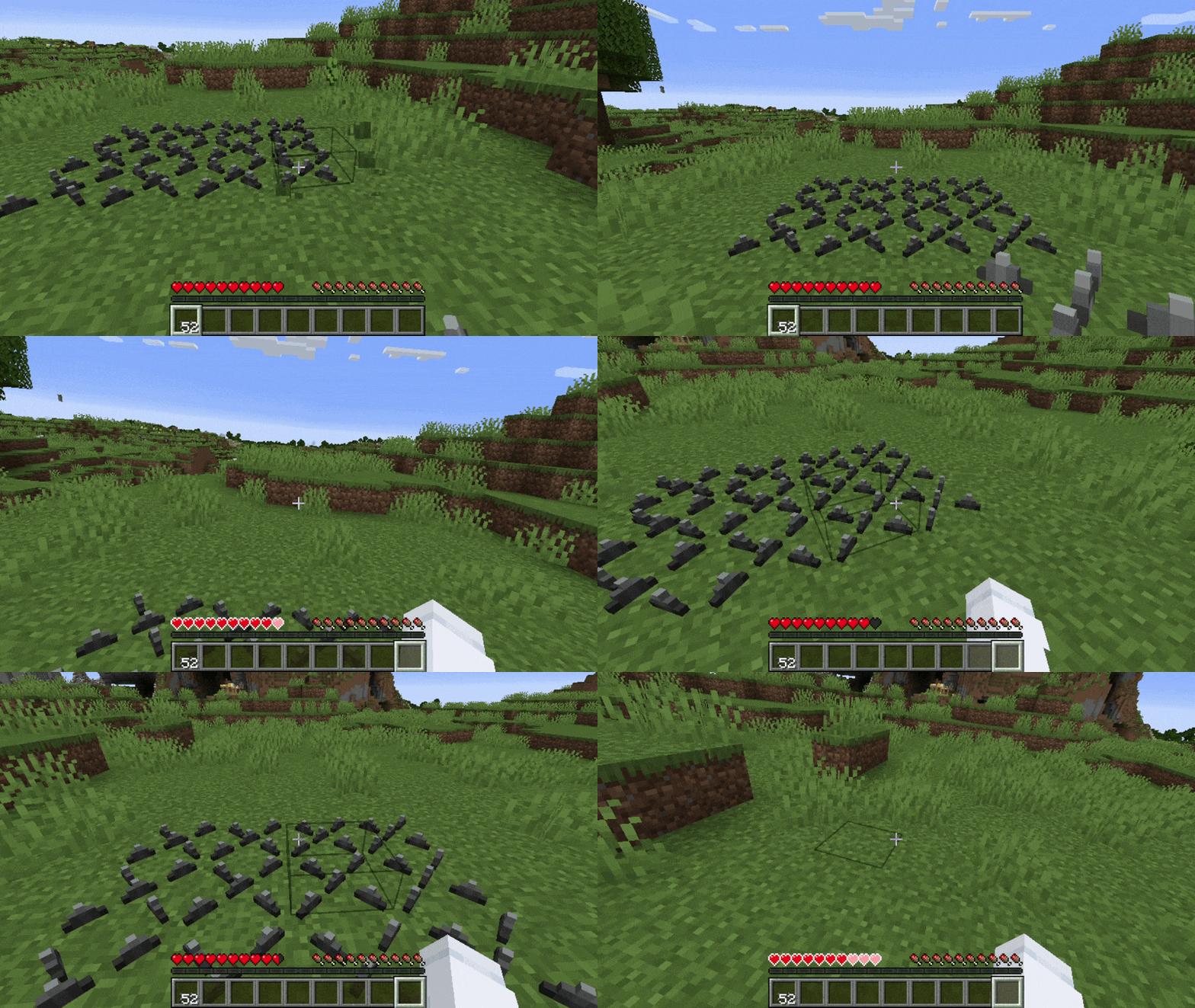
Spikes
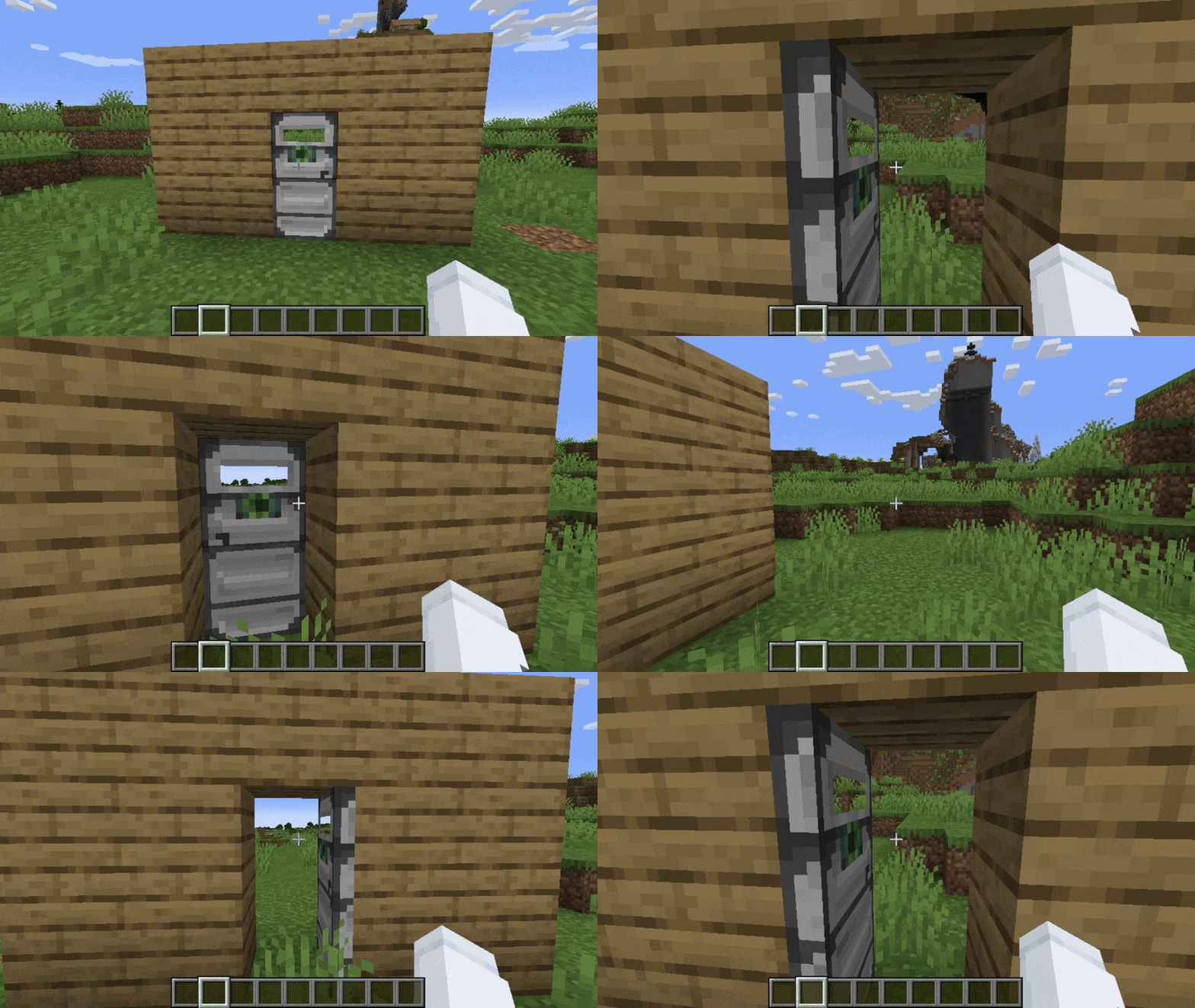
Reinforced Retinal Door
Secret Doors
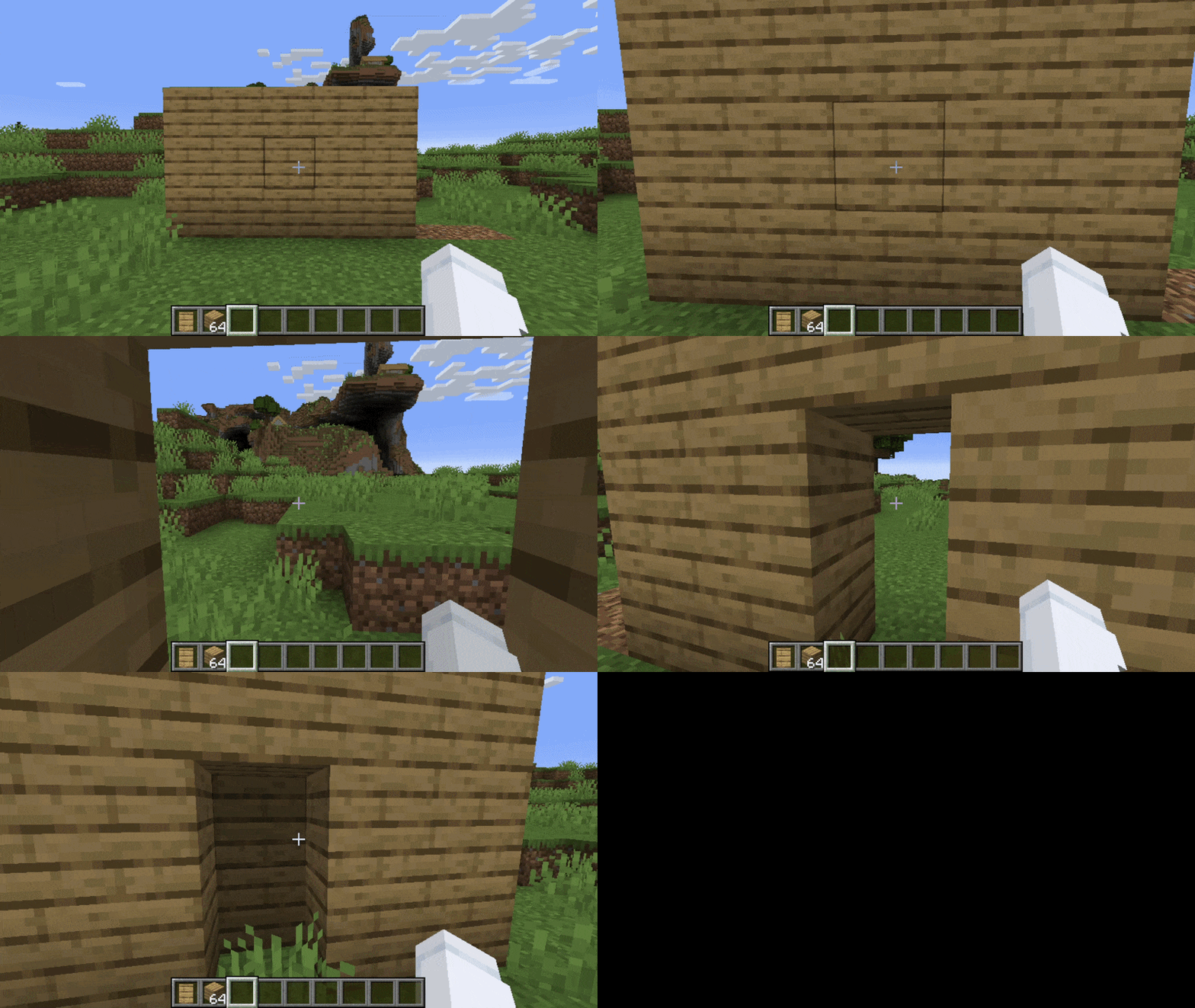
Stone Secret Door
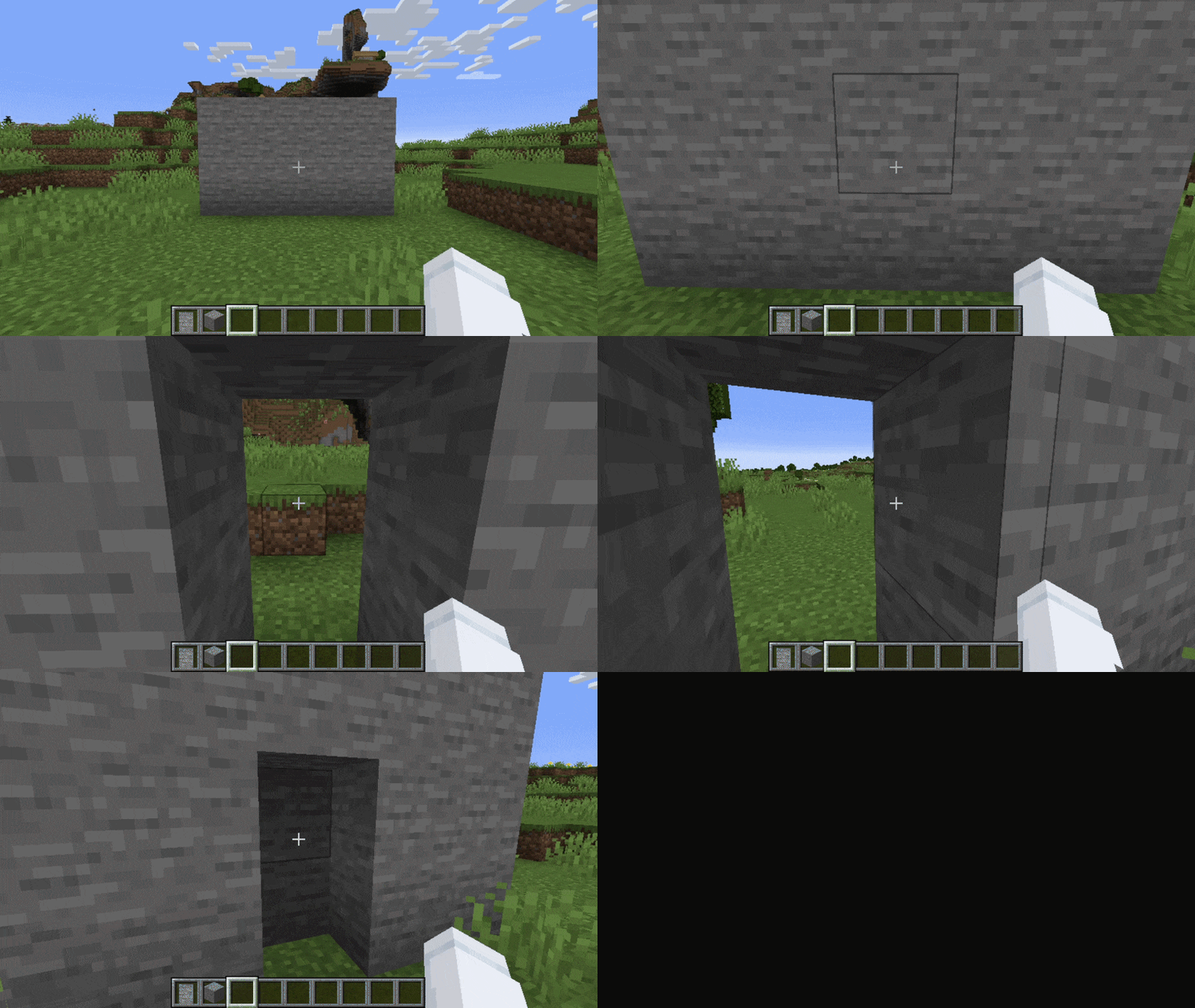
Cobblestone Secret Door
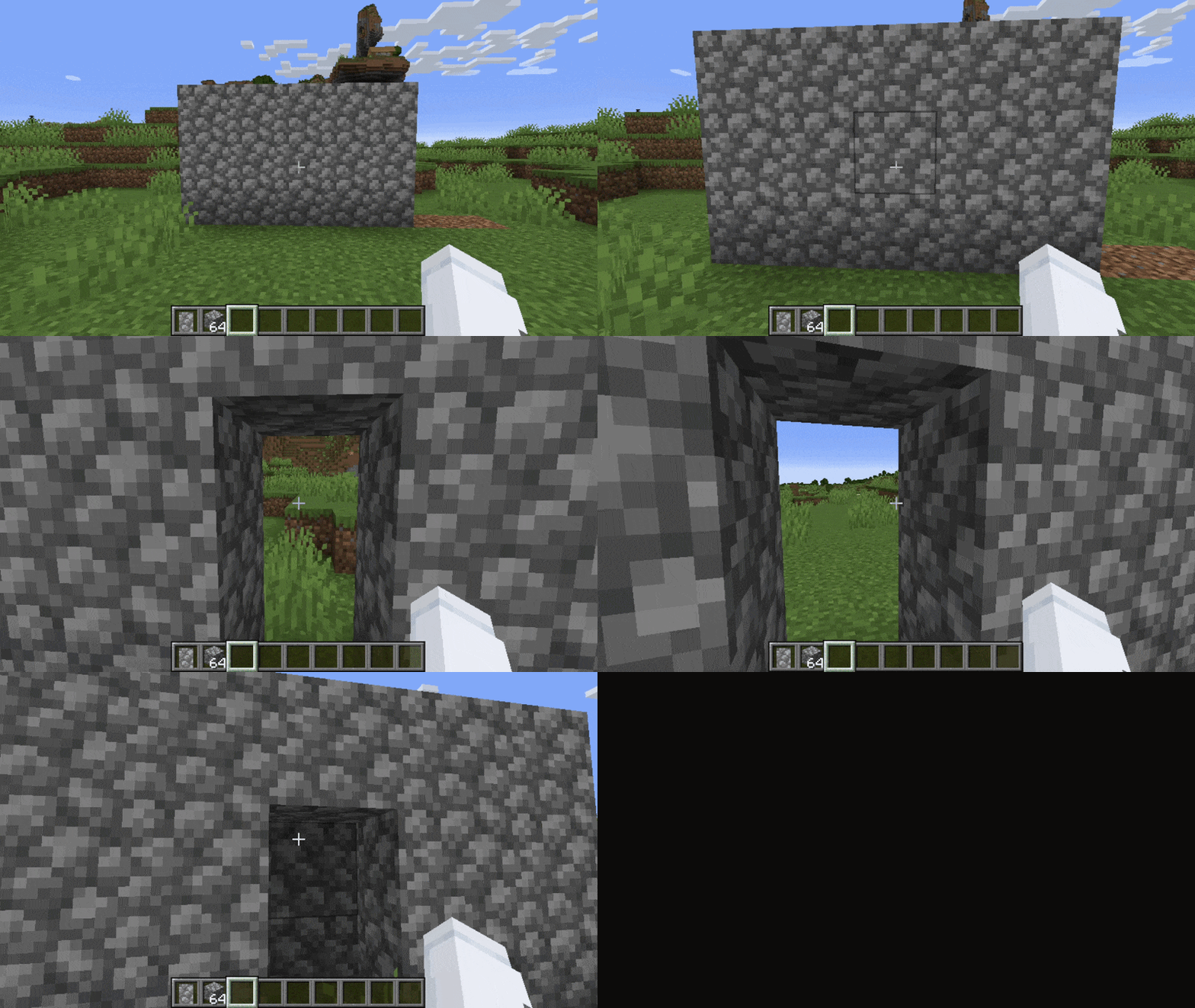
Oak Secret Door
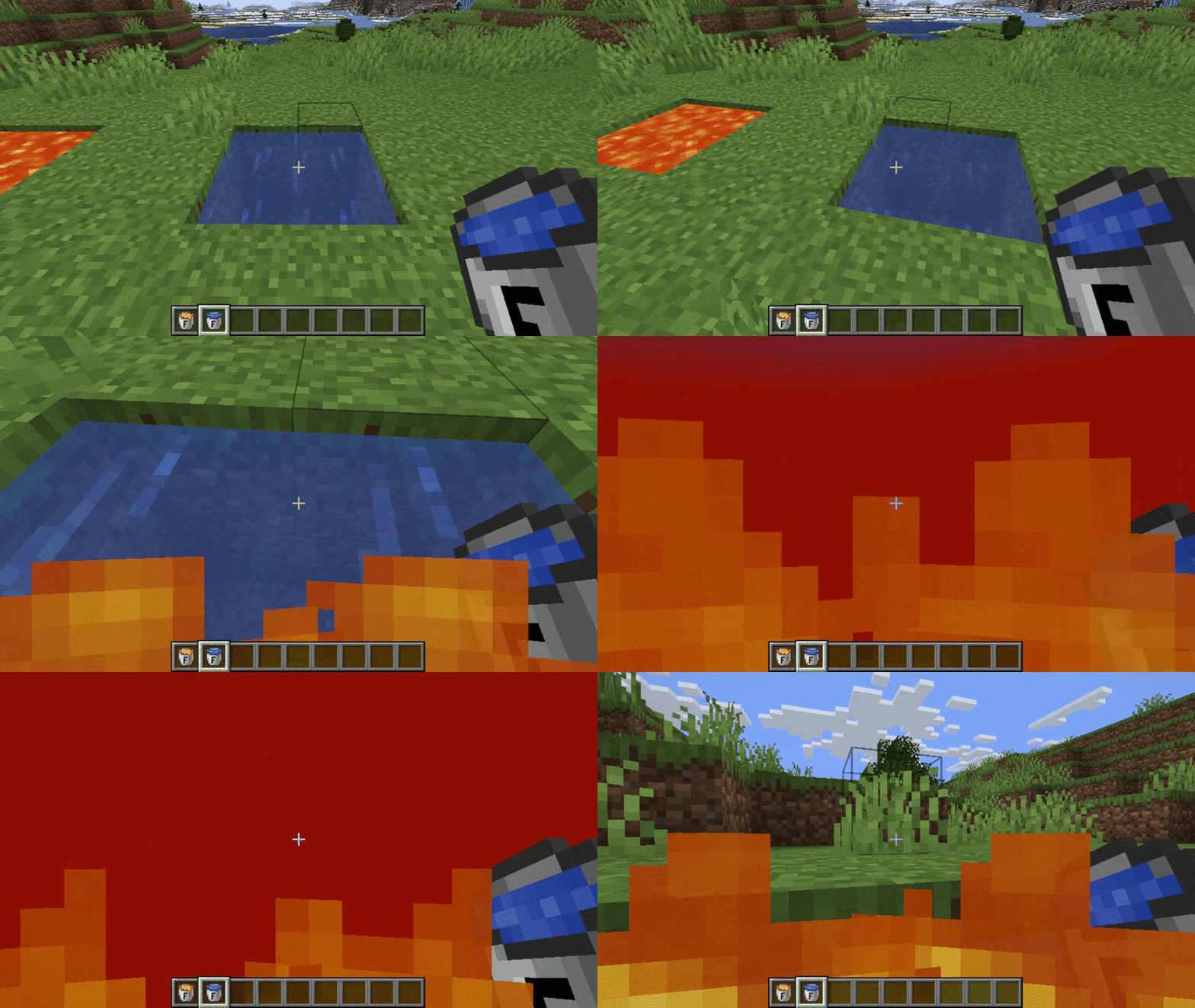
Fake Water / Fake Lava
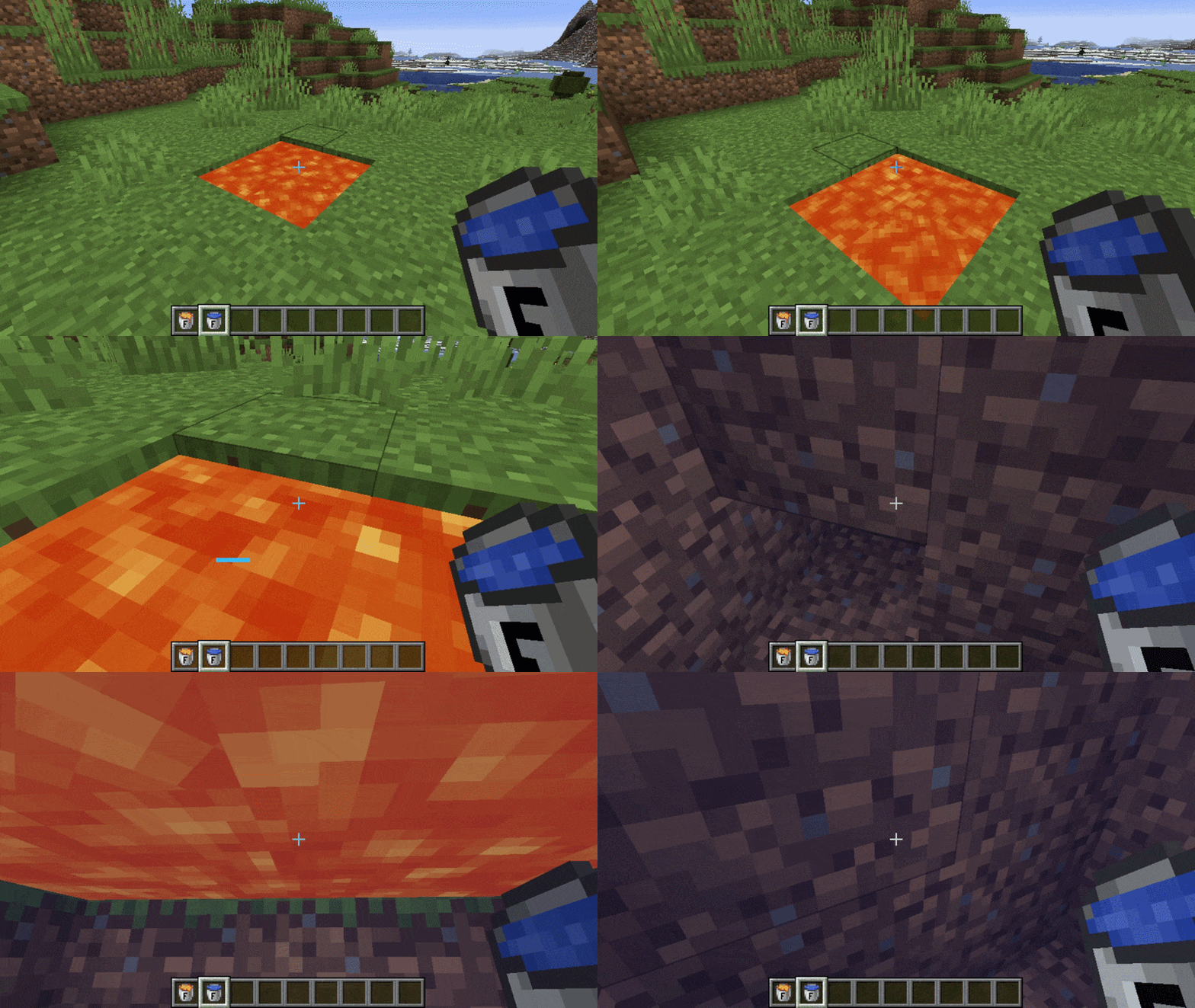
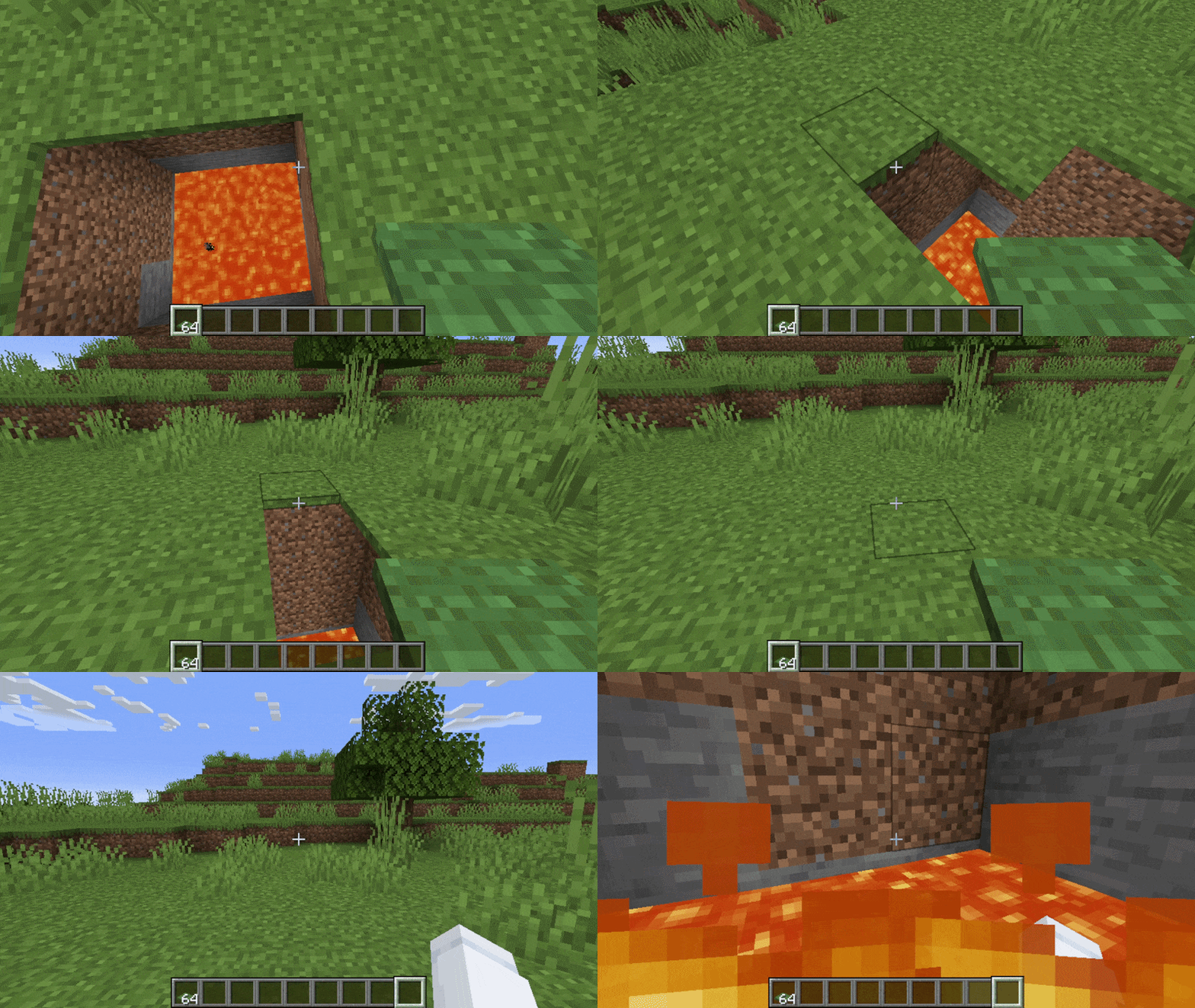
Pitfall Traps
Support and Feedback
If you have any questions or need assistance, feel free to open an issue on GitHub. Any feedback or suggestions are greatly appreciated.
You can also check out the project wiki.
Verfügbare Versionen
Security auf dem Server installieren
Server bestellen
Bestelle einen Minecraft Java Server mit mindestens 3 GB RAM (4 GB empfohlen).
fabric Loader setzen
Wähle im Panel unter "Egg" den fabric-Loader und die passende Minecraft-Version (1.21.4).
Mod installieren
Öffne den Mod-Browser im Dashboard und suche nach "Security". Klicke "Installieren" – fertig! Alternativ: Lade die .jar via SFTP in den /mods Ordner.
Kompatibilität
Mod-Loader
Minecraft-Versionen
1.21.4, 1.21.1, 1.20.1
Server-seitig
✓ ErforderlichEmpfohlener RAM
4 GB(min. 3 GB)Häufige Fragen
Security Server crasht beim Start – was tun?
Häufigste Ursache: falsche fabric-Version oder zu wenig RAM. Prüfe im Server-Log (latest.log), ob ein "OutOfMemoryError" oder "Mixin"-Fehler auftritt. Bei Mado Hosting: Stelle sicher, dass mindestens 3 GB RAM zugewiesen sind und der Loader zur Mod-Version passt (1.21.4). Über das Panel kannst du den Loader mit einem Klick wechseln.
Ist Security mit fabric kompatibel?
Security unterstützt offiziell fabric für Minecraft 1.21.4, 1.21.1, 1.20.1. Im Mado Dashboard werden inkompatible Loader-Kombinationen automatisch erkannt.
Server laggt mit Security – wie optimiere ich die Performance?
Empfohlener RAM: 4 GB (+1 GB pro 8 Spieler). Prüfe mit /spark profiler, ob Security den meisten Tick-Time verbraucht. Häufige Fixes: Server-View-Distance auf 8-10 reduzieren, bei Forge "performant" oder "starlight" als Zusatz-Mod installieren. Bei Mado Hosting läuft dein Server auf NVMe-SSDs mit dedizierten CPU-Kernen für minimale Latenz.
Ähnliche Mods



![[TaCZ] Timeless and Classics Zero](https://cdn.modrinth.com/data/SzzJttH8/fd27766d2bb8390d284696b1dbd358f87e081439_96.webp)


Modded Server mieten
Installiere Security mit nur einem Klick auf deinem Server.