Simple Armor Hud
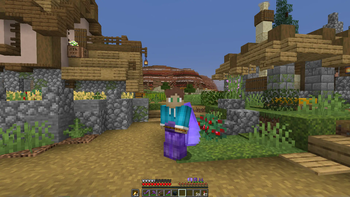
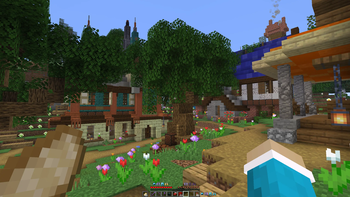
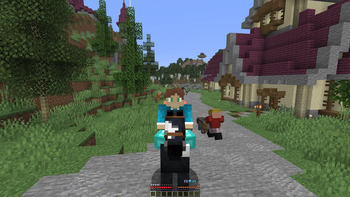
A small mod that shows the armor you're currently wearing above the food bar
Screenshots
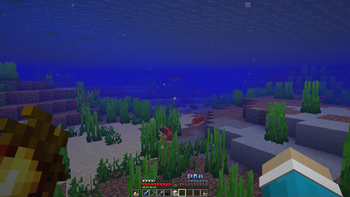
Über diese Mod
Simple armor hud
A simple armor hud that adds your armor to the hud where you'd like it to be. It moves armor depending on your situation (underwater, in creative, on a mount) and has compatibility options for other mods. Everything is configurable through modmenu or a config file and a keybind toggle is available in the controls menu.
Features
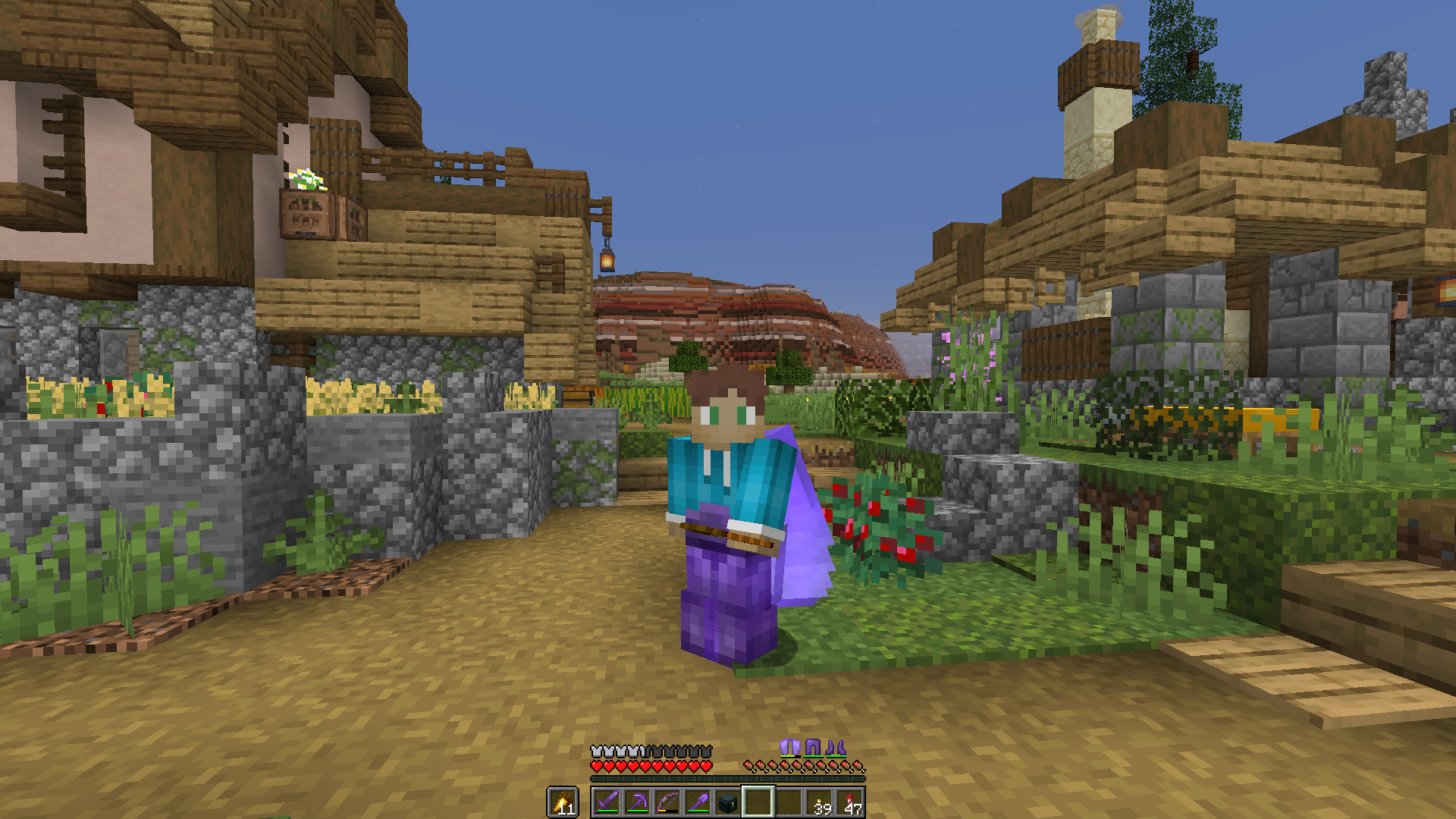
Shows armor you're currently wearing
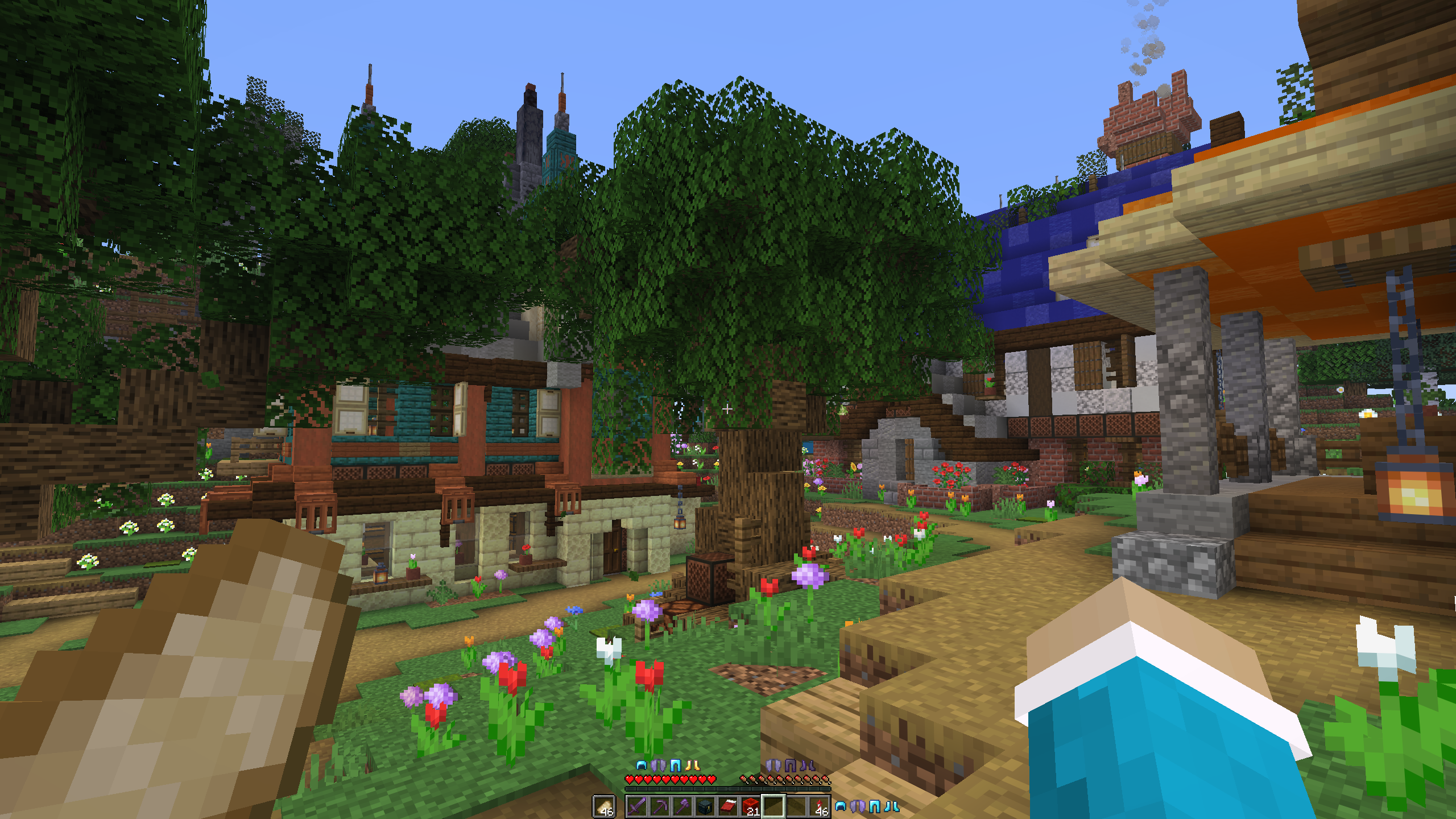
Different armor positions
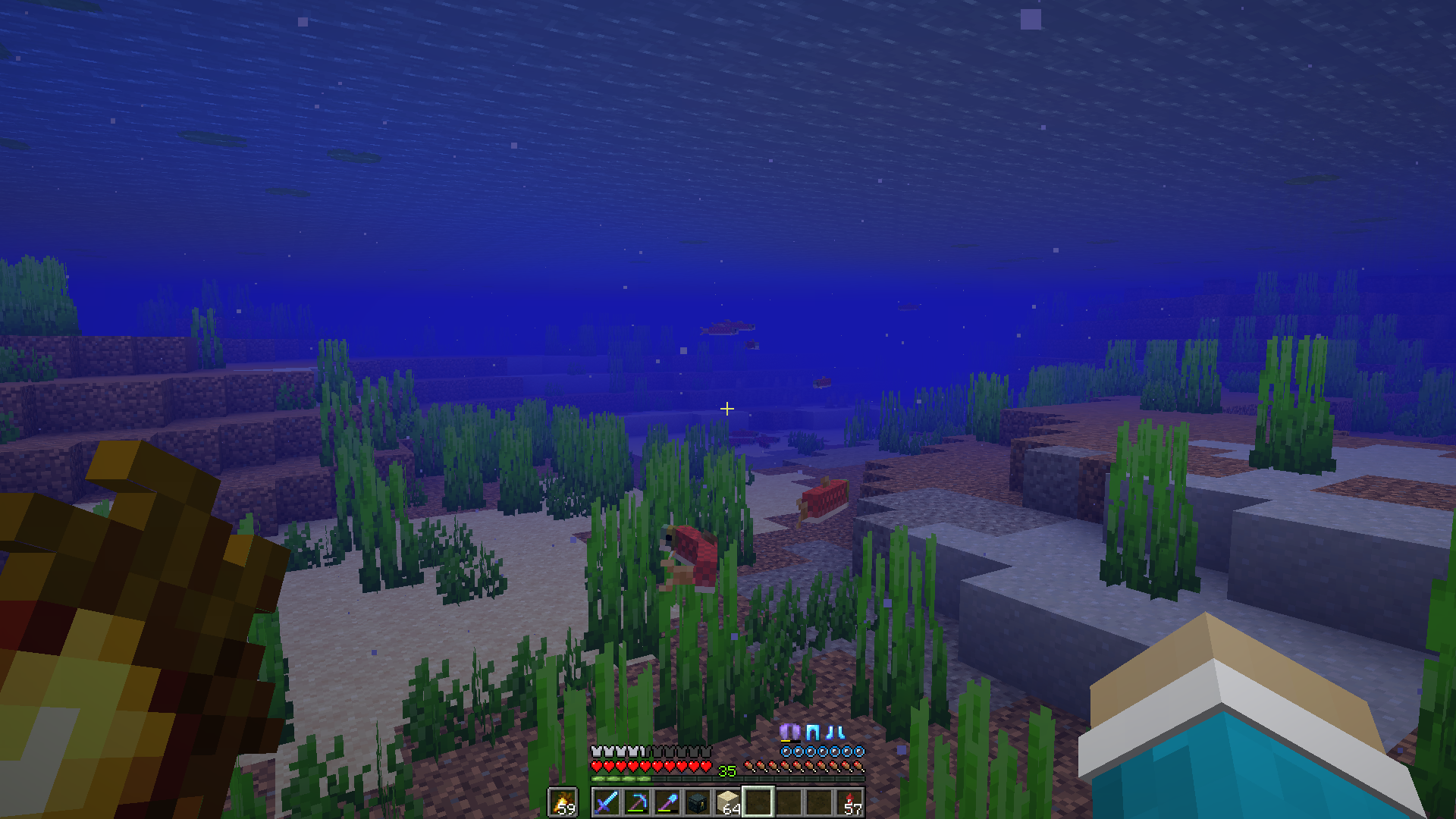
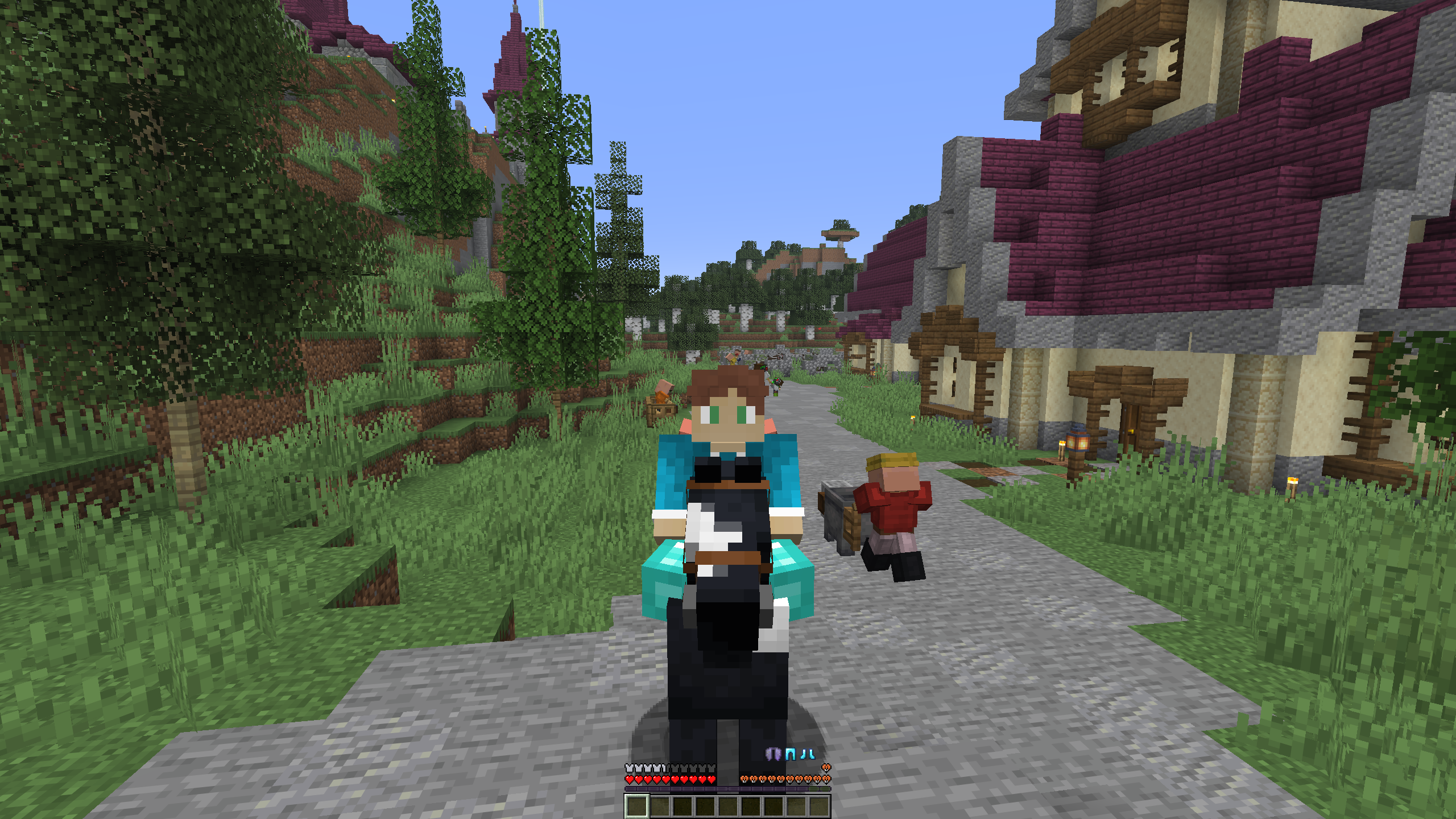
Dynamic armor movement
Contribute
If you have any bug reports or a suggestion for the mod leave them here. If you have any coding experience and want to help out with development, fork the repository and open a pull request. If you have any questions about the code or just want to talk, you can also join the discord.
Translations
This mod currently supports the following languages:
- English
- Dutch
- German
- Vietnamese
- Traditional Chinese
If you see any missing languages or ar familiar translating, feel free to open a pull request and add your translation in a new lang file. The en_us.json file is the source of truth for translation keys, so reference that one.
Dependencies
Simple armor hud requires the Fabric API
Installation
Releases for the mod are found on Modrinth and Releases. After downloading, you can put the .jar file in your mods folder. If you don't have fabric installed, take a look at this installation tutorial Note: Simple armor hud requires the Fabric API
Build
To build from source, follow these steps:
- Open a terminal and clone the repository using
git clone https://github.com/legoraft/simple-armor-hud. - Go into this directory using
cd <location of cloned repo>. - Run
./gradlew buildon linux or macos orgradlew buildon windows. - Get the mod file from the
/build/libsfolder.
Verfügbare Versionen
Simple Armor Hud auf deinem Client installieren
Mod-Loader lokal installieren
Installiere fabric für deine lokale Minecraft-Version.
Passende Datei herunterladen
Wähle die Simple Armor Hud-Datei für fabric und Minecraft 26.2.
Mod installieren
Lege die .jar-Datei in deinem lokalen .minecraft/mods-Ordner ab und starte Minecraft neu. Eine Installation auf dem Server ist nicht nötig.
Kompatibilität
Mod-Loader
Minecraft-Versionen
26.2, 26.1.2, 26.1.1 (+19 weitere)
Server-seitig
✗ Nicht unterstütztEmpfohlener RAM
4 GB(min. 3 GB)Häufige Fragen
Muss Simple Armor Hud auf dem Minecraft Server installiert werden?
Nein. Modrinth kennzeichnet Simple Armor Hud serverseitig als nicht unterstützt. Installiere die Mod nur im lokalen Minecraft-Mods-Ordner. Dein Server kann unverändert bleiben, sofern die Mod-Seite keine zusätzliche Abhängigkeit nennt.
Welche Version und welchen Loader braucht Simple Armor Hud?
Nutze eine Datei für fabric und exakt deine Minecraft-Version. Unterstützte Versionen sind unter anderem 26.2, 26.1.2, 26.1.1. Loader-Dateien sind nicht untereinander austauschbar.
Simple Armor Hud funktioniert nicht – was kann ich prüfen?
Prüfe zuerst Minecraft-Version, Loader-Version und erforderliche Abhängigkeiten. Lege die .jar-Datei im lokalen .minecraft/mods-Ordner ab und entferne ältere Duplikate. Da die Mod clientseitig ist, löst mehr Server-RAM dieses Problem nicht.
Ähnliche Mods



![[TaCZ] Timeless and Classics Zero](https://cdn.modrinth.com/data/SzzJttH8/fd27766d2bb8390d284696b1dbd358f87e081439_96.webp)


Minecraft Server für deine Gruppe
Simple Armor Hud bleibt auf deinem Client. Hoste dazu eine kompatible Welt für deine Mitspieler.
Details
- Lizenz
- GNU Lesser General Public License v2.1 only
- Server-seitig
- Nicht unterstützt