
The Hordes
Adds monster hordes invasions and zombie infection.
Screenshots

Über diese Mod
For Forge, requires Atlas Lib.
This mod will only support Neoforge instead of forge in 1.21 +
Invasions
You hear the howls of a nearby horde
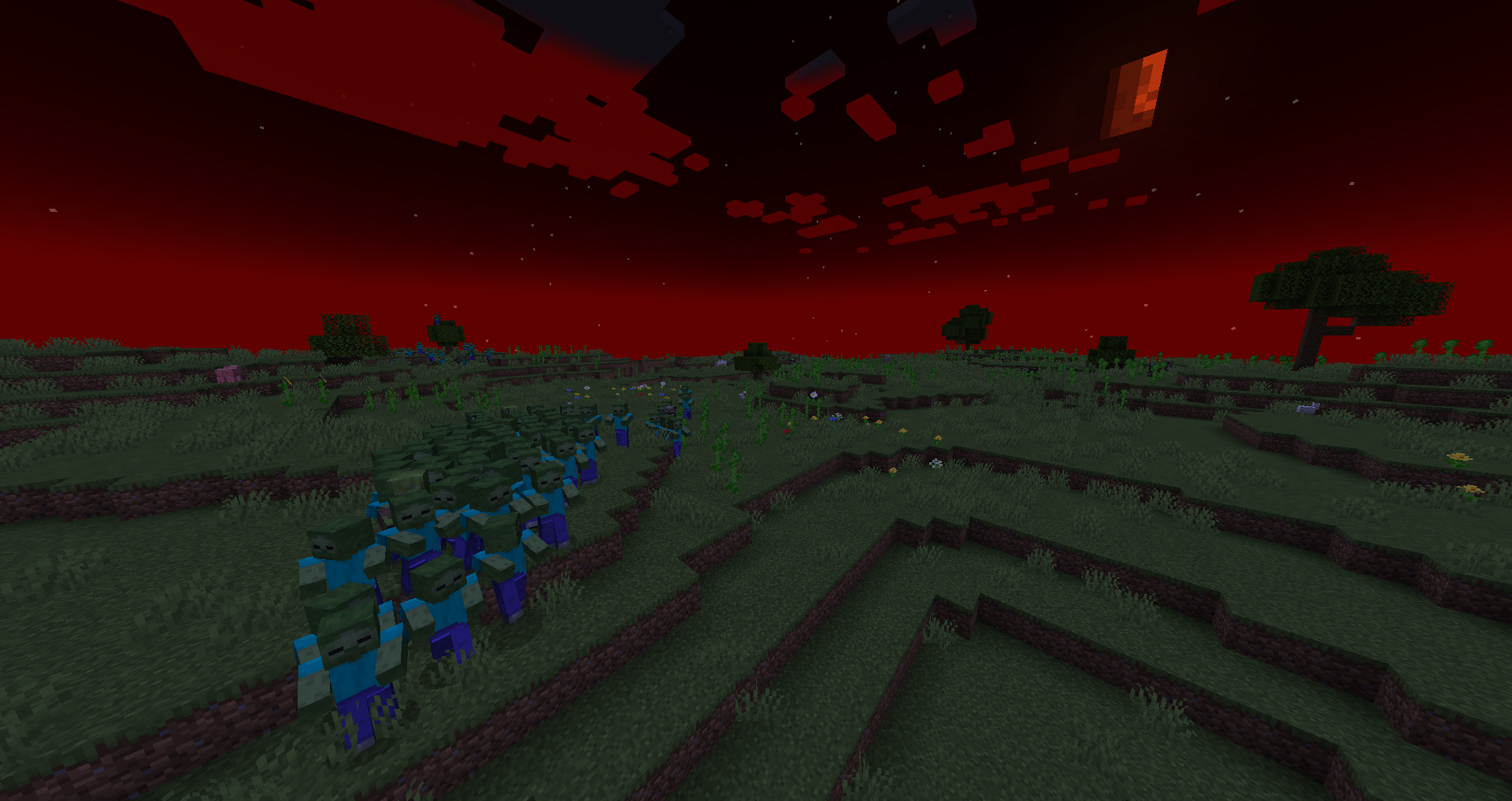
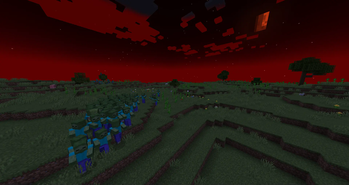
On a configurable nights hordes of monsters will attack your base in waves from midnight until morning, with the encounterable mobs and times of day also being configurable.
For guides about configuring the mod in version 1.2.0+ check here.
Infection
If enabled players and horses can be infected after being hit by a zombie, turning into a zombie after 5 minutes have passed or they die with the infection.
In a players case this will kill them and spawn a zombie player in their place.
This infection can be cured with a golden apple with the default settings, but can be configured to be any item which can be consumed, but not reversed.
Optional settings that are enabled by default extends this to villagers, preventing zombie villagers from being cured.
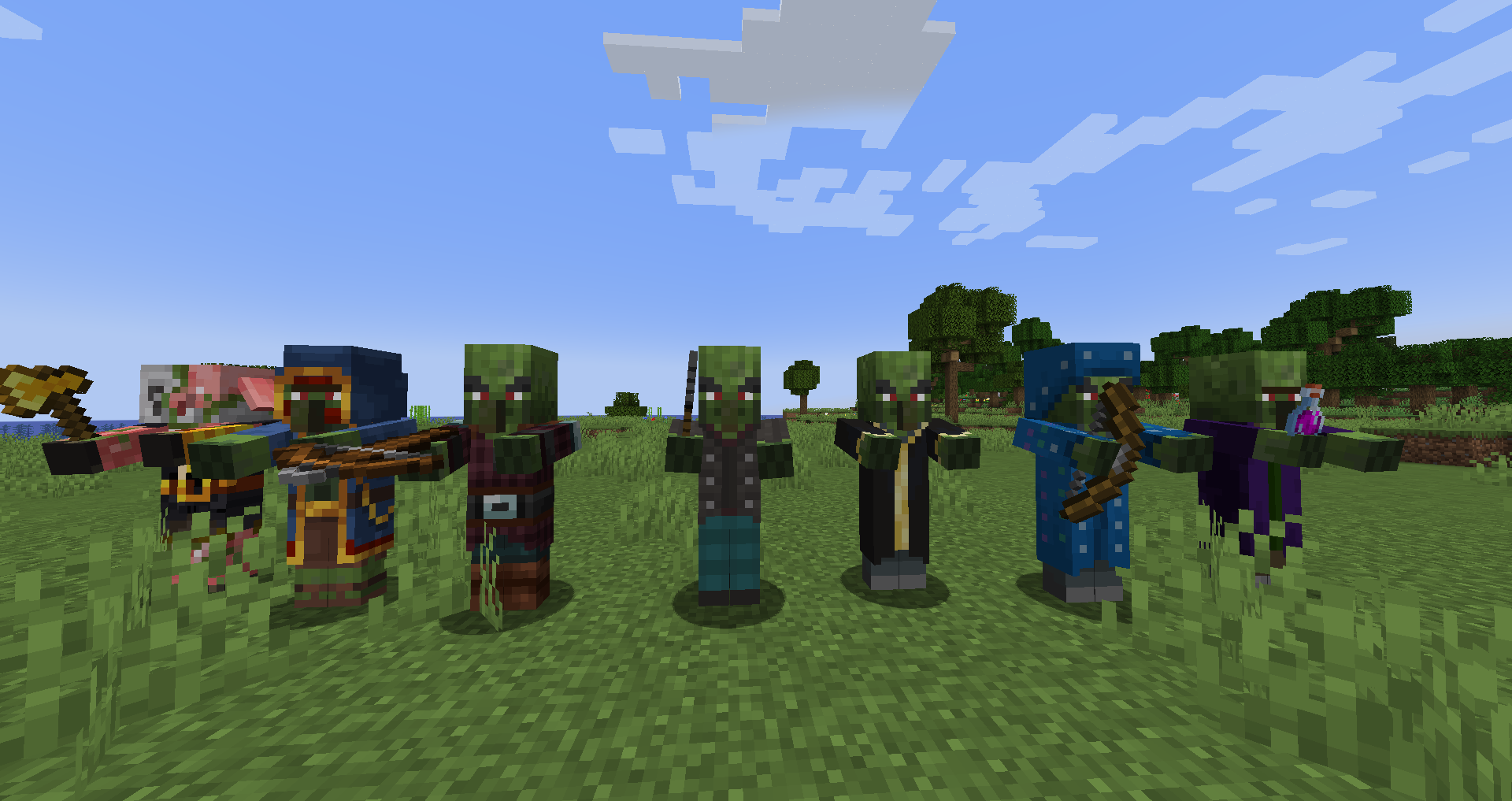
Has an option in the config to add any zombie variants of other mods mobs to the list of entities that can become zombified, providing there is a corresponding zombie for it to convert into.
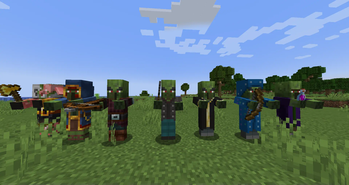
1.3.0+ now has support for custom textures to make it possible to add zombified variants of similar mobs.
Zombie Players

When a player dies from infection or dies when an optional setting is enabled a zombified version of that player spawns in their place, containing all their items, or when underwater a drowned version.
By default zombie players are immune to sunlight, but this can be disabled in the config.
Other Misc Tweaks
Optional settings to make zombie horses a hostile mob (enabled by default) and to prevent undead mobs from burning in sunlight (disabled by default).
Special thanks to bstylia14 for the original mod concept and for providing ideas and help during development, as well as Ski_Z for helping find a lot of bugs and giving mod suggestions.
Verfügbare Versionen
The Hordes auf dem Server installieren
Server bestellen
Bestelle einen Minecraft Java Server mit mindestens 3 GB RAM (4 GB empfohlen).
forge Loader setzen
Wähle im Panel unter "Egg" den forge-Loader und die passende Minecraft-Version (1.21.1).
Mod installieren
Öffne den Mod-Browser im Dashboard und suche nach "The Hordes". Klicke "Installieren" – fertig! Alternativ: Lade die .jar via SFTP in den /mods Ordner.
Kompatibilität
Mod-Loader
Minecraft-Versionen
1.21.1, 1.21, 1.20.1 (+9 weitere)
Server-seitig
✓ ErforderlichEmpfohlener RAM
4 GB(min. 3 GB)Häufige Fragen
The Hordes Server crasht beim Start – was tun?
Häufigste Ursache: falsche forge-Version oder zu wenig RAM. Prüfe im Server-Log (latest.log), ob ein "OutOfMemoryError" oder "Mixin"-Fehler auftritt. Bei Mado Hosting: Stelle sicher, dass mindestens 3 GB RAM zugewiesen sind und der Loader zur Mod-Version passt (1.21.1). Über das Panel kannst du den Loader mit einem Klick wechseln.
Ist The Hordes mit forge und neoforge kompatibel?
The Hordes unterstützt offiziell forge, neoforge für Minecraft 1.21.1, 1.21, 1.20.1. Im Mado Dashboard werden inkompatible Loader-Kombinationen automatisch erkannt.
Server laggt mit The Hordes – wie optimiere ich die Performance?
Empfohlener RAM: 4 GB (+1 GB pro 8 Spieler). Prüfe mit /spark profiler, ob The Hordes den meisten Tick-Time verbraucht. Häufige Fixes: Server-View-Distance auf 8-10 reduzieren, bei Forge "performant" oder "starlight" als Zusatz-Mod installieren. Bei Mado Hosting läuft dein Server auf NVMe-SSDs mit dedizierten CPU-Kernen für minimale Latenz.
Ähnliche Mods




Modded Server mieten
Installiere The Hordes mit nur einem Klick auf deinem Server.
Details
- Lizenz
- GNU Lesser General Public License v2.1 only
- Server-seitig
- Erforderlich