
The Printer
Duplicate items at the cost of experience and time
Screenshots
Über diese Mod
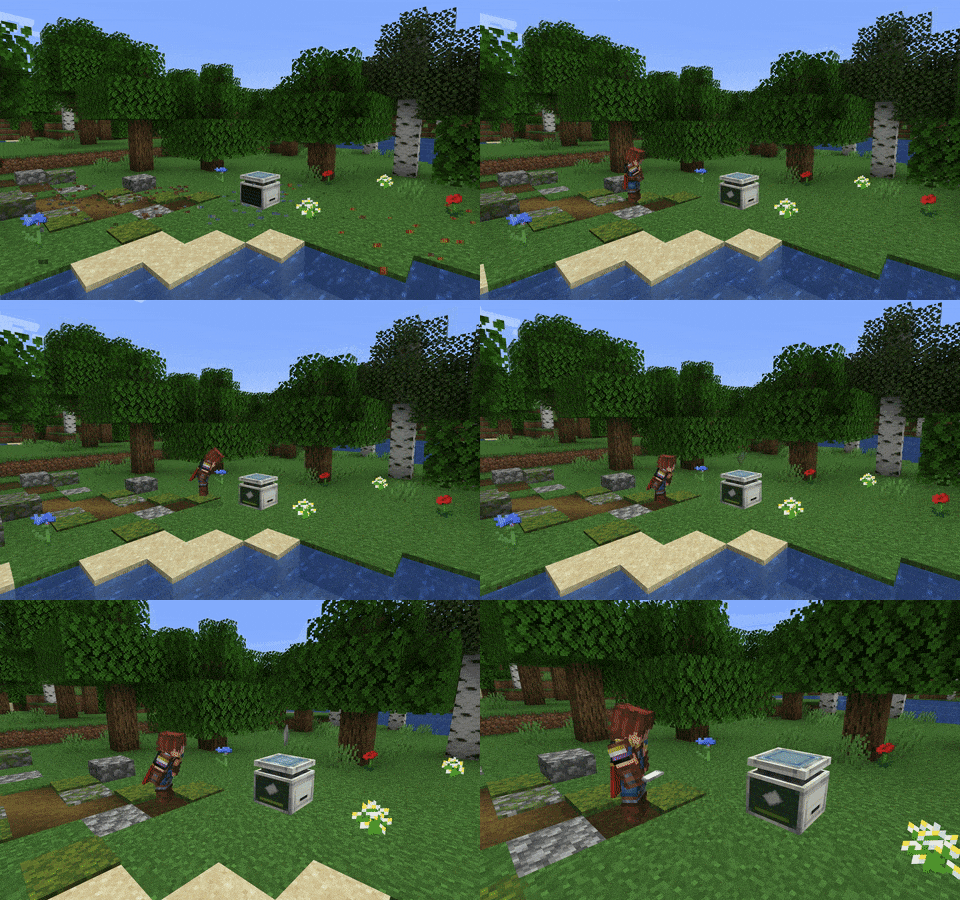
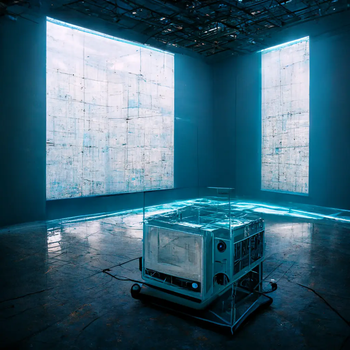
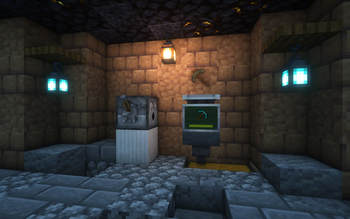
This mod adds a machine into the game that can print any item from XP. Place an item into an empty printer and start sneaking to deposit experience! Jumping while sneaking lets you deposit more XP at a time.
When the XP bar is full, the printing process begins! A translucent item will appear above the machine and slowly become more opaque over time. You can take it out once it's completely solid!
Created for ModFest: Singularity
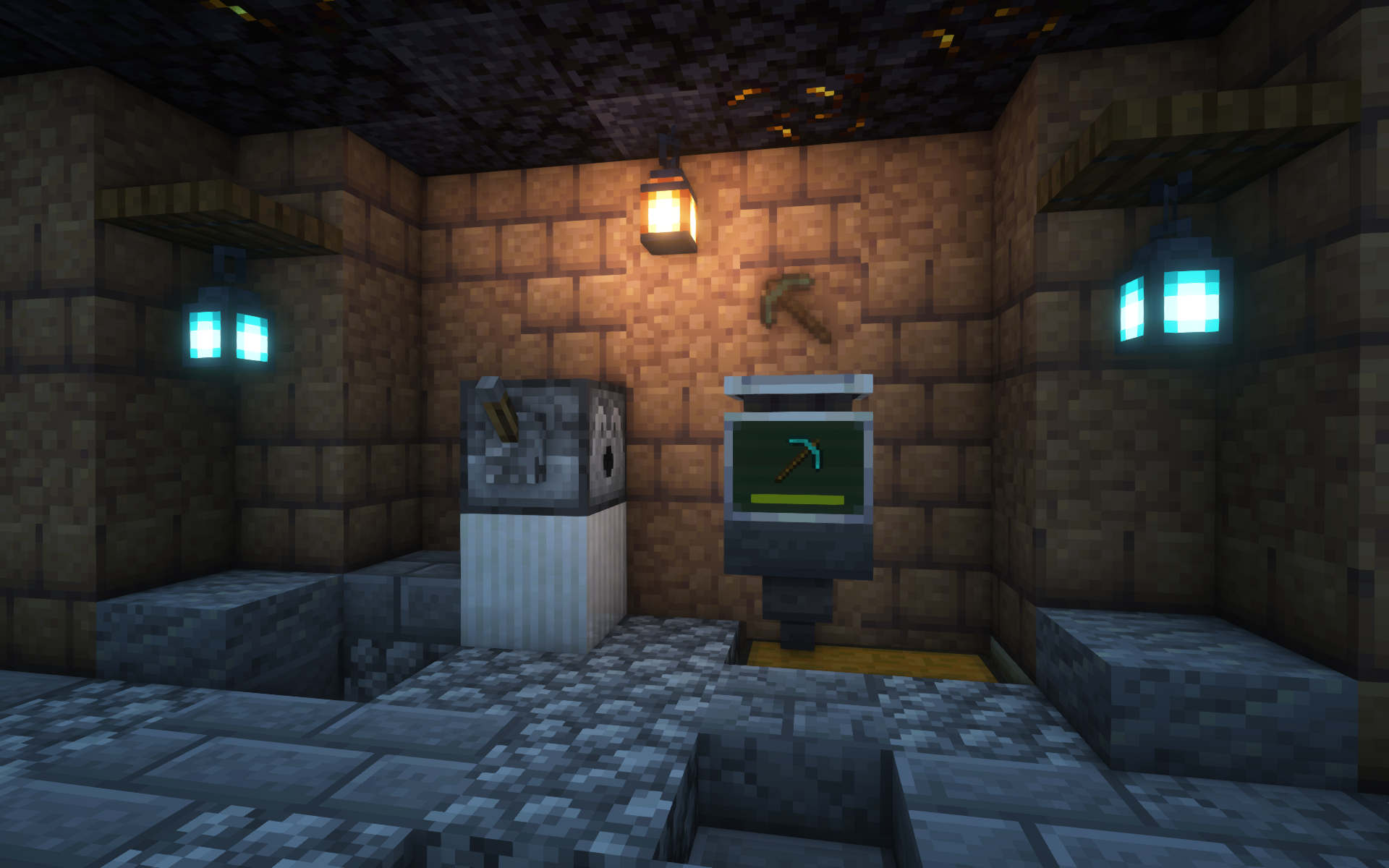
Additional Features
- EMI and WTHIT integration
- The Printer can pick up lingering XP orbs on its own
- Hoppers can take printed items from machines
- The printed stack is an exact duplicate of whatever you put in, preserving enchantments, name, etc.
enablePrintergamerule for whether to allow use of The Printer by default- Shader-compatible; the image above uses Iris and Complementary Reimagined
...and more!
Customization
The cost and printing duration for a stack depend on various factors, including:
- Material or item type
- Item rarity
- NBT contents
They can also be heavily extended and customized with Printer Rules, a fully data-driven system to modify values depending on the item.
Visit the Wiki for more info on customization features!
License
MIT © spadeteam
Verfügbare Versionen
The Printer auf dem Server installieren
Server bestellen
Bestelle einen Minecraft Java Server mit mindestens 3 GB RAM (4 GB empfohlen).
fabric Loader setzen
Wähle im Panel unter "Egg" den fabric-Loader und die passende Minecraft-Version (1.20.4).
Mod installieren
Öffne den Mod-Browser im Dashboard und suche nach "The Printer". Klicke "Installieren" – fertig! Alternativ: Lade die .jar via SFTP in den /mods Ordner.
Kompatibilität
Mod-Loader
Minecraft-Versionen
1.20.4, 1.20.1, 1.20 (+5 weitere)
Server-seitig
✓ ErforderlichEmpfohlener RAM
4 GB(min. 3 GB)Häufige Fragen
The Printer Server crasht beim Start – was tun?
Häufigste Ursache: falsche fabric-Version oder zu wenig RAM. Prüfe im Server-Log (latest.log), ob ein "OutOfMemoryError" oder "Mixin"-Fehler auftritt. Bei Mado Hosting: Stelle sicher, dass mindestens 3 GB RAM zugewiesen sind und der Loader zur Mod-Version passt (1.20.4). Über das Panel kannst du den Loader mit einem Klick wechseln.
Ist The Printer mit fabric und quilt kompatibel?
The Printer unterstützt offiziell fabric, quilt für Minecraft 1.20.4, 1.20.1, 1.20. Im Mado Dashboard werden inkompatible Loader-Kombinationen automatisch erkannt.
Server laggt mit The Printer – wie optimiere ich die Performance?
Empfohlener RAM: 4 GB (+1 GB pro 8 Spieler). Prüfe mit /spark profiler, ob The Printer den meisten Tick-Time verbraucht. Häufige Fixes: Server-View-Distance auf 8-10 reduzieren, bei Forge "performant" oder "starlight" als Zusatz-Mod installieren. Bei Mado Hosting läuft dein Server auf NVMe-SSDs mit dedizierten CPU-Kernen für minimale Latenz.
Ähnliche Mods






Modded Server mieten
Installiere The Printer mit nur einem Klick auf deinem Server.