
ThreatenGL
Threatens Minecraft to use modern versions of OpenGL
Screenshots
Über diese Mod

🤬 ThreatenGL
Welcome to ThreatenGL!
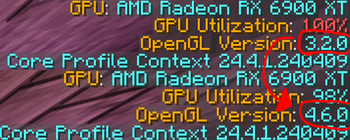
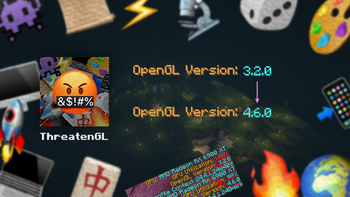
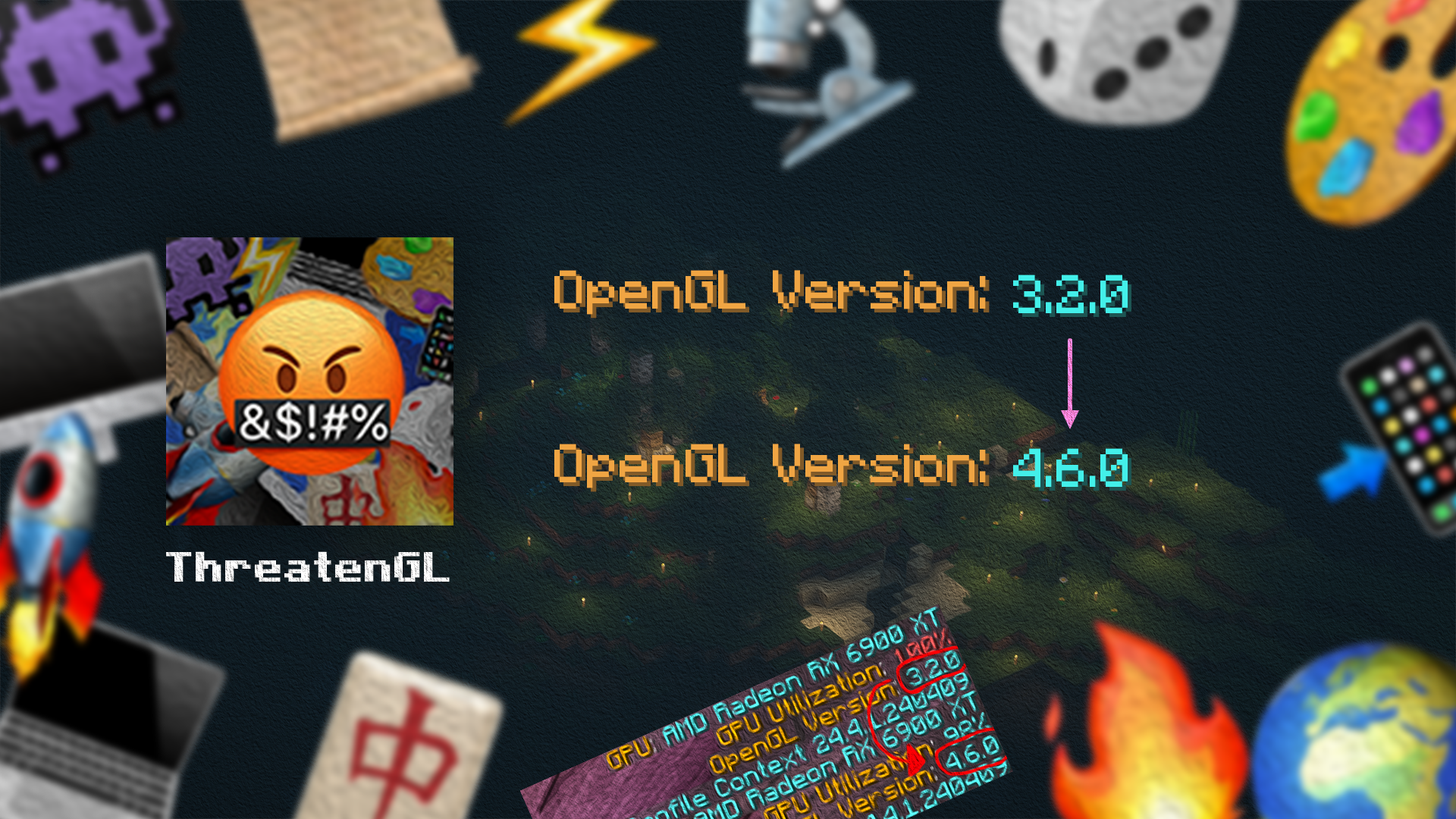
ThreatenGL is a Minecraft mod that takes a stand against the outdated OpenGL version 3.2, threatening Minecraft to use the more modern version 4.6. This mod aims to explore the effects of this change.
Minecraft: "please... anything but that!" 😰
ThreatenGL: "opengl version 4.6, or else!" 😡🔪
🤨 What's the deal?
ThreatenGL is about testing the effects of changing the OpenGL version, and potentially enhancing your experience. By threatening Minecraft to switch to OpenGL 4.6, this mod aims to investigate how OpenGL version changes affect the functioning of your GPU. Users have reported smoother gameplay and better frame rates, especially on newer devices.
For a more detailed description of what this does, please visit the GitHub repository. (Mod developers, please read this to understand the mod in-depth!)
⚙️ How does it work?
ThreatenGL works its magic by tinkering with Minecraft's internals. By injecting some code into the game's graphics setup process, it convinces Minecraft to opt for OpenGL 4.6 instead of the old 3.2. This simple tweak has the potential to make a difference in how the game performs, as some GPU manufacturers like to use different, specific profiles for different OpenGL versions in their drivers. (I have no idea why they do that, but I'm guessing its for compatibility)
📥 Installing the Mod
Installing this mod is as simple as putting it inside the mods directory of Minecraft.
Since 1.3.2-beta.1, ThreatenGL no longer requires any more additional libraries!
Installing versions before 1.3.2-beta.1 (Not recommended)
Please note that 1.3.1-beta.1 is completely broken on all platforms, do NOT use that version.If you really want to install an earlier version for some reason, there will be some dependencies:
- If you are using Quilt, you will have to install the Quilted Fabric API (QFAPI).
- If you are using Forge, you will have to install the Architectury API for Forge.
Fabric and NeoForge have always worked without any additional dependencies.
🔒 Will this mod work for me?
This mod will NOT do anything if your hardware does not support OpenGL 4.6.
On macOS, this mod will force OpenGL 4.1 instead of 4.6 as Apple deprecated OpenGL in favour of Metal starting with macOS Mojave (10.14) and has not updated it since.
The OpenGL 4.6 specification was released on July 31st, 2017. Generally, this mod should work if:
- you have an Nvidia Graphics Card from 2012 and upwards (Nvidia Kepler and above are supported)
- you have an AMD Graphics Card from 2012 and upwards (AMD GCN and above are supported)
- you have any Graphics Card which currently actively receives driver updates
- you have any Graphics Card which used to receive driver updates up until or after the release date of the OpenGL 4.6 specification
❗Notes
ThreatenGL has been thoroughly tested to ensure it doesn't explore your device. However, please keep in mind that this is still an experiment and the efficacy of this mod is being actively researched and discussed. While many users have seen positive results, your results may vary depending on your setup.
If you encounter any issues, feel free to reach out by posting an issue on GitHub or joining the Discord Server, and I'll do my best to assist you in any way I can! :)
Have a great day/night, and enjoy this mod! 😊
Verfügbare Versionen
ThreatenGL auf deinem Client installieren
Mod-Loader lokal installieren
Installiere fabric für deine lokale Minecraft-Version.
Passende Datei herunterladen
Wähle die ThreatenGL-Datei für fabric und Minecraft 1.21.11.
Mod installieren
Lege die .jar-Datei in deinem lokalen .minecraft/mods-Ordner ab und starte Minecraft neu. Eine Installation auf dem Server ist nicht nötig.
Kompatibilität
Mod-Loader
Minecraft-Versionen
1.21.11, 1.21.10, 1.21.9 (+26 weitere)
Server-seitig
✗ Nicht unterstütztEmpfohlener RAM
4 GB(min. 3 GB)Häufige Fragen
Muss ThreatenGL auf dem Minecraft Server installiert werden?
Nein. Modrinth kennzeichnet ThreatenGL serverseitig als nicht unterstützt. Installiere die Mod nur im lokalen Minecraft-Mods-Ordner. Dein Server kann unverändert bleiben, sofern die Mod-Seite keine zusätzliche Abhängigkeit nennt.
Welche Version und welchen Loader braucht ThreatenGL?
Nutze eine Datei für fabric, forge, neoforge, quilt und exakt deine Minecraft-Version. Unterstützte Versionen sind unter anderem 1.21.11, 1.21.10, 1.21.9. Loader-Dateien sind nicht untereinander austauschbar.
ThreatenGL funktioniert nicht – was kann ich prüfen?
Prüfe zuerst Minecraft-Version, Loader-Version und erforderliche Abhängigkeiten. Lege die .jar-Datei im lokalen .minecraft/mods-Ordner ab und entferne ältere Duplikate. Da die Mod clientseitig ist, löst mehr Server-RAM dieses Problem nicht.
Ähnliche Mods


Minecraft Server für deine Gruppe
ThreatenGL bleibt auf deinem Client. Hoste dazu eine kompatible Welt für deine Mitspieler.
Details
- Lizenz
- GNU Lesser General Public License v3.0 only
- Server-seitig
- Nicht unterstützt