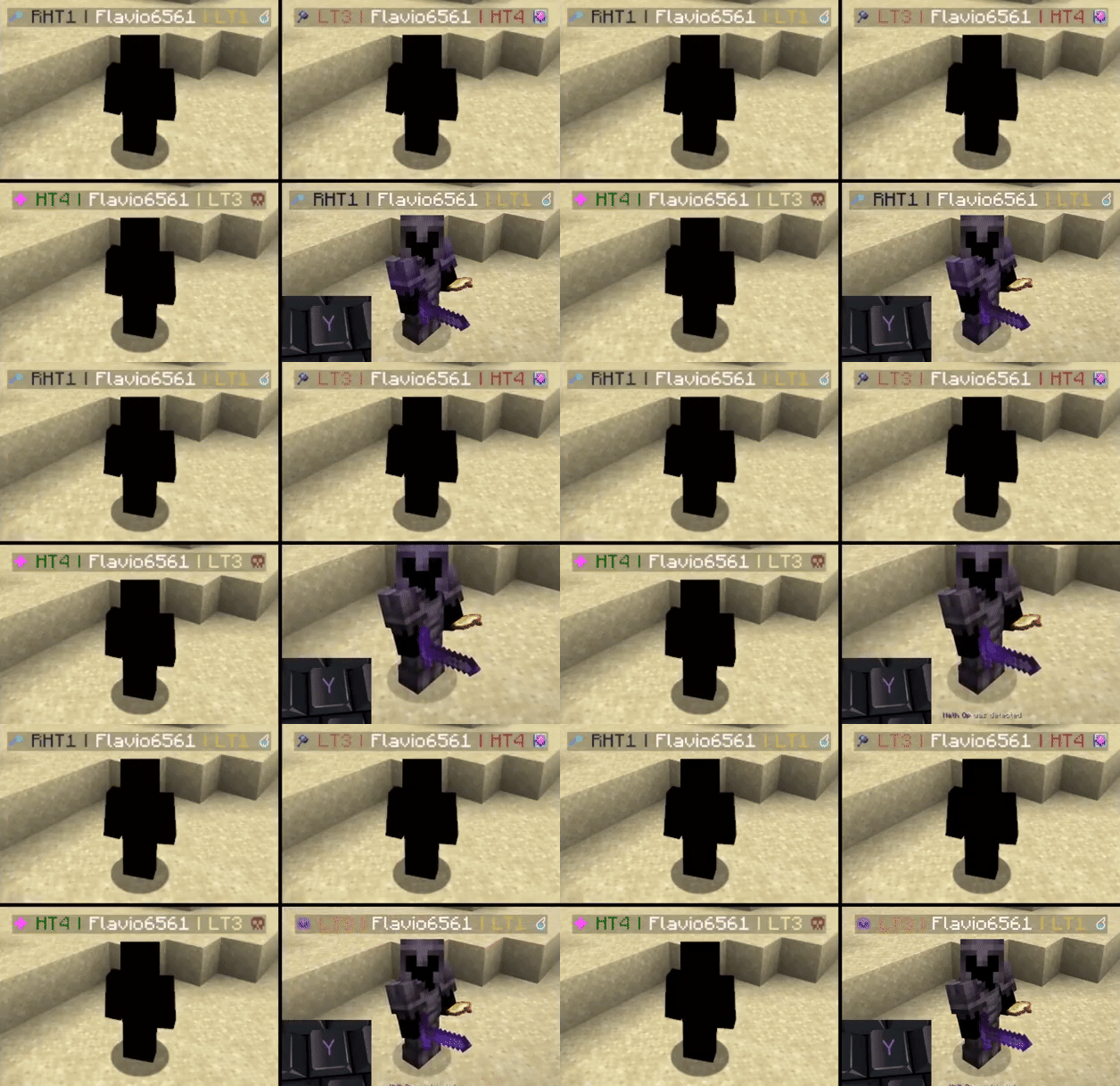

Modrinth · Fabric, Quilt · Client-Mod
Tiers
Tiers ist eine clientseitige Mod. Du installierst sie auf deinem Rechner, auf dem Server ist sie nicht nötig.
Official tiertagger mod for PvPTiers. Also Supports other tierlists: MCTiers and Subtiers
- Downloads
- 1.6M
- Autor
- Flavio6561
- Loader
- Fabric, Quilt
- Minecraft
- 1.19 – 26.3
- Aktualisiert
- –
Screenshots
So sieht Tiers aus


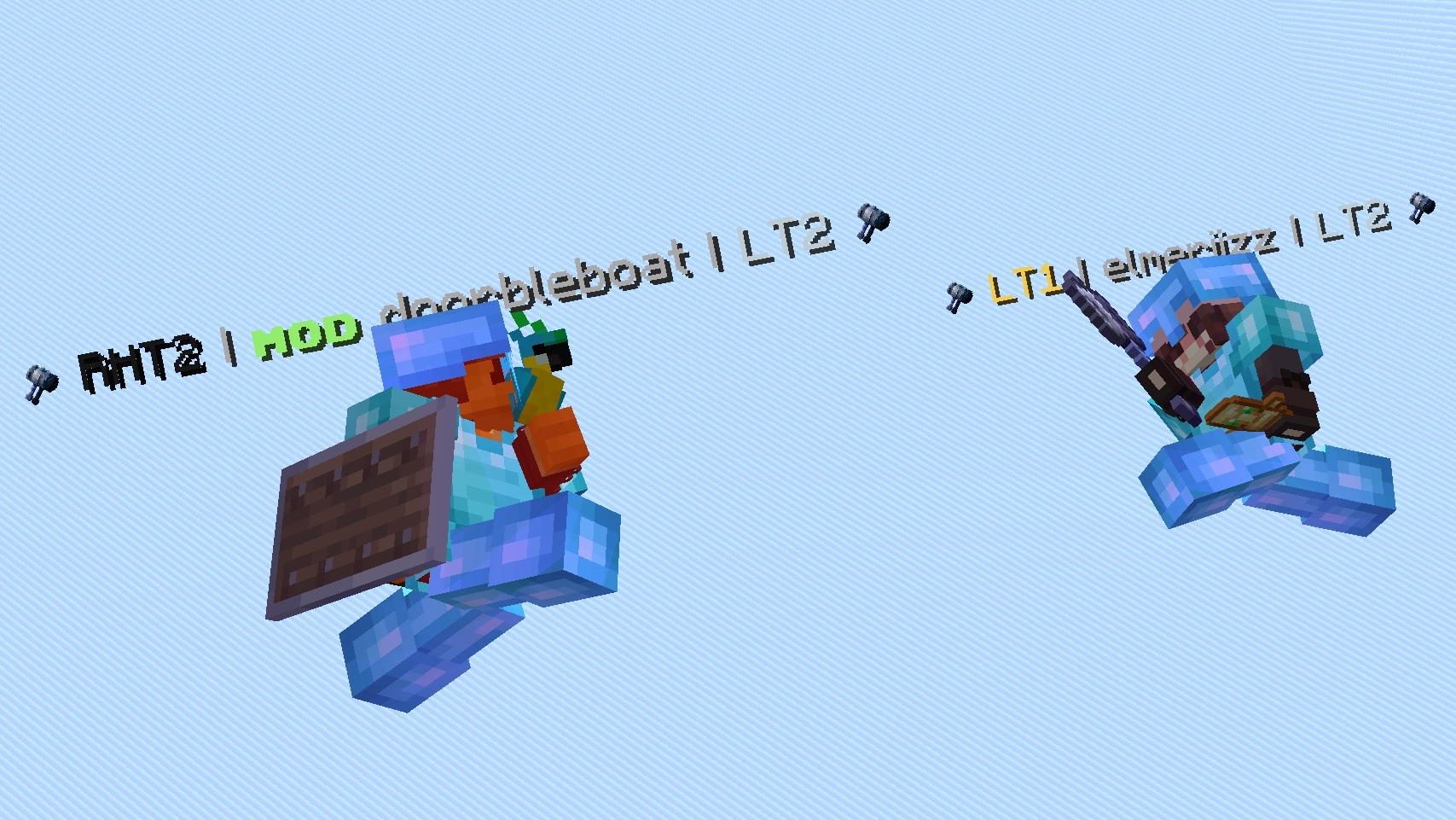

Bilder: Tiers auf Modrinth, vom Projektteam veröffentlicht.
Einrichtung
Tiers auf deinem Client installieren
Clientseitige Mods laufen nur auf deinem Rechner. Mehr Server-RAM ändert an ihrer Leistung nichts.
- 01
Loader lokal installieren
Installiere Fabric oder Quilt für deine Minecraft-Version in deinem Launcher.
- 02
Datei herunterladen
Lade die Tiers-Datei für deinen Loader und exakt deine Minecraft-Version herunter, zum Beispiel 26.4-snapshot-10.
- 03
In den Mods-Ordner legen
Lege die .jar-Datei in den lokalen Ordner .minecraft/mods und entferne ältere Duplikate.
- 04
Starten
Starte Minecraft mit dem Loader-Profil. Auf dem Server musst du nichts ändern.
- Auf dem Server
- Nicht nötig
- Auf dem Client
- Erforderlich
- Loader
- Fabric, Quilt
- Minecraft
- 26.4-snapshot-10, 26.3, 26.2 +24 weitere
- Lizenz
- GNU General Public License v3.0 only
Versionen
Veröffentlichte Versionen
Nimm die Datei, die zu Loader und Minecraft-Version deines Servers passt. Server und Spieler brauchen dieselbe Version.
Tiers · Modrinth- Tiers 0.6.0+1.21.6-1.21.8beta9. September 2025Minecraft 1.21.6, 1.21.7, 1.21.8 · Fabric, Quilt
- Tiers 0.5.0+1.21.6-1.21.8beta22. August 2025Minecraft 1.21.6, 1.21.7, 1.21.8 · Fabric, Quilt
- Tiers 0.2.2beta25. März 2025Minecraft 1.21.2, 1.21.3, 1.21.4 · Fabric, Quilt
Originalbeschreibung des Projektautors
Tiers

The official tier display mod for PvPTiers. Also supports other tierlists: MCTiers and Subtiers.
Mod showcase:
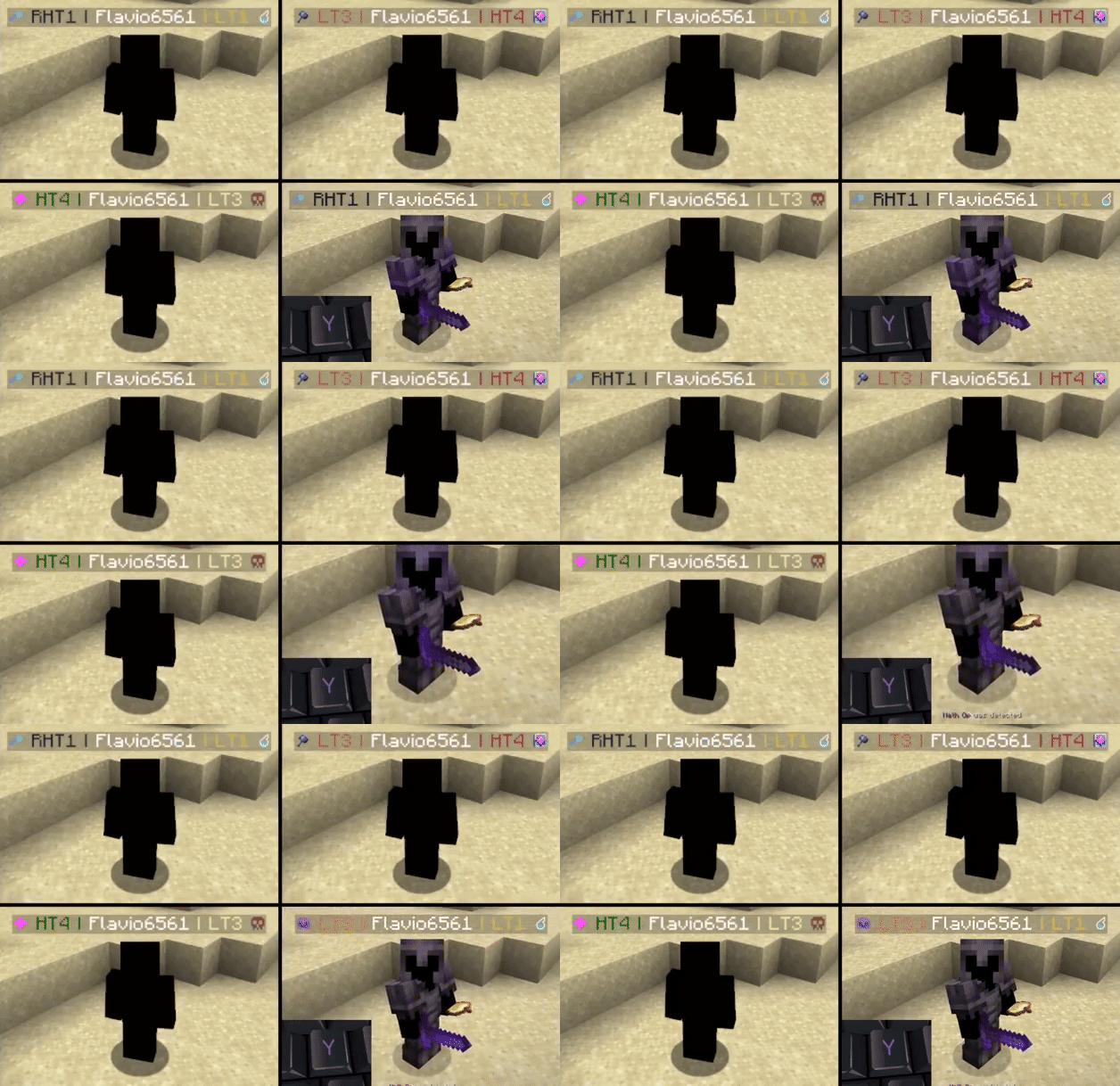
Switchable PvPTiers, MCTiers, and classic icons and colorsAuto-detect kit: press 'Y' to auto-detect the current gamemode
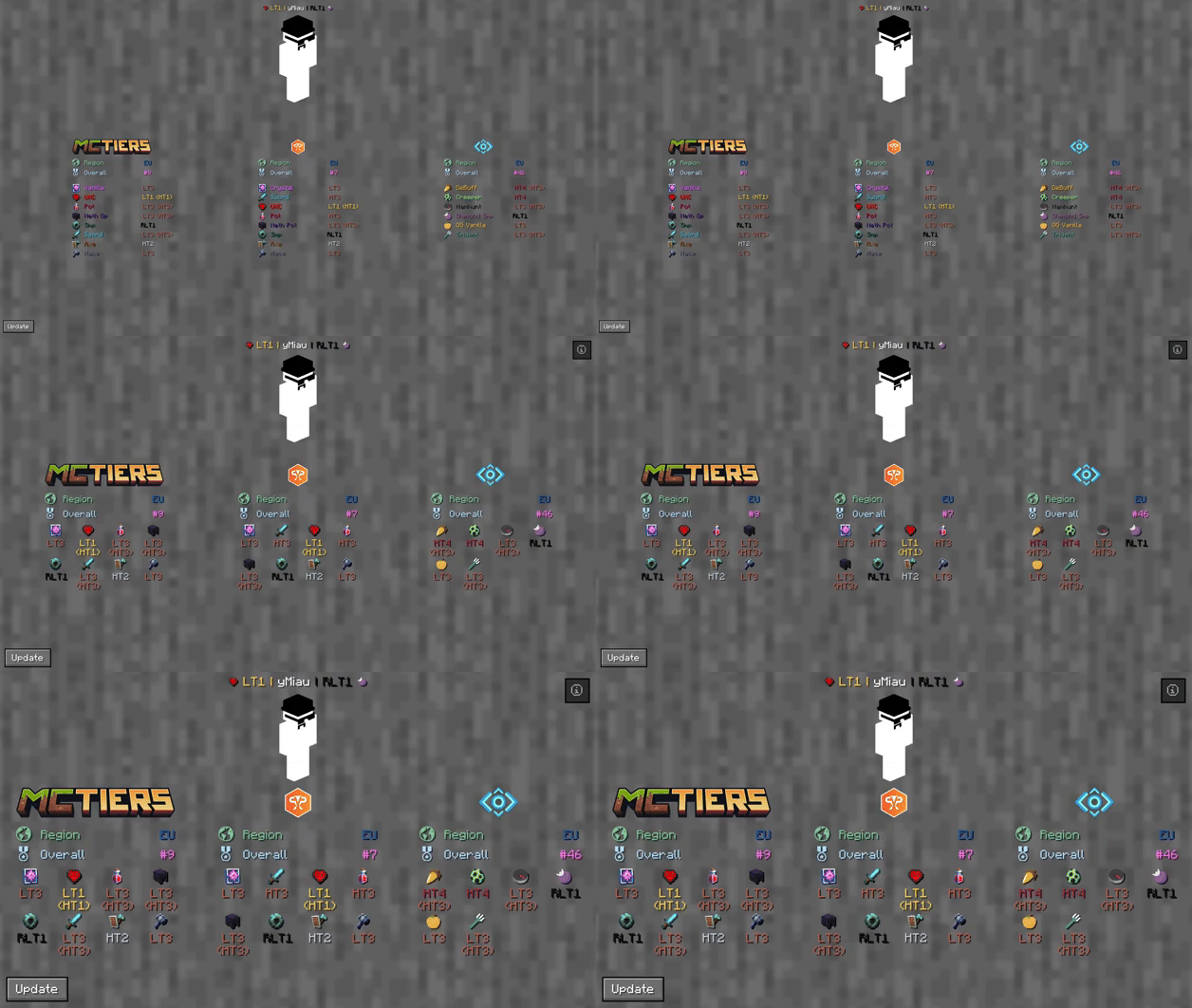
The profile search result screen with PvPTiers icons on different GUI scales
Tiers is still in beta. Report an issue.
Mod features:
Auto-detect kit:Press Y (editable) to auto-detect the gamemode you are playing, allowing you to easily switch and see opponent tiers in that specific mode.See nearest player stats:Press H (editable) to open the closest player's search result screen.Search screen:See all tiers, peaks, regions, points, global rankings, skin, NameMC page, and Discord profile with /tiers name.Change gamemodes and their position:Choose a gamemode for each ranking site and decide whether to display it on the left or right.Cycle keybinds:Press U and I (editable) to easily cycle between the right and left displayed gamemodes.Change preset styles:Change icon and color presets within the config screen.Display region:View which region players are in.Display gamemodes:Choose whether to display the selected mode, adaptive highest, or absolute highest tier.Chat and Tablist support:In addition to nametags, tiers can be displayed both on the tablist and in the chat.
Screen config (ModMenu or /tiers -config):
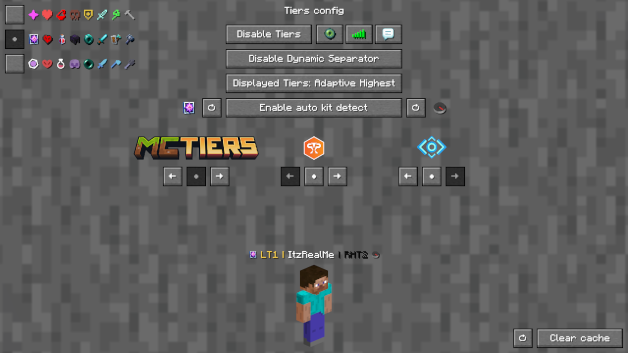
Toggle Tiers:Toggles the mod on / off.Toggle Region:Toggles the region display next to the tier.Toggle Icons:Toggles the icons next to the tier.Toggle Peak Tiers:Toggles peak tiers. For example, if you had HT3 and were demoted to LT3, you'll see ^HT3.Toggle Tab:Toggles Tiers on the tablist.Toggle Chat:Toggles Tiers in chat.Toggle Dynamic Separator:Decides if the separator (|) matches the tier color or remains gray.Displayed Tier:Decides whether to display the selected mode, adaptive highest, or absolute highest.Auto kit detect:Toggles Tiers displaying the gamemode based on your current inventory.Left and Right gamemode switcher:Switches between gamemodes of the selected provider.Position Settings:Decides if the specific provider's gamemodes are displayed on the right, left, or neither.Icon and color presets:Switch between classic, PvPTiers, and MCTiers styled icons.Preview Switcher:Decides whether to preview the default profile (ItzRealMe) or your own character.Clear cache:Clears the player cache (/tiers -clear).Reset settings:Resets the settings to their defaults (/tiers -reset).
The config screen on GUI scale 4
Other:
Want to manually modify the icons or tier colors? Edit the default texture pack and add it to your resource pack folder.
Settings will be saved in your config folder and updated at runtime.
The mod is client-side (works on multiplayer servers).
Links:
Muss Tiers auf dem Minecraft Server installiert werden?
Nein. Modrinth kennzeichnet Tiers serverseitig als nicht unterstützt. Installiere die Mod nur im lokalen Mods-Ordner. Dein Server kann unverändert bleiben, sofern die Projektseite keine zusätzliche Abhängigkeit nennt.
Welche Version und welchen Loader braucht Tiers?
Nutze eine Datei für Fabric, Quilt und exakt deine Minecraft-Version. Unterstützt werden unter anderem 26.4-snapshot-10, 26.3, 26.2. Dateien für verschiedene Loader sind nicht austauschbar.
Tiers funktioniert nicht – was kann ich prüfen?
Prüfe zuerst Minecraft-Version, Loader-Version und erforderliche Abhängigkeiten. Da die Mod clientseitig ist, löst mehr Server-RAM das Problem nicht.
Ähnliche Mods
Beliebte Mods aus derselben Kategorie
 Server-fähig

VeinMiner
von Miraculixx
Mine the whole vein on mining a single ore/block. Make the tedious mining experience to something satisfying and fun! FTB Ultimine alternative
 Nur Client

VeinMiner Hotkey
von Miraculixx
Veinminer Addon - Use a hotkey to veinmine with a dynamic crosshair & block highlighting
 Server-fähig

Curios API
von TheIllusiveC4
A flexible and expandable accessory/equipment API for users and developers.
 Server-fähig

[TaCZ] Timeless and Classics Zero
von craneblock6666
The most Immersive and Customizable modern FPS experience in Minecraft - A complete Remaster of the TaC gun mod by the original team.
Mods für deinen eigenen Server gesucht?
Im Katalog findest du Mods, die auf Minecraft Servern laufen.