![Trims Overhaul [Limitless]](https://cdn.modrinth.com/data/lBHH38D3/5b2dfe2855f9a0a18cebdcabd04360b49f08f69f_96.webp)
Trims Overhaul [Limitless]
Grants every trim a unique set of powers, optionally through quests.
Screenshots

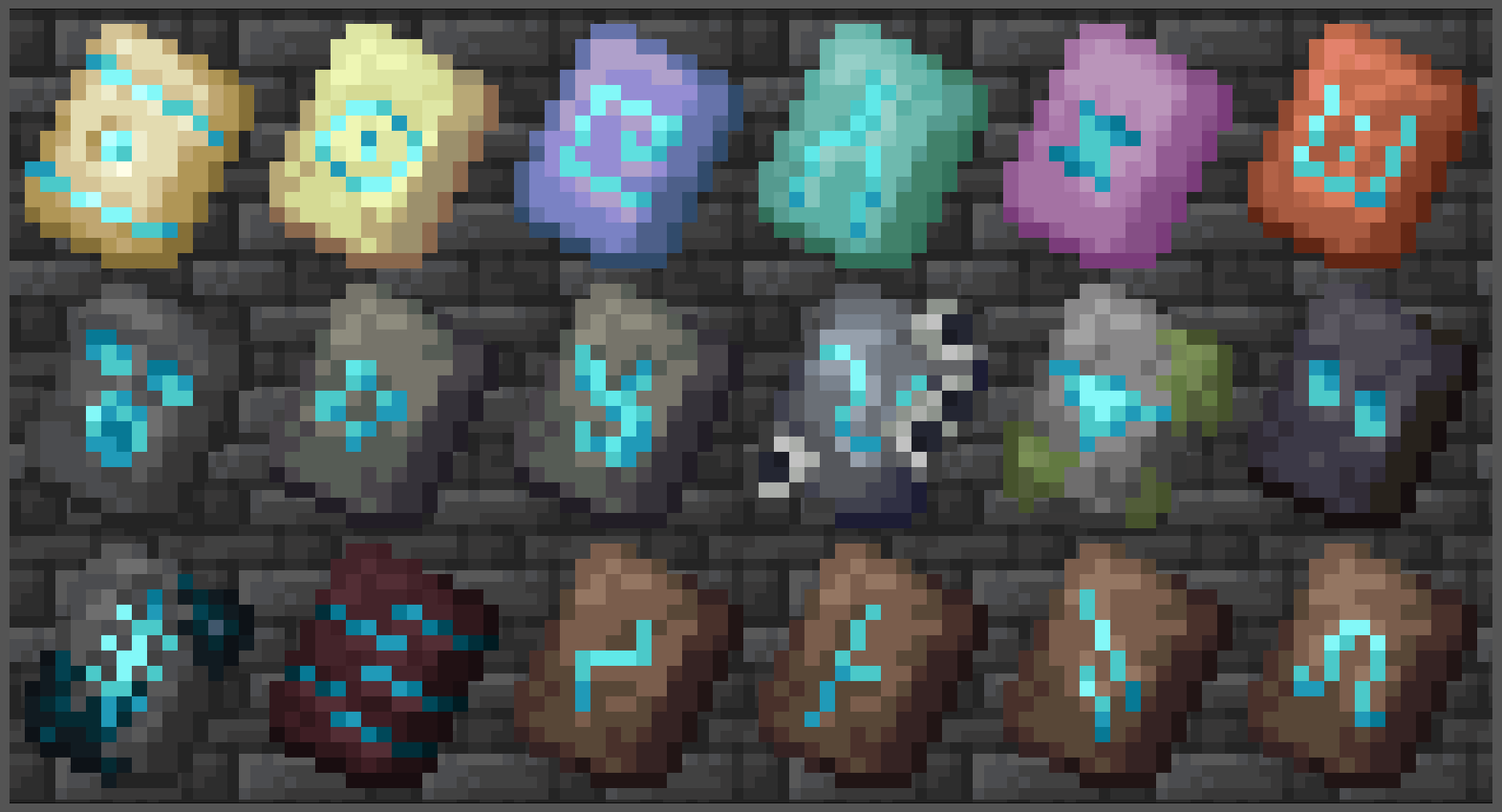
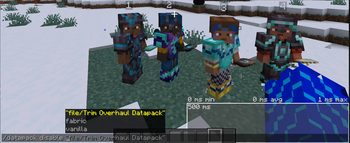
Über diese Mod

Lightweight datapack giving every trim a unique set of powers, optionally through quests.
Simply join a world with it enabled then equip a full trim to use its abilities. Run /trigger Trims_Menu.BLUE to open the main menu which'll allow you to "trust" certain players, read about what your trim does, and more.
Highly customizable. Can depend on an entire objective (questing) system, limit who has templates, disable the use of specific trims, adjust some ability functionality, or even just adjust how difficult some quests and tasks are, with plenty of features to help server administrators outside settings.
Should also be compatible with any datapack, resource pack, or even some mods, and every Minecraft version to officially have trims - all in a single file. Message me if you want compatibility with Minecraft Realms.
Join the Discord for any help or issues - Check out the Wiki for more information whenever
Installation Guides
------- Datapack & Resource Pack -------------------------------
- Download the second file in the versions tab. (Should look like
trims_overhaul-DP_RP-vX.X.X.zip)
- For the datapack; Open your world folder (
.minecraft/saves/world)- Drop the zip into the
datapacksfolder as-is - Then restart the server or world -
/reloadwon't work When updating: Do not disable the datapack or online players will lose progress. Close the server, delete and replace the datapack file, then reopen it.
- Drop the zip into the
- For the resource pack; In Minecraft, go to Options > Resource Packs
- Drag the zip file into your Minecraft window
- Click the arrow on the new pack to enable it
-- Mod (Bundle for mod loaders) --------------------------------
- Download the first file within the versions tab, then drag it into your mods folder (
.minecraft/mods) - The
.zipcan also be renamed to.jarto use it directly as a mod
Translations; English, Español, Français, Deutsch, Polski, Italiano, Português, Türkçe, Русский, 한국어, 日本語, and 简体中文 ⁽ᴺᵒᵗ ᴾᵉʳᶠᵉᶜᵗ⁾
- If you're interested in staying up to date, or enjoy the project, then please consider following.
- Feel free to use this datapack however you like, just with credit when possible.
Verfügbare Versionen
Trims Overhaul [Limitless] auf dem Server installieren
Server bestellen
Bestelle einen Minecraft Java Server mit mindestens 3 GB RAM (4 GB empfohlen).
datapack Loader setzen
Wähle im Panel unter "Egg" den datapack-Loader und die passende Minecraft-Version (26.3).
Mod installieren
Öffne den Mod-Browser im Dashboard und suche nach "Trims Overhaul [Limitless]". Klicke "Installieren" – fertig! Alternativ: Lade die .jar via SFTP in den /mods Ordner.
Kompatibilität
Mod-Loader
Minecraft-Versionen
26.3, 26.2, 26.1.2 (+21 weitere)
Server-seitig
✓ ErforderlichEmpfohlener RAM
4 GB(min. 3 GB)Häufige Fragen
Trims Overhaul [Limitless] Server crasht beim Start – was tun?
Häufigste Ursache: falsche datapack-Version oder zu wenig RAM. Prüfe im Server-Log (latest.log), ob ein "OutOfMemoryError" oder "Mixin"-Fehler auftritt. Bei Mado Hosting: Stelle sicher, dass mindestens 3 GB RAM zugewiesen sind und der Loader zur Mod-Version passt (26.3). Über das Panel kannst du den Loader mit einem Klick wechseln.
Ist Trims Overhaul [Limitless] mit datapack und fabric und forge und minecraft und neoforge und quilt kompatibel?
Trims Overhaul [Limitless] unterstützt offiziell datapack, fabric, forge, minecraft, neoforge, quilt für Minecraft 26.3, 26.2, 26.1.2. Achtung: Forge- und Fabric-Mods sind NICHT untereinander kompatibel – wähle einen Loader und bleibe dabei. Im Mado Dashboard werden inkompatible Loader-Kombinationen automatisch erkannt.
Server laggt mit Trims Overhaul [Limitless] – wie optimiere ich die Performance?
Empfohlener RAM: 4 GB (+1 GB pro 8 Spieler). Prüfe mit /spark profiler, ob Trims Overhaul [Limitless] den meisten Tick-Time verbraucht. Häufige Fixes: Server-View-Distance auf 8-10 reduzieren, bei Forge "performant" oder "starlight" als Zusatz-Mod installieren. Bei Mado Hosting läuft dein Server auf NVMe-SSDs mit dedizierten CPU-Kernen für minimale Latenz.
Ähnliche Mods




Modded Server mieten
Installiere Trims Overhaul [Limitless] mit nur einem Klick auf deinem Server.