
Underground Worlds
Adds underground biomes and underground dungeons, as well as some above ground structures, in a modular and configurable way.
Screenshots
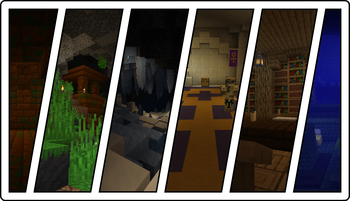
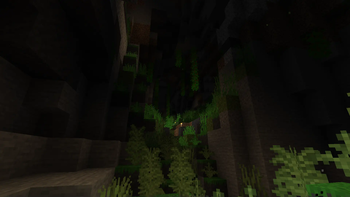
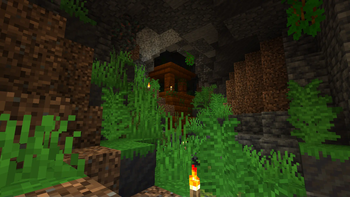
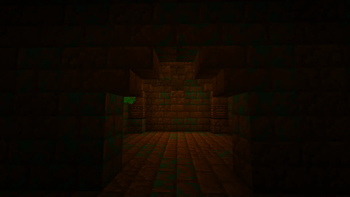
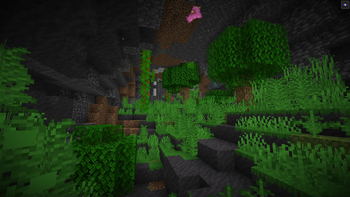
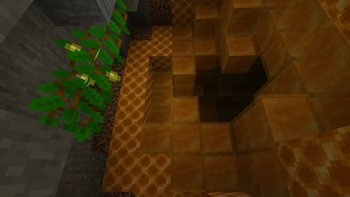
Über diese Mod

Underground Worlds is a Minecraft mod that adds underground biomes and underground dungeons, as well as some above ground structures, in a modular and configurable way.
About
Underground Worlds was born as Underground Jungle, a mod that added an underground jungle biome and a jungle temple somewhat inspired by the one in Terraria.
When the development continued and more biomes were added, I decided it would have been better to put all biomes in the same mod and allow users to enable and disable features through config files instead of making a separate mod for each biome.
All biomes added by Underground Worlds can be enabled or disabled in the config.
The config can also disable certain features for each biome.
Features
Underground Worlds adds new underground biomes and structures, each with their own set of features.
Biomes and structures can have their exclusive mobs, set of tools, and other special items.
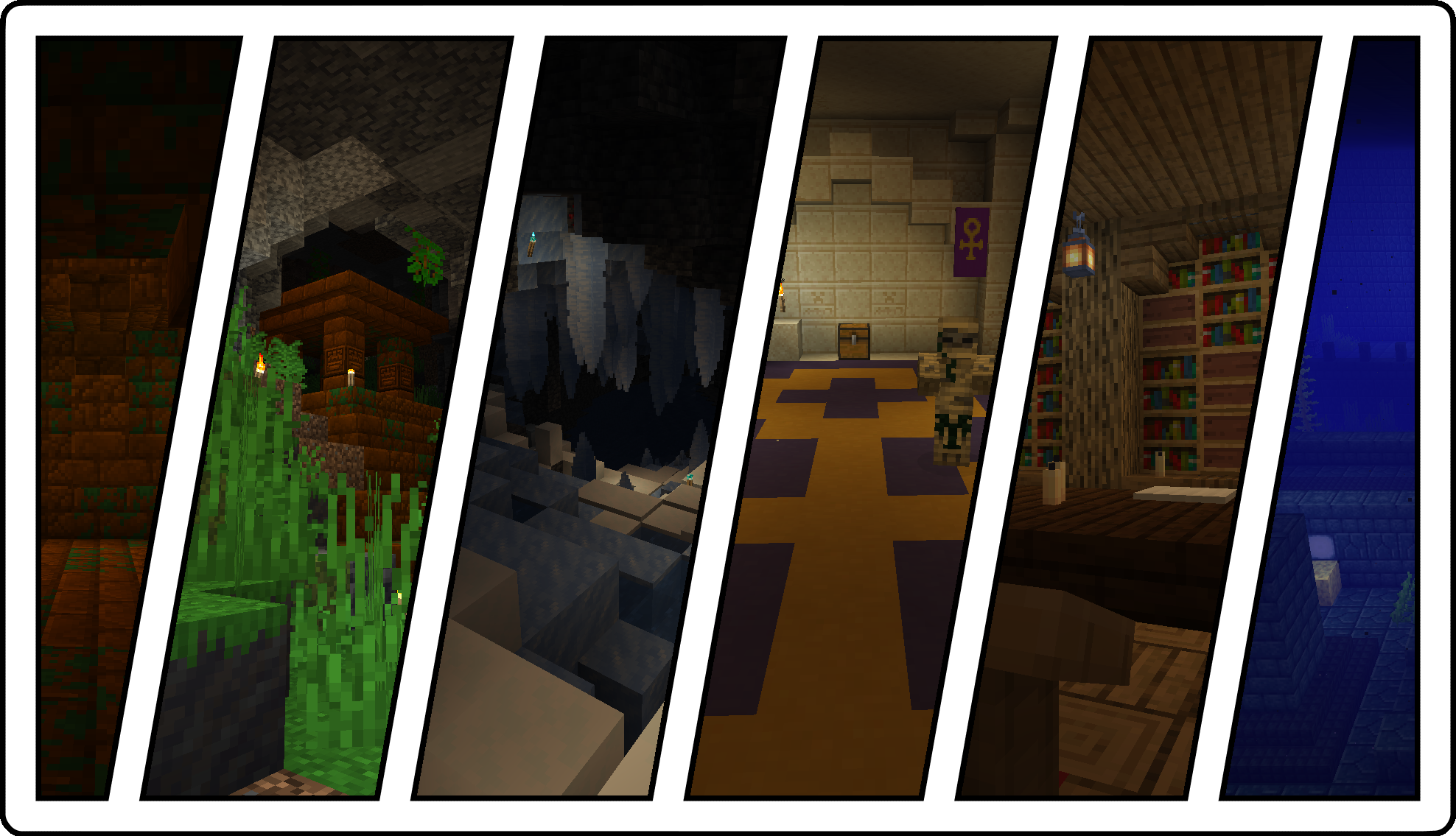
A full list of features can be found in the Wiki.
Additional information
When using Underground Worlds alongside other world generation mods, it may be necessary to use TerraBlender or Lithostitched for the biomes to generate in the world.
Main mod page
Modrinth: https://modrinth.com/mod/underground-worlds
Curseforge: https://www.curseforge.com/minecraft/mc-mods/underground-worlds
If you find this mod on other distribution platforms, these are NOT managed by me.
Credits
Mod Author: HexagonNico
Chiseled Temple Bricks texture by Matriax (CC-0)
Jungle bee model by FrostYieBoiy (CC-BY 4.0)
Wrapped model by Nightfoxy3D (CC-BY 4.0)
"Abbeyence" music by Spring (CC-BY 3.0)
Questions and answers
Q: Can I use this in my modpack?
A: Yes. You don't need to ask for permission. See License for details.
Q: Can you port this mod to 1.\d\d.\d?
A: I can, but remember that I'm a human being and porting the mod to another version requires additional effort to maintain each version. Please refrain from opening issues like "Port to 1.3.2 when".
Q: Can you translate this mod to ww_ww?
A: You can submit a pull request if you want to contribute!
License
This mod is licensed under Creative Commons Attribution-NonCommercial-NoDerivatives 4.0 International.
You are free to share, copy and redistribute this mod in any medium or format, including modpacks, adventure maps, and
other creations made within Minecraft, as long as you respect the following conditions.
- You must give appropriate credit.
- You may not use the mod for commercial purposes.
- If you create a modified version of this mod, you may not redistribute the modified version.
You are free to use this mod in any modpack, as long as you do not sell it via any means.
You cannot re-upload this mod on other mod distribution platforms.
Verfügbare Versionen
Underground Worlds auf dem Server installieren
Server bestellen
Bestelle einen Minecraft Java Server mit mindestens 4 GB RAM (6 GB empfohlen).
fabric Loader setzen
Wähle im Panel unter "Egg" den fabric-Loader und die passende Minecraft-Version (26.2).
Mod installieren
Öffne den Mod-Browser im Dashboard und suche nach "Underground Worlds". Klicke "Installieren" – fertig! Alternativ: Lade die .jar via SFTP in den /mods Ordner.
Kompatibilität
Mod-Loader
Minecraft-Versionen
26.2, 26.1.2, 26.1.1 (+10 weitere)
Server-seitig
✓ ErforderlichEmpfohlener RAM
6 GB(min. 4 GB)Häufige Fragen
Underground Worlds Server crasht beim Start – was tun?
Häufigste Ursache: falsche fabric-Version oder zu wenig RAM. Prüfe im Server-Log (latest.log), ob ein "OutOfMemoryError" oder "Mixin"-Fehler auftritt. Bei Mado Hosting: Stelle sicher, dass mindestens 4 GB RAM zugewiesen sind und der Loader zur Mod-Version passt (26.2). Über das Panel kannst du den Loader mit einem Klick wechseln.
Ist Underground Worlds mit fabric und forge und neoforge kompatibel?
Underground Worlds unterstützt offiziell fabric, forge, neoforge für Minecraft 26.2, 26.1.2, 26.1.1. Achtung: Forge- und Fabric-Mods sind NICHT untereinander kompatibel – wähle einen Loader und bleibe dabei. Im Mado Dashboard werden inkompatible Loader-Kombinationen automatisch erkannt.
Server laggt mit Underground Worlds – wie optimiere ich die Performance?
Empfohlener RAM: 6 GB (+1 GB pro 5 Spieler). Prüfe mit /spark profiler, ob Underground Worlds den meisten Tick-Time verbraucht. Häufige Fixes: Server-View-Distance auf 8-10 reduzieren, bei Forge "performant" oder "starlight" als Zusatz-Mod installieren. Bei Mado Hosting läuft dein Server auf NVMe-SSDs mit dedizierten CPU-Kernen für minimale Latenz.
Ähnliche Mods




Modded Server mieten
Installiere Underground Worlds mit nur einem Klick auf deinem Server.
Details
- Lizenz
- Creative Commons Attribution Non Commercial No Derivatives 4.0 International
- Server-seitig
- Erforderlich