
UTIL HUD
Utility, regular updates
Screenshots
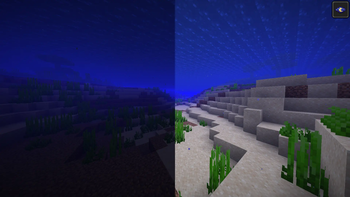
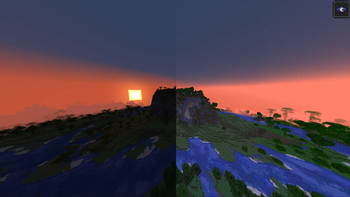
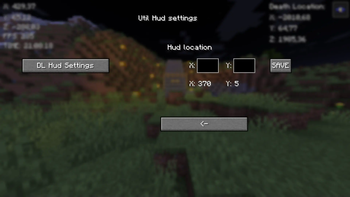
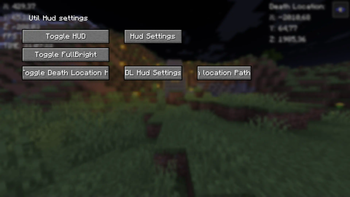
Über diese Mod
New Fabric mod. I'm going to upgrade this mod regularily.
It has button {B} with it you can Go to GUI (Graphical User Interface) And {G} to copy current coordinates. I will keep this mod up for some time and upgrade it.
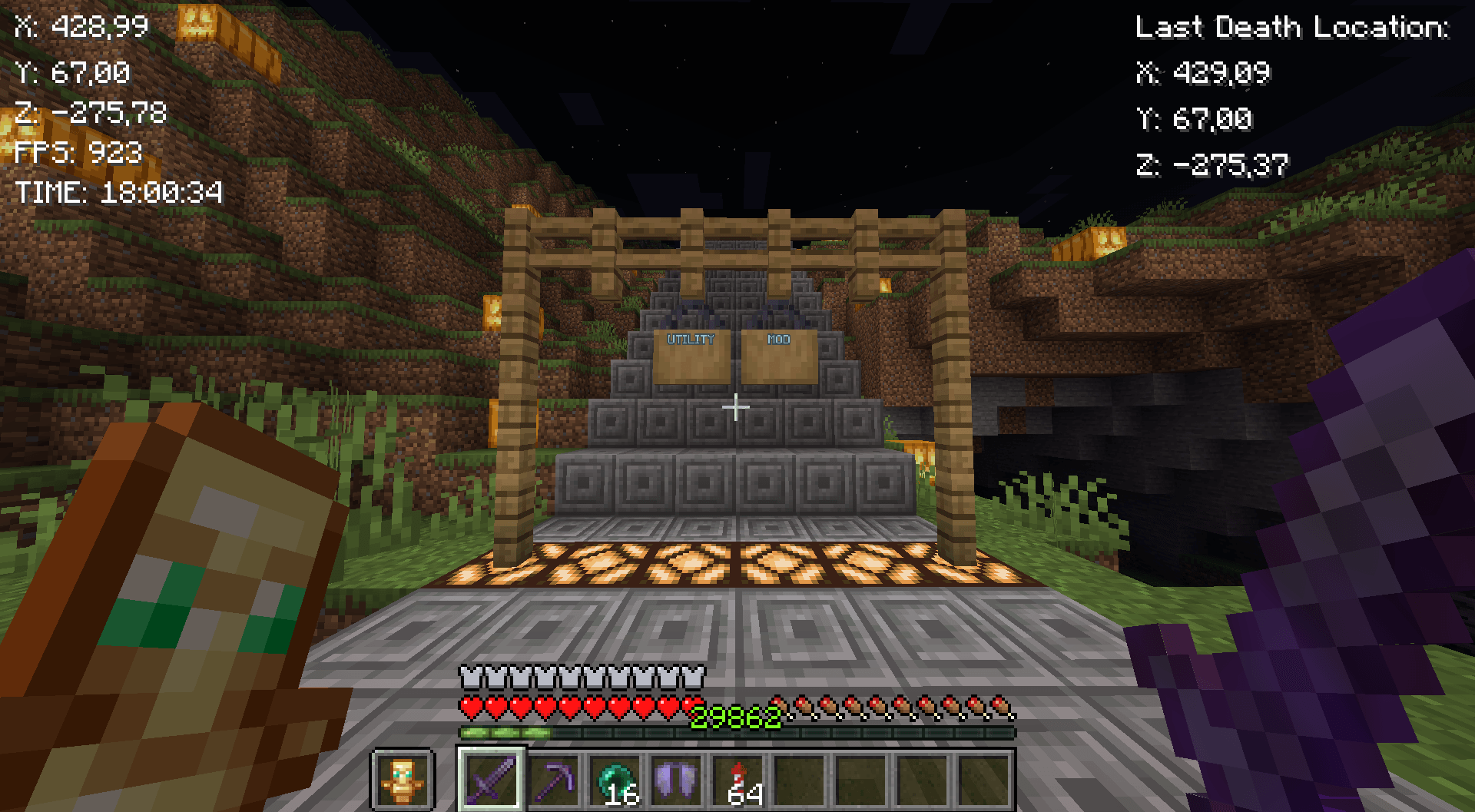
Mod features:
Customizable button {B}
Coordinates
Copy coordintes {G}
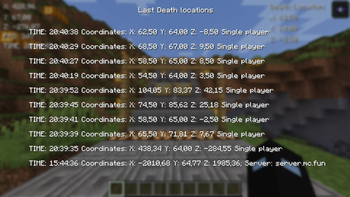
10 last death locations in GUI {L}
Fullbright
FPS
Time
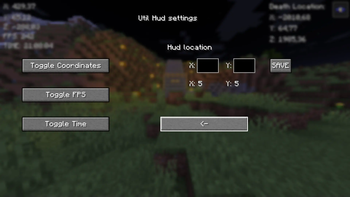
GUI
Fabric loader version: 0.16.7 or newer!
Quick guide:
Press B to go to GUI
Press the Toggle HUD to turn the hud on
Then turn on things you want to see on HUD
Lastly configure the positions of the HUDs
Copy your death-coordinates-util-hud.txt path with Button in GUI (Show death locations)
You will have to go then to file explorer and paste the path to search bar or press windows key + R and paste the path there and press enter. You will see the following info:
Tips:
X: 5 & Y: 5 in GUI means the current position of the HUD
Be aware of the last death position that If you died in other world it will show you those coordinates I will update this in future!
Visit regularily curseforge.com/minecraft/mc-mods/utility-mod to see new updates first
Notice:
If you remove/rename the file called util-hud-config.json, you will have to do things in quick guide again!
-- I will take all feedback and ideas. Fabric mod -- This Mod was programmed by NSI21 --
Support me at: ko-fi.com/nsi21![Util HUD]
Verfügbare Versionen
UTIL HUD auf deinem Client installieren
Mod-Loader lokal installieren
Installiere fabric für deine lokale Minecraft-Version.
Passende Datei herunterladen
Wähle die UTIL HUD-Datei für fabric und Minecraft 1.21.4.
Mod installieren
Lege die .jar-Datei in deinem lokalen .minecraft/mods-Ordner ab und starte Minecraft neu. Eine Installation auf dem Server ist nicht nötig.
Kompatibilität
Mod-Loader
Minecraft-Versionen
1.21.4, 1.21.3, 1.21.2 (+2 weitere)
Server-seitig
✗ Nicht unterstütztEmpfohlener RAM
4 GB(min. 3 GB)Häufige Fragen
Muss UTIL HUD auf dem Minecraft Server installiert werden?
Nein. Modrinth kennzeichnet UTIL HUD serverseitig als nicht unterstützt. Installiere die Mod nur im lokalen Minecraft-Mods-Ordner. Dein Server kann unverändert bleiben, sofern die Mod-Seite keine zusätzliche Abhängigkeit nennt.
Welche Version und welchen Loader braucht UTIL HUD?
Nutze eine Datei für fabric und exakt deine Minecraft-Version. Unterstützte Versionen sind unter anderem 1.21.4, 1.21.3, 1.21.2. Loader-Dateien sind nicht untereinander austauschbar.
UTIL HUD funktioniert nicht – was kann ich prüfen?
Prüfe zuerst Minecraft-Version, Loader-Version und erforderliche Abhängigkeiten. Lege die .jar-Datei im lokalen .minecraft/mods-Ordner ab und entferne ältere Duplikate. Da die Mod clientseitig ist, löst mehr Server-RAM dieses Problem nicht.
Ähnliche Mods






Minecraft Server für deine Gruppe
UTIL HUD bleibt auf deinem Client. Hoste dazu eine kompatible Welt für deine Mitspieler.