Villager Pickup
Allows you to pick up villagers and place them somewhere else
Screenshots
Über diese Mod
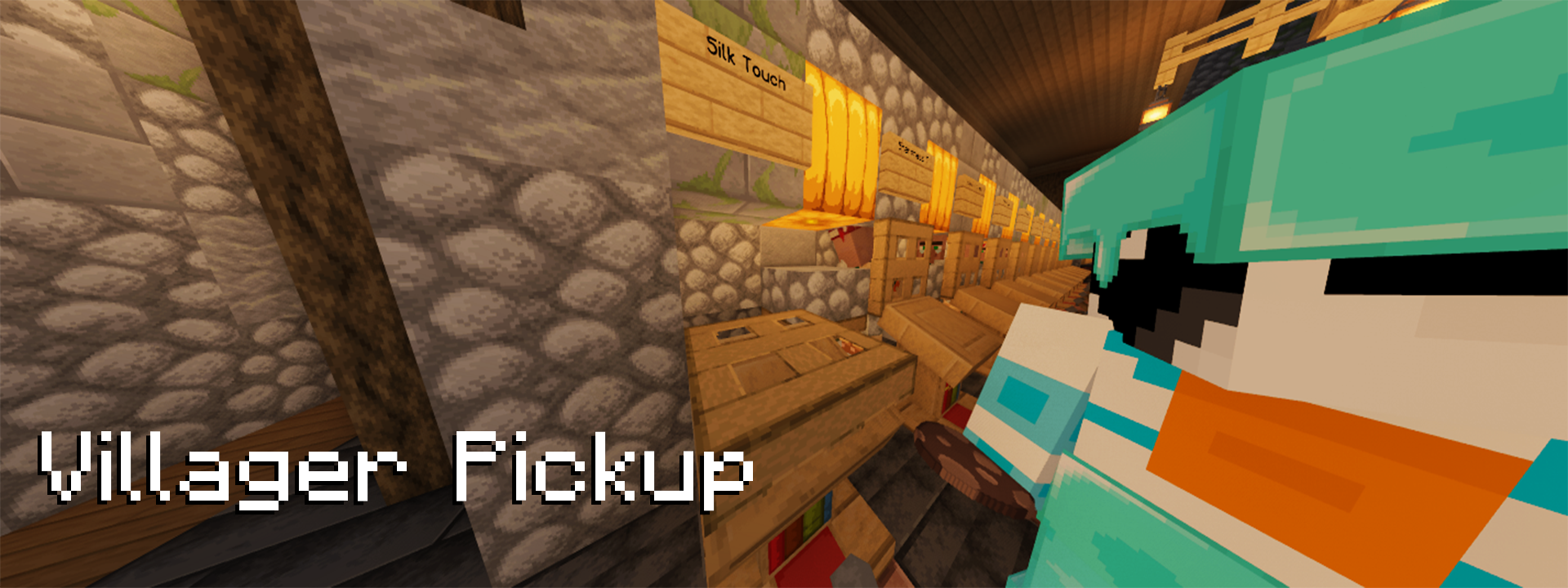
Villager Pickup
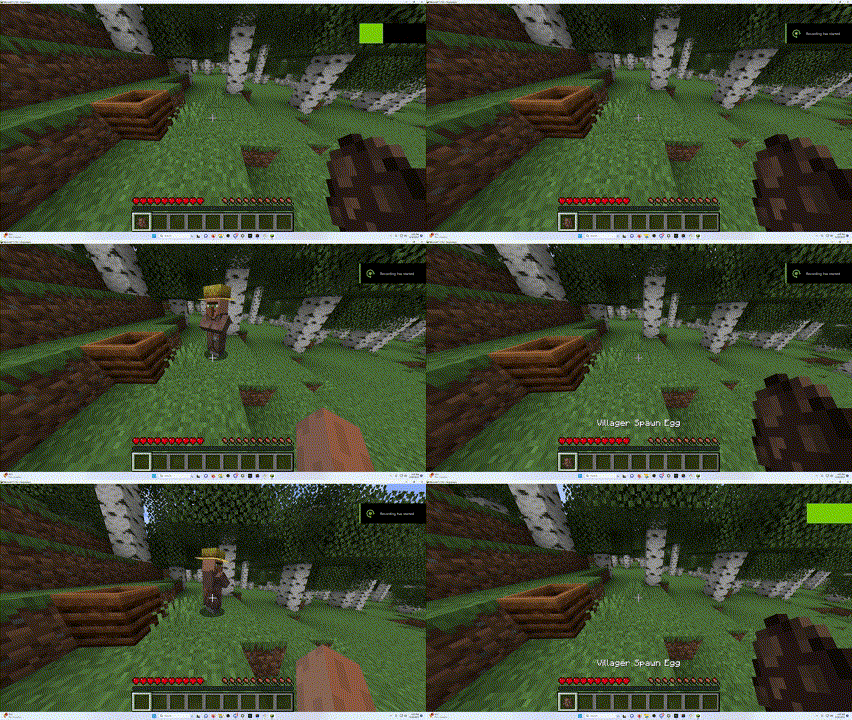
Villager Pickup allows you to pick up villagers
into spawn eggs by shift right-clicking on them.
The villager spawn egg will retain all NBT data of the previous villager,
meaning they stay exactly the same as before you picked them up.
Features
- Easy Villager Management: Effortlessly manage your villagers by picking them up and placing them wherever you need them.
- NBT Data Retention: Villagers retain all their data, ensuring they remain unchanged after being picked up.
- Fully Server-Sided: The mod is fully server-side, and vanilla clients can use it when installed on the server.
Compatibility
Due to the way this mod is coded, it works with all modded villagers by default if they are not a separate entity.
(for example, you can't pick up wandering traders).
Installation
- Download the mod from Modrinth or the GitHub Releases.
- Place the downloaded mod file into the
modsfolder of your Minecraft server. - Restart the server to apply the changes.
Configuration
Is there something you want to change about the mod?
Check out the config file that is generated after the server has started.
You will find it under config/villager-pickup.json.
After making changes, you don't have to restart! Just use the /villager-pickup reload Command.
You can also use the Ingame Config Editor using /villager-pickup config-gui.
Usage
Simply shift right-click on a Villager. The villager will be converted into a spawn egg.
You can place them down again afterward.
Links
- Source Code
- Issue Tracker/Feature Requests
- GitHub Releases
- Modrinth Page
CurseForge Page(Out of date, please avoid.)
Contributing and Development
Contributions are always welcome! Please feel free to submit a Pull Request.
For Development, the recommended IDE is IntelliJ IDEA.
You are also encouraged to install the Minecraft Development and manifold-ij plugins for it.
License
This project is licensed under the CC0-1.0 License. See the LICENSE file for details.
Verfügbare Versionen
Villager Pickup auf dem Server installieren
Server bestellen
Bestelle einen Minecraft Java Server mit mindestens 3 GB RAM (4 GB empfohlen).
fabric Loader setzen
Wähle im Panel unter "Egg" den fabric-Loader und die passende Minecraft-Version (26.2).
Mod installieren
Öffne den Mod-Browser im Dashboard und suche nach "Villager Pickup". Klicke "Installieren" – fertig! Alternativ: Lade die .jar via SFTP in den /mods Ordner.
Kompatibilität
Mod-Loader
Minecraft-Versionen
26.2, 26.1.2, 26.1.1 (+17 weitere)
Server-seitig
✓ ErforderlichEmpfohlener RAM
4 GB(min. 3 GB)Häufige Fragen
Villager Pickup Server crasht beim Start – was tun?
Häufigste Ursache: falsche fabric-Version oder zu wenig RAM. Prüfe im Server-Log (latest.log), ob ein "OutOfMemoryError" oder "Mixin"-Fehler auftritt. Bei Mado Hosting: Stelle sicher, dass mindestens 3 GB RAM zugewiesen sind und der Loader zur Mod-Version passt (26.2). Über das Panel kannst du den Loader mit einem Klick wechseln.
Ist Villager Pickup mit fabric und neoforge und quilt kompatibel?
Villager Pickup unterstützt offiziell fabric, neoforge, quilt für Minecraft 26.2, 26.1.2, 26.1.1. Im Mado Dashboard werden inkompatible Loader-Kombinationen automatisch erkannt.
Server laggt mit Villager Pickup – wie optimiere ich die Performance?
Empfohlener RAM: 4 GB (+1 GB pro 8 Spieler). Prüfe mit /spark profiler, ob Villager Pickup den meisten Tick-Time verbraucht. Häufige Fixes: Server-View-Distance auf 8-10 reduzieren, bei Forge "performant" oder "starlight" als Zusatz-Mod installieren. Bei Mado Hosting läuft dein Server auf NVMe-SSDs mit dedizierten CPU-Kernen für minimale Latenz.
Ähnliche Mods






Modded Server mieten
Installiere Villager Pickup mit nur einem Klick auf deinem Server.