
Wither's Wrath
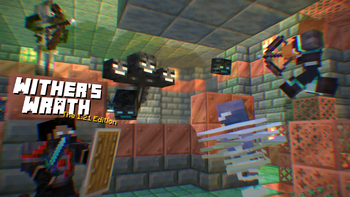
A revamped fight for the Wither! with parity features from bedrock to original ideas to make the wither fight more challenging.
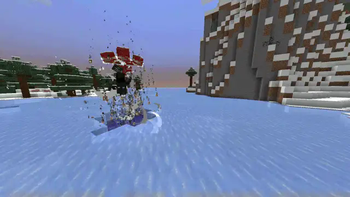
Screenshots

Über diese Mod

Optional Resource pack for Music and Models: withers-wrath-rp
There are 2 versions available for the pack:
- Wither's Wrath being the default hard boss fight
- Bedrock, which only has the bedrock features (click the picture)

This is my take on the Wither, designed to make it more of a challenge by introducing brand-new attack patterns and increasing its health to 600 HP, matching the Bedrock Edition Wither. Since not everyone enjoys all the changes, I've included toggles to reduce chaos for more flexibility. However, there will be no "easy" version of this Wither.
This Wither was created as a personal project to present a tougher fight and primarily to showcase it to friends. It was never meant to be perfect, but I hope it brings a fun challenge.
This pack was designed for Minecraft version 1.21 and up.
What does this wither include?
The Wither has 600HP with slightly higher armour. It occasionally spawns Wither Skeletons and has stronger Wither skull projectiles.
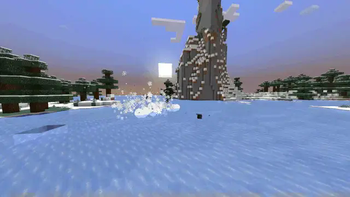
Start "Animation"
Wither Homing Skull
Weaker but never misses. Blocking with a shield is advised.
Wither Half HP
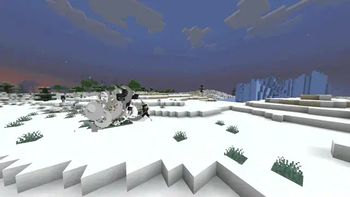
Wither Charge Attack
This attack only occurs when the Wither has 250 HP left.
Wither Dash Attack
This happens when the Wither has 100 HP left.
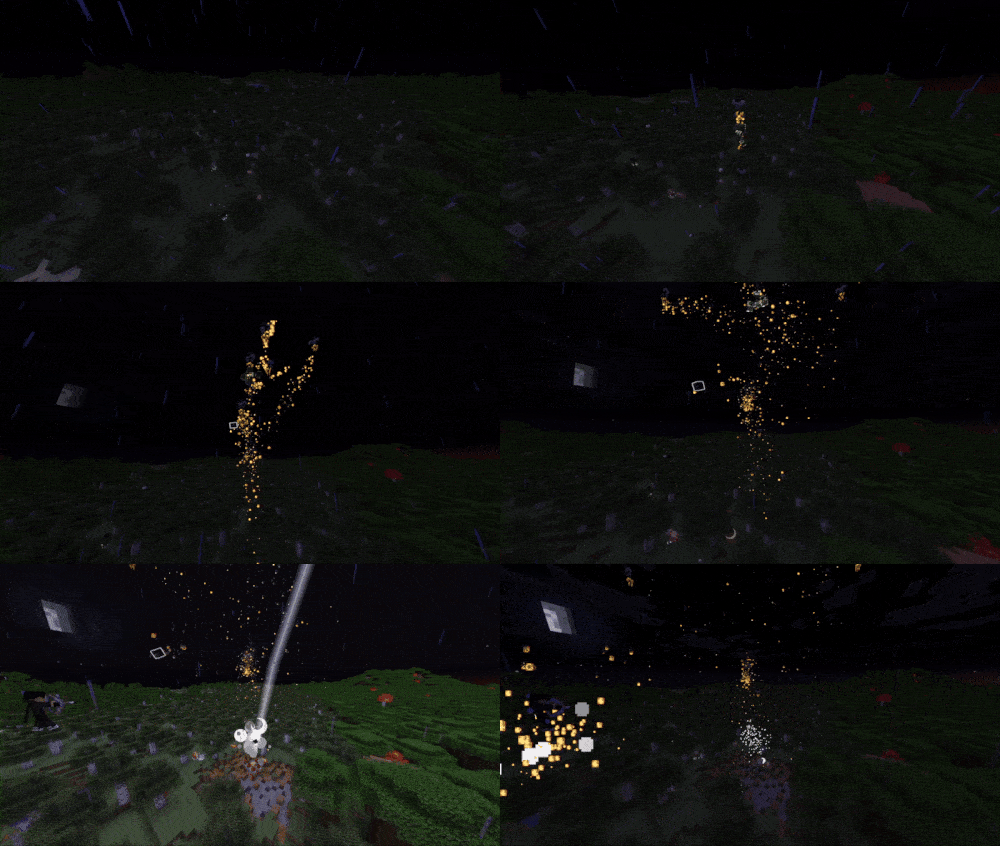
Wither Death
and More!
How to enable Bedrock Animations + Showcase
Showcase of the Normal Fight
if you have any video showcase of the datapack please let me know to add it here.
Toggle Options
To configure settings, use the following command:/function wither:config
⚠️ Warning:
This Wither is highly destructive. Fight it far from your base, or toggle the option to disable destructive features.
Links
Click below to view or download the data pack in other platforms:




Issues
If you run into some issues please take a look here
Server Usage
If you're using this on a server, I’d appreciate feedback on any potential performance impacts. Due to limited testing with larger player groups, there might be areas needing optimisation.
Permissions
Feel free to use this in any packs, modify it, and make it look more polished or fancy!
Verfügbare Versionen
Wither's Wrath auf dem Server installieren
Server bestellen
Bestelle einen Minecraft Java Server mit mindestens 3 GB RAM (4 GB empfohlen).
datapack Loader setzen
Wähle im Panel unter "Egg" den datapack-Loader und die passende Minecraft-Version (26.2).
Mod installieren
Öffne den Mod-Browser im Dashboard und suche nach "Wither's Wrath". Klicke "Installieren" – fertig! Alternativ: Lade die .jar via SFTP in den /mods Ordner.
Kompatibilität
Mod-Loader
Minecraft-Versionen
26.2, 26.1.2, 26.1.1 (+66 weitere)
Server-seitig
✓ ErforderlichEmpfohlener RAM
4 GB(min. 3 GB)Häufige Fragen
Wither's Wrath Server crasht beim Start – was tun?
Häufigste Ursache: falsche datapack-Version oder zu wenig RAM. Prüfe im Server-Log (latest.log), ob ein "OutOfMemoryError" oder "Mixin"-Fehler auftritt. Bei Mado Hosting: Stelle sicher, dass mindestens 3 GB RAM zugewiesen sind und der Loader zur Mod-Version passt (26.2). Über das Panel kannst du den Loader mit einem Klick wechseln.
Ist Wither's Wrath mit datapack und fabric und forge und neoforge und quilt kompatibel?
Wither's Wrath unterstützt offiziell datapack, fabric, forge, neoforge, quilt für Minecraft 26.2, 26.1.2, 26.1.1. Achtung: Forge- und Fabric-Mods sind NICHT untereinander kompatibel – wähle einen Loader und bleibe dabei. Im Mado Dashboard werden inkompatible Loader-Kombinationen automatisch erkannt.
Server laggt mit Wither's Wrath – wie optimiere ich die Performance?
Empfohlener RAM: 4 GB (+1 GB pro 8 Spieler). Prüfe mit /spark profiler, ob Wither's Wrath den meisten Tick-Time verbraucht. Häufige Fixes: Server-View-Distance auf 8-10 reduzieren, bei Forge "performant" oder "starlight" als Zusatz-Mod installieren. Bei Mado Hosting läuft dein Server auf NVMe-SSDs mit dedizierten CPU-Kernen für minimale Latenz.
Ähnliche Mods





Modded Server mieten
Installiere Wither's Wrath mit nur einem Klick auf deinem Server.
Details
- Lizenz
- Creative Commons Attribution Non Commercial 4.0 International
- Server-seitig
- Erforderlich