World In a Jar
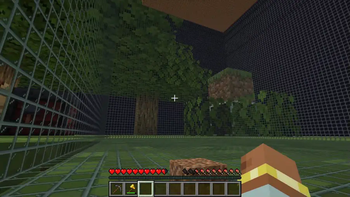
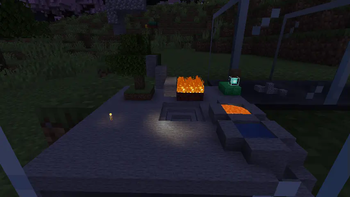
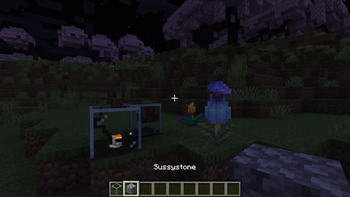
(Snowglobe) A terrarium-inspired block made for builders and survival players alike.
Screenshots
Über diese Mod
Warning (Read This!)
Do not use versions marked as "BlanketCon"! These will not work in your world.
1.20.1 is also not supported and does not resemble the mod in its current state. That is, do not use the 1.20.1 version.
World In a Jar
This mod squeezes entire worlds into jars for your enjoyment. Play god or go home.
You can put blocks in a jar block with a lot of room! All of your storage issues are solved!
Make little snow globes, make a cool redstone contraption; The possibilities are endless.


How To Use
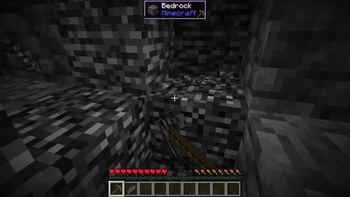
Mine Bedrock
Start by mining bedrock using a Netherite Pickaxe. This may take a few tries before a shard drops.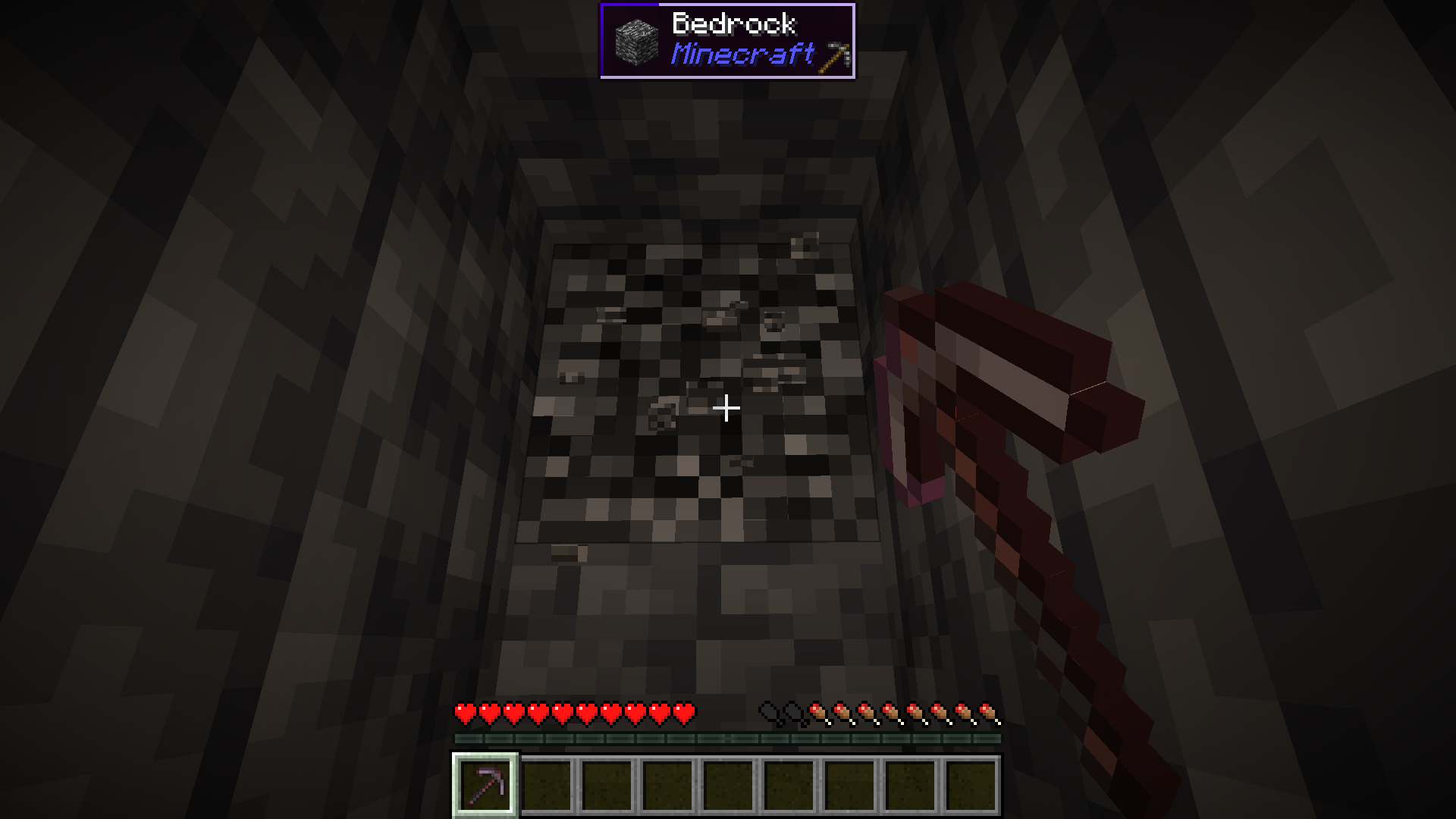
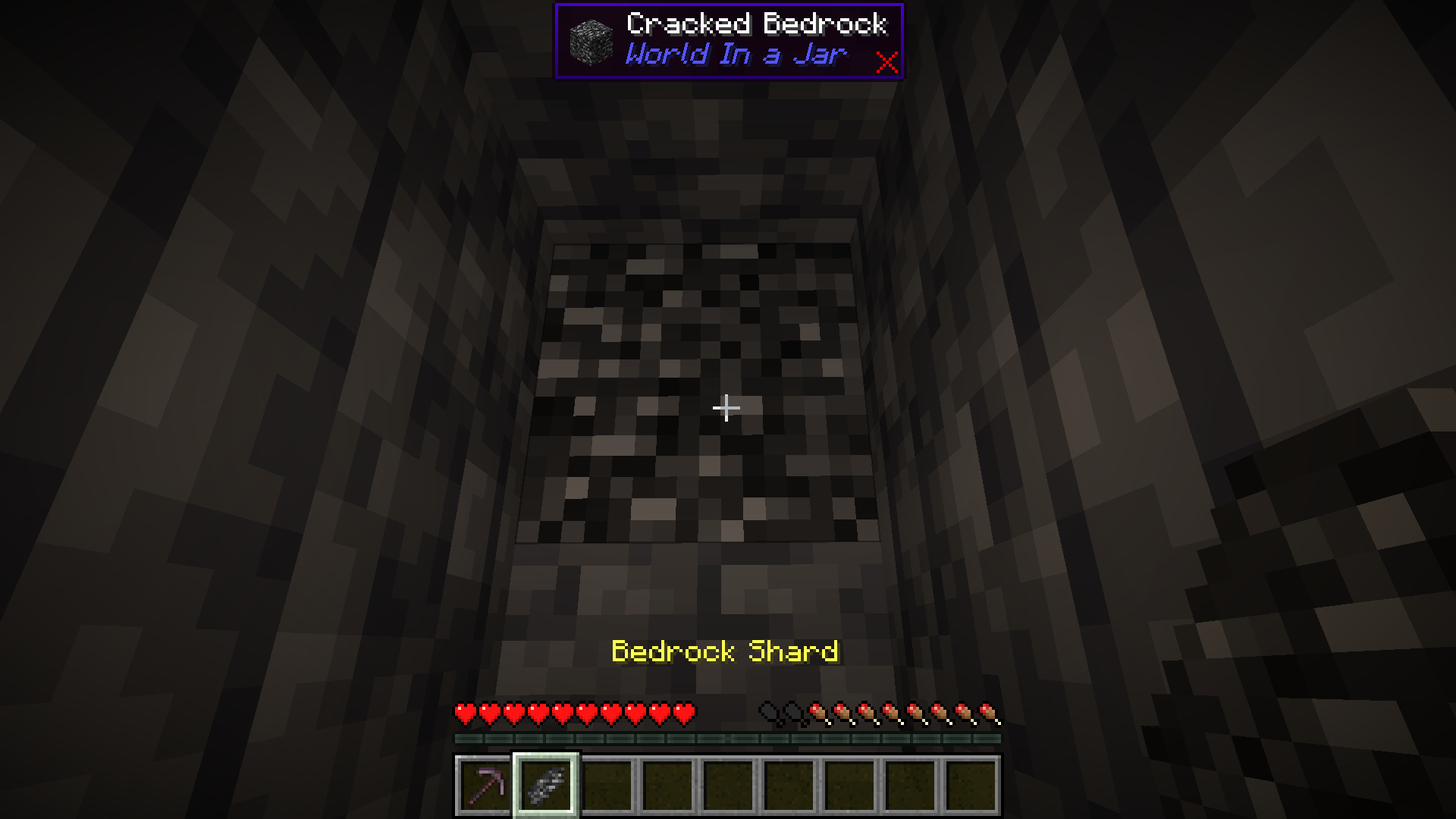
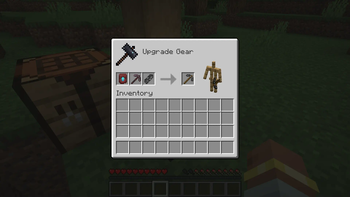
Upgrade To a Bedrock Pickaxe
Upgrade your Netherite Pickaxe to a Bedrock Pickaxe using a Smithing Table.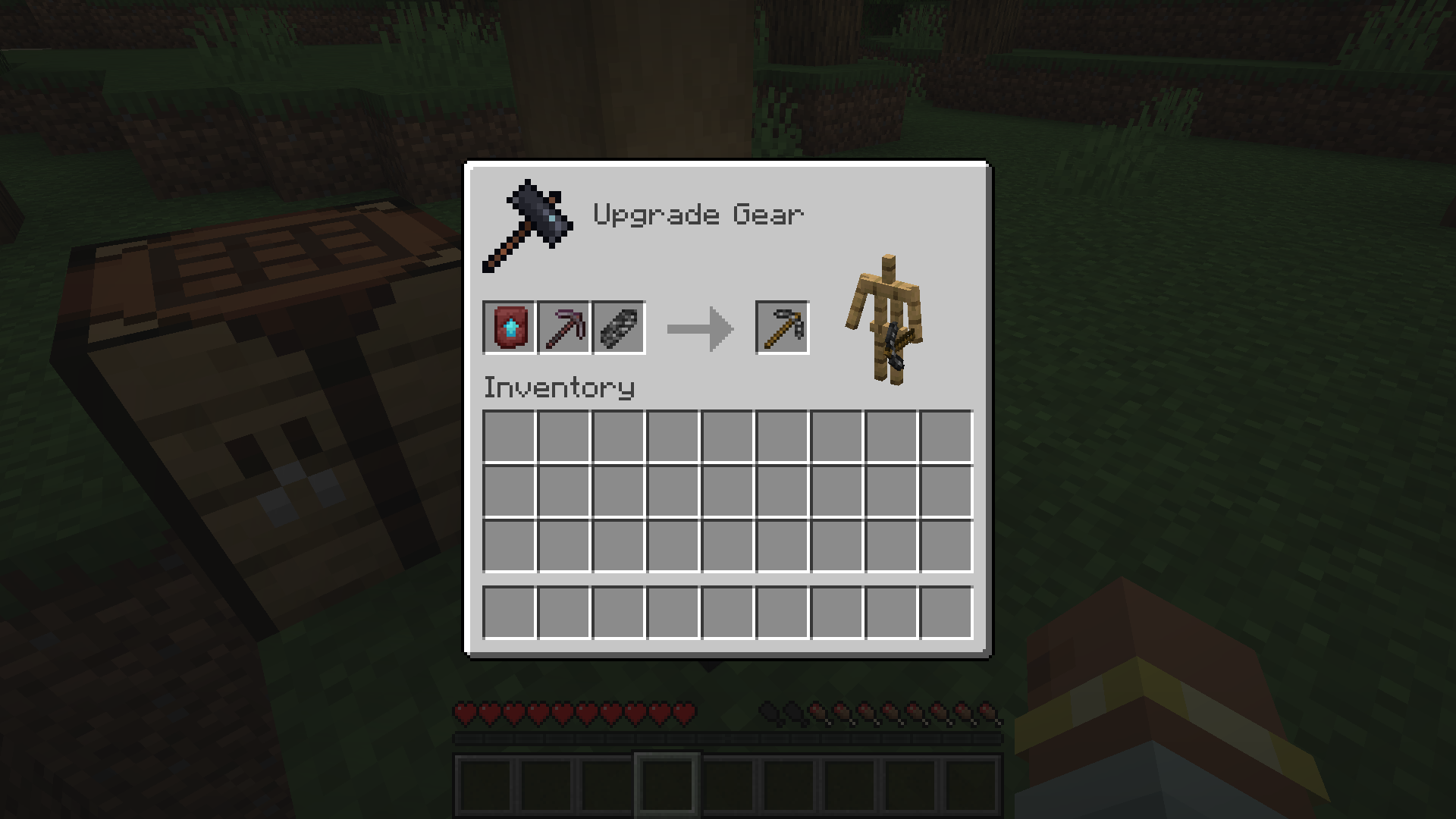
Mine More Bedrock
Mine more Bedrock with your Bedrock Pickaxe. You will need 28 Bedrock Shards.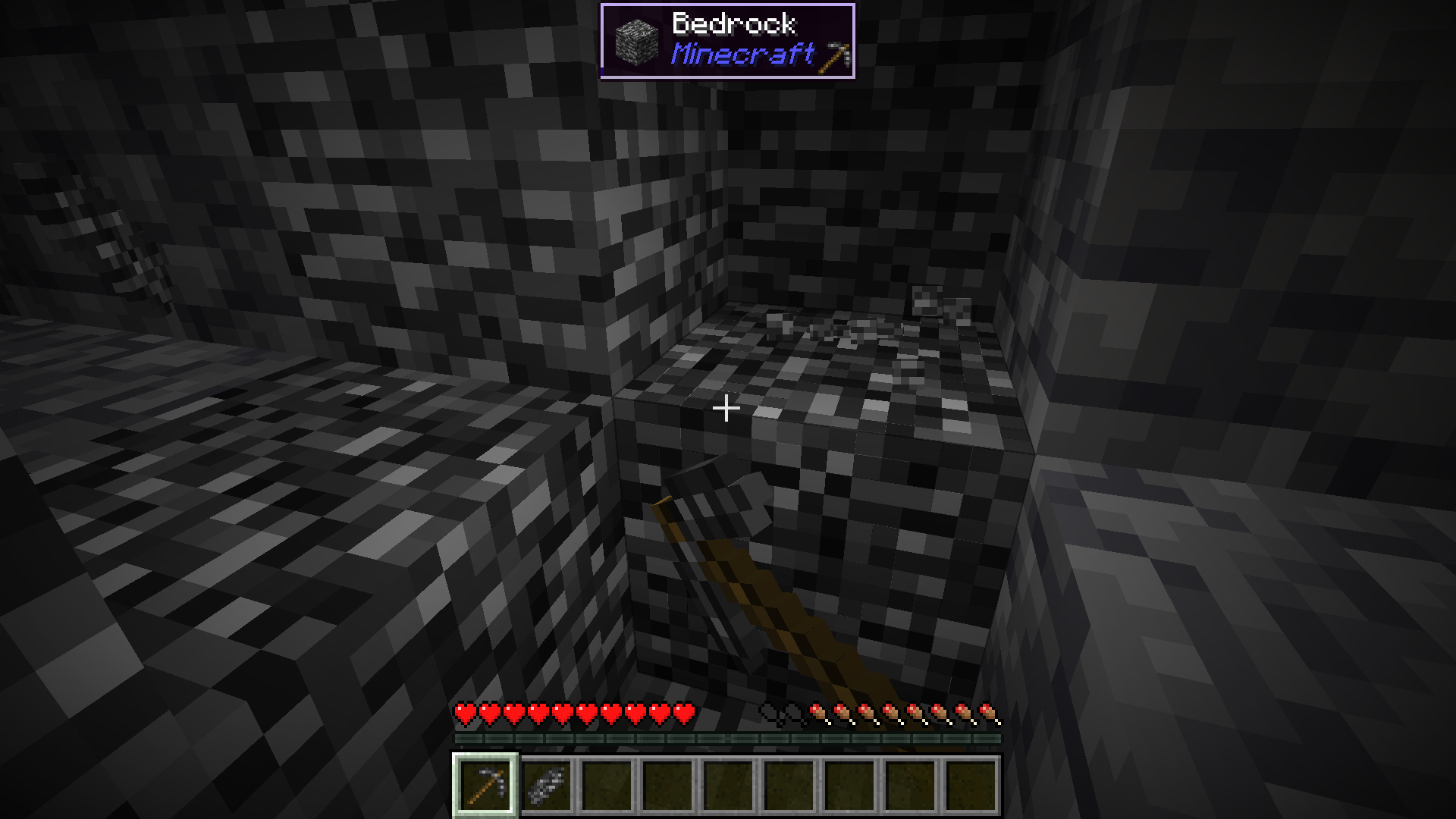
Obtain Ingredients And Craft Reinforced Echnoplast
Obtain 7 Glass and 28 Amethyst Shards to craft 7 Reinforced Echnoplast.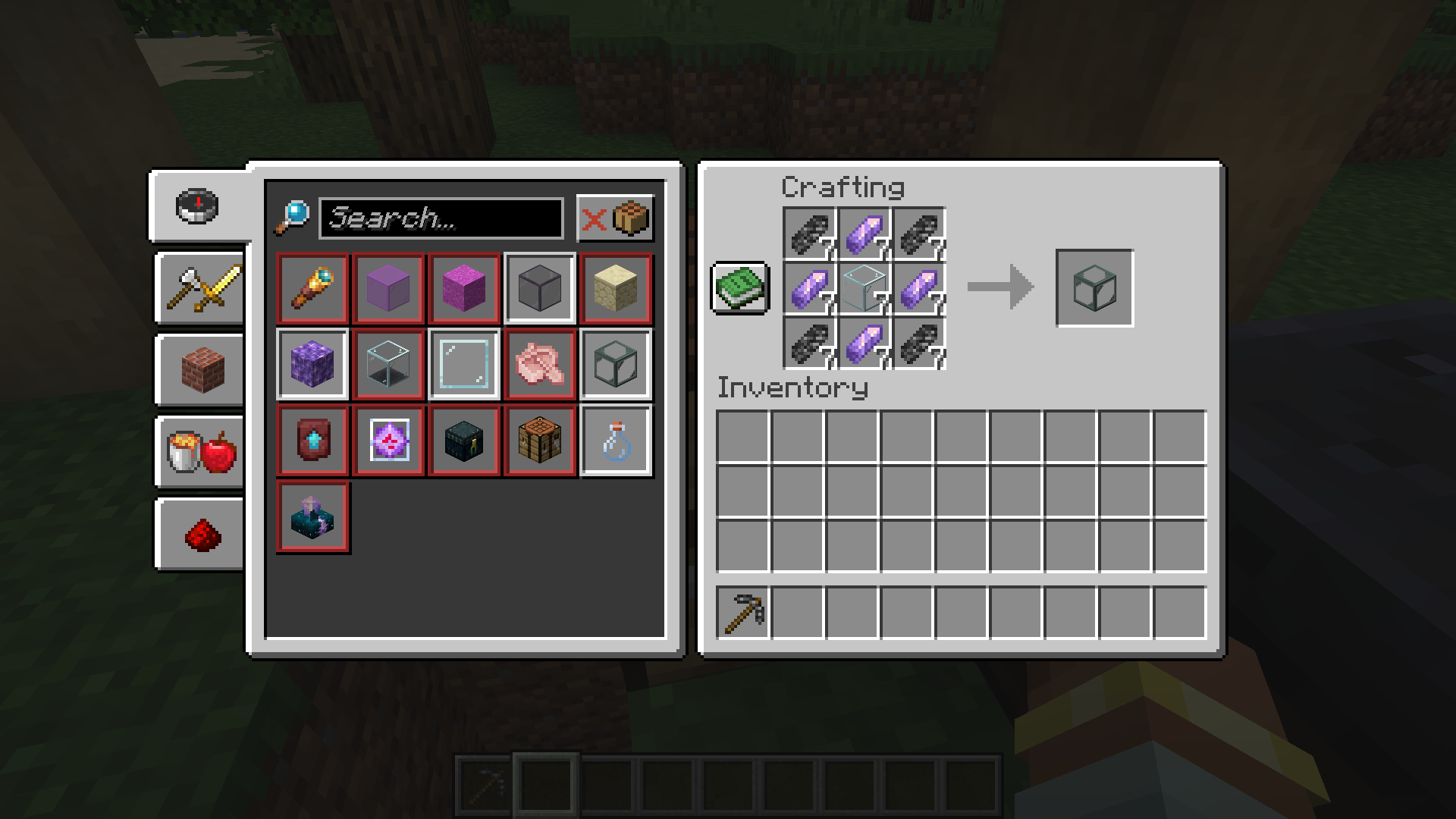
Strip Logs To Obtain Bark
Strip logs to obtain their bark. You will need 9 bark of any type.
Craft a World Jar
Craft a World Jar using a Cork Block, Eye of Ender, and 7 Reinforced Echnoplast.
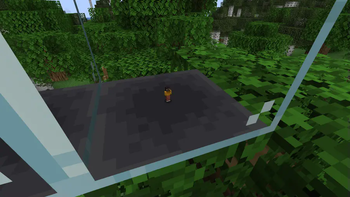
Enter the World Jar
Place the World Jar and interact with (right-click) the jar to enter it. You can interact with the jar again to exit.
Video Demonstration
Permissions (Not Working)
This does not currently work.
The number stated after the permission ID is the minimum OP level that users will need to have the permission. This mod can also use permissions with mods compatible with Fabric Permissions API (such as LuckPerms). The permission ID and OP level are written respectively (in that order).
worldinajar.lock_jar2- Allows a user to lock/unlock a jar. A locked jar cannot be edited. When right-clicked, a locked jar simply teleports the player if they do not have this permission.
FAQ
Port to NeoForge? Quilt? <insert loader here>?
- no
Port to 1.12.2? <insert version here>? Update to version X?
- no
There is a bug and I need to report it!
- Please go to the issue tracker and create a bug report.
Please add X feature.
- yesn't (feel free to open an issue)
Can I port this mod to X?
- Please ask for permission before doing so. I also ask that you credit the original mod and state that it is an unofficial fork, however. Forks claiming to be official will be taken down.
Redistribution 🖍️
VulpixelMC does not sanction any redistributions not hosted on its website, GitHub, or Modrinth. Do not upload this software to any other services without due credit and links to the original file from which the redistributed software was downloaded.
You may use this software in Modpacks, given due credit and a link to download the original software.
License
World In a Jar is licensed under LGPL-3.0-only. See COPYING and COPYING.LESSER for details.
Verfügbare Versionen
World In a Jar auf dem Server installieren
Server bestellen
Bestelle einen Minecraft Java Server mit mindestens 3 GB RAM (4 GB empfohlen).
fabric Loader setzen
Wähle im Panel unter "Egg" den fabric-Loader und die passende Minecraft-Version (1.21.1).
Mod installieren
Öffne den Mod-Browser im Dashboard und suche nach "World In a Jar". Klicke "Installieren" – fertig! Alternativ: Lade die .jar via SFTP in den /mods Ordner.
Kompatibilität
Mod-Loader
Minecraft-Versionen
1.21.1, 1.20.1, 1.19.4 (+1 weitere)
Server-seitig
✓ ErforderlichEmpfohlener RAM
4 GB(min. 3 GB)Häufige Fragen
World In a Jar Server crasht beim Start – was tun?
Häufigste Ursache: falsche fabric-Version oder zu wenig RAM. Prüfe im Server-Log (latest.log), ob ein "OutOfMemoryError" oder "Mixin"-Fehler auftritt. Bei Mado Hosting: Stelle sicher, dass mindestens 3 GB RAM zugewiesen sind und der Loader zur Mod-Version passt (1.21.1). Über das Panel kannst du den Loader mit einem Klick wechseln.
Ist World In a Jar mit fabric und quilt kompatibel?
World In a Jar unterstützt offiziell fabric, quilt für Minecraft 1.21.1, 1.20.1, 1.19.4. Im Mado Dashboard werden inkompatible Loader-Kombinationen automatisch erkannt.
Server laggt mit World In a Jar – wie optimiere ich die Performance?
Empfohlener RAM: 4 GB (+1 GB pro 8 Spieler). Prüfe mit /spark profiler, ob World In a Jar den meisten Tick-Time verbraucht. Häufige Fixes: Server-View-Distance auf 8-10 reduzieren, bei Forge "performant" oder "starlight" als Zusatz-Mod installieren. Bei Mado Hosting läuft dein Server auf NVMe-SSDs mit dedizierten CPU-Kernen für minimale Latenz.
Ähnliche Mods





Modded Server mieten
Installiere World In a Jar mit nur einem Klick auf deinem Server.
Details
- Lizenz
- GNU Lesser General Public License v3.0 only
- Server-seitig
- Erforderlich