
Xeno
A Performant Rendering optimization Mod for Minecraft.
Screenshots
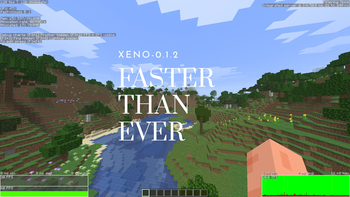
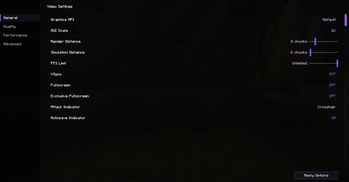
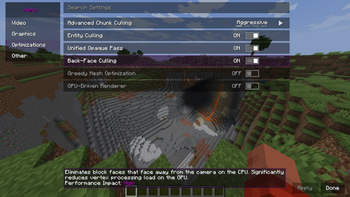
Über diese Mod
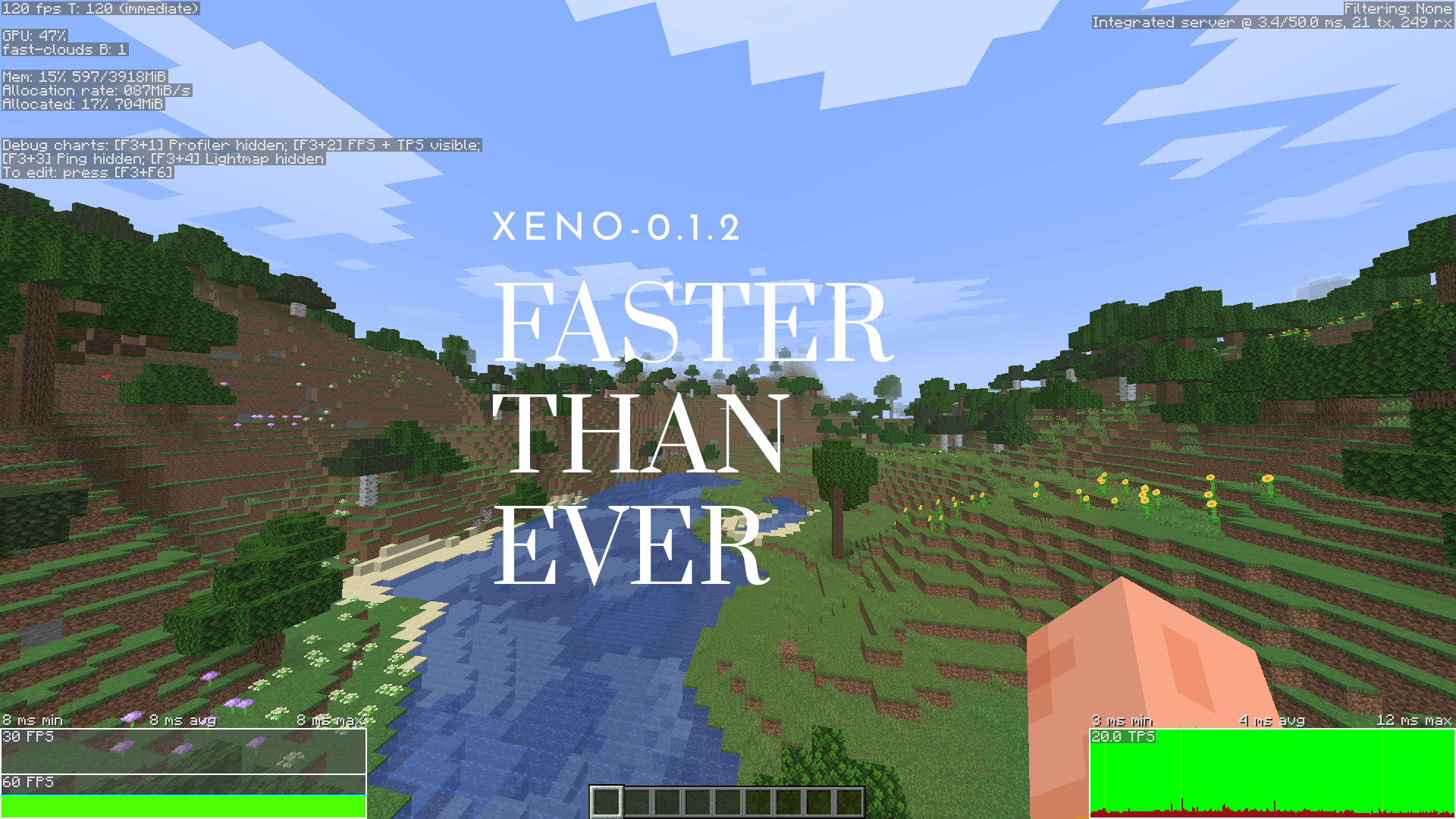
Xeno is an open-source, copyleft rendering optimization mod. I made it because I noticed there really wasn't a good copyleft alternative out there as rendering optimization mods.
Licensing
- GPL 3.0 & SemVer: As of August 12, 2026, everything follows standard Semantic Versioning and is under GPL 3.0.
- Older builds: Past versions under the Polyform license are still there if you need them, but they won't get any new updates.
Stability
This mod is currently in alpha. It’s bound to have many bugs, so if something breaks or crashes, please drop a report on the GitHub Issues page so I can fix it.
Support & Community
Xeno takes a lot of time to work on, so help is much appreciated! If you like the mod and want to support development, check out our links below:
Verfügbare Versionen
Xeno auf deinem Client installieren
Mod-Loader lokal installieren
Installiere fabric für deine lokale Minecraft-Version.
Passende Datei herunterladen
Wähle die Xeno-Datei für fabric und Minecraft 26.3.
Mod installieren
Lege die .jar-Datei in deinem lokalen .minecraft/mods-Ordner ab und starte Minecraft neu. Eine Installation auf dem Server ist nicht nötig.
Kompatibilität
Mod-Loader
Minecraft-Versionen
26.3, 26.2
Server-seitig
✗ Nicht unterstütztEmpfohlener RAM
4 GB(min. 3 GB)Häufige Fragen
Muss Xeno auf dem Minecraft Server installiert werden?
Nein. Modrinth kennzeichnet Xeno serverseitig als nicht unterstützt. Installiere die Mod nur im lokalen Minecraft-Mods-Ordner. Dein Server kann unverändert bleiben, sofern die Mod-Seite keine zusätzliche Abhängigkeit nennt.
Welche Version und welchen Loader braucht Xeno?
Nutze eine Datei für fabric, neoforge und exakt deine Minecraft-Version. Unterstützte Versionen sind unter anderem 26.3, 26.2. Loader-Dateien sind nicht untereinander austauschbar.
Xeno funktioniert nicht – was kann ich prüfen?
Prüfe zuerst Minecraft-Version, Loader-Version und erforderliche Abhängigkeiten. Lege die .jar-Datei im lokalen .minecraft/mods-Ordner ab und entferne ältere Duplikate. Da die Mod clientseitig ist, löst mehr Server-RAM dieses Problem nicht.
Ähnliche Mods


Minecraft Server für deine Gruppe
Xeno bleibt auf deinem Client. Hoste dazu eine kompatible Welt für deine Mitspieler.