
zMCSandbox
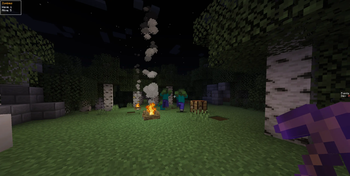
This mod grants the tools and abilities to both, create wave-based survival maps and play them too!
Screenshots
Über diese Mod
zMCSandbox
The Wave-Based Survival & Map-Creation Framework
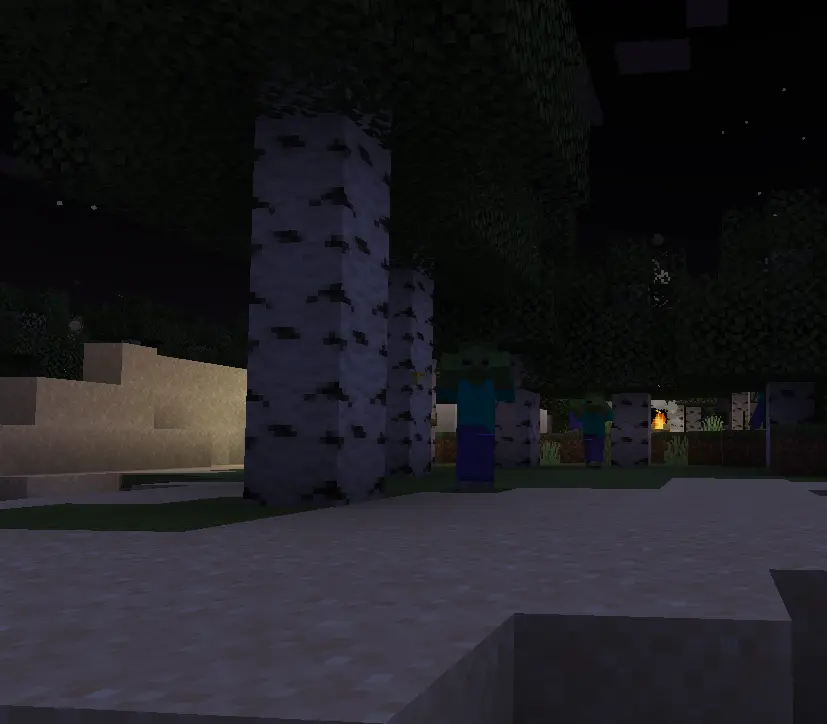
zMCSandbox is a fleshed out (no pun intended) wave‑based survival gamemode inspired by classic Zombies-style gameplay. It gives creators the tools they need to build custom maps with round progression, perks, barricades, wall‑buys, custom spawners, and a full economy system. Maintaining the vanilla feel of Minecraft, this mod is perfect for those who want to relive their childhood with the comfort of their favourite block game.
Features
The wave system with automatic scaling
A point‑based economy with purchases to match
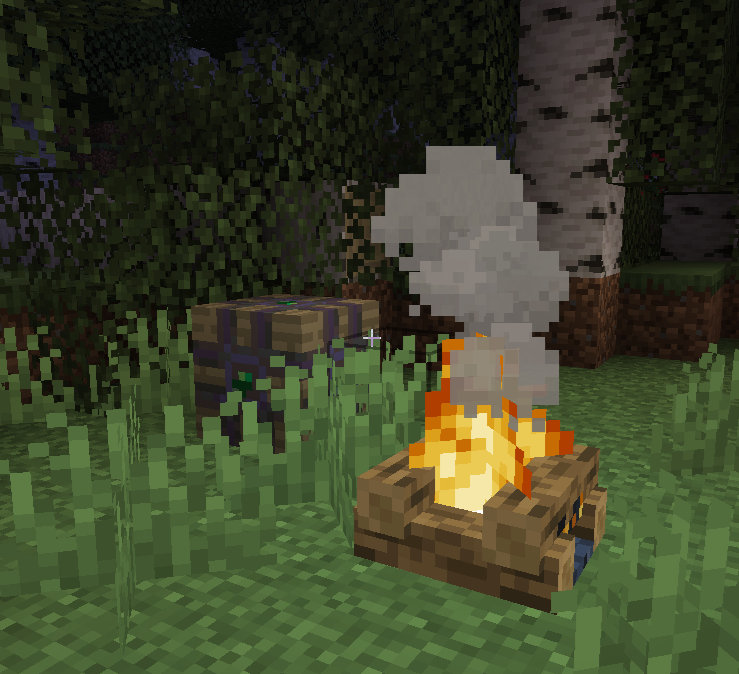
A perk machine mechanic including several basic perks
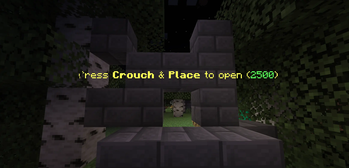
A Barricade/door system with custom pricing
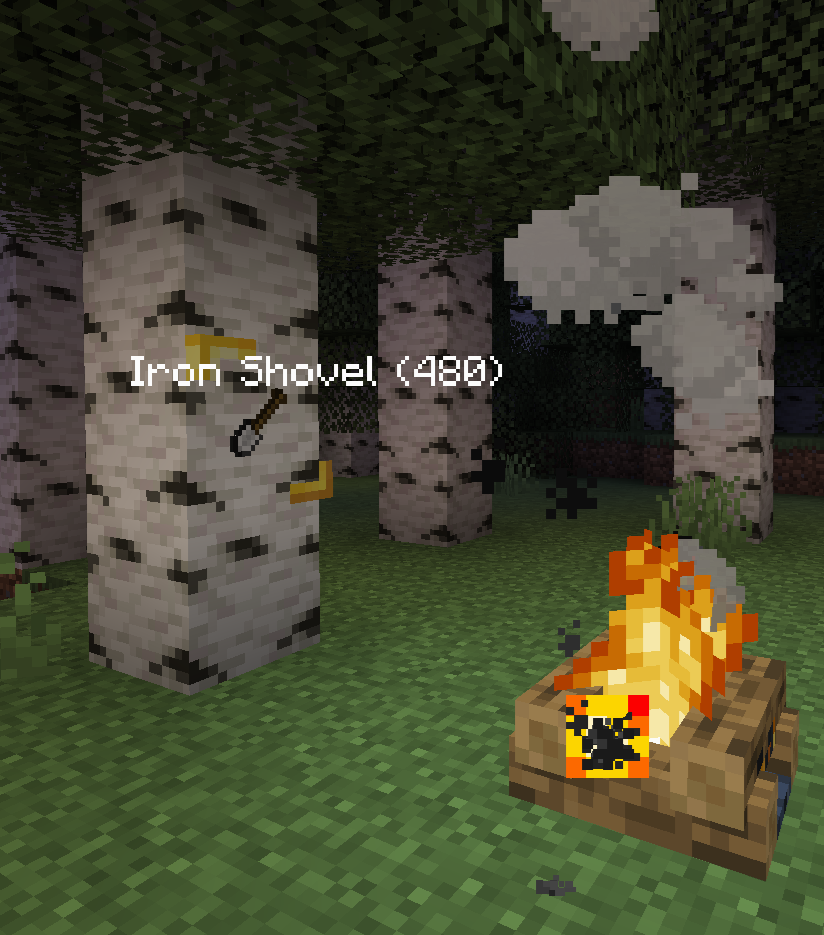
Wall‑weapon frames, also with customisable prices
Custom spawner blocks linked to doors (WIP)
A Scoreboard UI for both rounds and points
Creator tools and commands for fast map setup
Featuring three pre-made maps
Made for creative minds
Build your own Zombies‑style maps using these simple tools:
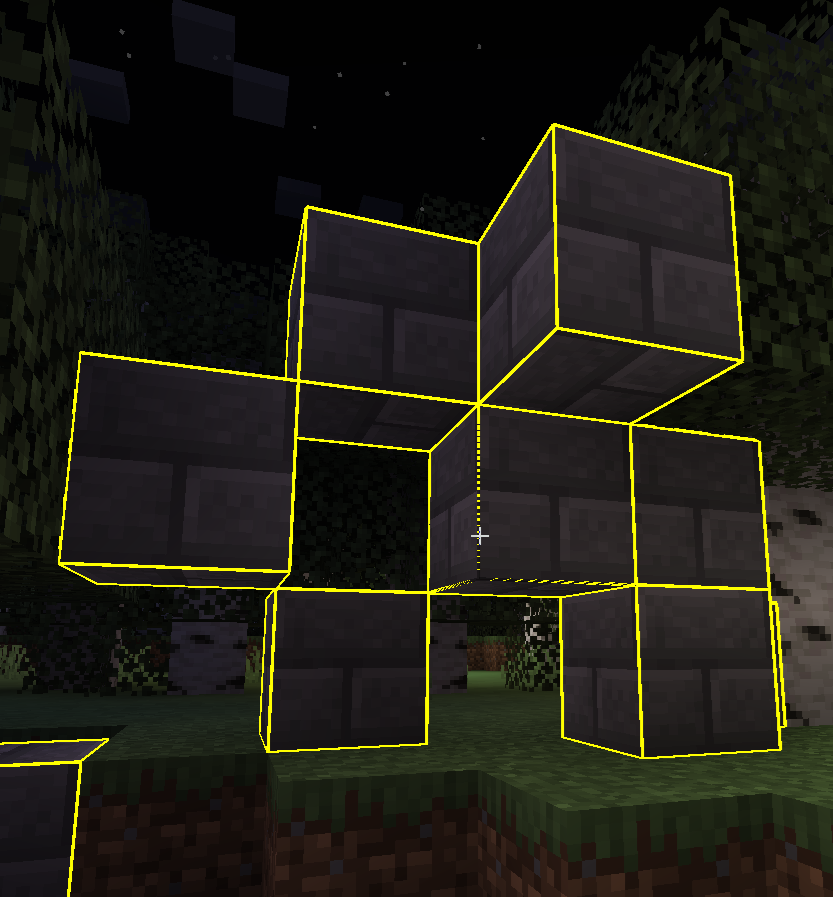
Select and group barricade blocks
Set costs for doors and wall weapons
Link spawners to doors
Perks and new weapons
A map reset command
Requirements
Forge 1.19.3
Visit the Github repo and hunt for 'Extra Files' for the bundled maps, as well as the README
Go wild. I can't wait to see what comes of this.
(If, for some reason you'd like to support the chaos behind this mod's creation, I do have a Patreon! This will come with little benefits such as getting to know the real me, as well as extra Motion content from Miss Motion!)
Verfügbare Versionen
zMCSandbox auf dem Server installieren
Server bestellen
Bestelle einen Minecraft Java Server mit mindestens 3 GB RAM (4 GB empfohlen).
forge Loader setzen
Wähle im Panel unter "Egg" den forge-Loader und die passende Minecraft-Version (1.19.3).
Mod installieren
Öffne den Mod-Browser im Dashboard und suche nach "zMCSandbox". Klicke "Installieren" – fertig! Alternativ: Lade die .jar via SFTP in den /mods Ordner.
Kompatibilität
Mod-Loader
Minecraft-Versionen
1.19.3
Server-seitig
✓ ErforderlichEmpfohlener RAM
4 GB(min. 3 GB)Häufige Fragen
zMCSandbox Server crasht beim Start – was tun?
Häufigste Ursache: falsche forge-Version oder zu wenig RAM. Prüfe im Server-Log (latest.log), ob ein "OutOfMemoryError" oder "Mixin"-Fehler auftritt. Bei Mado Hosting: Stelle sicher, dass mindestens 3 GB RAM zugewiesen sind und der Loader zur Mod-Version passt (1.19.3). Über das Panel kannst du den Loader mit einem Klick wechseln.
Ist zMCSandbox mit forge kompatibel?
zMCSandbox unterstützt offiziell forge für Minecraft 1.19.3. Im Mado Dashboard werden inkompatible Loader-Kombinationen automatisch erkannt.
Server laggt mit zMCSandbox – wie optimiere ich die Performance?
Empfohlener RAM: 4 GB (+1 GB pro 8 Spieler). Prüfe mit /spark profiler, ob zMCSandbox den meisten Tick-Time verbraucht. Häufige Fixes: Server-View-Distance auf 8-10 reduzieren, bei Forge "performant" oder "starlight" als Zusatz-Mod installieren. Bei Mado Hosting läuft dein Server auf NVMe-SSDs mit dedizierten CPU-Kernen für minimale Latenz.
Ähnliche Mods






Modded Server mieten
Installiere zMCSandbox mit nur einem Klick auf deinem Server.