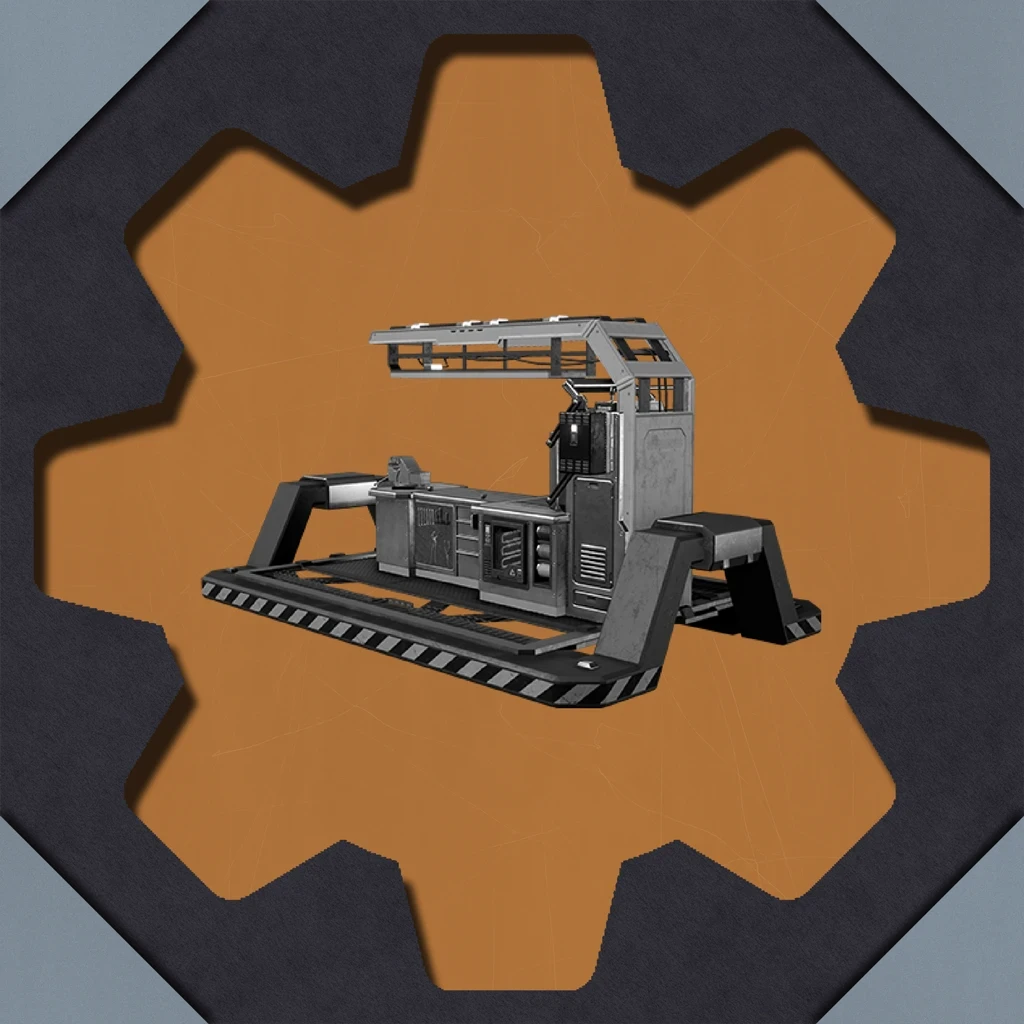
Faster Manual Crafting Redux
Are you tired of the early game crafting grind? Speed up your manual crafting!
Beschreibung
Faster Manual Crafting Redux
_U6+ Version of [Faster Manual Crafting](https://ficsit.app/mod/FasterManualCrafting) by Turtlefight ported by Robb_
This mod will gradually speed up the crafting speed while you're hand crafting.
Initially, the crafting speed will be the same as the base game,
and then continue to become faster for each crafted item.
This works with the following crafting stations:
Craft Bench (including vehicle variant)
Equipment Workshop (including vehicle variant)
Probably™ works on manual crafting stations added by other mods

Faster Crafting
By default the crafting speed will increase by 20% for every crafted item, up to 25x the normal vanilla crafting speed.
You can configure those values in the mod configuration.

Configuration
In the mod configuration (`Main Menu -> Mods -> Faster Manual Crafting Redux`) you can configure how fast the crafting speed will increase and what the maximum speed multiplier should be:
Speedup % : How much faster the crafting gets with each crafted item (0.2 = 20%, 0.5 = 50%, etc...)
Max Speed Multiplier: The hard limit how much faster the crafting can get (25 = 25x the normal vanilla crafting speed)
Max Crafts per Tick: Limits the number of items that get crafted in a single crafting tick (0.25s) (0 = unlimited)
Max VFX Sparks: Controls how many of the "spark particles" the game is allowed to display, which can cause lag
Example:
So with the default of 0.2 - 25 the crafting speed would be as following:
1st crafted item: vanilla crafting speed
2nd crafted item: vanilla crafting speed / 1.2
3rd crafted item: vanilla crafting speed / 1.4
...
124th crafted item: vanilla crafting speed / 24.8
125th crafted item: vanilla crafting speed / 25
126th crafted item: vanilla crafting speed / 25
* ...
Multiplayer
This mod is multiplayer compatible.
Make sure that the client and host have the same config settings, though.
Help
In case something doesn't work correctly or you encounter a bug,
please post a report in the modding discord server so I can work on fixing it.
You can join the modding discord server here: <https://discord.gg/xkVJ73E>
Future
This mod relies on the base game Crafting Component's (unused) 'Fatigue' mechanic,
which this mod uses in reverse with some custom code to cause crafting to speed up instead of down.
If this unused mechanic were to be removed, I (Robb) may not be willing to update it,
but someone else is free to take on the torch instead; just message me on Discord.
Credits
`Robb#6731` has updated the mod for Update 6 and added some additional UI elements.
`Th3fanbus` fixed the bug with the to-do list not updating.
This mod was originally created by `Turtlefight#6892` who published the original source code here:
<https://github.com/Turtlefight/SatisfactoryFasterManualCrafting>
Versionen
Faster Manual Crafting Redux auf dem Server installieren
Satisfactory Server bestellen
Bestelle einen Satisfactory Server mit mindestens 4 GB RAM (6 GB empfohlen). Bei Multiplayer: +1 GB pro 4 Spieler.
Mod installieren
Öffne den Mod-Manager im Dashboard und suche nach "Faster Manual Crafting Redux". Installations-Dependencies werden automatisch mitinstalliert.
Server neu starten
Starte den Server neu, damit die Mod geladen wird. Spieler müssen die Mod ebenfalls lokal installiert haben.
Häufige Fragen
Faster Manual Crafting Redux funktioniert nicht nach Update – was tun?
Nach einem Satisfactory-Update müssen Mods aktualisiert werden. Prüfe auf ficsit.app, ob Faster Manual Crafting Redux bereits für die neue Game-Version aktualisiert wurde. Bei Mado Hosting: Öffne den Mod-Manager und klicke "Alle aktualisieren". Wenn die Mod noch nicht aktualisiert ist, entferne sie temporär, damit der Server startet.
Faster Manual Crafting Redux verursacht Crashes im Multiplayer – Lösung
Häufigste Ursache: alle Spieler müssen exakt die gleiche Mod-Version installiert haben. Prüfe in den Server-Logs nach "ModMismatch" oder "Version Conflict". Stelle sicher, dass alle Spieler Faster Manual Crafting Redux v2.4.2 und den gleichen SML verwenden. Bei Mado Hosting laufen Satisfactory Server mit 6 GB RAM für stabile Multiplayer-Performance.
Ist Faster Manual Crafting Redux mit anderen Satisfactory Mods kompatibel?
Faster Manual Crafting Redux nutzt den Satisfactory Mod Loader (SML). Generell sind SML-basierte Mods untereinander kompatibel, aber Mods die gleiche Game-Systeme ändern, können Konflikte verursachen. Teste neue Mod-Kombinationen am besten auf einem Backup-Save. Im Mado Dashboard werden bekannte Konflikte automatisch erkannt und du wirst gewarnt.
Faster Manual Crafting Redux Server mieten
Spiele Faster Manual Crafting Redux auf deinem eigenen Satisfactory Server mit Mod-Support.
Mod Informationen
- Ersteller
- Robb
- Neueste Version
- v2.4.2
- Erstellt am
- 8. Oktober 2022
- Zuletzt aktualisiert
- 7. Oktober 2026
- Quellcode
- GitHub →