Halflings (Small Rail Signals)
Small railway signals that fit in tunnels.
Beschreibung
Halflings have arrived!
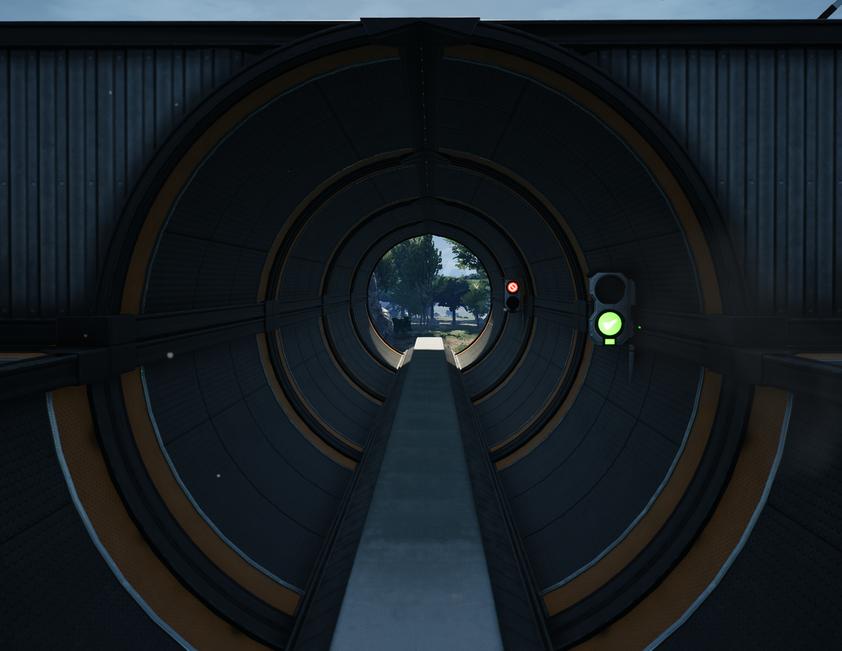
Do you build railways in half-pipe tunnels, but cannot place signals easily, because they stick out through the ceiling?
With this mod you can easily build half sized Block and Path Signals, for your tunnel needs.
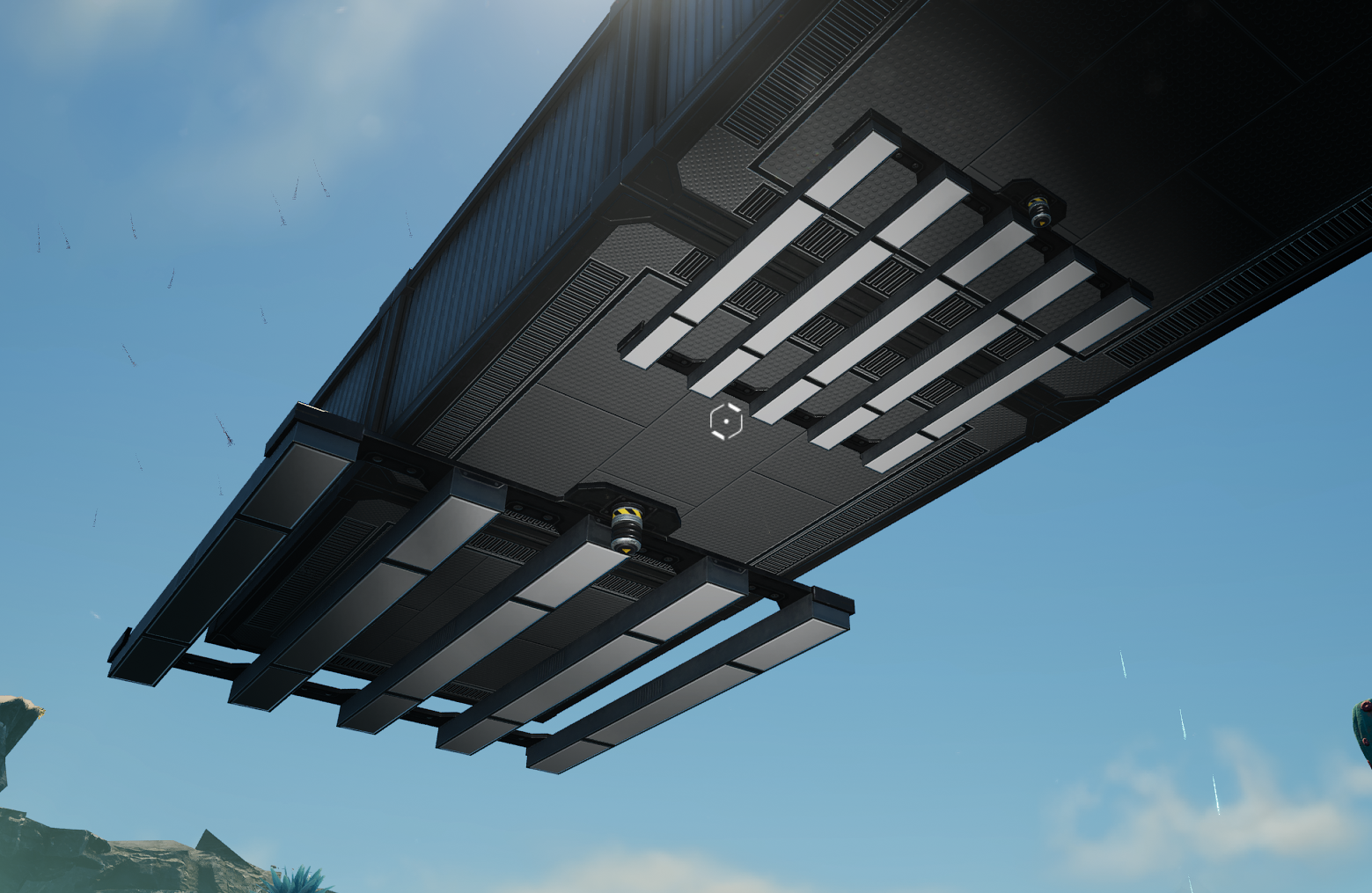
Also allows creation of half-sized ceiling lights.
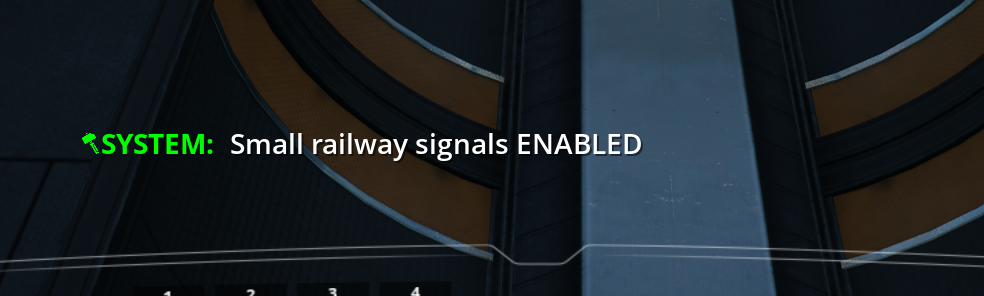
Use the chat command: `/halflings on`
This will enter the "Halfling Mode" and all Block and Path signals will be built in half size.
To return to normal building, type `/halflings off`.
All signals built with this mod are vanilla game objects scaled down (think MicroManage), and will remain ingame after removing the mod.
The holograms are currently broken, with no promise of fix (known issue).
Please note that sampling rail and switching to signal, will build the signal at original size. You have to select signal from build menu or hotbar (known issue). Same thing for sampling floodlight and switching to light pole.
Train signals
Lights
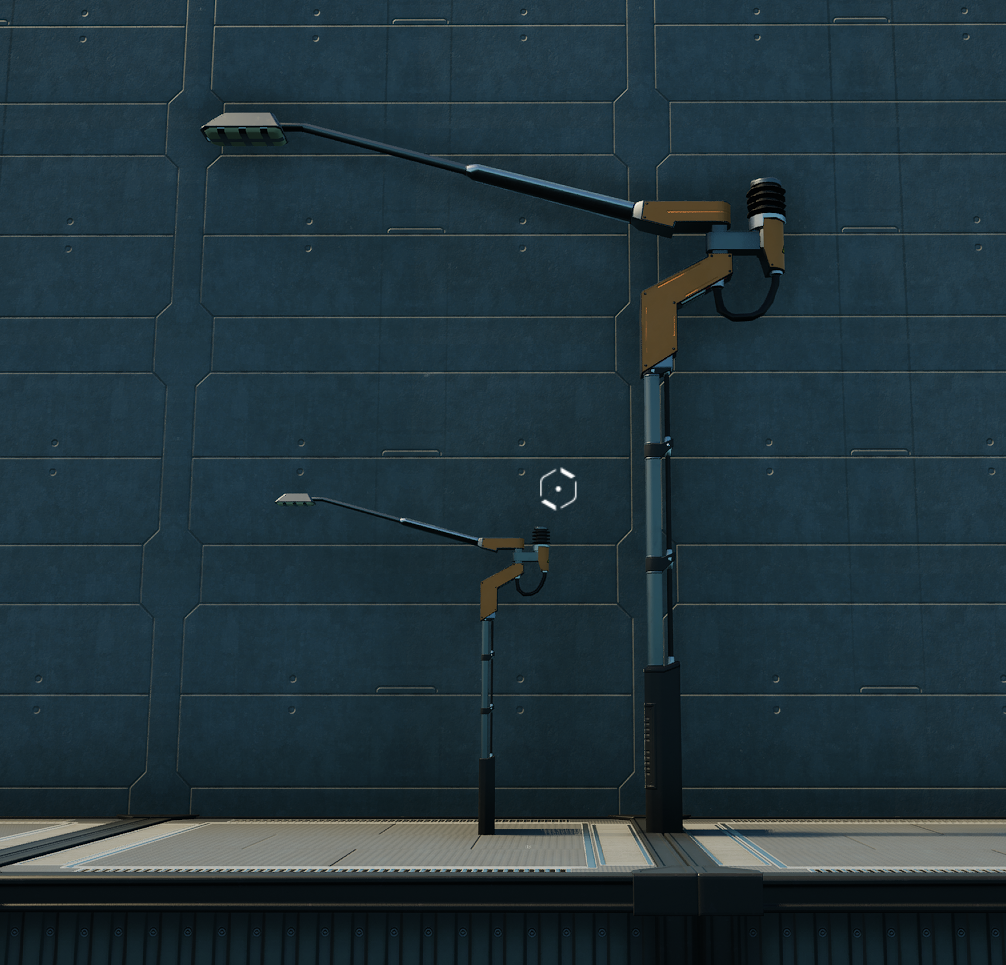
Known Issues:
- The hologram is displayed wrong -> I have not found a way to put it in "correct" place. The signal will be built correctly though.- Half sized ceiling lights work only when SMART is not installed. Due to how SMART overrides holograms, small ceiling lights do not work when that mod is enabled.
- Sampling a rail and switching to signal builds signal in original size instead of small. -> Select signal from build menu or hotbar.
- Sampling floodlight and switching to light pole builds in original size instead of small. -> Select light pole from build menu or hotbar.
- Experimental 1.1 Left-handed rail signals are built in middle of the track -> need to fix the offset, no ETA. Please use right handed signals.
Feedback:
I have play-tested the mod with no visible issues.It should not affect any other objects beside the railway signals, or crash the game, but please save before you start using it.
If you spot any issues - let me know.
You can find me on Modding Discord as _Tomtores#8952_
Icon by [Deantendo](https://ficsit.app/guide/5wQHZbwjYA2nJe)
Versionen
Halflings (Small Rail Signals) auf dem Server installieren
Satisfactory Server bestellen
Bestelle einen Satisfactory Server mit mindestens 4 GB RAM (6 GB empfohlen). Bei Multiplayer: +1 GB pro 4 Spieler.
Mod installieren
Öffne den Mod-Manager im Dashboard und suche nach "Halflings (Small Rail Signals)". Installations-Dependencies werden automatisch mitinstalliert.
Server neu starten
Starte den Server neu, damit die Mod geladen wird. Spieler müssen die Mod ebenfalls lokal installiert haben.
Häufige Fragen
Halflings (Small Rail Signals) funktioniert nicht nach Update – was tun?
Nach einem Satisfactory-Update müssen Mods aktualisiert werden. Prüfe auf ficsit.app, ob Halflings (Small Rail Signals) bereits für die neue Game-Version aktualisiert wurde. Bei Mado Hosting: Öffne den Mod-Manager und klicke "Alle aktualisieren". Wenn die Mod noch nicht aktualisiert ist, entferne sie temporär, damit der Server startet.
Halflings (Small Rail Signals) verursacht Crashes im Multiplayer – Lösung
Häufigste Ursache: alle Spieler müssen exakt die gleiche Mod-Version installiert haben. Prüfe in den Server-Logs nach "ModMismatch" oder "Version Conflict". Stelle sicher, dass alle Spieler Halflings (Small Rail Signals) v1.5.0 und den gleichen SML verwenden. Bei Mado Hosting laufen Satisfactory Server mit 6 GB RAM für stabile Multiplayer-Performance.
Ist Halflings (Small Rail Signals) mit anderen Satisfactory Mods kompatibel?
Halflings (Small Rail Signals) nutzt den Satisfactory Mod Loader (SML). Generell sind SML-basierte Mods untereinander kompatibel, aber Mods die gleiche Game-Systeme ändern, können Konflikte verursachen. Teste neue Mod-Kombinationen am besten auf einem Backup-Save. Im Mado Dashboard werden bekannte Konflikte automatisch erkannt und du wirst gewarnt.
Halflings (Small Rail Signals) Server mieten
Spiele Halflings (Small Rail Signals) auf deinem eigenen Satisfactory Server mit Mod-Support.
Mod Informationen
- Ersteller
- Tomtores
- Neueste Version
- v1.5.0
- Erstellt am
- 30. Dezember 2021
- Zuletzt aktualisiert
- 8. Oktober 2026