
Astral
The modpack for the AstralSMP server on COZY. Icon by _emjem
Screenshots
About this Modpack
What is Astral SMP?
Astral SMP brings an immersive, active playstyle that lets you dive into a rich world filled with magic, machinery, and countless adventures. With popular mods like Create, Iron's Spellbooks, Farmer's Delight, Lootr, and many others, Astral SMP offers a fresh and dynamic experience. Like its predecessor Cozy, Astral is frequently updated to provide players with a continually evolving gameplay environment, featuring its own unique set of custom origins.
So, What Can You Do?
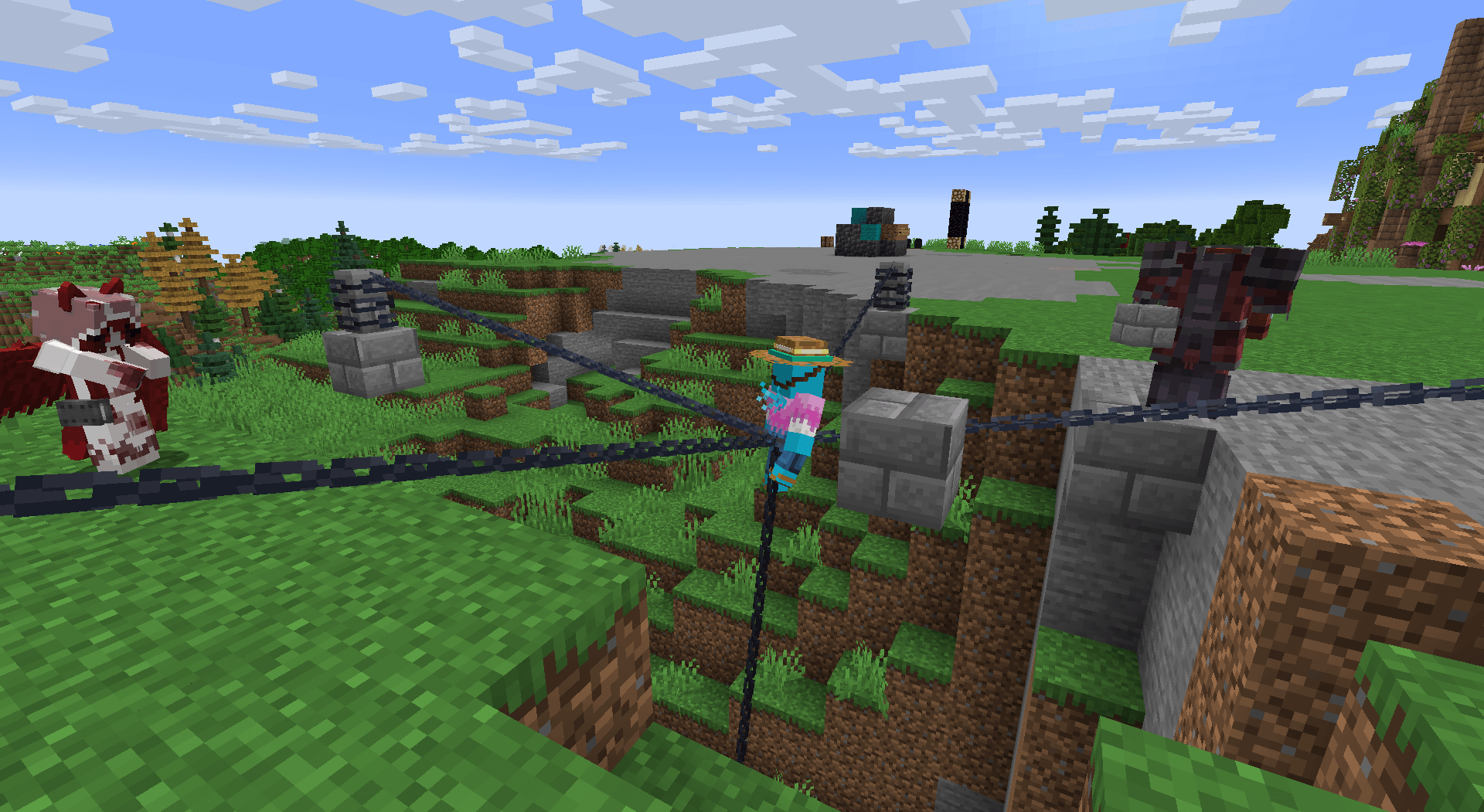
In Astral SMP, there's always a new journey waiting for you. Whether you're drawn to mastering spells, crafting complex machinery, or exploring the world with friends, there's a role to fit every adventurer's playstyle. Join others as a powerful Wizard, a skilled Mechanic, or, if you're daring, you might even Feed the flesh!
Origins, You Say?
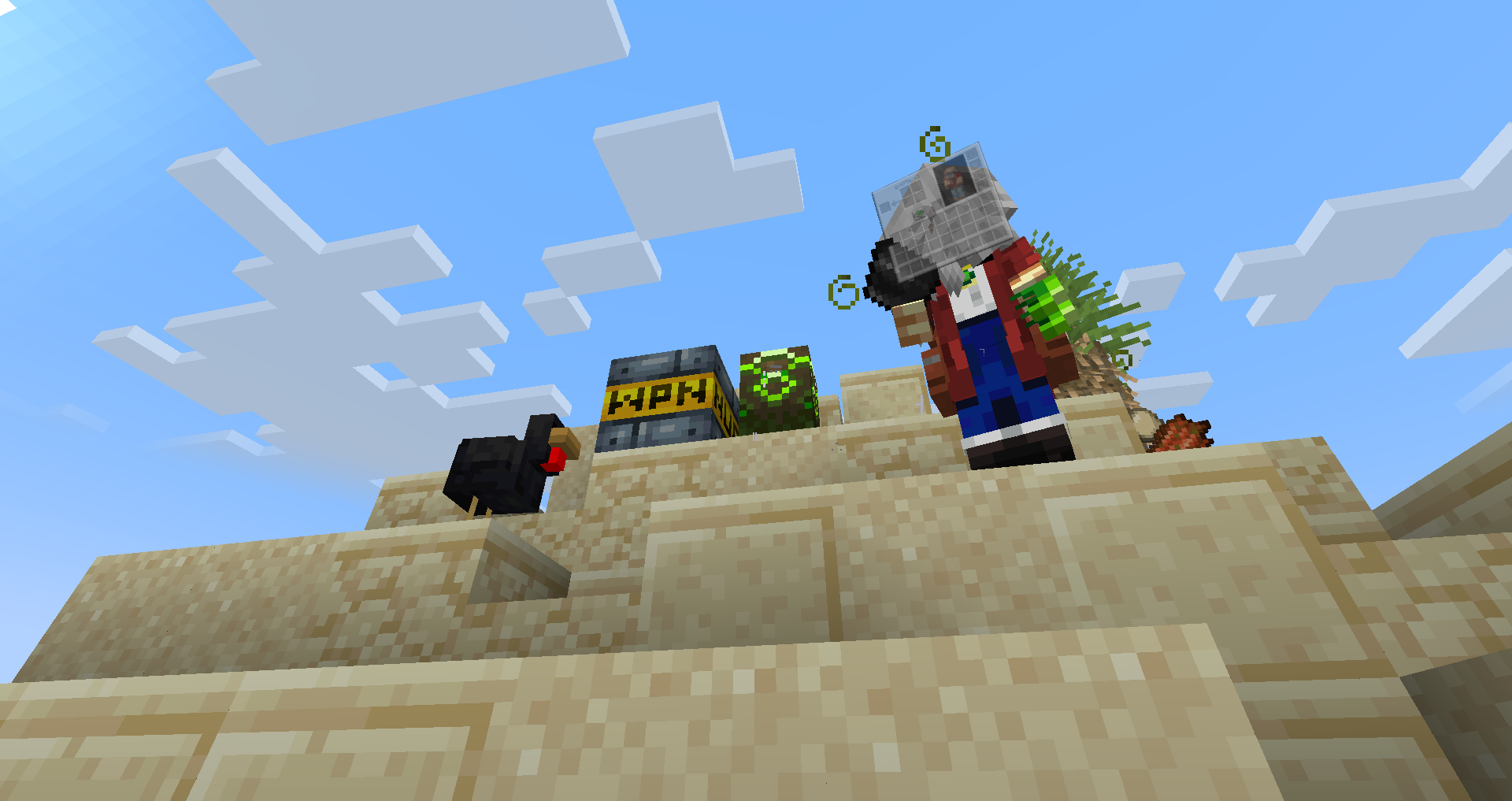
That's right! Astral SMP offers an impressive range of custom origins, many of which are exclusive to this server, crafted by a dedicated development team. You can explore a variety of these unique origins here and discover even more in-game, giving you endless ways to shape your character's story and abilities.
How do I join???
Just download the modpack, its that simple. For future updates we recommend joining the Discord Server. If you like Astral, Check out CozySMP!! But... no matter which server you choose... you'll never escape the chaos.
Available Versions
How to Set Up a Astral Server
Order Server
Choose at least 6 GB RAM (10 GB recommended for Astral). Based on player count: per 4 players.
Install Modpack in Dashboard
Open the modpack browser in the dashboard, search for "Astral" and click "Install". The forge loader and Minecraft 1.20.1 are configured automatically.
Start Server & Play
Start the server – all mods are loaded automatically. Share the server IP with friends and play together!
Frequently Asked Questions
Astral server crashes or won't start – what to do?
Most common causes: insufficient RAM or wrong forge loader. Check latest.log for "OutOfMemoryError" → increase RAM to at least 10 GB. For "Mixin" or "ClassNotFoundException" errors: modpack version and loader don't match. With Mado Hosting, loader and Minecraft version are auto-configured on modpack install – preventing most startup issues.
How much RAM does a Astral server really need?
Minimum 6 GB, recommended 10 GB for stable performance. per 4 players. Important: Minecraft modpacks need more RAM than vanilla – plan extra per additional player. With Mado Hosting, you can scale RAM up live at any time without data loss (from €7.800000000000001/month).
Can I add custom mods to Astral without conflicts?
Yes, but check compatibility: only use mods for the same loader (forge) and same Minecraft version (1.20.1). Common issues: ID conflicts with recipe mods and incompatible coremod versions. The Mado dashboard mod browser only shows compatible mods and warns about known conflicts.
Astral server lagging – performance tips
1) Increase RAM to 10 GB+. 2) Reduce server view-distance to 8 (server.properties). 3) Pre-generate chunks with the "Chunky" plugin. 4) Use /spark profiler to check which mods consume the most tick time. With Mado Hosting, all servers run on NVMe SSDs with dedicated CPU cores – eliminating hardware as a bottleneck.
Similar Modpacks


Rent Astral Server
Start your own server with automatic modpack installation.
Details
- License
- GNU General Public License v3.0 only
- Server-side
- Required
- Client-side
- Required
Supported Versions
Start your Astral Server now
From €7.80/month; 10 GB RAM is recommended for best performance.
Configure Server →